Triple Inventory
Gives you a bigger inventory, access shulker boxes and ender chests from the inventory, and more
截图

介绍
Triple Inventory
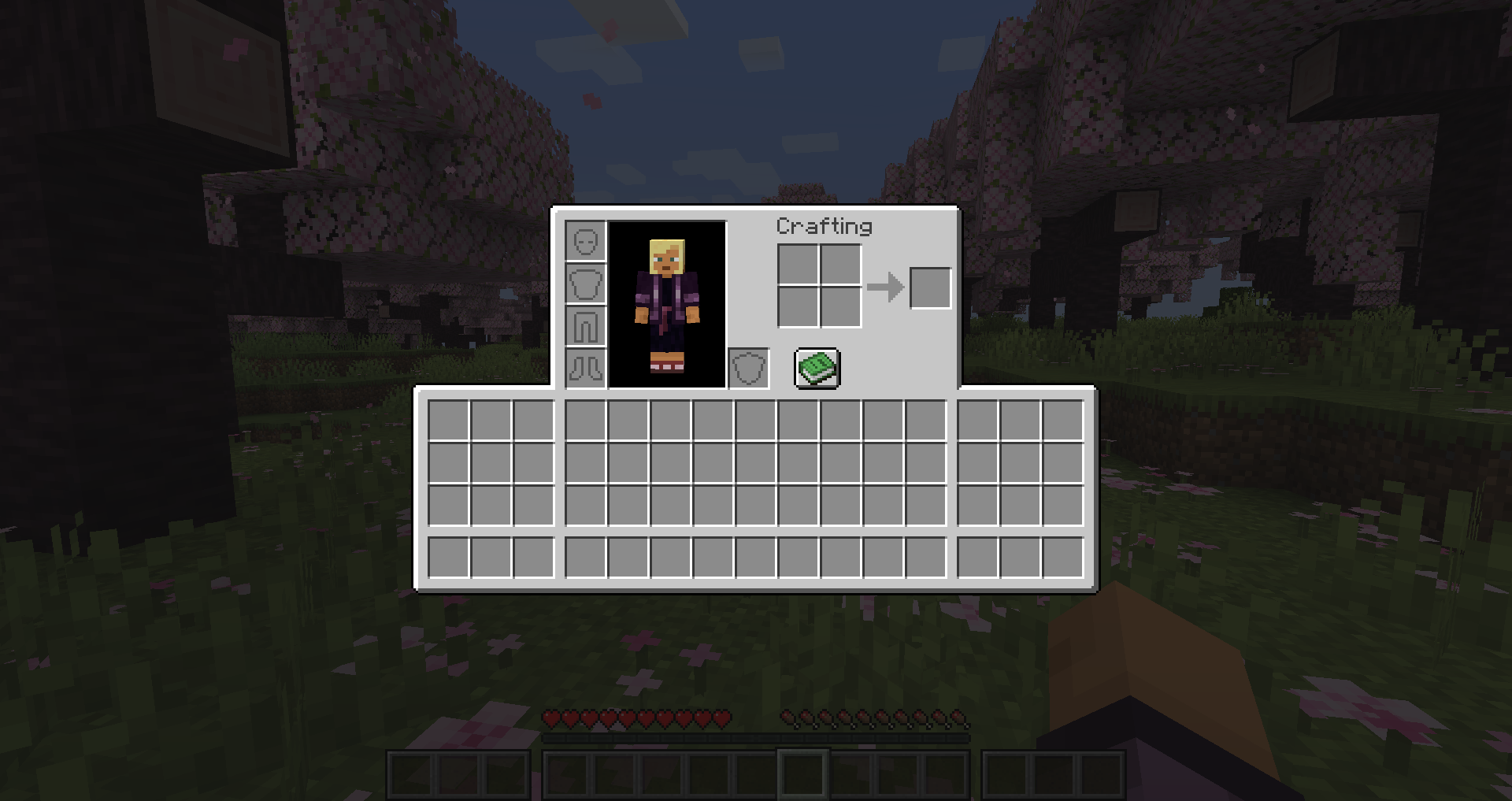
Triple Inventory aims to solve the serious inventory space issues in Minecraft by simply giving you a bigger inventory, along with some quality of life changes.
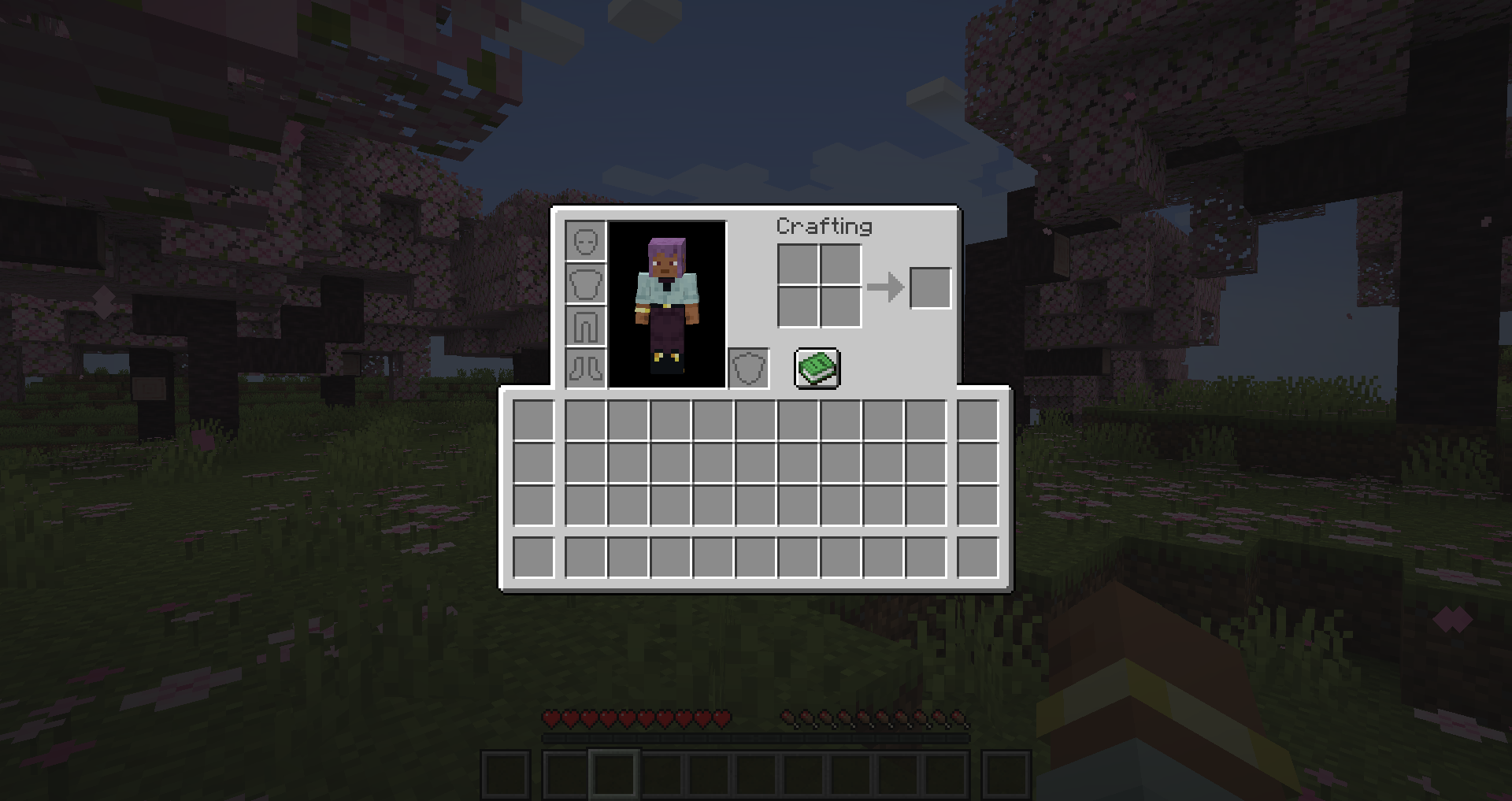
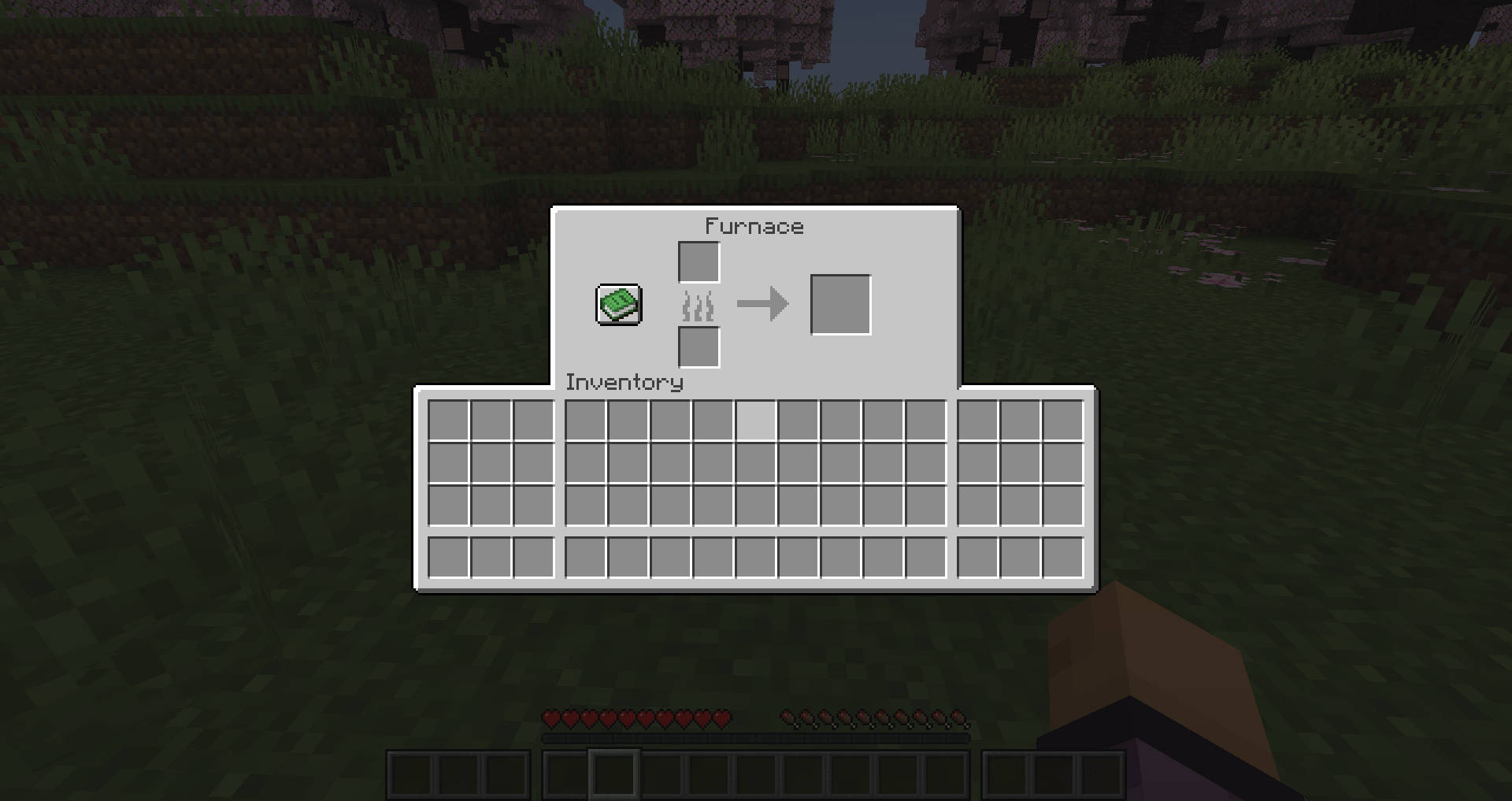
This mod can add up to 72 new inventory slots, including 18 new hotbar slots – these slots are also accessible in containers.
You can access shulker boxes and ender chests from your inventory by right clicking them – including adding and taking items.
There are also options to automatically switch to the best tool in your hotbar when using an item.
Change the number of available slots with the extendedInventorySize gamerule. This determines how many new inventory columns to add either side of the main inventory. (default 3, max 9, set to 0 to disable extended inventory).
Configuration
Config can be edited using Mod Menu or in tripleinventory.json
showExtendedHotbar: Show the extended hotbar on the HUD (default true)
scrollToExtendedHotbar: Access the extended hotbar using the scroll wheel (default true)
showExtendedInventoryWithRecipeBook: Show the extended inventory when the recipe book is open (default true)
autoSelectTools: Automatically select the best tool in the hotbar when mining (default false)
showPreviousSelectedSlotIndicator: Show an indicator on your previously selected slot after automatically selecting a tool (default true)
autoReturnOnUse: Automatically return to the last manually selected slot when using an item (default false)
autoReturnAfterCooldown: Automatically return to the last manually selected slot after a cooldown (default false)
autoReturnCooldown: The number of ticks after which to return to the last selected slot (default 40)
colorShulkerBackground: Change the background colour of the shulker preview to match the shulker box colour (default true)
shulkerPosition: The position of the shulker preview (default BOTTOM, allowed values BOTTOM, TOP, LEFT_TOP, LEFT_BOTTOM, RIGHT_TOP, RIGHT_BOTTOM)
Hotkeys to switch to extended hotbar slots are available in the vanilla controls settings
Important Information
This mod requires Yet Another Config Lib (YACL). It is also recommended to use Mod Menu on the clientside to change settings.
Due to the nature of this mod, there is a small risk of duplication glitches or item loss. Report any issues on the issue tracker. You can post suggestions there too!
This mod is likely to be incompatible with other mods which modify the player’s inventory or other vanilla inventories. The extended inventory will not appear in modded inventories. Feel free to report incompatibilities on the issue tracker, but they may not be possible to resolve.
常见问题
Triple Inventory 支持哪些 Minecraft 版本?
Triple Inventory 支持 Minecraft Java 版 1.21.3–1.21.8,共 6 个版本,可用的加载器:Fabric。下载时注意选择和你游戏版本一致的文件。
Triple Inventory 怎么安装?
先用 PCL2 或 HMCL 启动器安装对应版本的 Fabric,再把下载的 .jar 文件放进游戏目录的 mods 文件夹,重新启动游戏即可。开启了版本隔离的,mods 文件夹在 versions/版本名 下面。运行环境:客户端和服务端都要装。
hbop 的其他作品
查看全部 →
More Rails
Adds superpowered rails and directional rails - faster minecarts
Balanced Stack Sizes
Rebalance item stack sizes in Minecraft. Part of the Balanced Minecraft project.

Loot Modifier
Add new pools to existing loot tables

Balanced Iron Farms
Rebalance Minecraft's overpowered iron farms. Part of the Balanced Minecraft project.
评论
登录后评论和评分