
截图
介绍
Trava’s Team
Welcome to Trava’s Team, a lightweight yet incredibly powerful faction and team management mod designed to bring robust, fully customizable social structures to your Minecraft server! Whether you want to form tight-knit alliances, establish custom political roles, or completely manage your team’s diplomacy, Trava’s Team provides everything you need with absolute simplicity.
🚀 Key Features
-
Dynamic Faction Creation: Instantly create your own faction, choose a custom display name, and decide whether your group is Public (open for anyone to join) or Private (invite-only).
-
Deep Role & Prefix Hierarchy: Advanced internal management. Create unique roles, customize chat prefixes, and assign priority ranks to prevent lower-ranking members from kicking their superiors.
-
Advanced Permission Nodes: Complete structural control. Assign precise commands (
kick,invite,sethome) or use group overrides likeroles,permissions,relations, or even the global wildcard (*) to grant absolute authority. -
Dynamic Diplomacy System: Define how your faction interacts with others! Set your relationships to Ally, Truce, or Enemy with custom color-coded chat indicators. Alliances require mutual consent with an intuitive request/accept system.
-
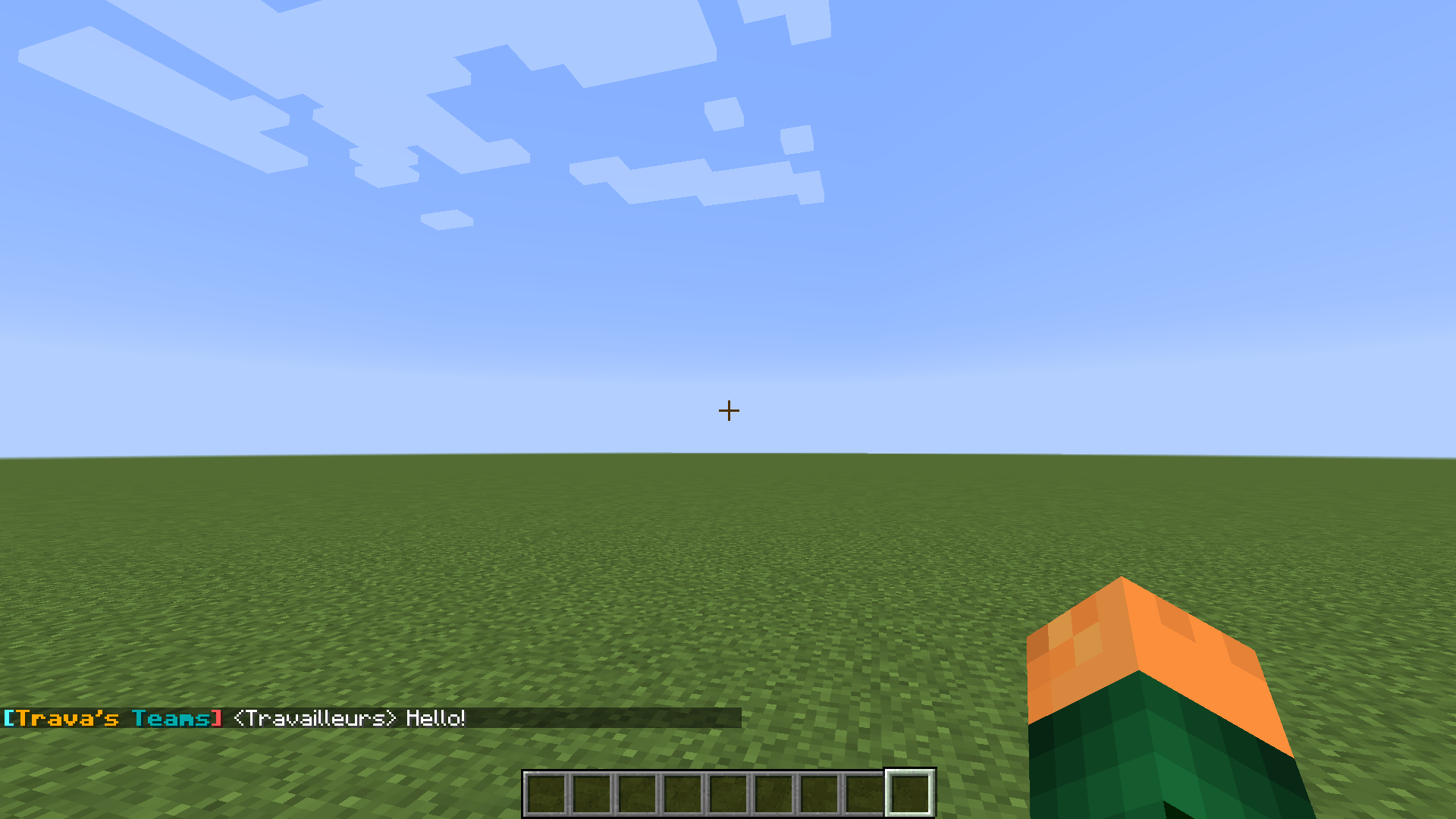
Dedicated Faction Chat: Switch seamlessly between Global, Faction-only, and Alliance chat channels to keep your strategic planning safe from prying eyes.
-
Multi-Home Teleportation: Set multiple faction home positions (
/tt sethome [name]) with a built-in customizable cooldown system that cancels if a player moves during warm-up. -
Full Tab-Completion Support: No need to memorize complex syntaxes. Every sub-command, faction ID, online player name, and permission node features full, intelligent tab-completion.
-
Absolute Admin Overrides: Server operators have access to a complete
/tt adminsuite to force-join, modify roles, inject configurations, delete factions, or override diplomatic relationships instantly.
🛠️ Command Quick Reference
For Players & Leaders
-
/tt create [id] [Display_Name]— Found your own faction. -
/tt join [faction_id]— Join a public faction or accept a pending invite. -
/tt roles [list/add/delete/set/perms/delperms/prefix/priority]— Deep control over your faction’s hierarchy. -
/tt relation [ally/truce/enemy/accept/deny] [faction_id]— Manage diplomatic ties. -
/tt chat [global/faction/ally](or/tt c) — Toggle your active chat channel. -
/tt sethome/delhome/home [name]— Manage and teleport to your team’s bases. -
/tt public//tt private— Toggle your faction’s open status.
For Administrators
-
/tt admin setrole [player] [faction] [role]— Force a player’s rank. -
/tt admin relation [faction1] [faction2] [type]— Absolute diplomatic override. -
/tt admin delete [faction_id]— Instantly wipe a faction from the server database. -
/tt admin chat [faction_id] [channel]— Spy or sync into specific faction channels.
⚙️ Configuration
The mod comes with a server-side configuration file allowing server owners to fine-tune:
-
Max faction homes per team.
-
Teleportation cooldown timers (in seconds).
-
Faction creation cooldowns (in days) to prevent team-hopping spam.
-
Global toggle to enable/disable player-made faction creation.
Developer Note: Fully optimized for server-side stability, automatically handling clean data saving, chat cache updating, and player Tab list rendering on the fly!
常见问题
Trava’s Team 支持哪些 Minecraft 版本?
Trava’s Team 支持 Minecraft Java 版 1.12.2,可用的加载器:Forge。下载时注意选择和你游戏版本一致的文件。
Trava’s Team 怎么安装?
先用 PCL2 或 HMCL 启动器安装对应版本的 Forge,再把下载的 .jar 文件放进游戏目录的 mods 文件夹,重新启动游戏即可。开启了版本隔离的,mods 文件夹在 versions/版本名 下面。
评论
登录后评论和评分