截图
介绍
Trash Slot Enhance
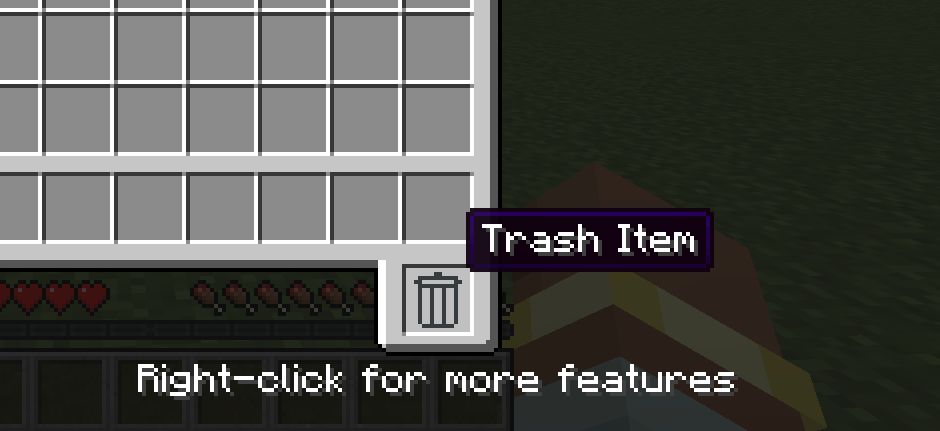
Trash Slot Enhance adds a management screen to Trash Slot.
Right-click the Trash Slot in an inventory screen to open the manager.
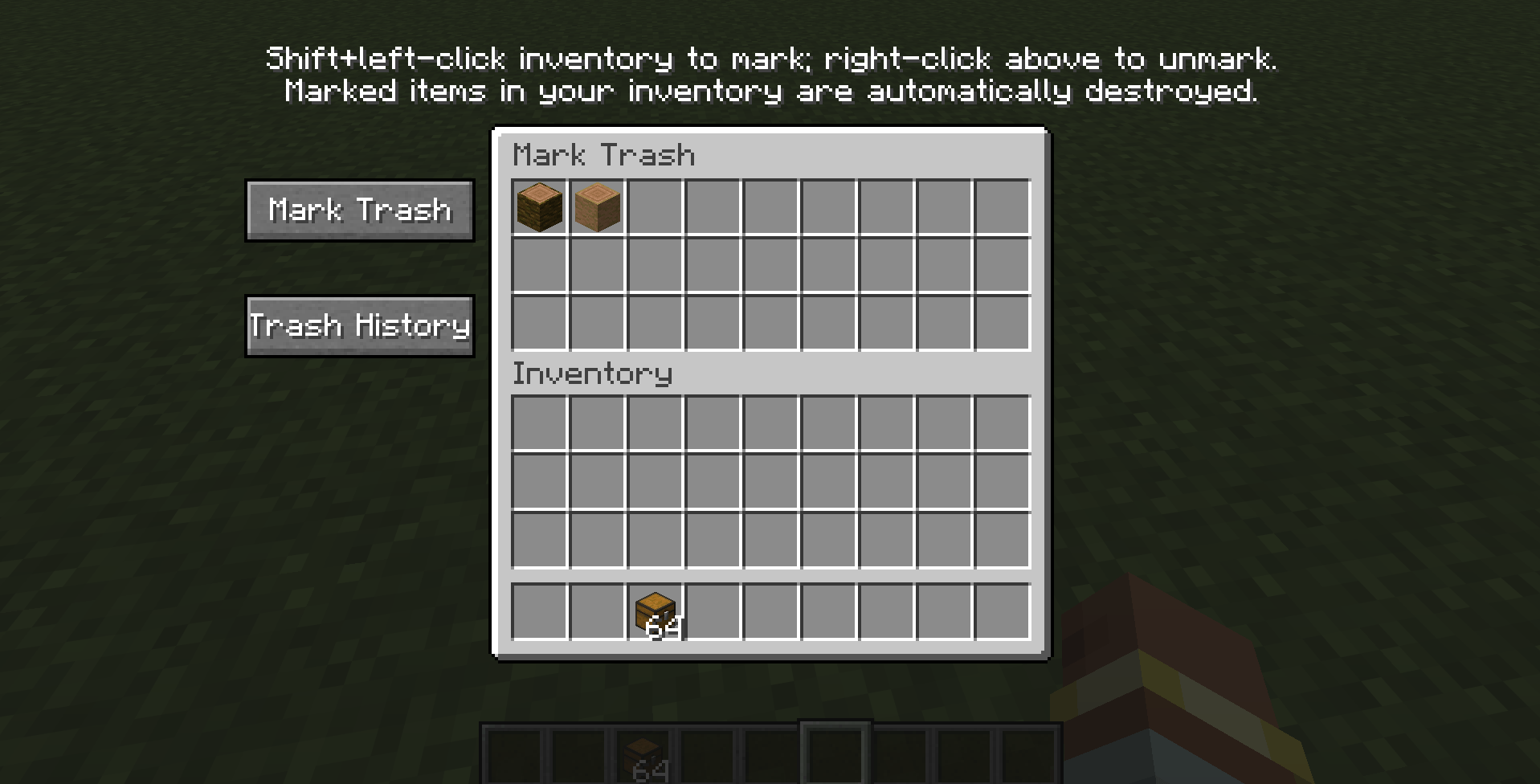
Mark Trash
Hold Shift and left-click an item in your inventory to mark its item type as trash. Matching items in your inventory are automatically destroyed and recorded in Trash History. Right-click a marked item in the top list to remove its mark.
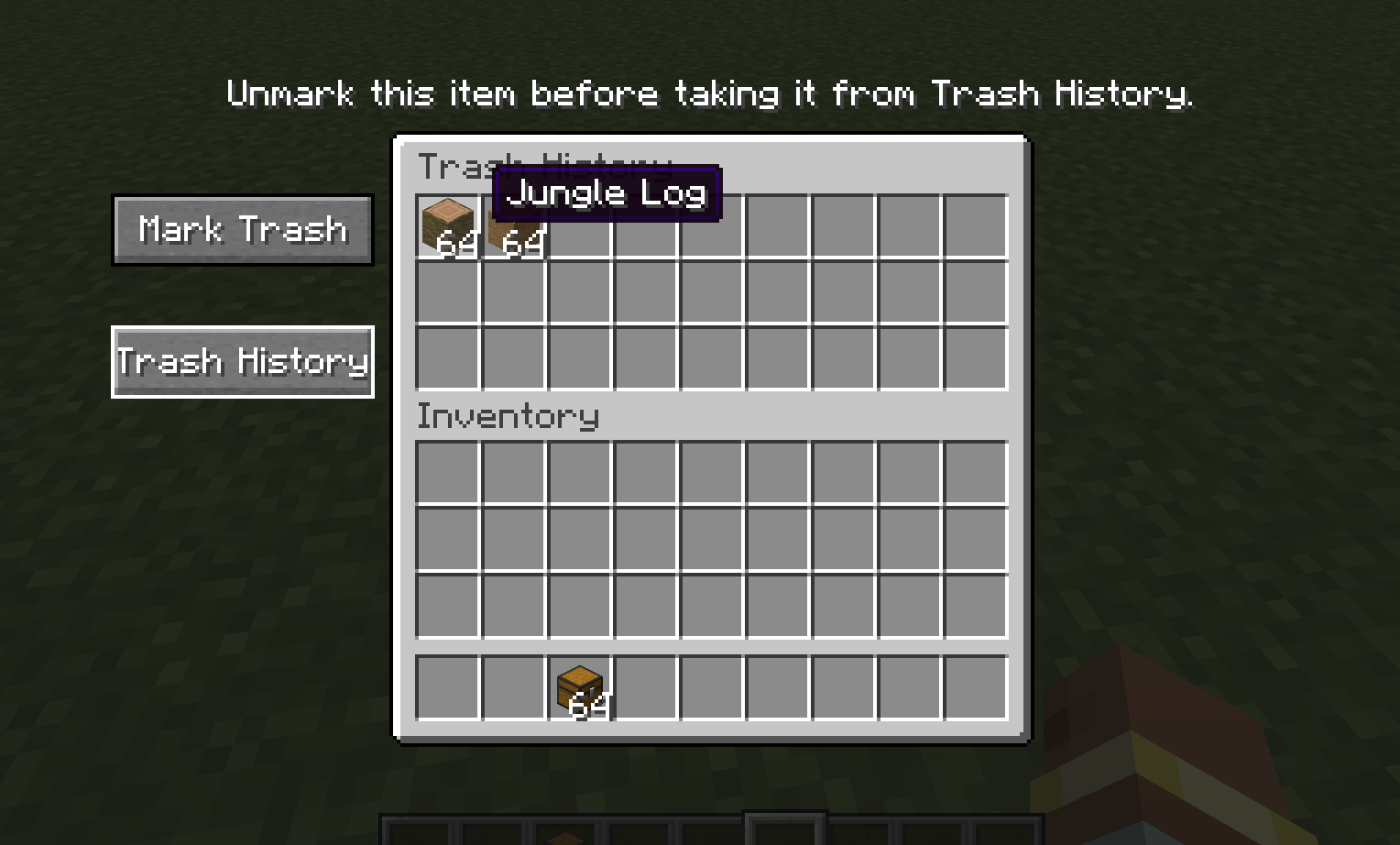
Trash History
Trash History keeps the latest 27 item stacks removed through Trash Slot. Items that are still marked cannot be retrieved until you remove their mark. An item currently in the Trash Slot is moved into history when another item replaces it.
Requirements
Requires Trash Slot by BlayTheNinth and Balm.
中文说明
Trash Slot Enhance 为 Trash Slot 添加垃圾管理界面。在容器界面右键垃圾槽可打开管理界面。
垃圾标记
在背包中按住 Shift 并左键点击物品,可将该物品类型标记为垃圾。背包中同类型物品会自动销毁并记录到“垃圾保留”。右键上方列表里的已标记物品可取消标记。
垃圾保留
“垃圾保留”记录最近 27 组通过 Trash Slot 清除的物品。仍处于垃圾标记的物品需先取消标记才能取回。垃圾槽中的物品会在被下一件物品替换时转入保留记录。
依赖
需要安装 BlayTheNinth 的 Trash Slot 和 Balm。
常见问题
Trash Slot Enhance 支持哪些 Minecraft 版本?
Trash Slot Enhance 支持 Minecraft Java 版 1.19.2–26.1.2,共 4 个版本,可用的加载器:Forge / NeoForge。下载时注意选择和你游戏版本一致的文件。
Trash Slot Enhance 怎么安装?
先用 PCL2 或 HMCL 启动器安装对应版本的 Forge / NeoForge,再把下载的 .jar 文件放进游戏目录的 mods 文件夹,重新启动游戏即可。开启了版本隔离的,mods 文件夹在 versions/版本名 下面。
hp12138 的其他作品
查看全部 →
Thunder Relics
新增雷霆之王 Boss、富有动感的皇家长戟战斗、风暴仪式,以及一整套皇家盔甲。

gatewaysjs
这是 GatewaysToEternity 模组的 KubeJS 附属模组,提供事件集成和 API,方便自定义 Minecraft 中的传送门玩法。

tetrawhetstone
加快 Tetra 工具磨砺进度。
FTB Quest Enhance
增强 FTB Quests 的编辑功能,支持从剪贴板粘贴图片、在章节画布上添加文字,以及在任务和击杀任务中预览实体模型。
评论
登录后评论和评分