Trailbound
Build and mark hiking trails with painted blazes, stone cairns, recreation signs, and wooden wayposts
截图
介绍
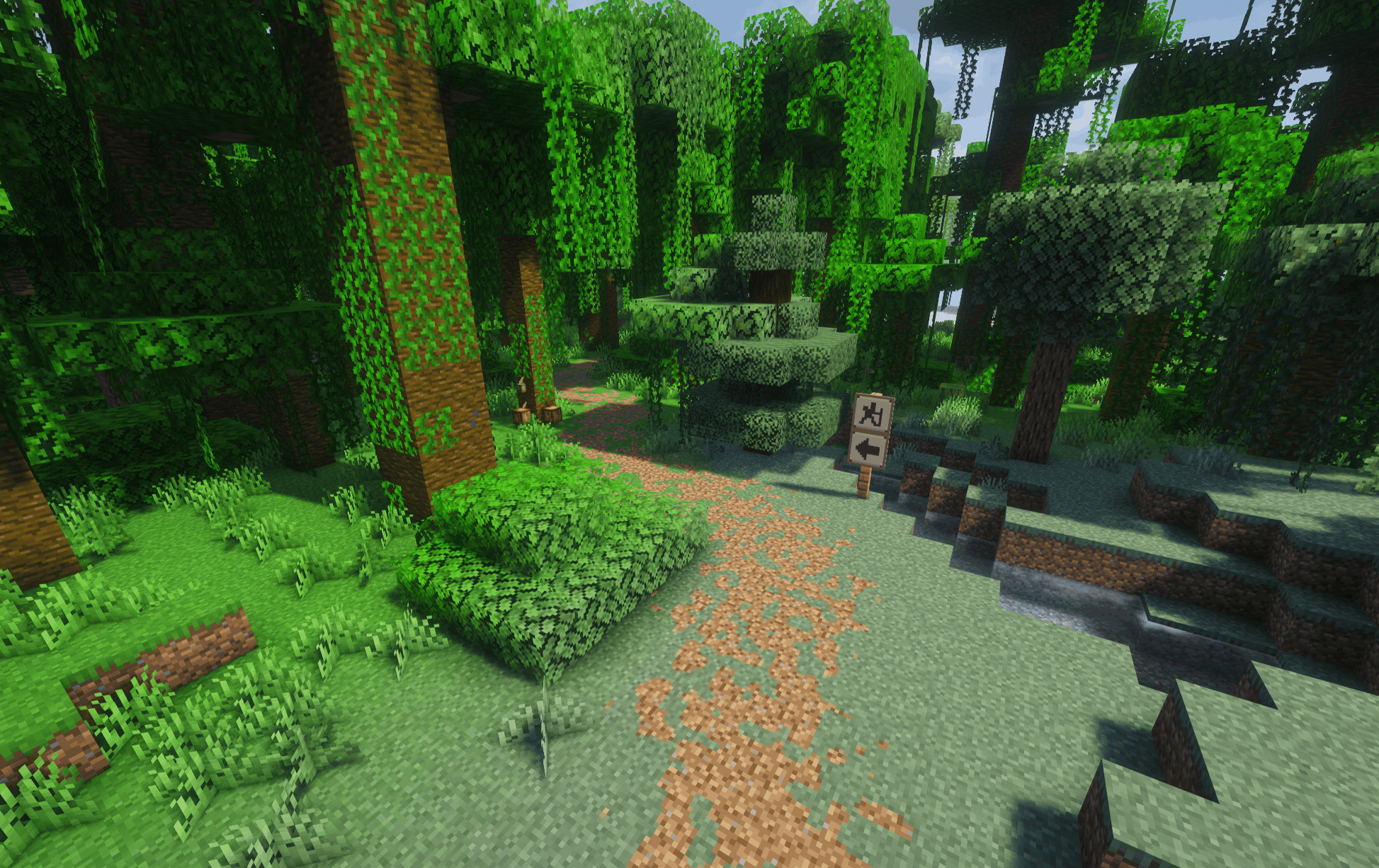
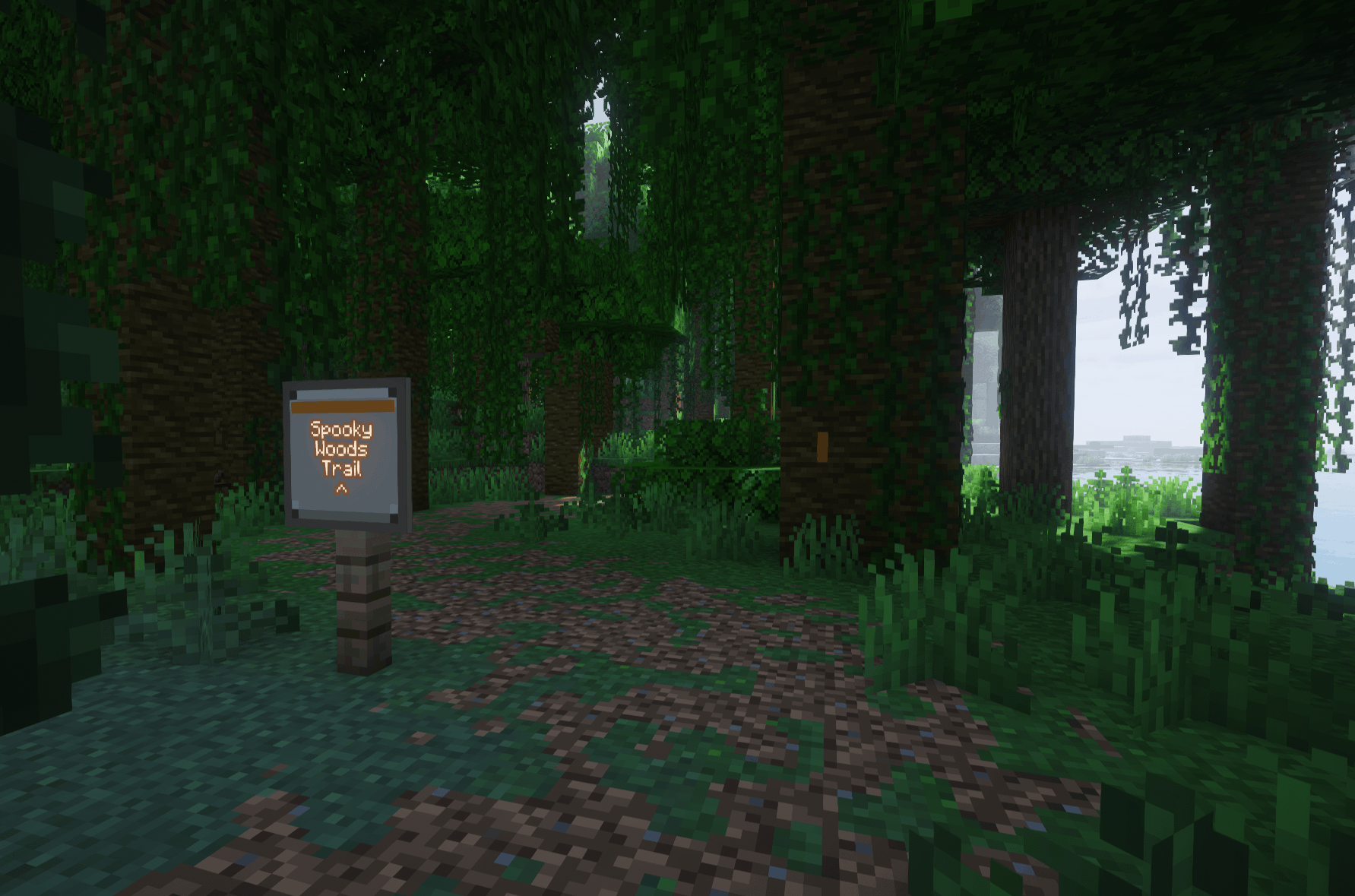
Trailbound adds tools for building and marking hiking trails in Minecraft. Create routes through forests, mark mountain crossings, and leave directions for other players to follow.
Mark your route
- Painted blazes: mark trees and rocks using all 16 dye colors. Choose from straight-ahead, turn, trail-start, and trail-end patterns through a simple selection menu
- Stone cairns: place small navigation cairns where trees are scarce. Use vanilla or modded stone blocks, with each cairn displaying its chosen material
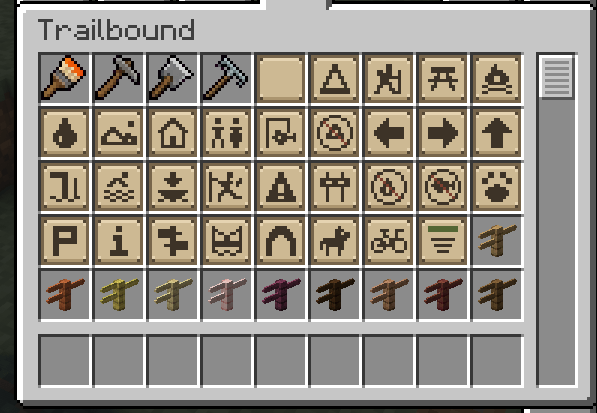
- Recreation signs: choose from 30 symbols covering campsites, hiking, viewpoints, facilities, warnings, and restrictions
- Named trail signs: add a trail name, text color, and optional direction arrow. Mount them on solid surfaces or fence posts
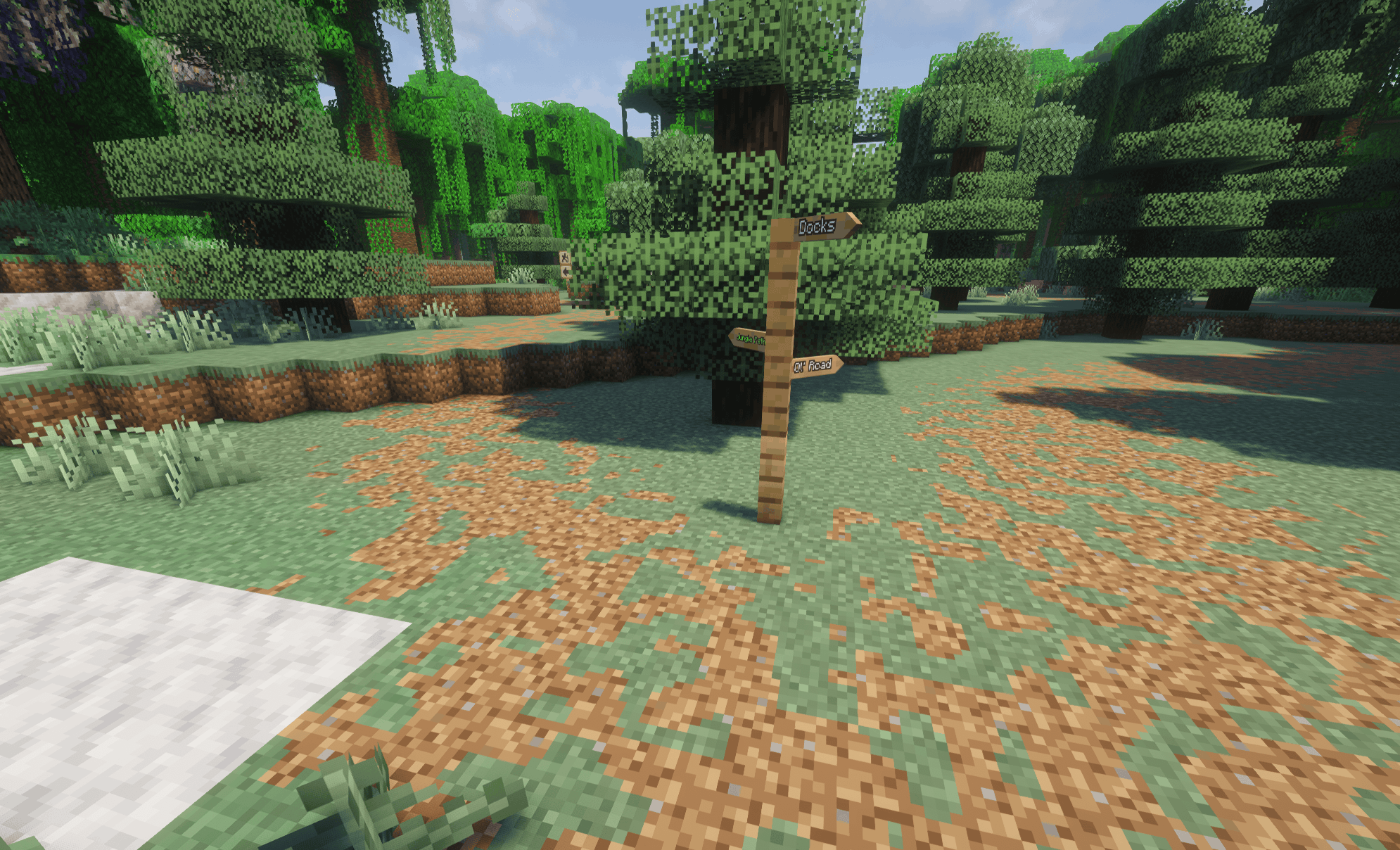
- Wooden wayposts: point toward up to four destinations, each with its own name, color, and one of eight compass directions- craft them from vanilla or modded planks, and apply glow ink for glowing lettering
Build trails as you walk
The Trail Rake creates trails beneath your feet and clears small vegetation as you walk. Adjust the width and density for anything from a sparse foot trail to a more heavily worn route.
Trails follow the existing terrain and blend with the original grass, soil, or sand. The rake can also clear vegetation without changing the ground, or restore an existing trail to its original surface.
Survival rake work uses emerald-funded work points. Server configs can make rake work free and remove the dye cost for blazes. Operator commands provide trail building, radius cleanup, and undo.
Compatibility
Supports common modded stone, wood, and terrain materials from other mods and modded biomes.
常见问题
Trailbound 支持哪些 Minecraft 版本?
Trailbound 支持 Minecraft Java 版 1.21.1,可用的加载器:NeoForge。下载时注意选择和你游戏版本一致的文件。
Trailbound 怎么安装?
先用 PCL2 或 HMCL 启动器安装对应版本的 NeoForge,再把下载的 .jar 文件放进游戏目录的 mods 文件夹,重新启动游戏即可。开启了版本隔离的,mods 文件夹在 versions/版本名 下面。
diggydwarff 的其他作品
查看全部 →
Tobacconist
为 Minecraft 加入真实的烟草种植、烘烤、加工、调配和吸食系统。

Herbalist
在游戏中加入火焰芽等新的药用植物和菌类!

Create: Radar Waterline
Submerged antennas stop scanning and normal radar no longer detects fully submerged targets
Autumn Foliage
A mod that applies autumn/fall colors to vegetation across both vanilla Minecraft and modded content
评论
登录后评论和评分