
截图
介绍
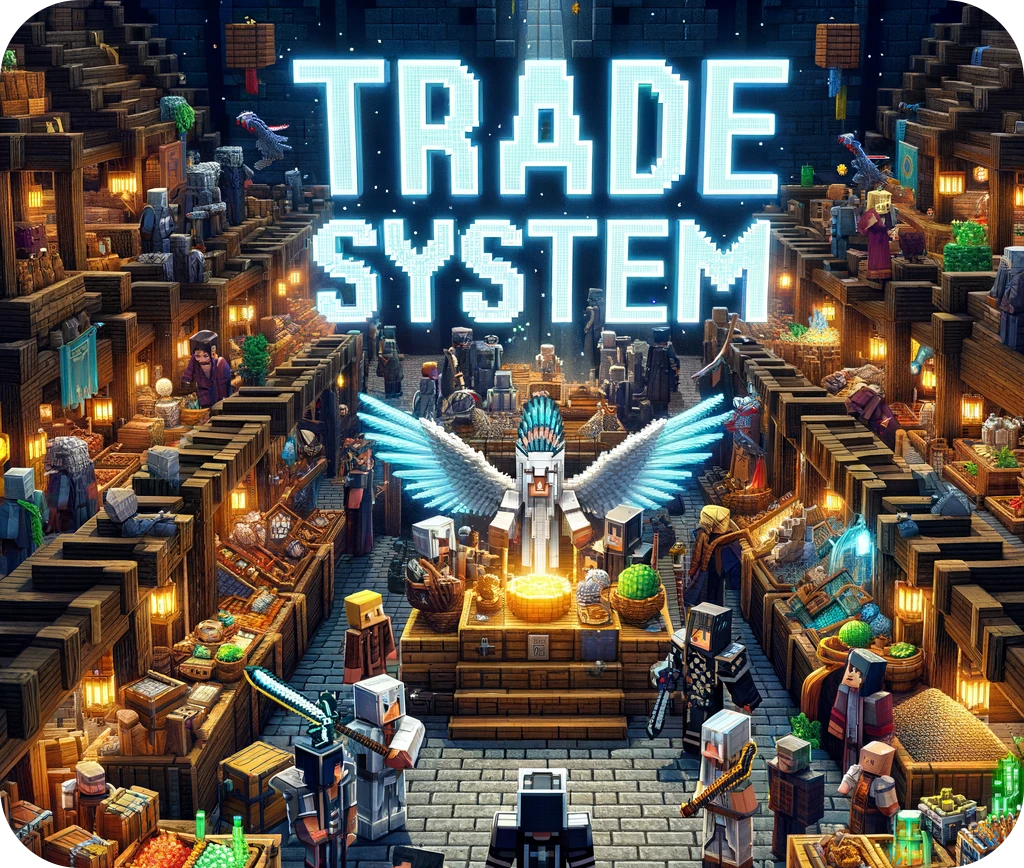
This mod creates a safe environment for you to make your trades, if the item cannot be traded you will see a red sign.
Commands:
To force everyone to use the mod, use this command. It prevents everyone from throwing items on the ground.
/trade_system_block_drops
Puts the block that is in your main hand in the list of blocks that cannot be traded
/trade_system_dont_trade
Removes the item in your main hand from the list of untradeable blocks
/trade_system_do_trade
Lists all blocks that cannot be traded
/trade_system_banned_list
How does the mod work?
1 – First you press G and this message will appear
2 – With the main hand empty, right click on another player (you will hear a sound) and a message will appear for it
3 – If the other player wants to trade with you he must follow the same procedure as steps 1 and 2 and a hud will open
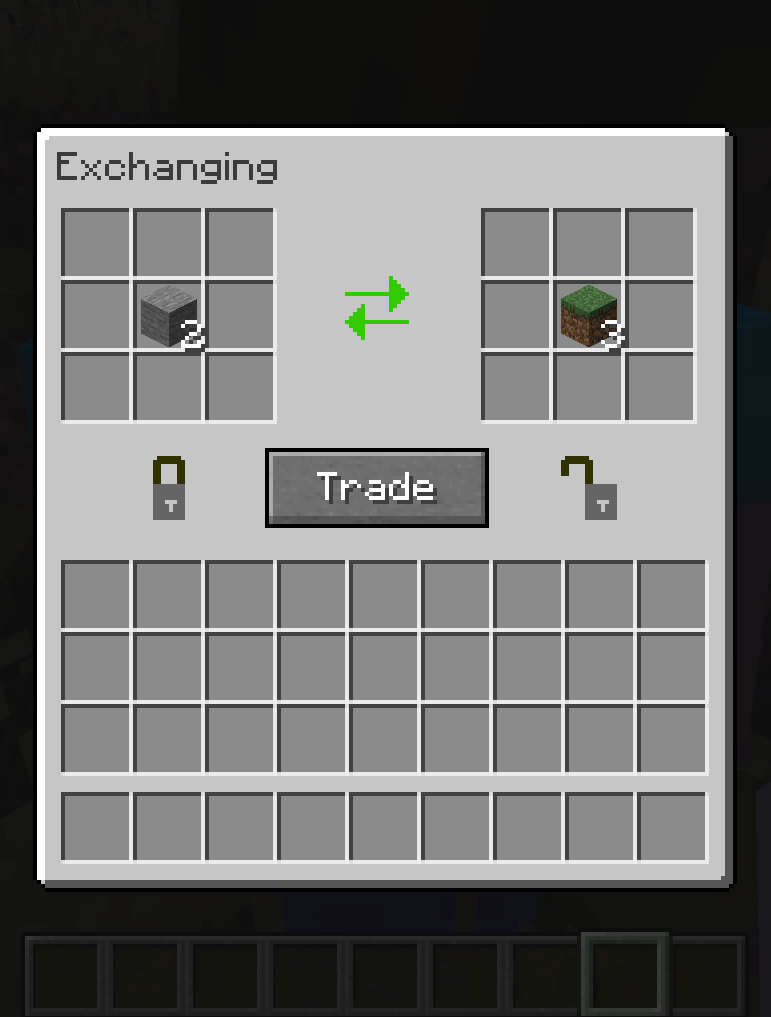
4 – Both huds are synced, so if you place an item the other player can see what you want to trade
5 – By clicking on the TRADE button you signal that you accept the exchange and if the other player clicks on TRADE the exchange is made. If you don’t like the offer, just press ESC and both huds will close
6 – The TRADE button is a safety mechanism, as every time someone takes or places an item it is disarmed, so it avoids blows if someone tries to accept the trade right after changing your offer quickly.
常见问题
Trade System 支持哪些 Minecraft 版本?
Trade System 支持 Minecraft Java 版 1.16.5–1.21.1,共 6 个版本,可用的加载器:Forge / NeoForge。下载时注意选择和你游戏版本一致的文件。
Trade System 怎么安装?
先用 PCL2 或 HMCL 启动器安装对应版本的 Forge / NeoForge,再把下载的 .jar 文件放进游戏目录的 mods 文件夹,重新启动游戏即可。开启了版本隔离的,mods 文件夹在 versions/版本名 下面。
Bizebis 的其他作品
查看全部 →
Respawn Animals
Naturally spawned animals respawn after death

Heavy Inventory
A weight system by quantity of items

Animals and Potions
Become a great wizard and produce any kind of potion

Anti Creeper Block
Protect yourself from creepers with these new blocks
评论
登录后评论和评分