
截图
介绍
_Some features are not supported by version 1.21 and later for the time being, please be patient and wait for subsequent updates!_
Introduction
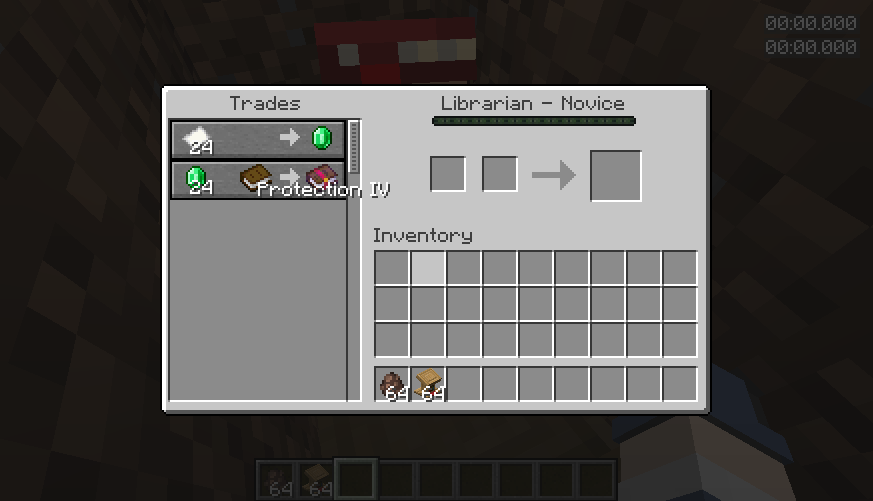
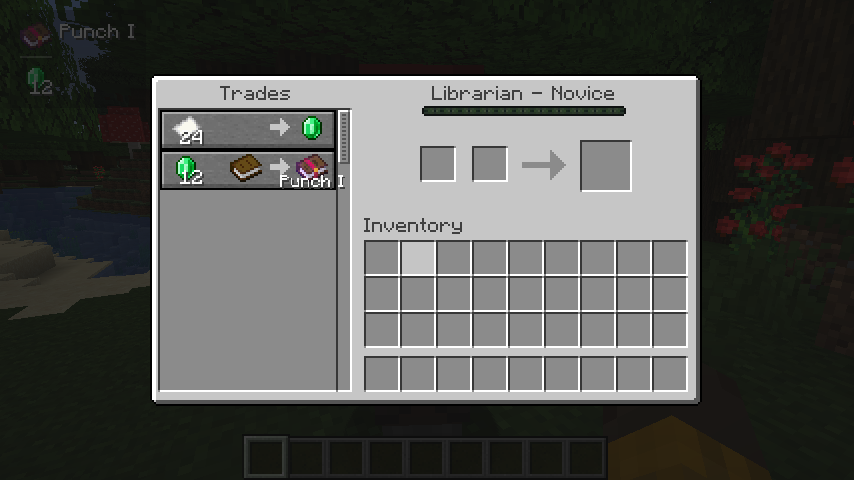
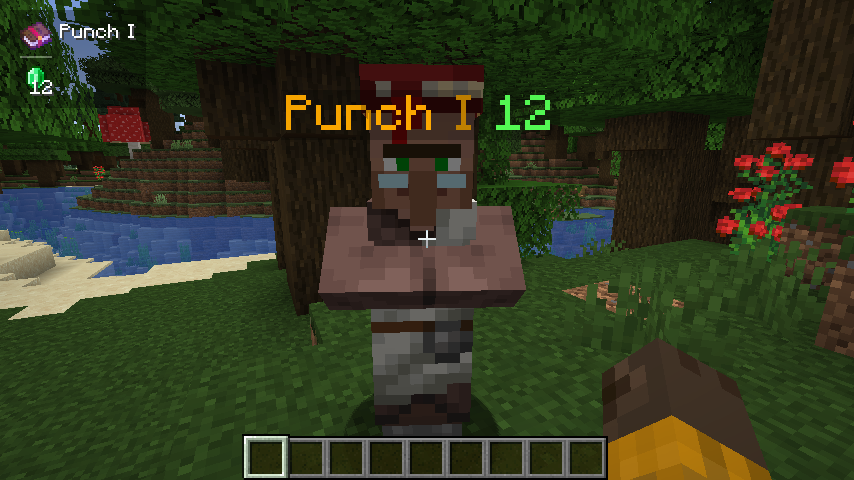
When trading with a villager, it will automatically display its enchantment above the enchantment book or enchanted item, cycling through them in sequence.
When the crosshair is aligned with a tradable villager and within the normal trading range, try to obtain the trade information and save it. (Or enable the setting Always attempt to get nearby offers to automatically get it)
If the trade information is successfully obtained, all enchanting trades will be displayed.
Commands
/trade-display [disable/reload/reset/save/settings]
- disable: Disable all features about display.
- reload: Load settings from the config file.
- reset: Clear cache.
- save: Save the settings to the config file.
- settings: Open the settings screen.
Hotkeys
Toggle Enable State (H)
- In the trading GUI, pressing the hotkey toggles the visibility of enchantments.
- In the main game screen (i.e., no other GUI open), pressing the hotkey toggles the visibility of enchantments. Additionally, when sneaking (Shift), pressing the hotkey toggles the visibility of enchantments above merchants’ heads.
常见问题
Trade Enchantment Display 支持哪些 Minecraft 版本?
Trade Enchantment Display 支持 Minecraft Java 版 1.16.5–1.21.1,共 20 个版本,可用的加载器:Fabric / Forge / NeoForge。下载时注意选择和你游戏版本一致的文件。
Trade Enchantment Display 怎么安装?
先用 PCL2 或 HMCL 启动器安装对应版本的 Fabric / Forge / NeoForge,再把下载的 .jar 文件放进游戏目录的 mods 文件夹,重新启动游戏即可。开启了版本隔离的,mods 文件夹在 versions/版本名 下面。运行环境:仅客户端。
iMoonDay 的其他作品
查看全部 →
Soulbound Enchantment
An enchantment book that prevents the player from dropping items

Advanced Skills: Remastered
A large number of skills give you a more enjoyable combat experience
Advanced Skills: Remastered
A large number of skills give you a more enjoyable combat experience

Advanced Skills
A large number of skills give you a more enjoyable combat experience
评论
登录后评论和评分