Torchlight Fix
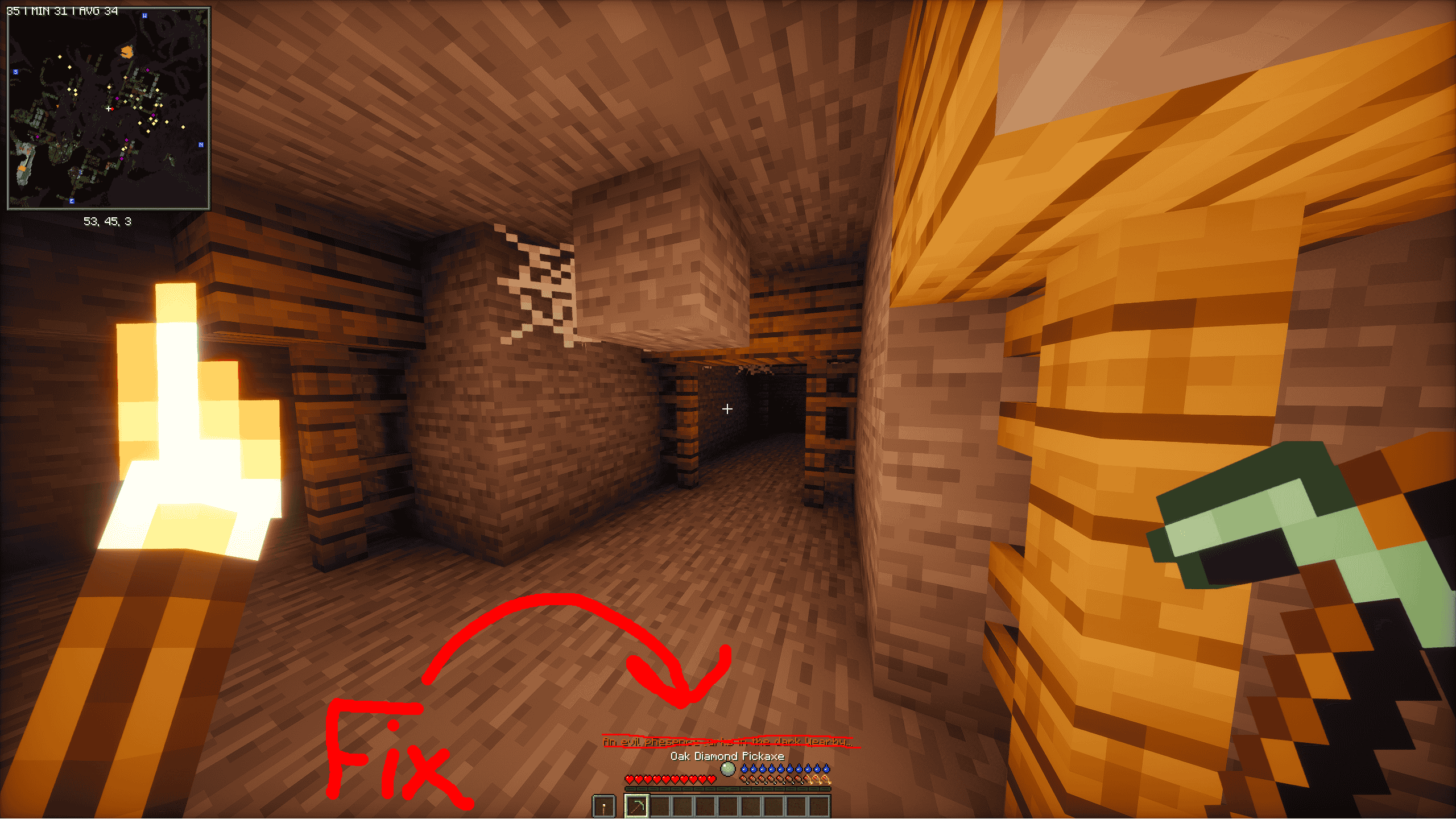
Fixes mods that use light levels to trigger events. When holding a torch in either hand, your light level is treated as 5, preventing darkness-based events from activating. Recommended to use with a mod that adds dynamic lighting to held torches!
截图
介绍
TorchlightFix
TorchlightFix is a small Fabric mod that helps prevent darkness-based events from triggering in mods that check Minecraft’s light levels.
What does it do?
When you hold a light source in your main hand or off-hand, Torch Light Fix makes supported light-level checks return at least light level 5 (configurable) when the queried position is at your feet or eye height. Torches, lanterns, campfires, glowstone and more all count, and you can add or remove items in the config.
It only changes what other mods read. No real light is added to the world, and nothing is placed or removed. This can help with mods that use light levels to determine whether a player is in darkness, such as The Murk – Darkness Consumes.
Only the host or server needs this mod. Players joining don’t need it, and it works in singleplayer and on LAN worlds too.
Important
- TorchlightFix does not create real light or illuminate your surroundings.
- It changes the light value returned by specific checks.
- Compatibility depends on how another mod checks light levels.
- Only the host or server needs this mod. Players joining don’t need it.
- It works in singleplayer and on LAN worlds too, because the game runs its own server.
- New default items won’t appear in an existing config. Delete torchlightfix.json to regenerate it.
Recommended setup
Use TorchlightFix alongside a dynamic lighting mod that makes held torches illuminate your surroundings. TorchlightFix adjusts the light-level checks used by compatible mods, while the dynamic lighting mod provides the visual effect.
Requirements
- Minecraft 26.2
- Fabric Loader
- A dynamic lighting mod is recommended, but not required by TorchlightFix itself.
Installation
-
Install Fabric for Minecraft 26.2.
-
Download the TorchlightFix JAR.
-
Place the JAR in your Minecraft
modsfolder. -
Install any dependencies required by your other mods.
-
Launch the game once. The mod will create
config/torchlightfix.jsonon the first launch and automatically populate it with the default items. You can edit the file to change the light level and choose which items count as light sources. If you make any changes, restart the game. Test the mod with the mods you want to use.
Compatibility
TorchlightFix has been tested with The Murk – Darkness Consumes. Other mods may behave differently depending on which light-level methods they use.
Bug Reports
Found a bug or compatibility issue? Open an issue on GitHub.
Please include:
- Minecraft version
- Fabric Loader version
- The mod you’re using TorchlightFix with
- What happened and what you expected
- A crash log, if available
I’ll look into reports as time allows.
Source Code
常见问题
Torchlight Fix 支持哪些 Minecraft 版本?
Torchlight Fix 支持 Minecraft Java 版 26.2,可用的加载器:Fabric。下载时注意选择和你游戏版本一致的文件。
Torchlight Fix 怎么安装?
先用 PCL2 或 HMCL 启动器安装对应版本的 Fabric,再把下载的 .jar 文件放进游戏目录的 mods 文件夹,重新启动游戏即可。开启了版本隔离的,mods 文件夹在 versions/版本名 下面。
评论
登录后评论和评分