
ToolPose
作者:TAFEFEFK
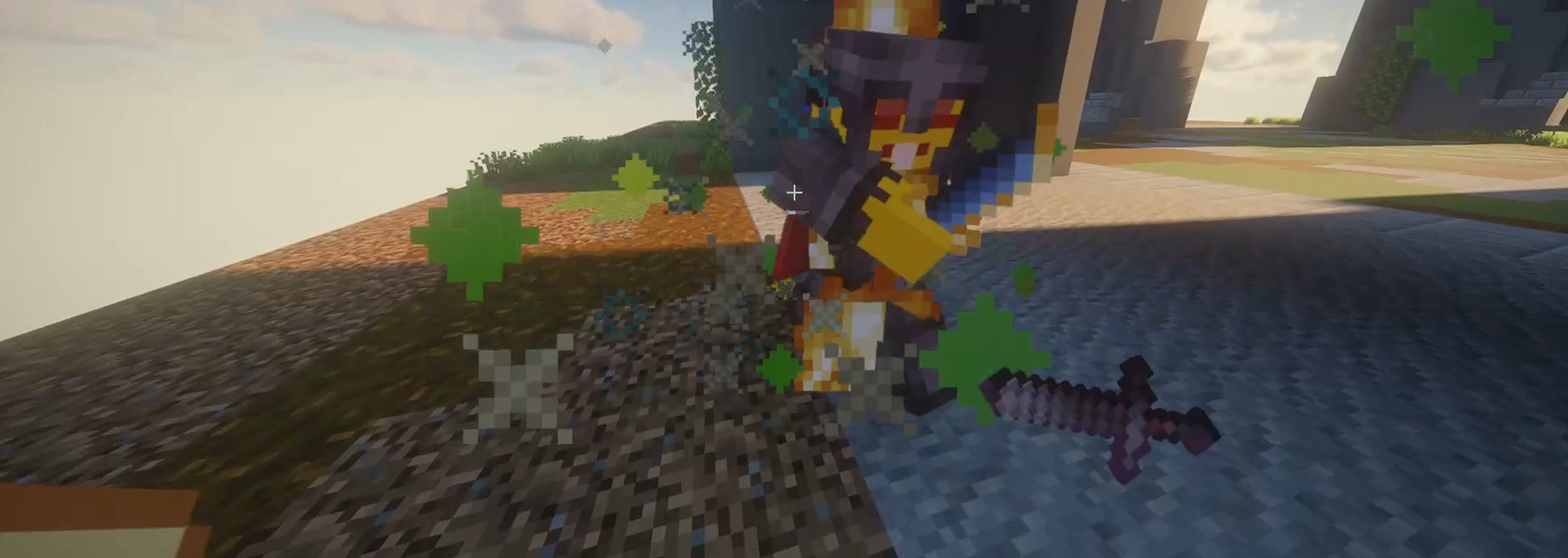
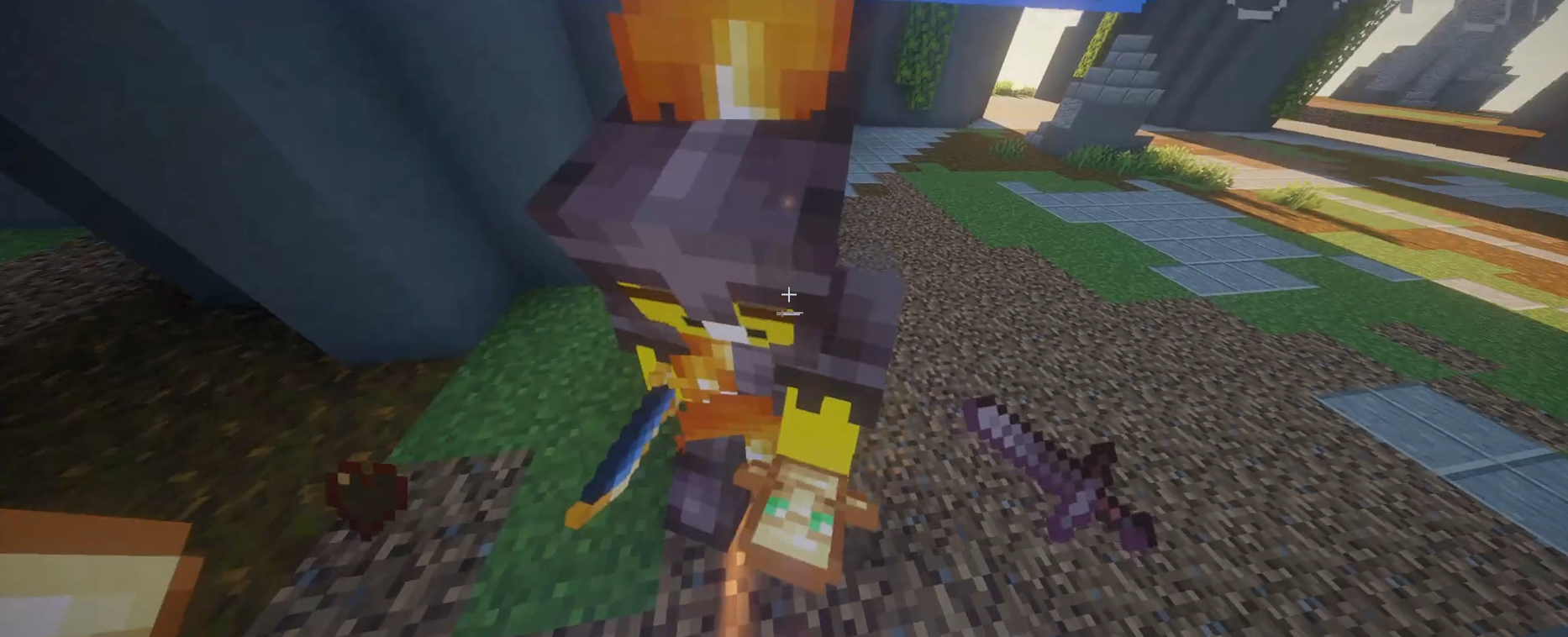
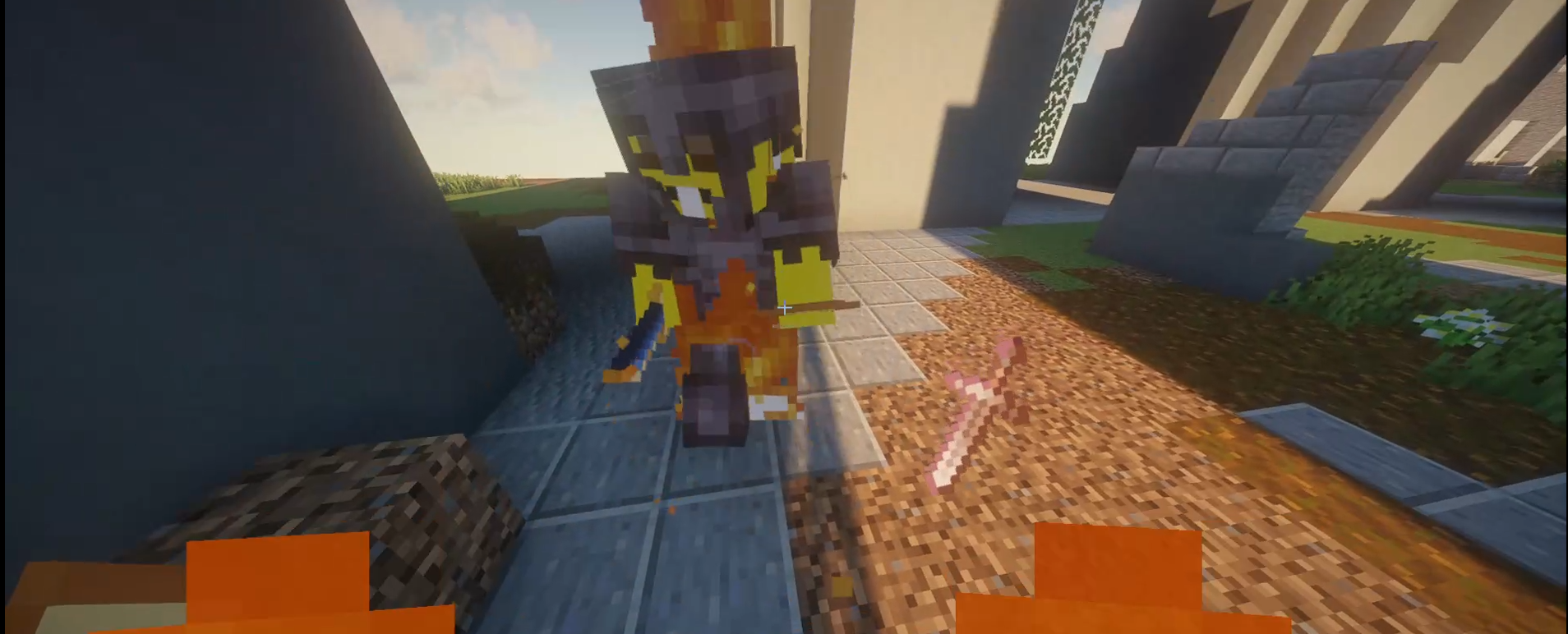
Customize the position, rotation, size, and swing of your tools in first-person
截图
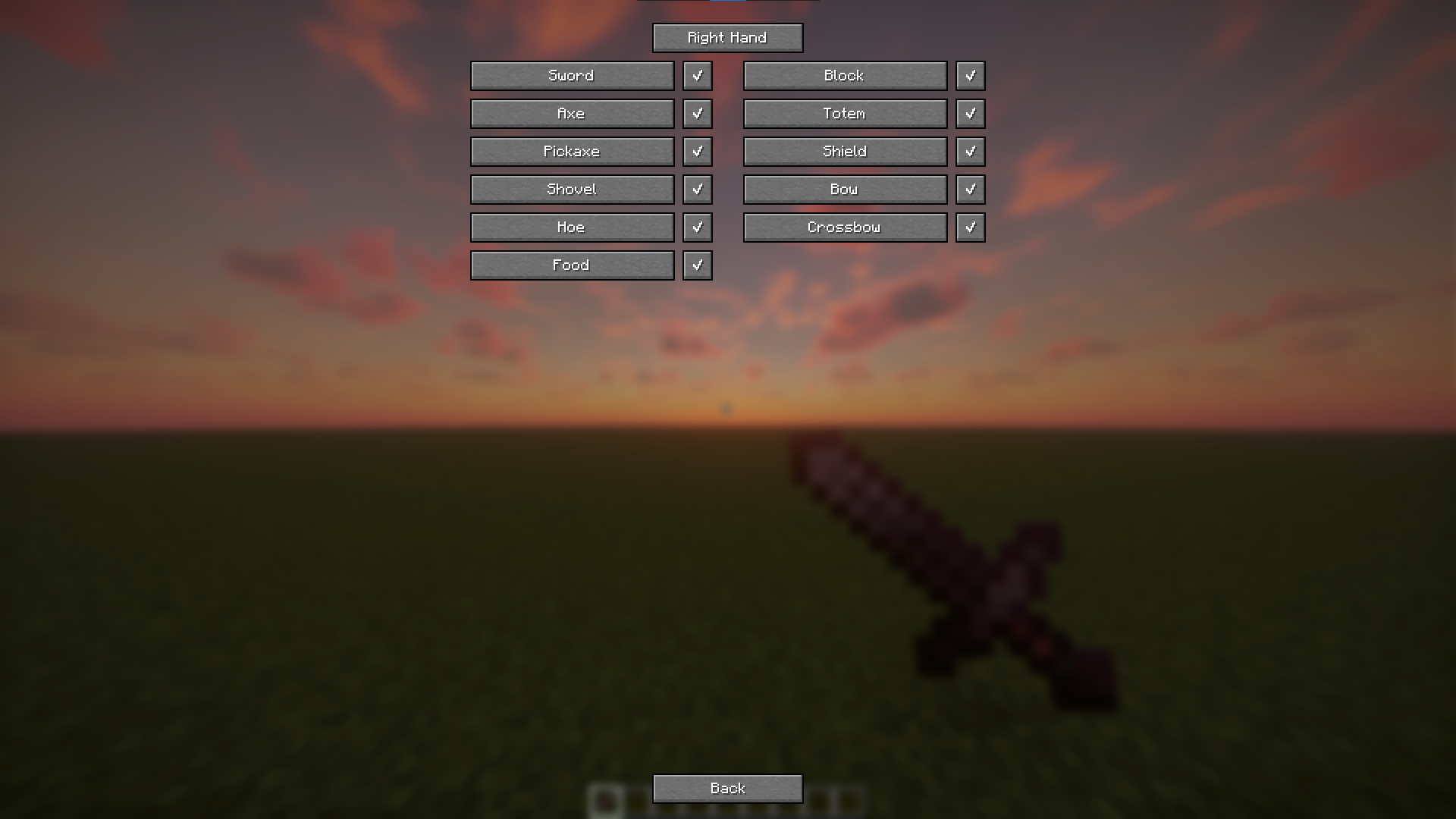
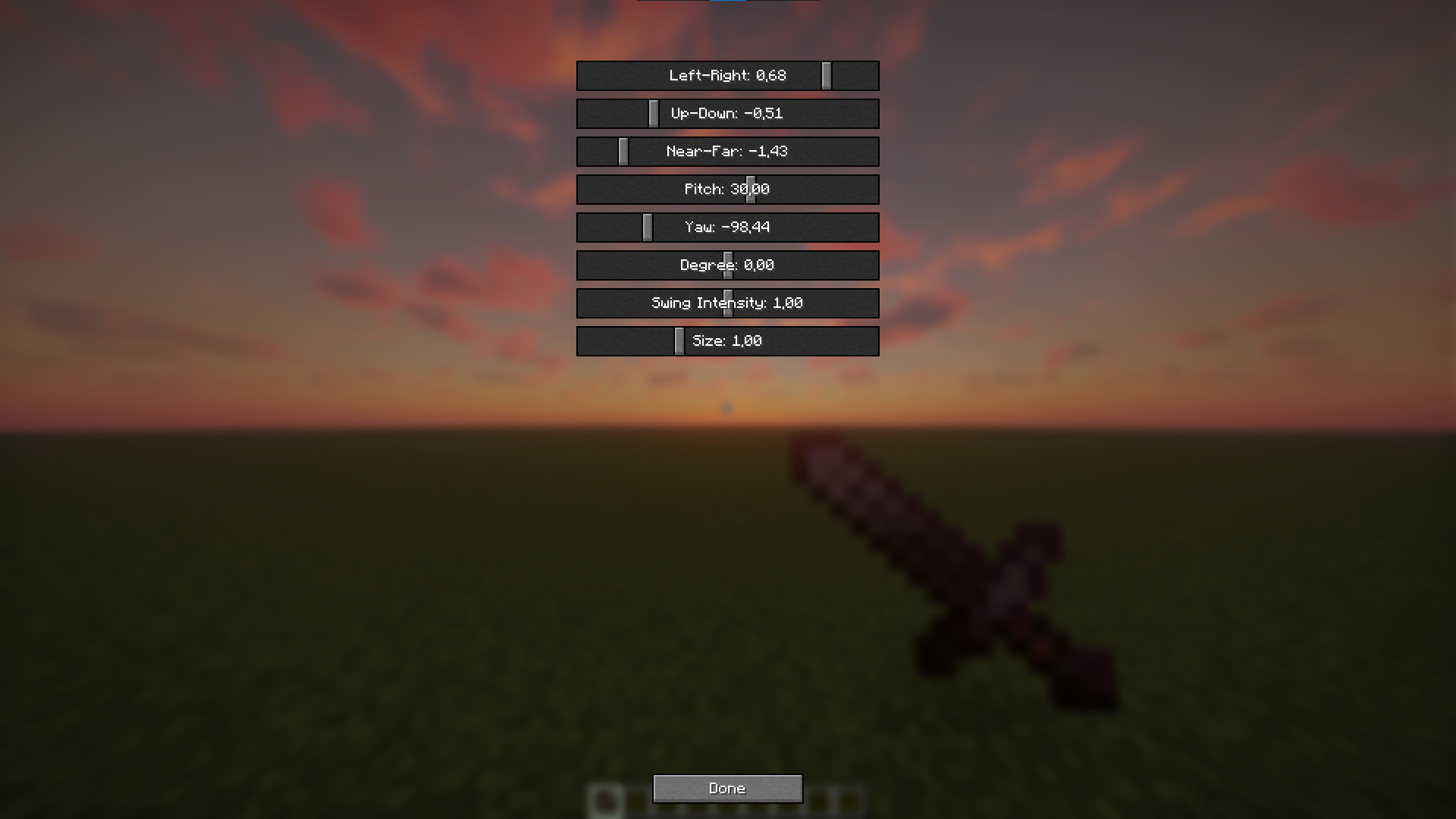
介绍
中文介绍正在准备中,下面暂时显示原文。
Client-side only. Does not affect gameplay mechanics.
ToolPose – is a client-side Fabric mod that gives you full control over how tools and weapons appear in your hands in first-person view. Adjust position, rotation, scale, and swing animation to create the perfect look.
Addictions
Farbric Api 0.158.0+
Features
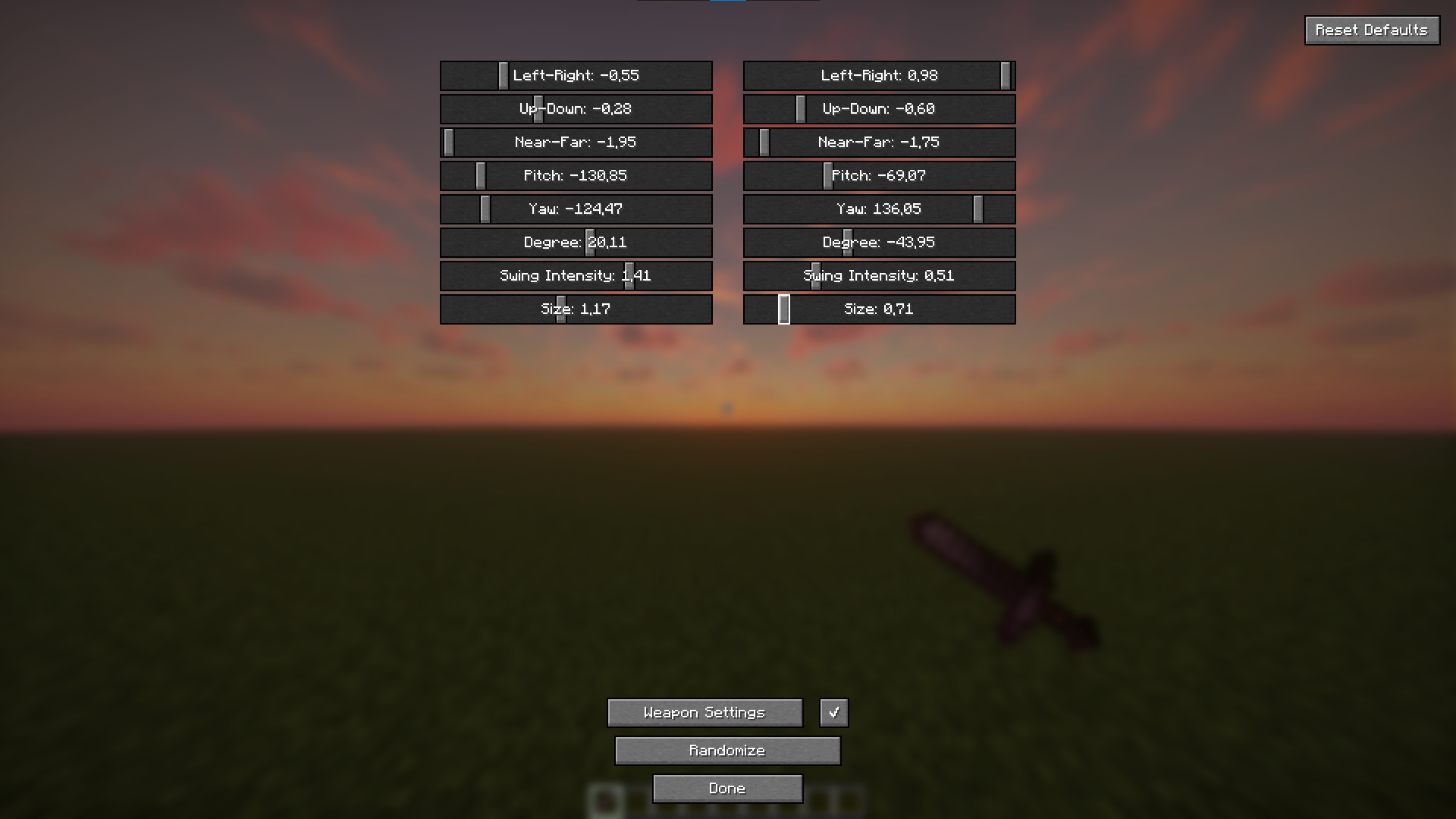
- Separate settings for right and left hands
- Per-category profiles for sword, axe, pickaxe, shovel, hoe, food, block, totem, shield, bow, crossbow
- Adjust offset, rotation, scale, and swing intensity
- Randomize button for instant fun poses
- Intuitive Yaw → Pitch → Roll rotation order
- Localized GUI in 11 languages
- Open settings with the K key (customizable in controls)
Usage
- Press K to open the config screen.
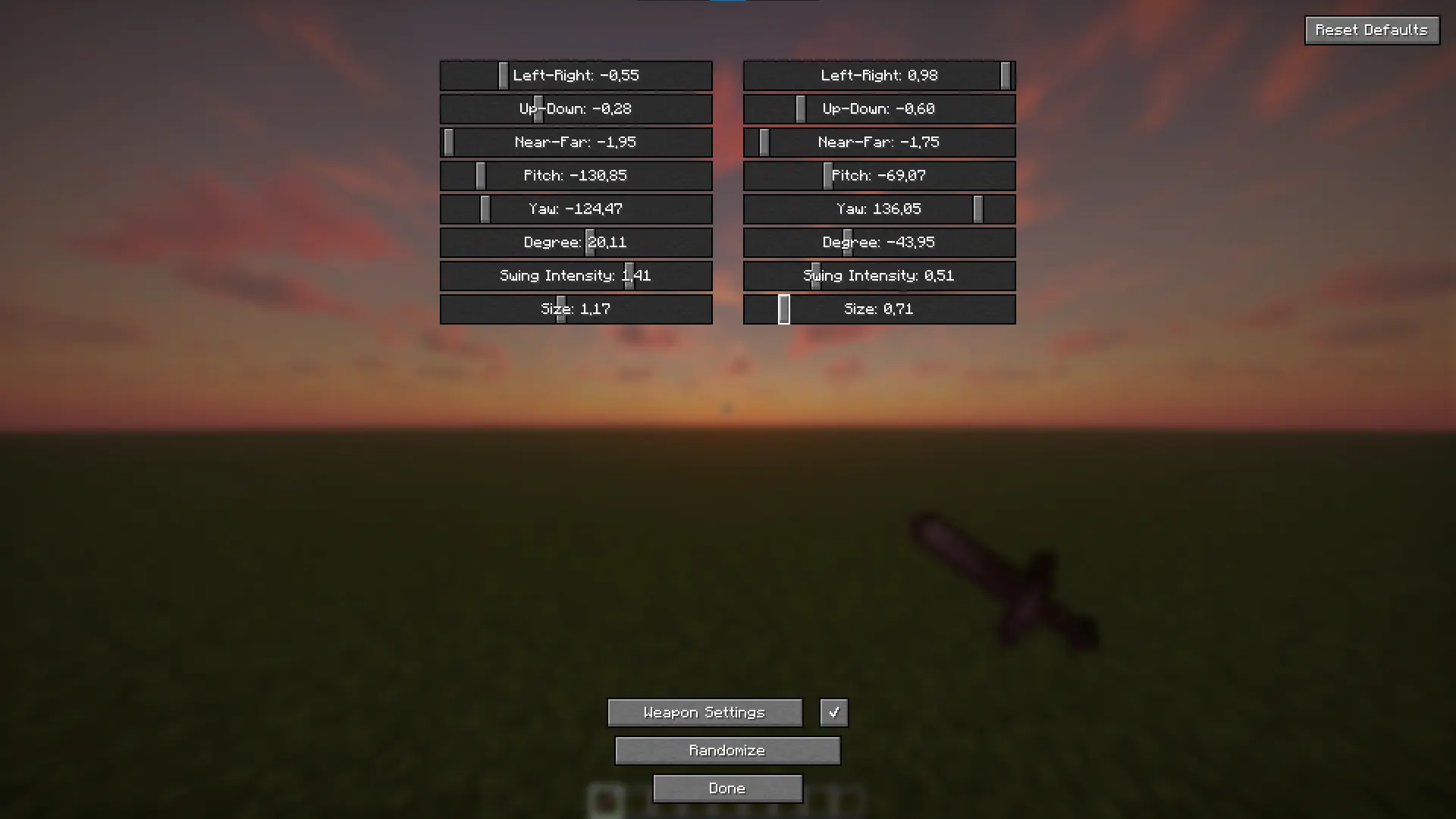
- Adjust sliders for right and left hands separately.
- Enable category viewmodels to unlock per-item settings.
- Click Weapon Settings to customize specific item types.
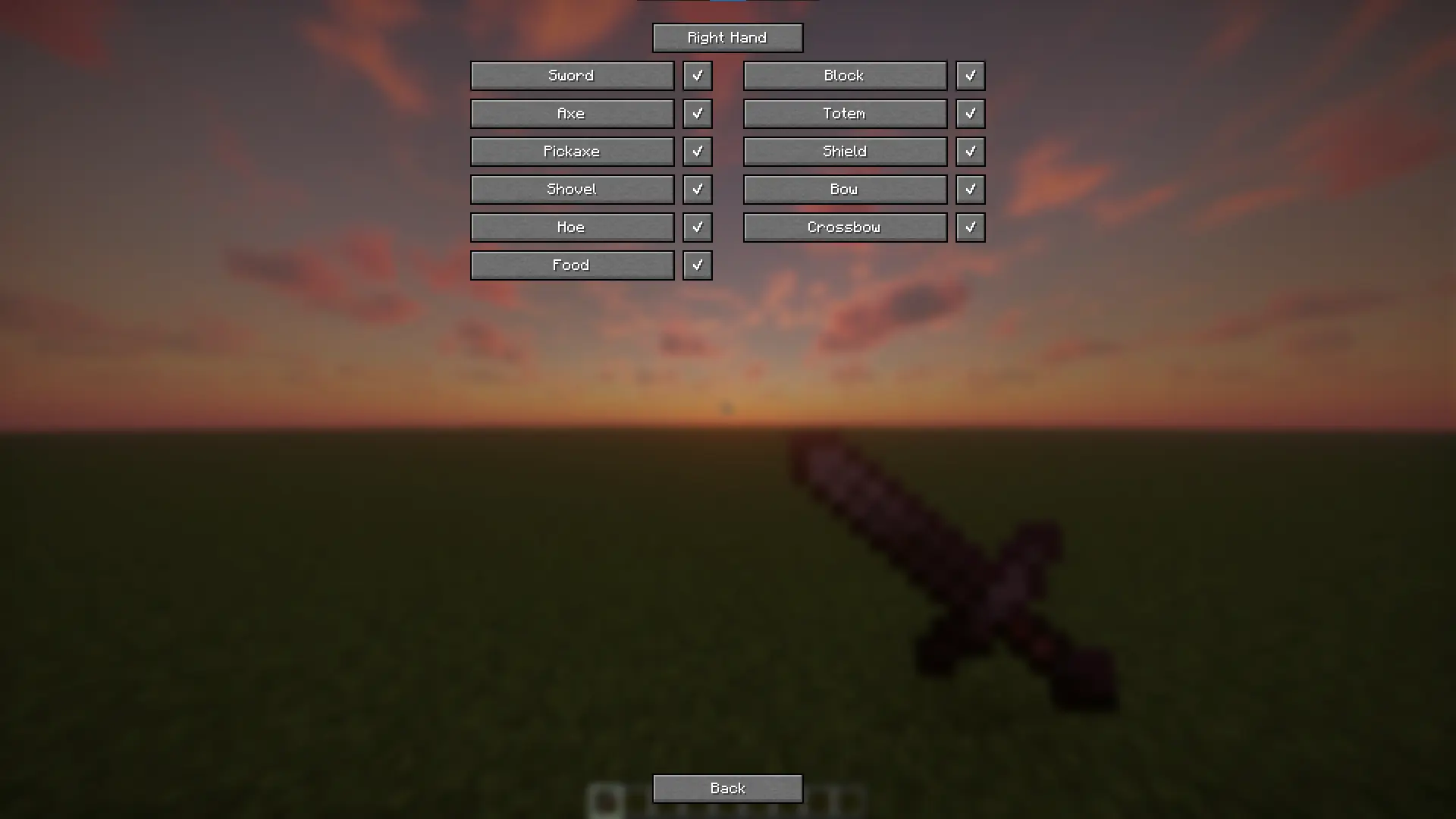
- Hit Randomize for a random pose.
License
This project is licensed under CC BY-NC-SA 4.0.
Links
- GitHub: https://github.com/TAFEFEFK/ToolPose
- DonationAlerts: https://www.donationalerts.com/r/tafek
Author
TAFEFEFK
常见问题
ToolPose 支持哪些 Minecraft 版本?
ToolPose 支持 Minecraft Java 版 26.2,可用的加载器:Fabric。下载时注意选择和你游戏版本一致的文件。
ToolPose 怎么安装?
先用 PCL2 或 HMCL 启动器安装对应版本的 Fabric,再把下载的 .jar 文件放进游戏目录的 mods 文件夹,重新启动游戏即可。开启了版本隔离的,mods 文件夹在 versions/版本名 下面。运行环境:仅客户端。
评论
登录后评论和评分