
截图
介绍
中文介绍正在准备中,下面暂时显示原文。
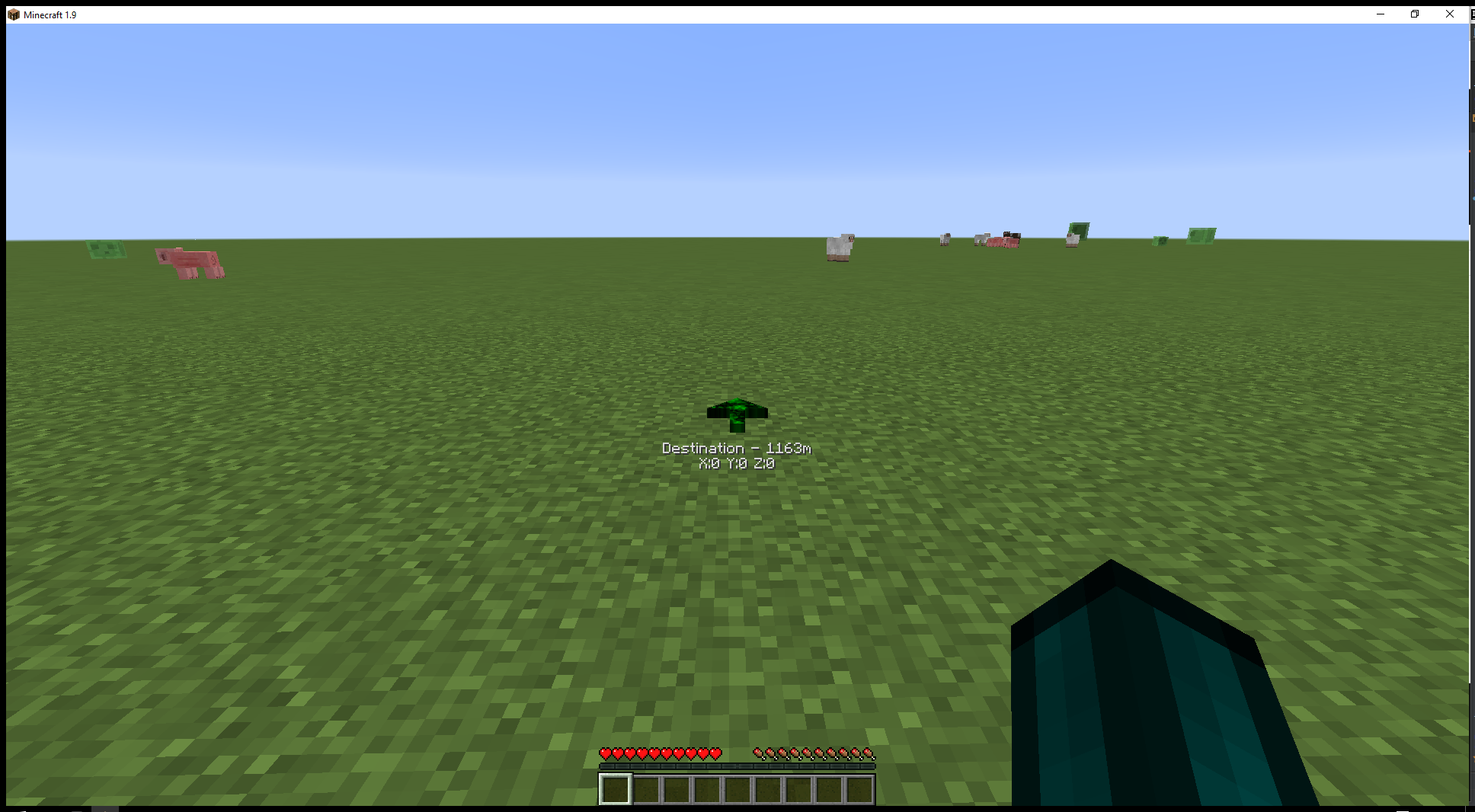
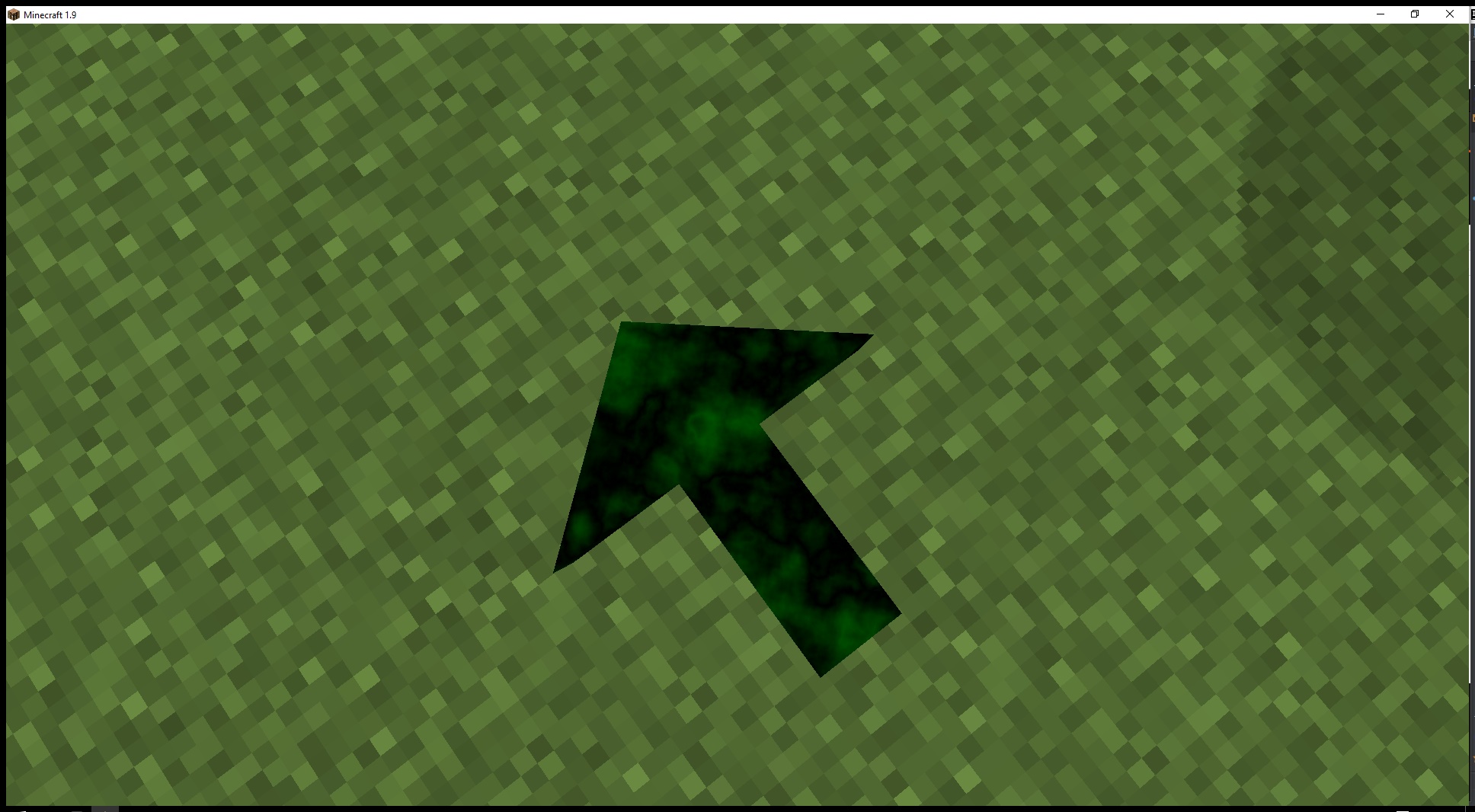
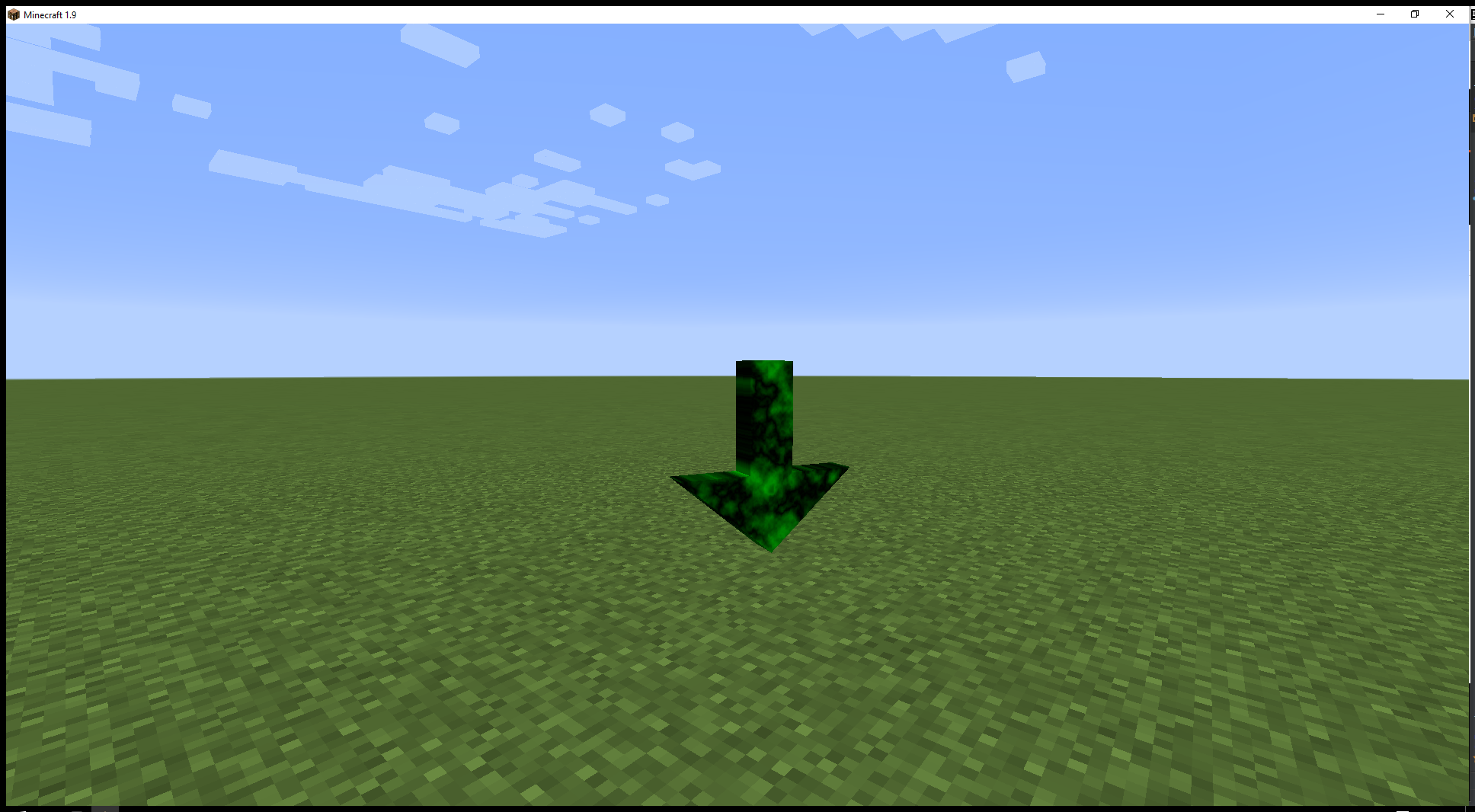
This adds a gps arrow to minecraft to help you navigate your world.
The arrow will disappear after 3 seconds of being within 3 blocks of the destination.
Commands:
/tomtom <x> <y> <z> [display text]
/tomtom clear
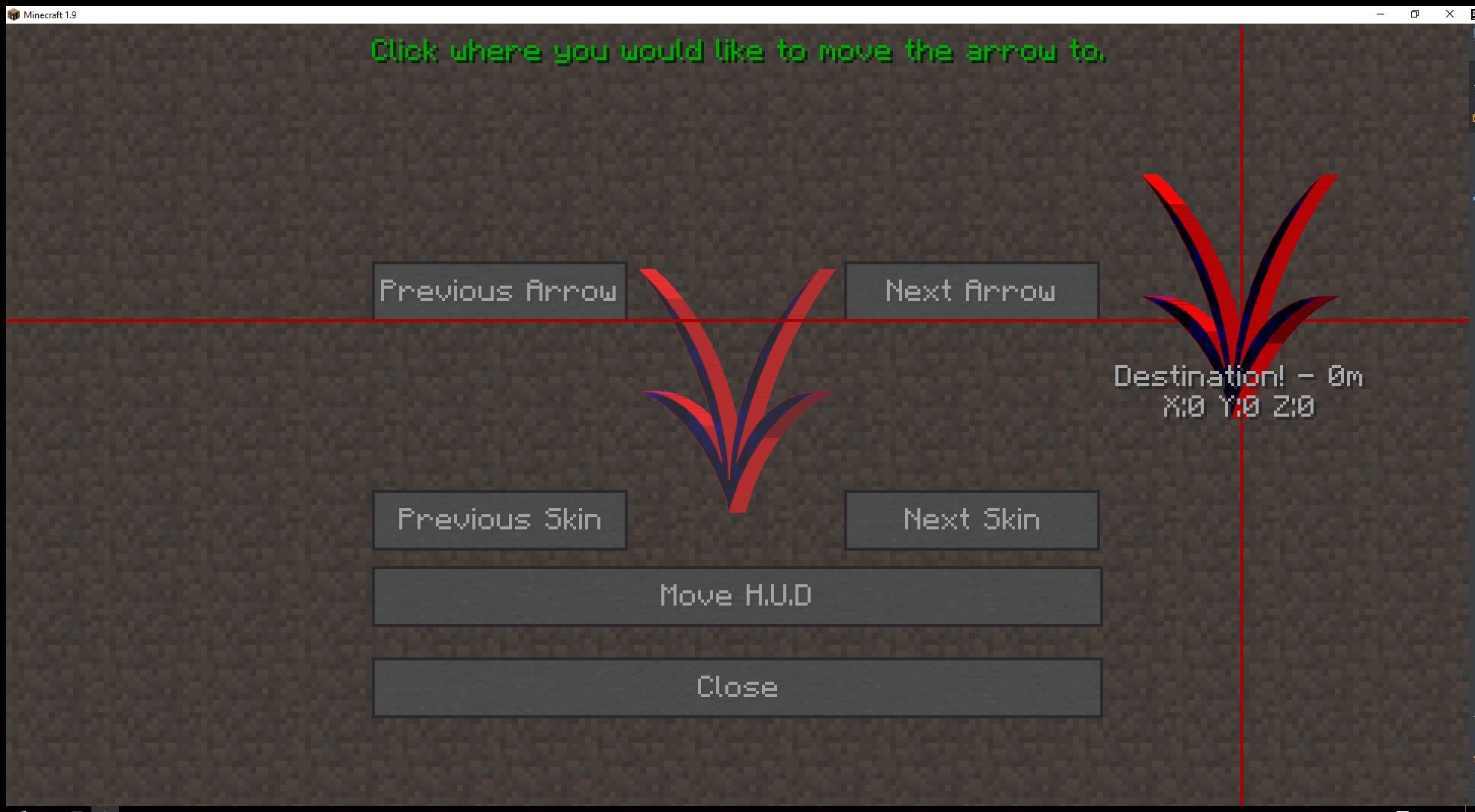
/tomtom edit
This command allows you to move the gps arrow.
API:
    /**
     * @param mod Your @Mod.instance object.
     * @param player The player we are setting the gps for.
     * @param pos The destination position.
     * @param text The short description of the destination
     */

    public static void sendTomTomPos(Object mod, EntityPlayer player, BlockPos pos, String text)
    {
        NBTTagCompound tag = new NBTTagCompound();
        tag.setLong("location", pos.toLong());
        tag.setLong("uuid-most", player.getUniqueID().getMostSignificantBits());
        tag.setLong("uuid-least", player.getUniqueID().getLeastSignificantBits());
        tag.setString("text", text);
        FMLInterModComms.sendRuntimeMessage(mod, "tomtom", "setPointer", tag);
    }
1.9+ features:
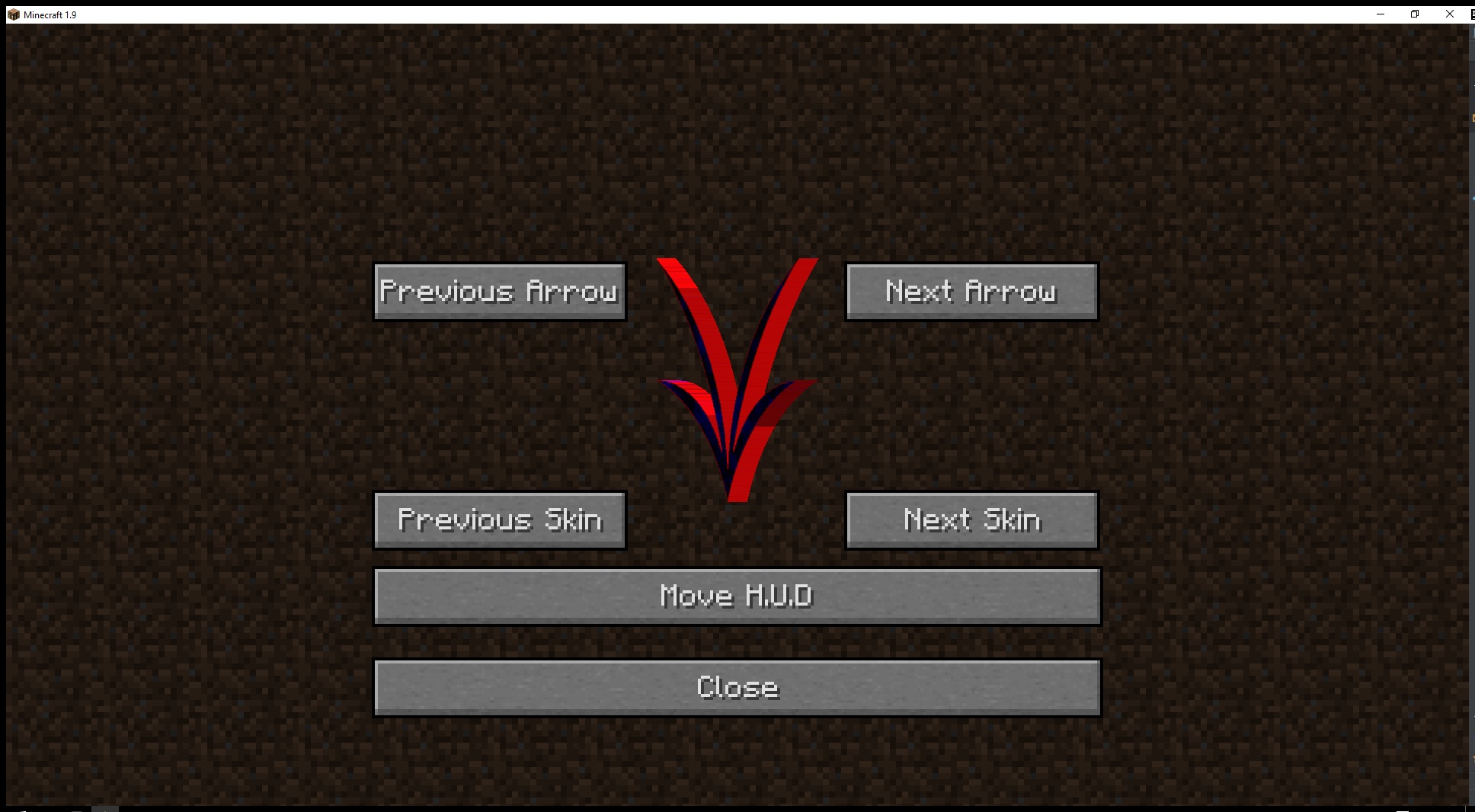
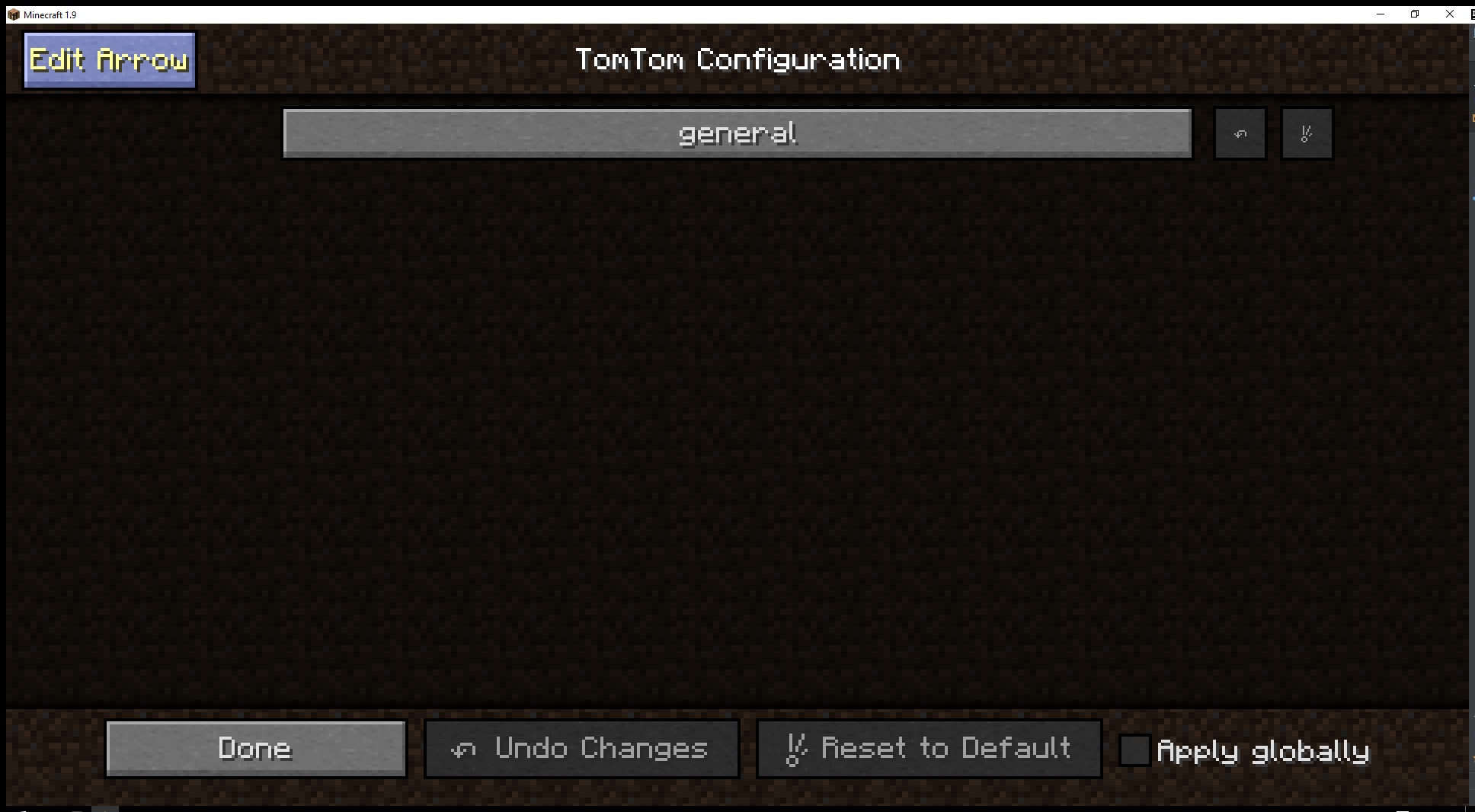
- You can customize your arrow by going into Mods(Mod Options ingame)>TomTom>Config>Edit Arrow(top left)
- In world bobbing arrow
- Foot arrow
- Easly movable HUD arrow with mouse
- Added the ability for arrow packs
- You just need to make a .zip/.jar with the following paths.
- /assets/tomtom/arrows/<your_arrow>.json
- /assets/tomtom/models/arrows/<your_arrow>/<your_arrow>.obj & <your_arrow>.mtl
- /assets/tomtom/textures/arrows/<your_arrow>/
- Textures that you want to use for ALL arrows can be placed in:
- /assets/tomtom/textures/arrows/universal/
- Once you have your .zip/.jar place in the resource pack folder.
- You just need to make a .zip/.jar with the following paths.
{
"model": "arrows/<your_arrow_folder>/<your_arrow>.obj",
"textureFolder": "arrows/<your_arrow_folder>/",
"useUniversalTextures" : "true"
}
常见问题
TomTom MC 支持哪些 Minecraft 版本?
TomTom MC 支持 Minecraft Java 版 1.8.9–1.11,共 5 个版本,可用的加载器:Forge。下载时注意选择和你游戏版本一致的文件。
TomTom MC 怎么安装?
先用 PCL2 或 HMCL 启动器安装对应版本的 Forge,再把下载的 .jar 文件放进游戏目录的 mods 文件夹,重新启动游戏即可。开启了版本隔离的,mods 文件夹在 versions/版本名 下面。

评论
登录后评论和评分