
截图
介绍
Toggle Keybinds Mod
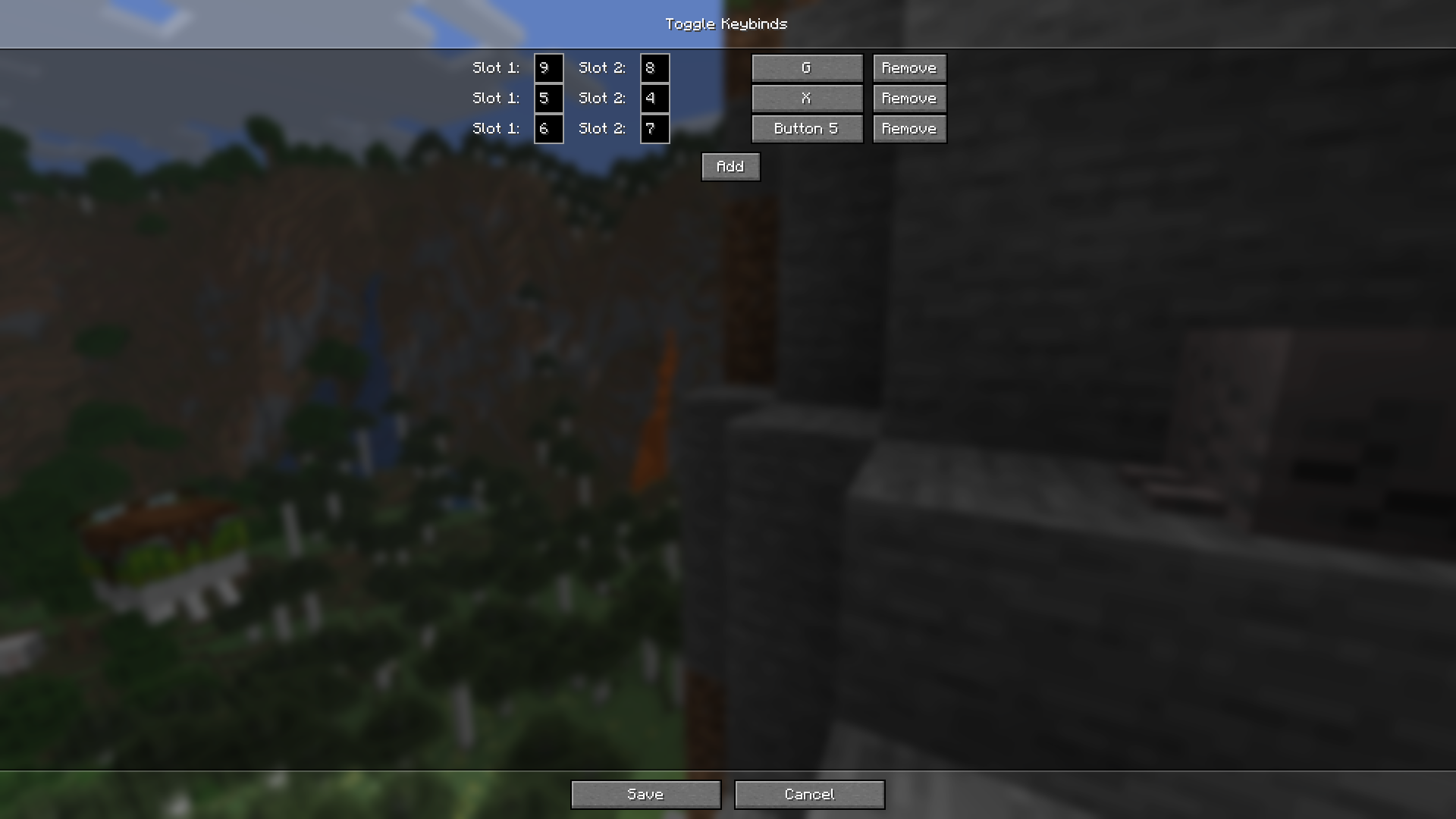
This mod allows you to add keybindings that let you switch between 2 hotbar slots with one button.
Useful if you want to navigate your hotbar quickly but don’t like to use a lot of hotkeys.
Installation
Required Mods
Configuration
Keybinds can be configured on the config screen from the mods menu.
(Esc -> Mods -> Toggle Keybinds -> [config icon in top right])
Because the bindings are saved in “keybinds.json” in the mod’s config folder, it is also possible to edit them directly (although I don’t recommend this).
They are stored in the following format:
[
{
“keyCode”: 70,
“slot1”: 0,
“slot2”: 8
}
]
This keybind binds the “F” key to toggle between the first and the last slot.
Keycodes can be found here:
常见问题
Toggle Keybinds 支持哪些 Minecraft 版本?
Toggle Keybinds 支持 Minecraft Java 版 1.21.4–26.3,共 13 个版本,可用的加载器:Fabric。下载时注意选择和你游戏版本一致的文件。
Toggle Keybinds 怎么安装?
先用 PCL2 或 HMCL 启动器安装对应版本的 Fabric,再把下载的 .jar 文件放进游戏目录的 mods 文件夹,重新启动游戏即可。开启了版本隔离的,mods 文件夹在 versions/版本名 下面。运行环境:仅客户端。
评论
登录后评论和评分