
截图
介绍
Description
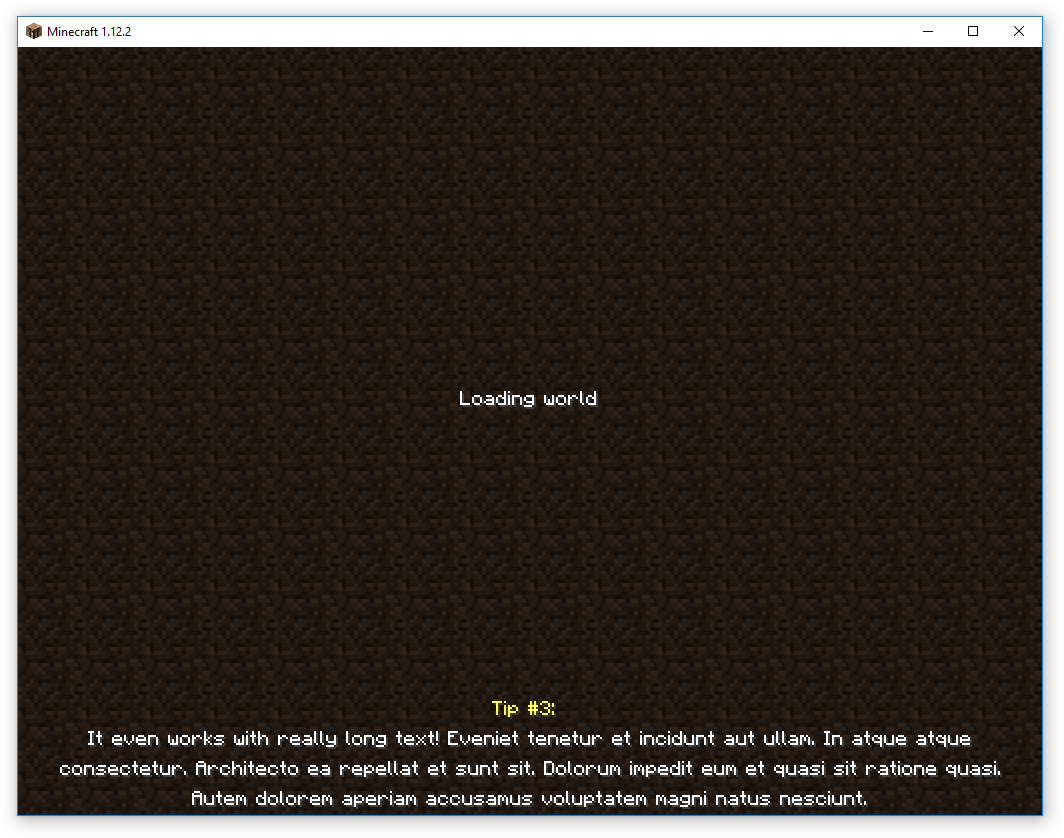
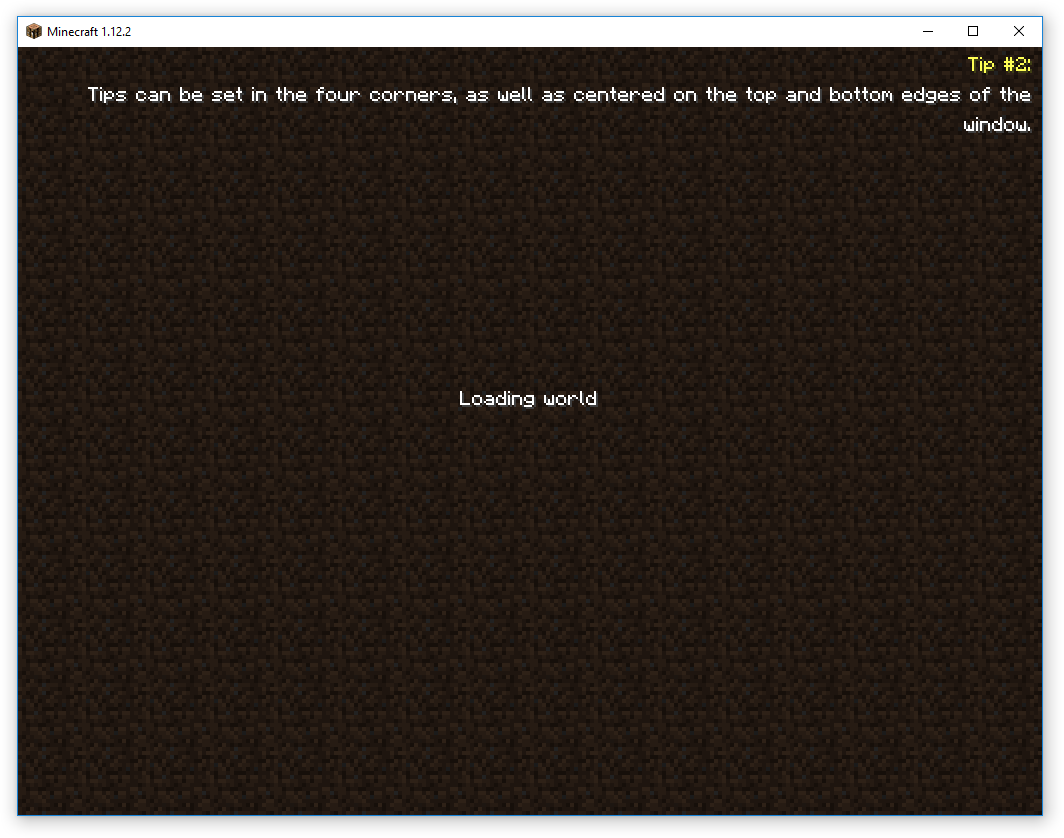
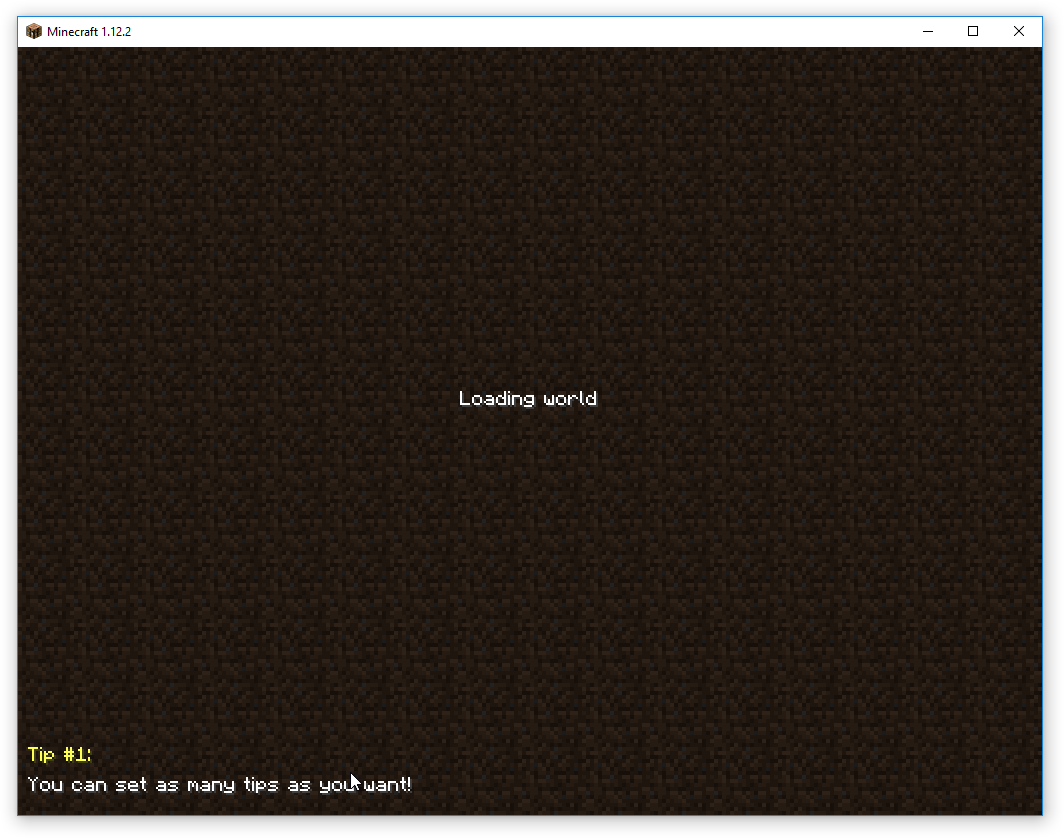
TipLine allows adding custom tips to the Minecraft loading screen. Inspired by the Fallout and Elder Scrolls series, and partially based on JustTheTips, TipLine was created because we needed a more flexible solution for a project we are working on.
Configuration
TipLine can be configured both through a config file, and through the Minecraft Mods page. Currently supported settings as follows:
- Color: Tip Titles: Set the color for tip titles.
- Color: Tips: Set the color for tips.
- Position: Set where the tips should be displayed.
- Display Tip Titles: Set whether or not to display the title line.
- Title Text: Set the tip title text. Use <number> for the tip number.
Additionally, the complete tip list can be edited through the Mods page. In version 1.0.3 and later, line breaks can be included by entering “%n”.
Planned Features
- Timed tip rotation
Let us know what you want!
Feel free to use this in any modpack, we wrote it for one… you might as well get use from it too! 🙂
If you do use this in a modpack, let us know so we can check it out!
常见问题
TipLine 支持哪些 Minecraft 版本?
TipLine 支持 Minecraft Java 版 1.12–1.12.2,共 3 个版本,可用的加载器:Forge。下载时注意选择和你游戏版本一致的文件。
TipLine 怎么安装?
先用 PCL2 或 HMCL 启动器安装对应版本的 Forge,再把下载的 .jar 文件放进游戏目录的 mods 文件夹,重新启动游戏即可。开启了版本隔离的,mods 文件夹在 versions/版本名 下面。
评论
登录后评论和评分