Tiny Worlds: Snow Globes
Put your house in a snow globe: take any building into the glass with its chests, animals and villagers, carry it anywhere and set it down again.
截图
介绍

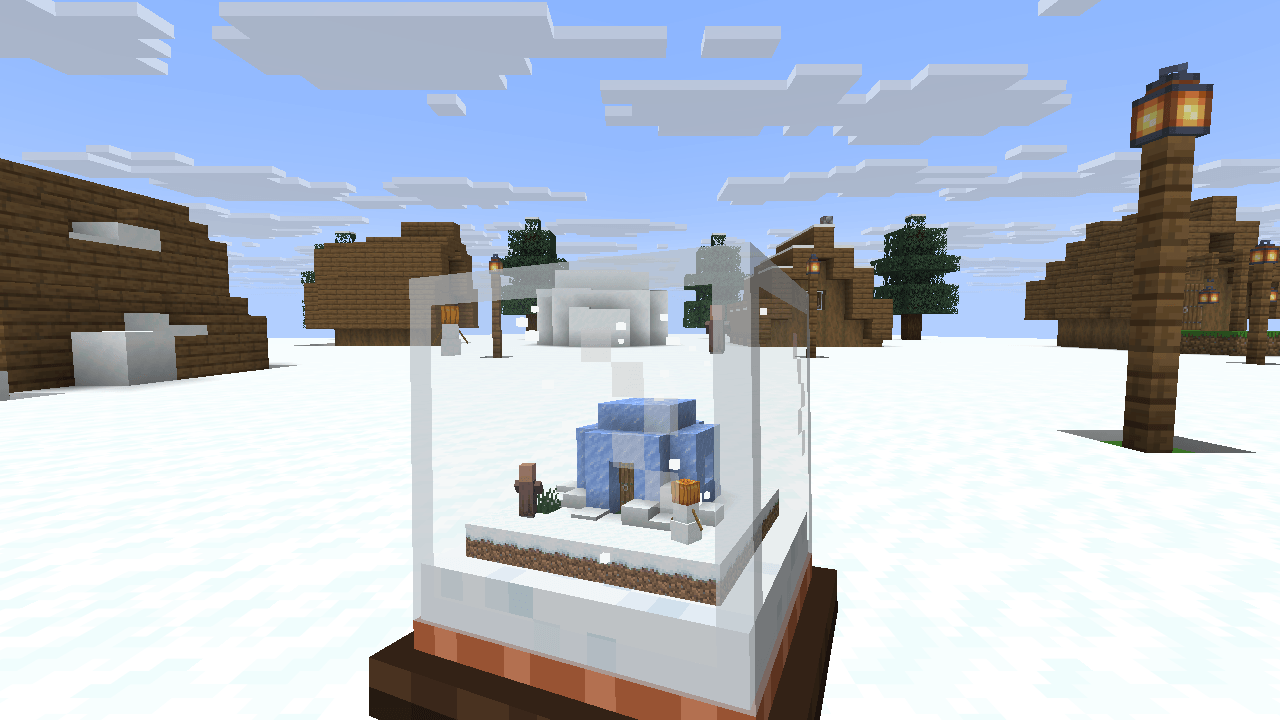
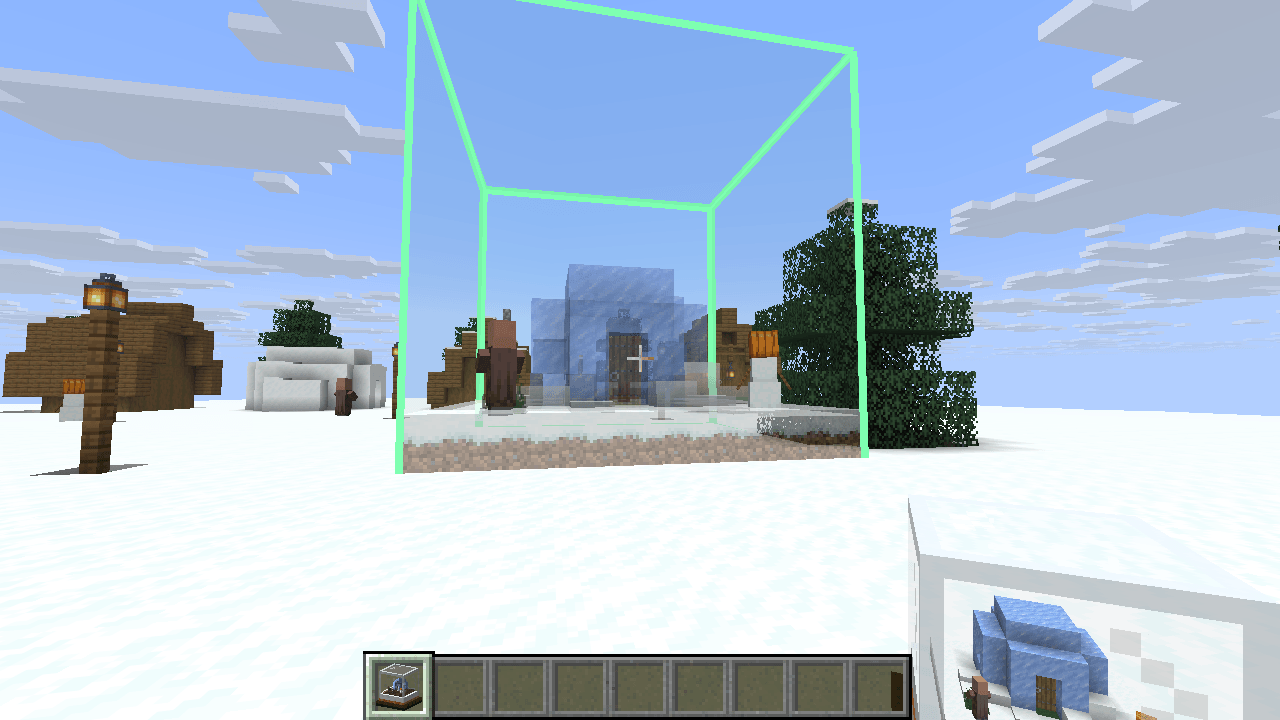
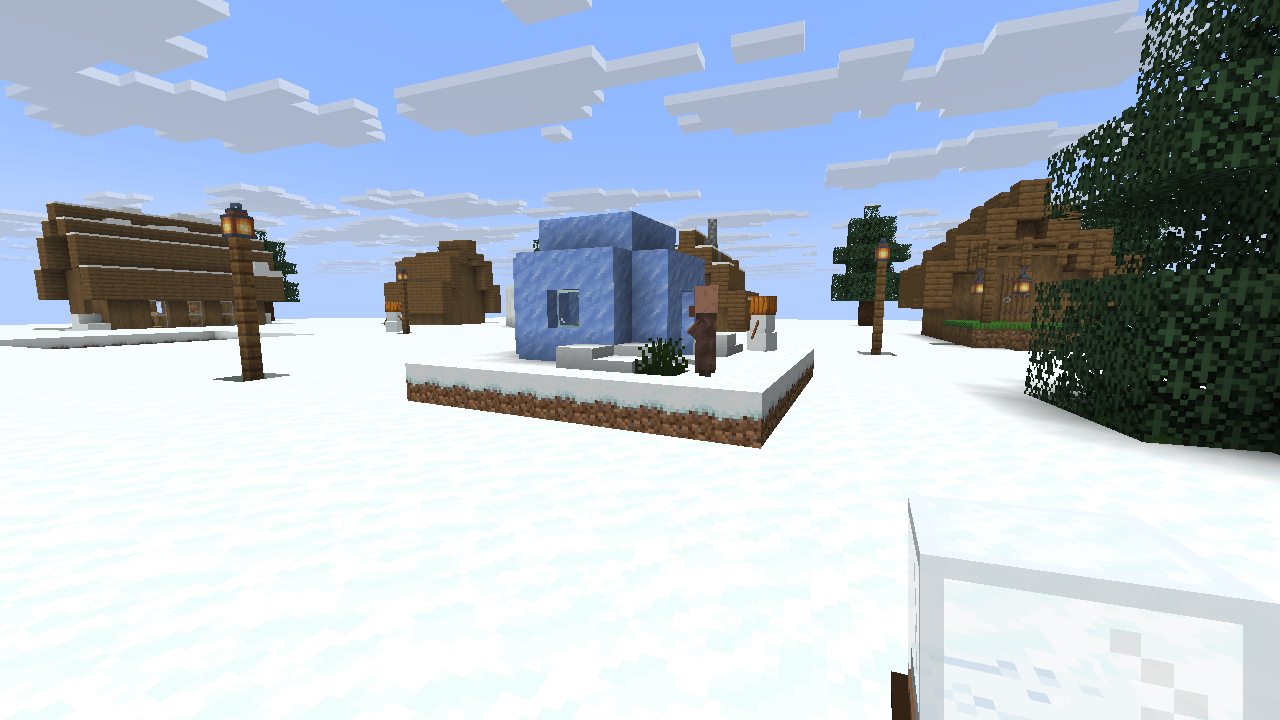
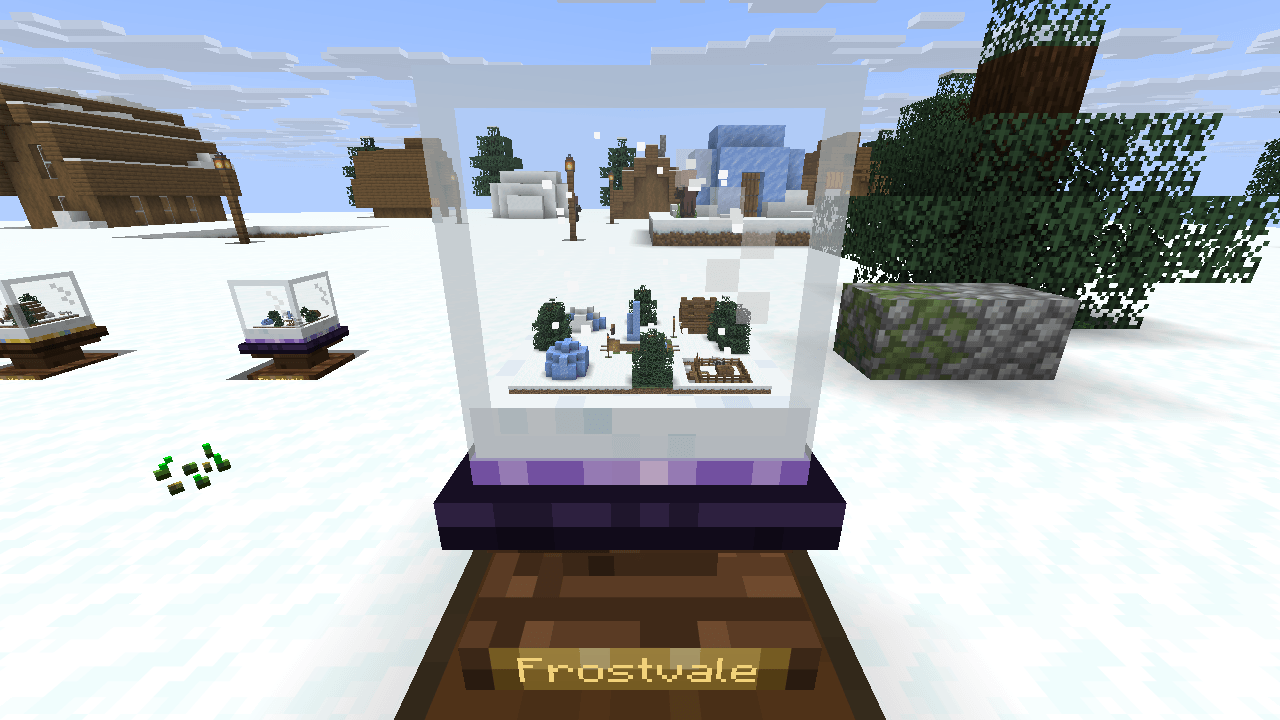
Put your house in a snow globe. Point an empty globe at a building and hold use: the house shrinks into the glass, with everything in its chests, the animals in the yard and the villagers at the door. Inside you keep a living miniature of it. Carry it anywhere, then set it down again, turned the way you like, and it grows back to full size.

Sneak and hold use to lift a globe to your face: the mouse turns it, the snow swirls and settles.

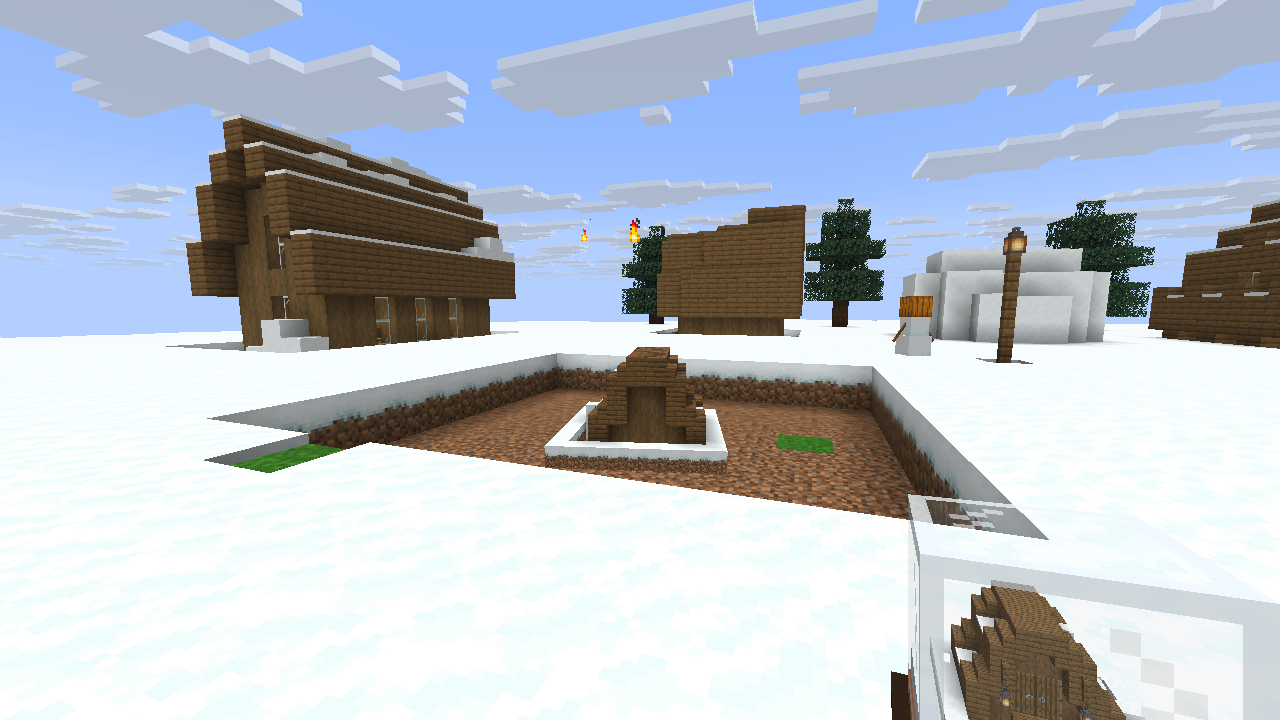
Hold use with an empty globe and a gold frame shows the cube it will take: the block you point at is the middle of its bottom layer, so the ground goes in with the house (grass and snow on top count as the ground under them). Keep holding and the place shrinks, spins and flies into the glass. Everything goes in: blocks, chests and barrels with all their items, beds, signs, banners, lanterns, water, crops, item frames and armor stands, animals, pets and villagers with their trades. Nothing is copied: what goes into a globe is gone from the world.

What stays in the world: bedrock and every other unbreakable block, portals, budding amethyst, monster spawners (unless the server allows them), monsters and players. Claims and spawn protection are respected: a globe never takes a block you could not break.

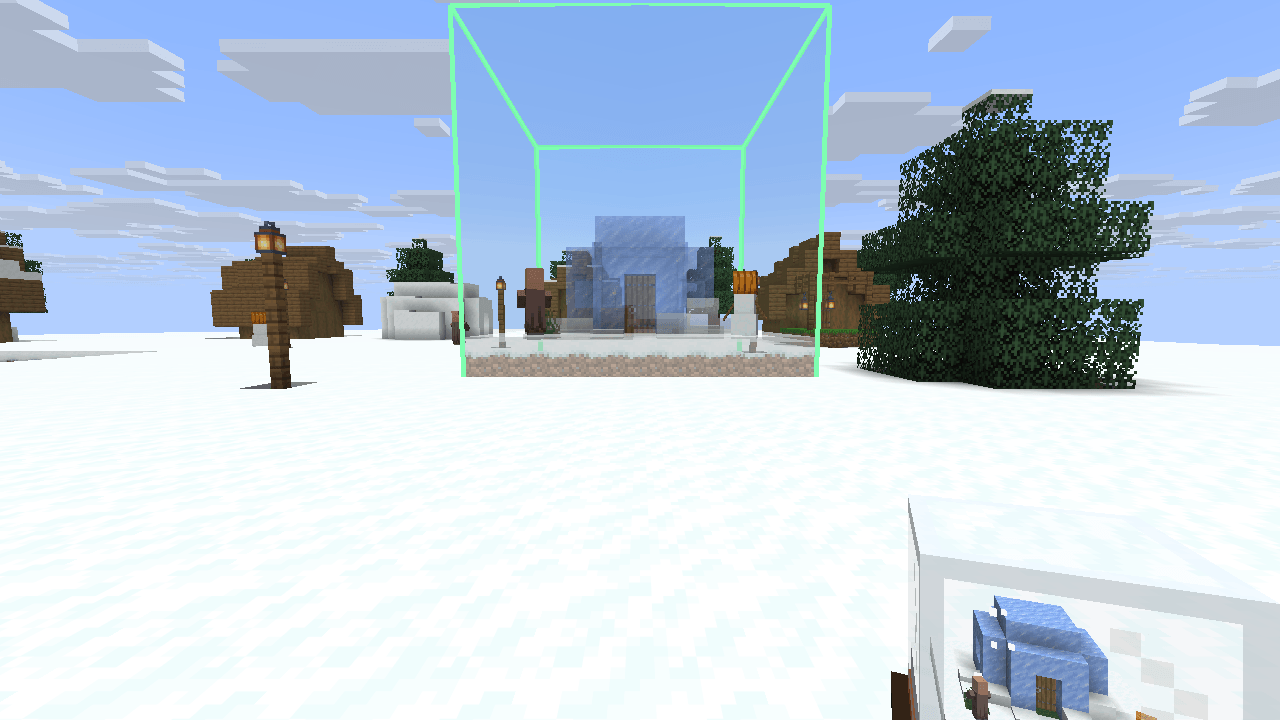
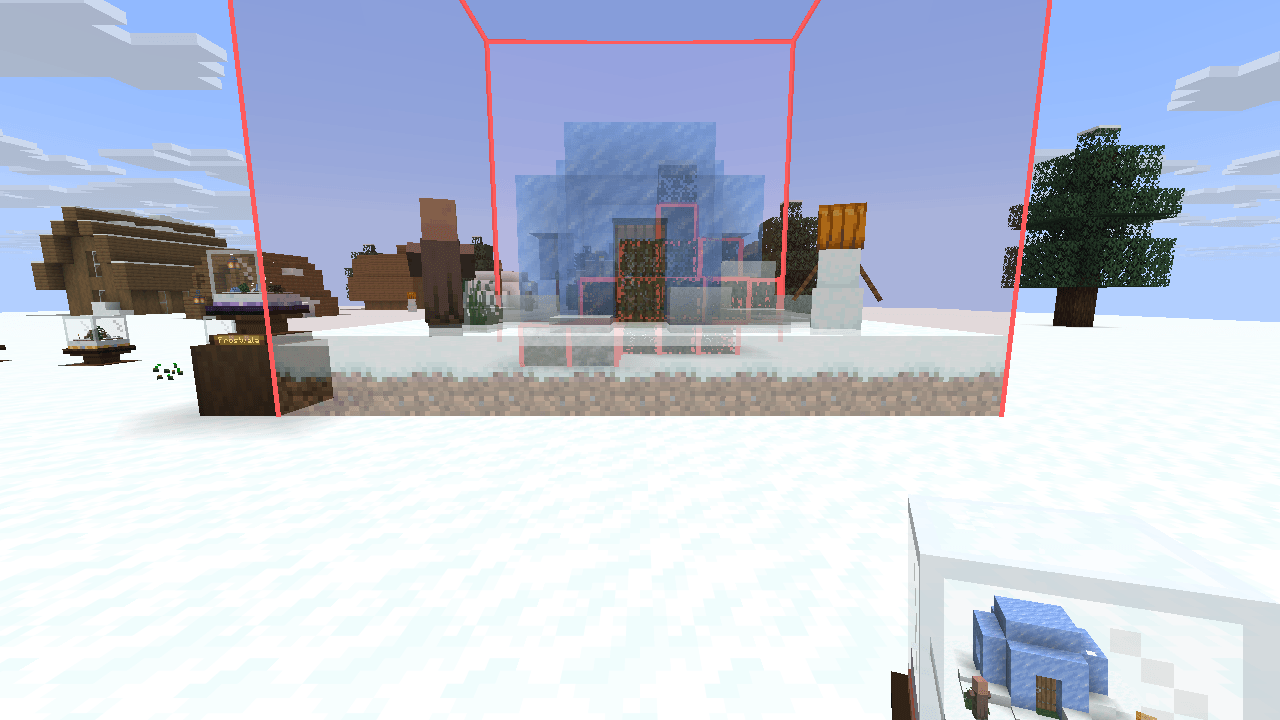
Hold a full globe and point at the ground: a see-through preview of the building shows exactly where it will stand, on top of the block you point at, with its creatures. R turns it a quarter, M mirrors it. Hold use and it grows out of the glass onto the ground. To put a place back where it was, point at the floor of the hole it left.

For a precise fit, click once to pin the frame: the arrow keys move it a block at a time, the mouse wheel moves it up and down, and holding use takes or sets down exactly there, wherever you look. A pinned frame has a bolder line; click again to let it go.

A globe never destroys anything: a building only goes into air, water, grass, ferns, a snow cover and such natural filler, and the empty space in the globe changes nothing. Crops, saplings, flowers, lava, the ground, a tree, a wall or anything you built light up red when they are in the way, and so does an animal, a villager or a friend standing where a block would go: the globe stays full until the place is clear or you pick another spot.


- Small Globe: 5 × 5 × 5 blocks, for a garden, a tree or a statue. Glass, a snowball and wooden slabs.
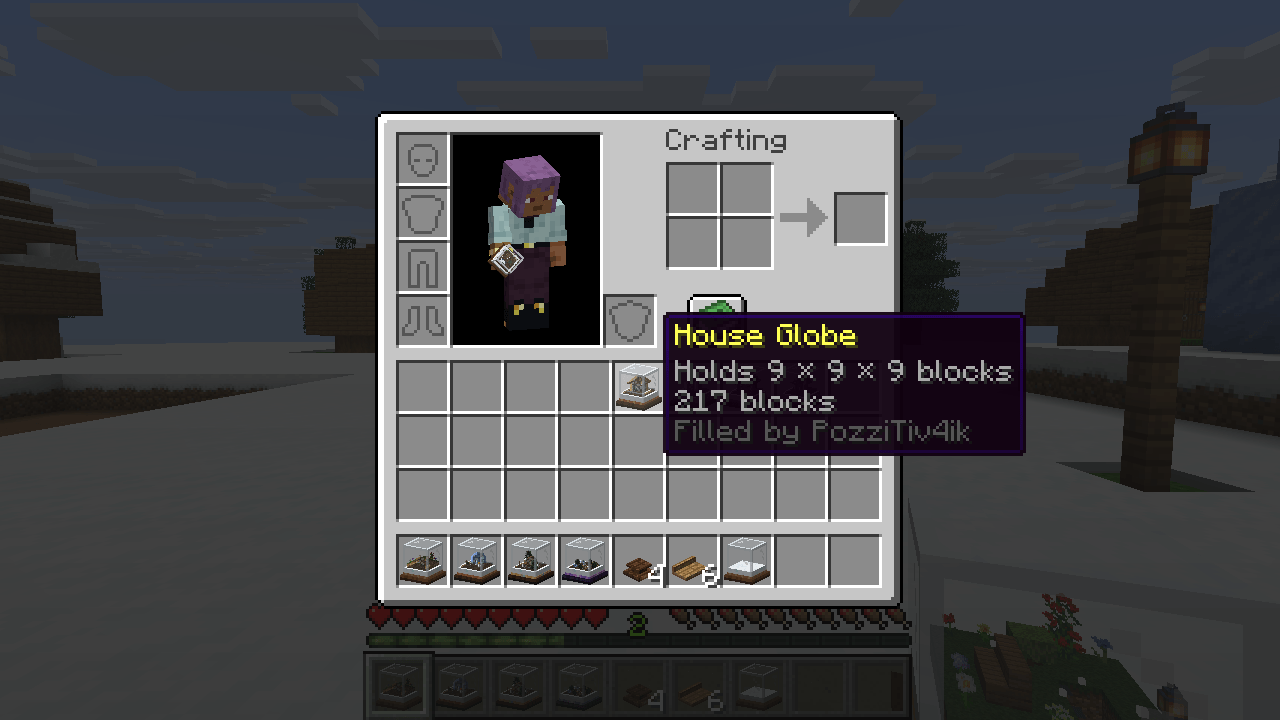
- House Globe: 9 × 9 × 9 blocks, for a cottage, a farm or a shop. Glass, an ender pearl and copper.
- Grand Globe: 16 × 16 × 16 blocks, for a manor or a whole base. Glass, an eye of ender, gold and a diamond.
- World Globe: 32 × 32 × 32 blocks, for a village square or a castle. Glass, a nether star, obsidian and amethyst.
Inside, the miniature lives: water ripples, torches and lanterns glow at night, the light follows the day outside and snow falls in the glass. A dropped globe never burns, never blows up, never despawns, and comes back up if it falls out of the world.


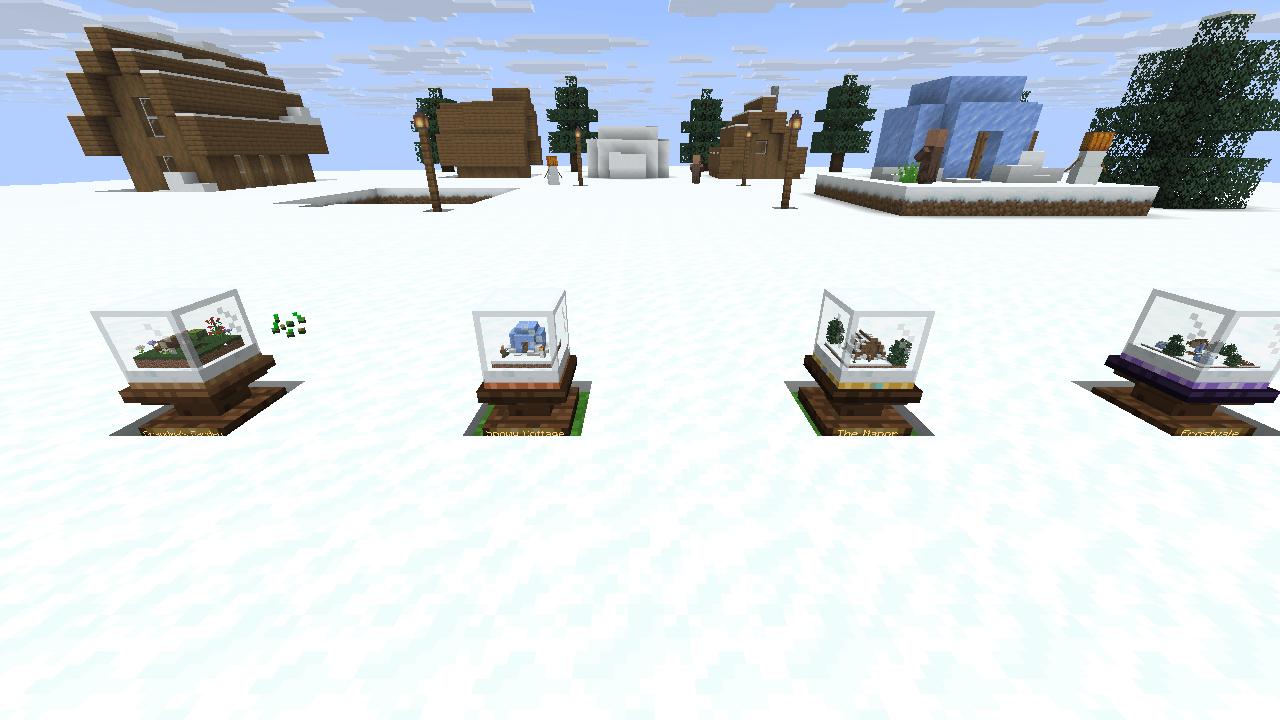
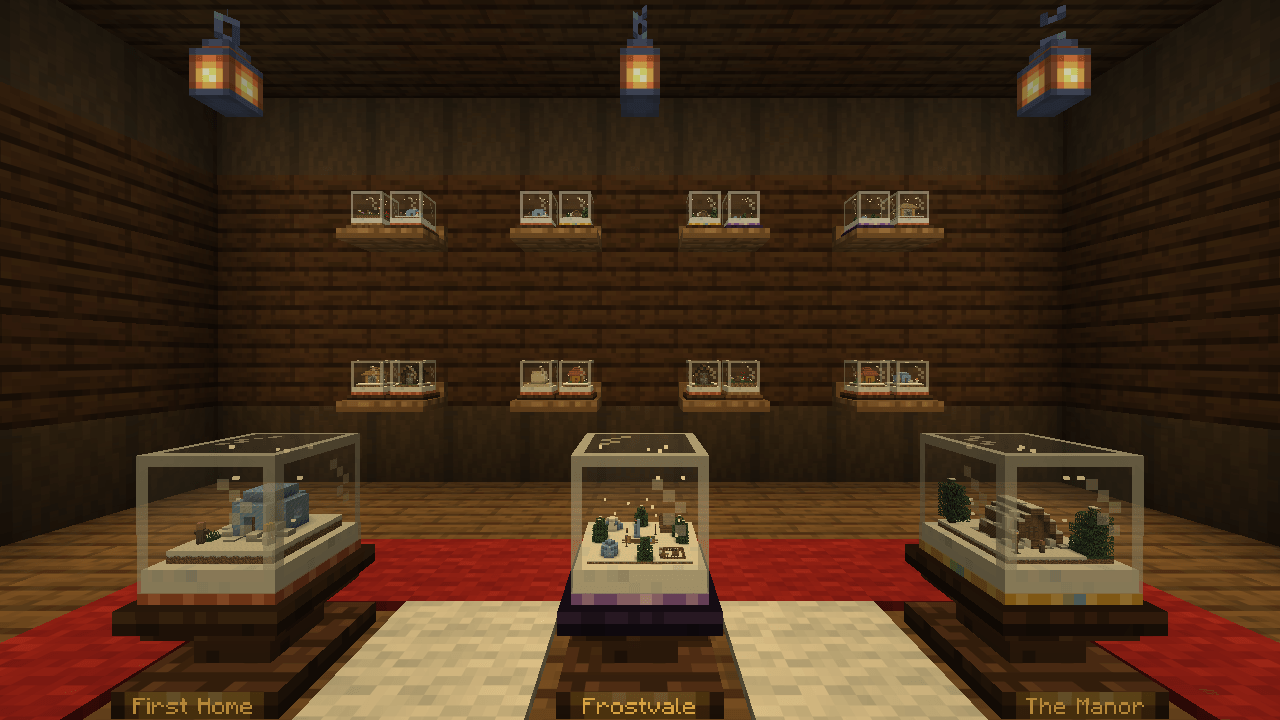
Put your globes on show. A Globe Stand holds one globe and shows its name on a brass plate (rename the globe on an anvil). A Globe Shelf hangs on the wall and holds two. Click a globe on display to shake it and watch the snow, sneak-click to take it back.


- Install NeoForge for Minecraft 1.21.1, 26.2 or 26.3 and put the Tiny Worlds jar into the mods folder of the client and the server.
- Craft a Small Globe from glass, a snowball and wooden slabs, point it at a tree and hold use.
- Everything else is in the recipe book and in the Tiny Worlds creative tab. The tooltip of every globe says what it holds.


The server config (tinyworlds-server.toml) sets how far you can point a globe, whether creatures and monster spawners go into globes, whether globes ask protection mods, which more blocks always stay in the world, whether the World Globe is allowed, and creative copies (off unless switched on): in creative mode taking a place leaves it standing and setting a building down keeps the globe full. Otherwise globes work the same in creative mode as in survival.

- One jar for Minecraft 1.21.1, 26.2 and 26.3 on NeoForge. Needed on the client and the server, no other mods required.
- In multiplayer everyone near sees a building fly into a globe or grow out of it.
- Blocks of other mods go into a globe with their saved data, like vanilla blocks. If a machine of another mod does not like being moved, add its blocks to
blocksThatStayin the config. - In 21 languages: English, Russian, German, Ukrainian, Belarusian, Polish, Czech, French, Spanish (Spain and Latin America), Portuguese (Brazil and Portugal), Italian, Dutch, Swedish, Turkish, Chinese (Simplified and Traditional), Japanese, Korean and Vietnamese.
License: MDFL 1.0 · ✅ Modpacks · ✅ Videos & streams · ✅ Compatibility addons · ❌ Reuploads · ❌ Modified copies
All the creative work and in-game testing are done by the mod’s creator. AI is just a handy tool working in the background to help generate code and support the project.
常见问题
Tiny Worlds: Snow Globes 支持哪些 Minecraft 版本?
Tiny Worlds: Snow Globes 支持 Minecraft Java 版 1.21.1–26.3,共 3 个版本,可用的加载器:NeoForge。下载时注意选择和你游戏版本一致的文件。
Tiny Worlds: Snow Globes 怎么安装?
先用 PCL2 或 HMCL 启动器安装对应版本的 NeoForge,再把下载的 .jar 文件放进游戏目录的 mods 文件夹,重新启动游戏即可。开启了版本隔离的,mods 文件夹在 versions/版本名 下面。
PozziTiv4ik 的其他作品
查看全部 →
Firmament
Soft sunlight, clear water and warm nights. An Iris shader pack for the worlds you already love.
OreGanics: Bio-Flasks
Grow ores in glass Bio-Flasks: plant a resource spore, watch it swell into ore and smelt the harvest.
ShadOre
Light-shy Umbracite crystals grow deep below Y 0: mine them in total darkness and temper iron, gold, diamond and netherite gear into shadow sets.
Lootlings
Your chest just grew legs: wake any chest with a key and it follows you, carries your loot, bites your enemies and keeps your things when you die.
评论
登录后评论和评分