
Tinker’s Planner Re:Planned
Fully plan a Tinkers' Construct tool before making it! Now updated for 1.20.1
截图
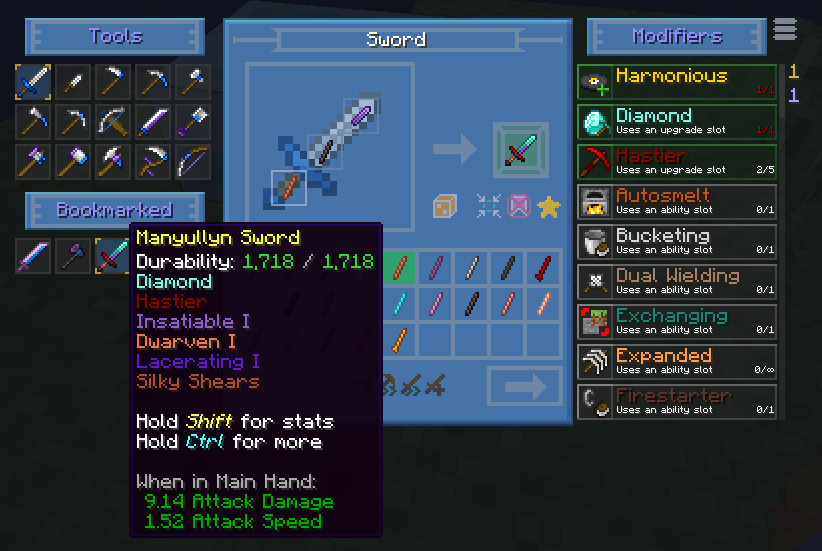
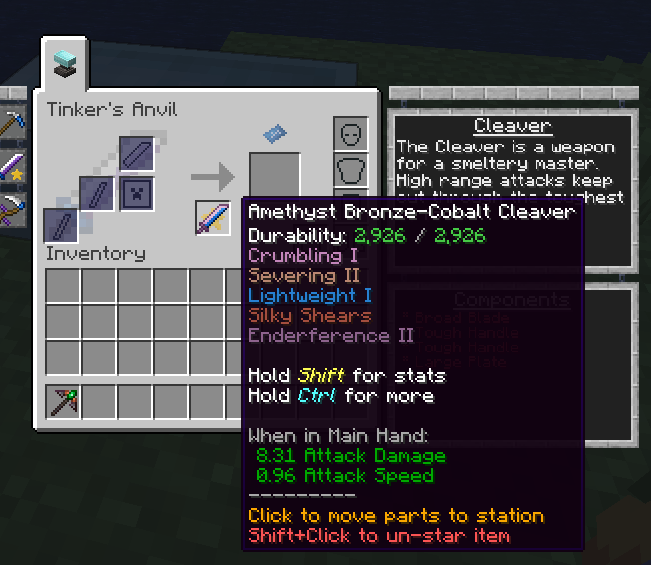
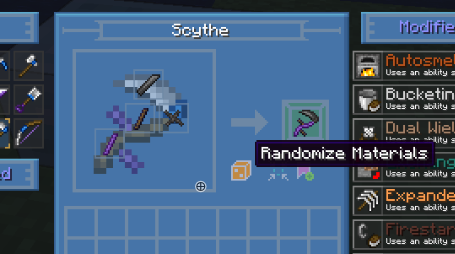
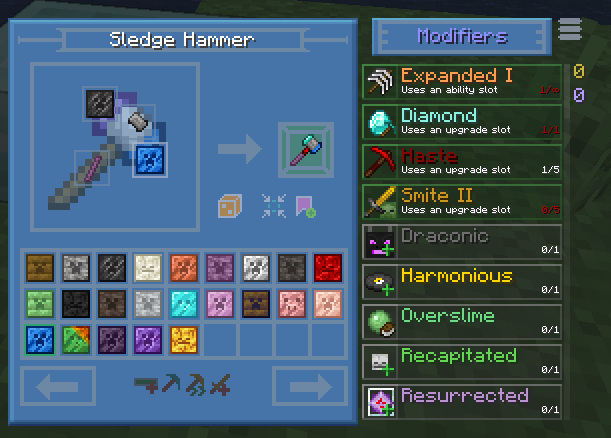
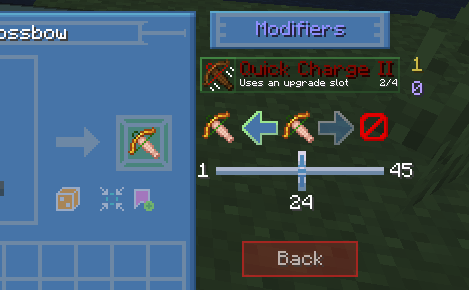
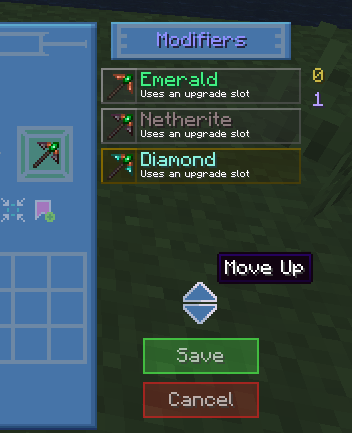
介绍
Description
Tinker’s Planner is an addon to Tinkers’ Construct that allows you to easily preview the stats of TiCon tools with any tool parts. This mod is entirely client-side!
Now updated to 1.20.1.
Credits go to Tiffit, SpikyStars for the original mod on 1.18
Original Description:

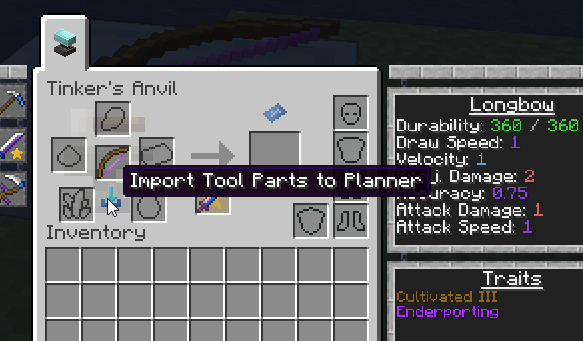
This mod adds a blueprint icon to the Tinker Station and Tinker’s Anvil and clicking this icon will open the Planner UI.

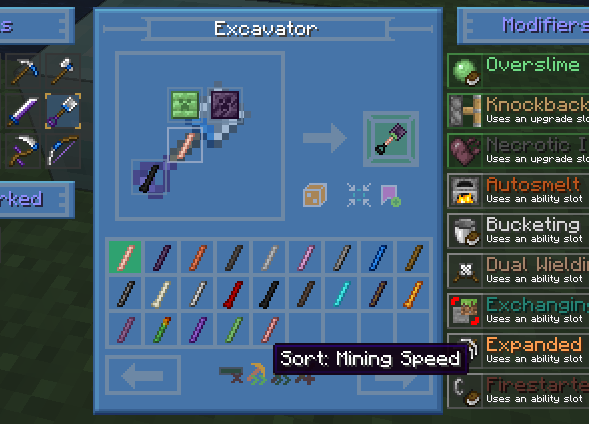
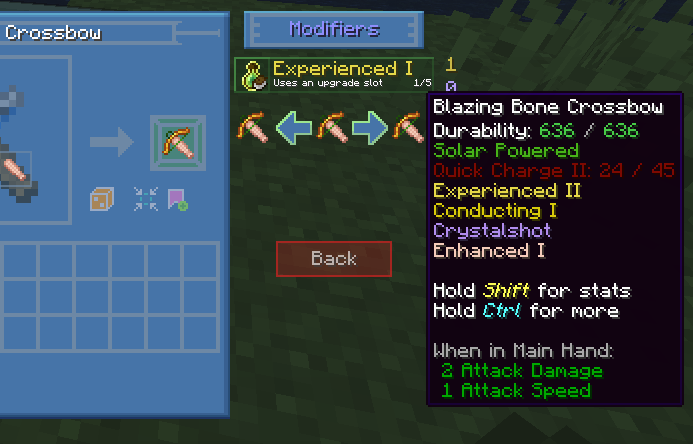
From here, you can draft out tools and view their stats.

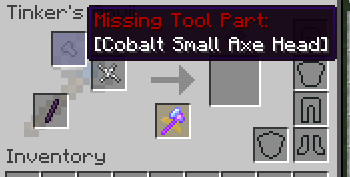
You can bookmark tools you’ve “created” to reference later, as well as sort tool part lists by certain attributes (such as mining speed or durability). You can even generate random tool combinations for fun! When you’re ready to create your final tool, you can “star” a bookmarked tool to pin it to the Tinker Station or Tinker’s Anvil UI. From there, clicking on that tool’s icon will try to automatically place the tool parts needed into the correct slots, if you have them in your inventory. It will also let you know what tool parts are missing or incorrect for completing the craft.

This mod is also available on CurseForge!
常见问题
Tinker’s Planner Re:Planned 支持哪些 Minecraft 版本?
Tinker’s Planner Re:Planned 支持 Minecraft Java 版 1.20.1,可用的加载器:Forge。下载时注意选择和你游戏版本一致的文件。
Tinker’s Planner Re:Planned 怎么安装?
先用 PCL2 或 HMCL 启动器安装对应版本的 Forge,再把下载的 .jar 文件放进游戏目录的 mods 文件夹,重新启动游戏即可。开启了版本隔离的,mods 文件夹在 versions/版本名 下面。运行环境:仅客户端。
Hojosa 的其他作品
查看全部 →
Engineer’s Decor Re:Vived
Adds cosmetic blocks for the engineer's factory, workshop, and home. Continued Version of Engineer's Decor Ported

Relics of Old
A mod about discovering old relics and anchient knowledge.
Engineer’s Decor Re:Vived
Adds cosmetic blocks for the engineer's factory, workshop, and home. Continued Version of Engineer's Decor Ported
评论
登录后评论和评分