
截图
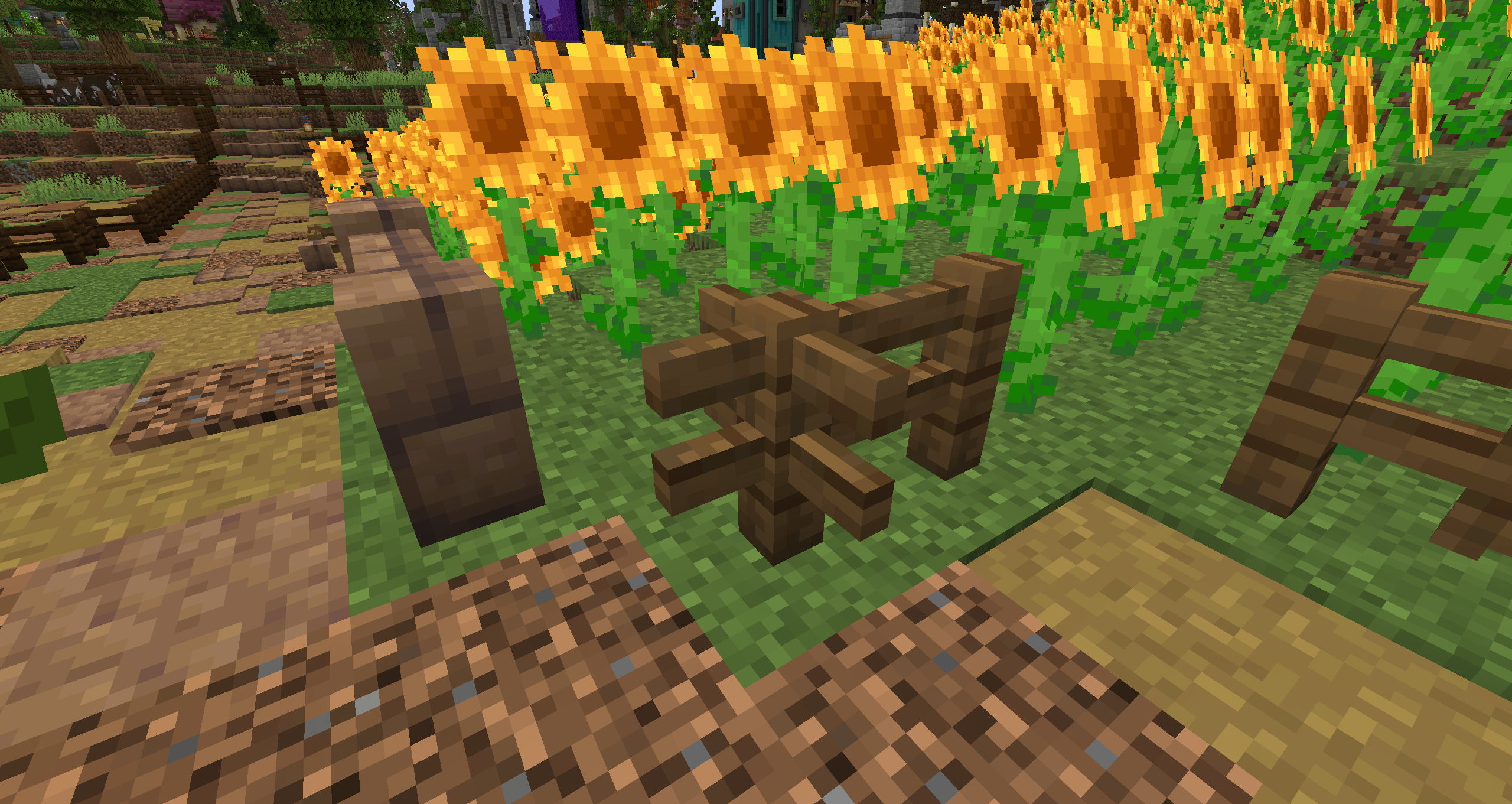
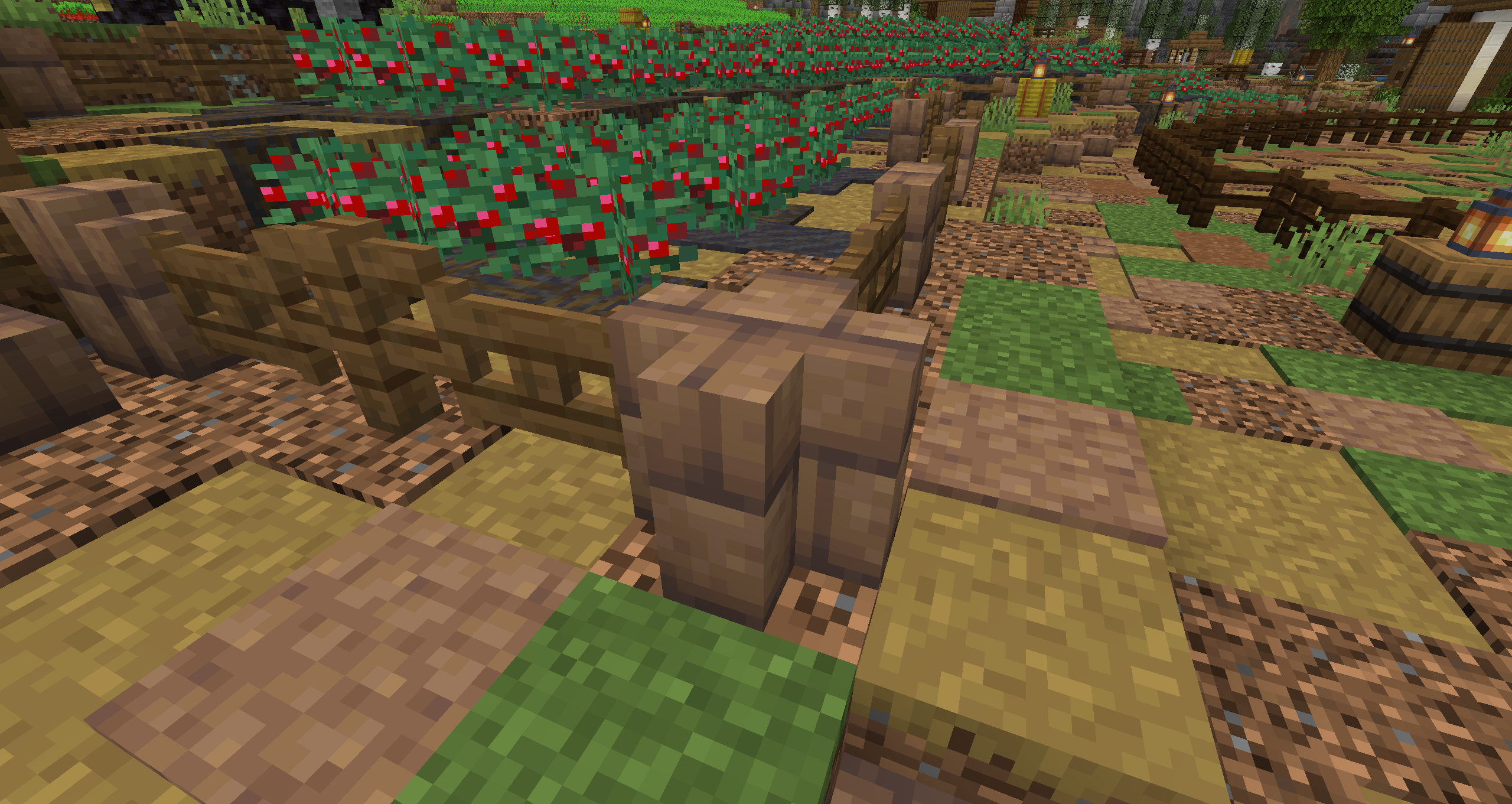
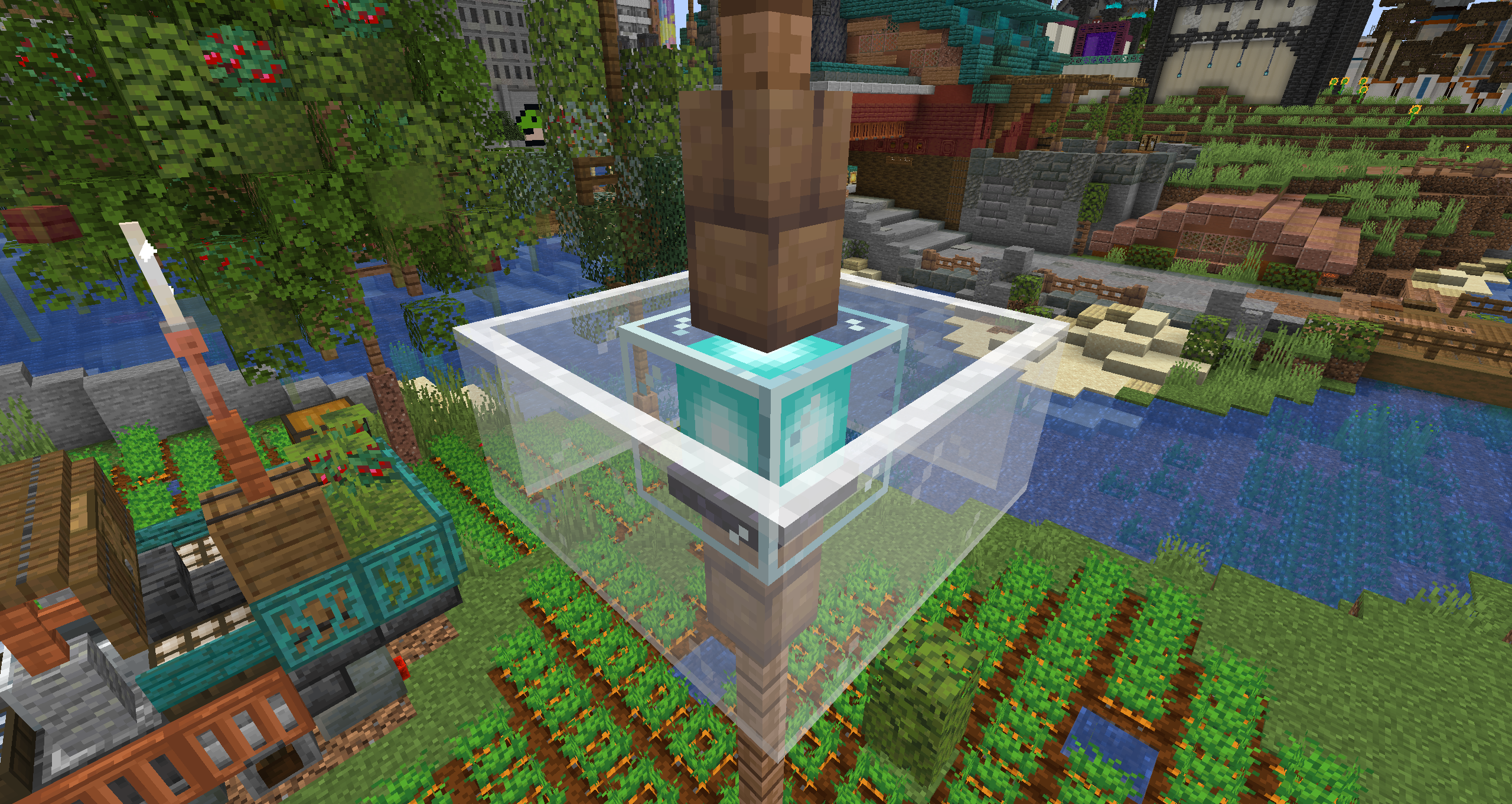
介绍
what it do
this plugin/mod and adds a survival safe, allowlisted block-state editor to your server, or single player world
think debug stick, but it only ever allows the cosmetic non game breaking bits!
server admins have complete control via config.yml over what blocks can and can’t be interacted with, and there’s live config reloading should there be a sudden need to change mind
this whole plugin and mod combo was birthed from my frustration of making a build in creative with WE, Axiom, etc. and then not being able to recreate this in an SMP with my friends, due to no debug sticks
how it do
in terms of how this works on your server, it needs to be both server side and client side, for it to function
when you’re loaded up and in game, the default keybind is G (this can be changed in your controls menu) and you’ll see a pop up message to show that you’ve activated/deactivated tinker mode
whilst tinker mode is active, blocks cannot be destroyed, and anything you right click will be tinkered with (inside the permitted blocks)
tips n tricks
if you update a tinkered block, its probably gonna reset, so i definitely advise making your build fully, THEN going ahead and tinkering, otherwise you risk undoing a lot of work
常见问题
tinker 支持哪些 Minecraft 版本?
tinker 支持 Minecraft Java 版 26.2,可用的加载器:Fabric / Paper / Purpur。下载时注意选择和你游戏版本一致的文件。
tinker 怎么安装?
先用 PCL2 或 HMCL 启动器安装对应版本的 Fabric / Paper / Purpur,再把下载的 .jar 文件放进游戏目录的 mods 文件夹,重新启动游戏即可。开启了版本隔离的,mods 文件夹在 versions/版本名 下面。运行环境:客户端和服务端都要装。
评论
登录后评论和评分