
Timekeeper – Calendars
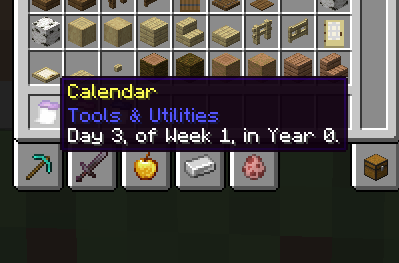
A simple mod that adds calendars to your world. Now you can find out what day or year your world is!
截图
介绍
A networking issue has been found with this mod, causing it to send far too many updates to players on servers. I cannot fix this at the moment & thus this mod is not recommended in instances where bandwidth limits or slow internet are unavoidable!
Timekeeper is a simple mod that adds a craftable calendar into your game. The goal is to make creating a world history all that more simpler, by making it possible to actually know the precise day that it is, in a much more immersive & accessible way.
It is also compatible, and encouraged with mods that extend the day-night cycle. Personally I use around 2-4 hours as it gives ample time for each day to have it’s importance.
This mod also includes a Real-Time calendar for convenience, and a version compatible with Serene Seasons’ 96 day year cycle. (adjustable via commands) Enjoy!
Types of Calendars…
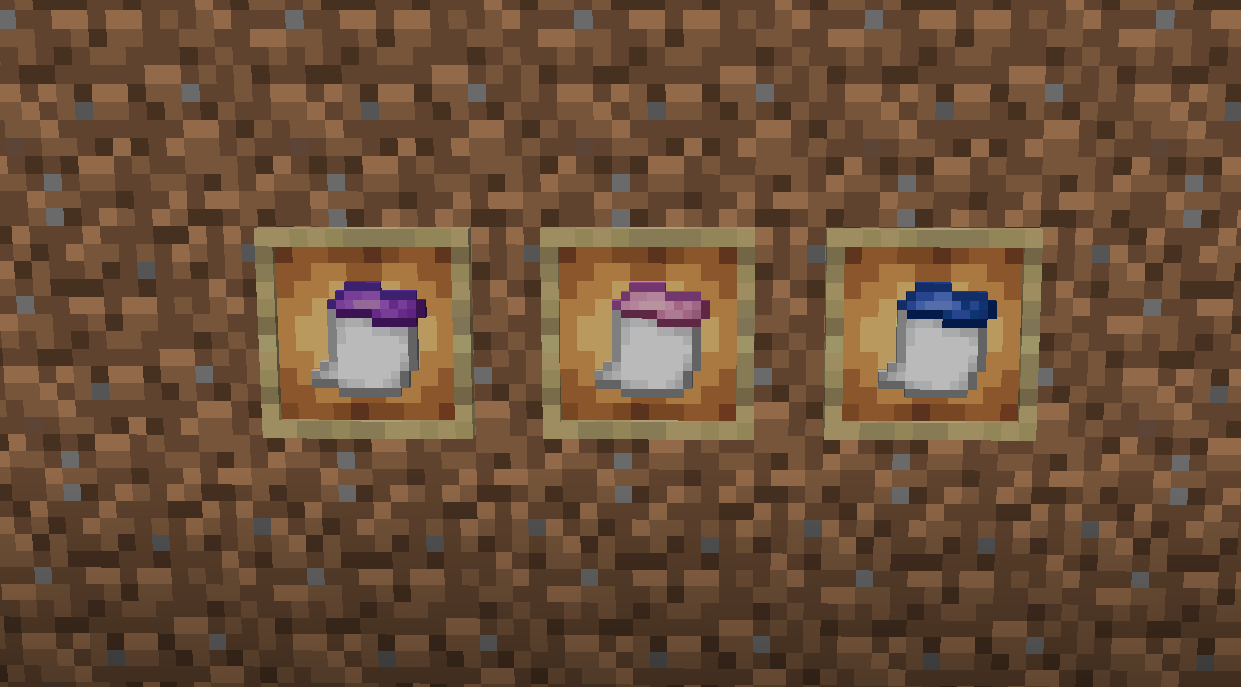
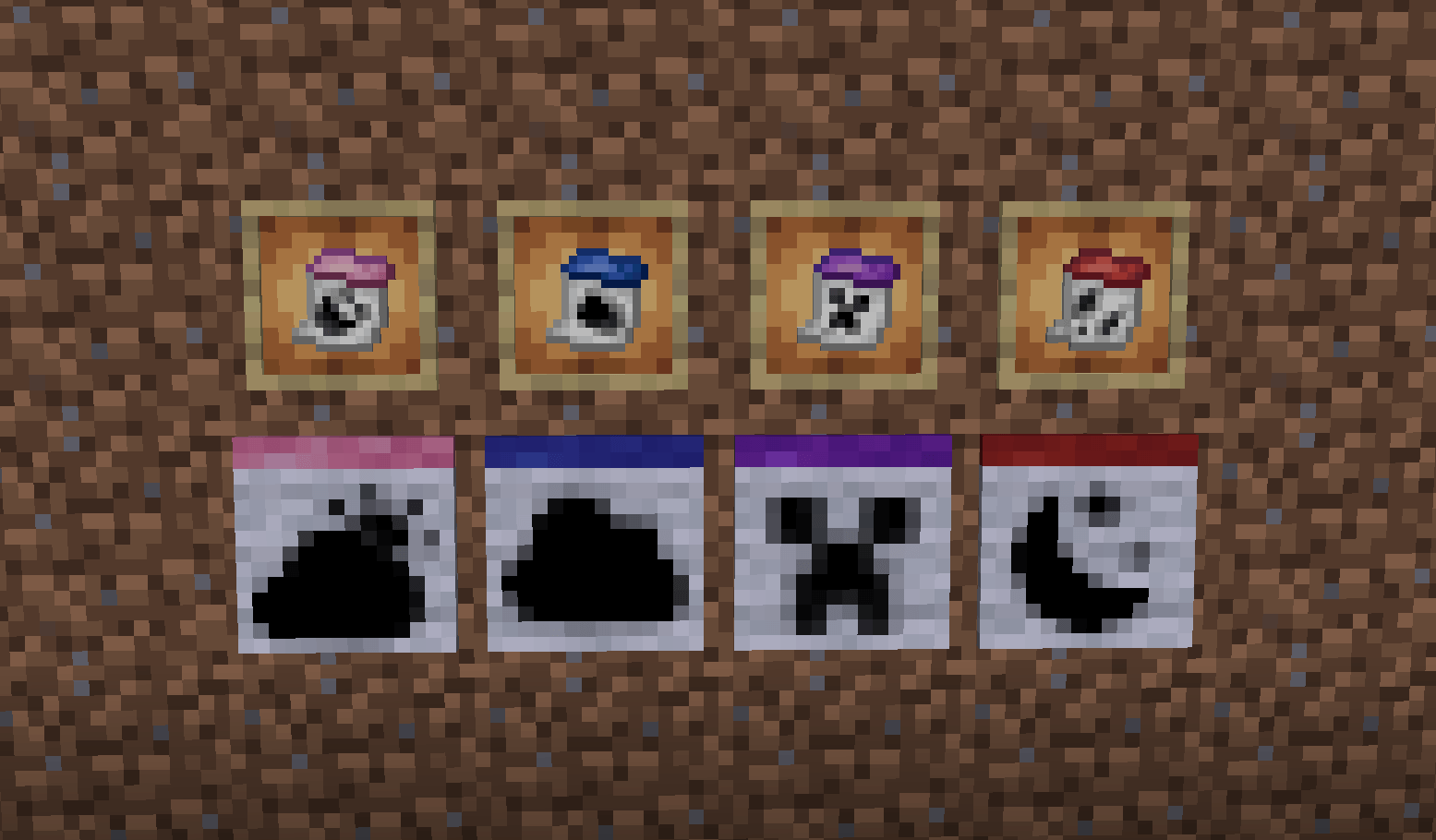
The first three calculators calculate while the server has been on, allowing an accurate time based on how long the world has been online total. In both MC timescale, and Real timescale.
Vanilla
Operates on a 365 Day Calendar of approximately 52 7-day Weeks, in Minecraft-Time
Realtime
Operates on a 365 Day Calendar of approximately 52 7-day Weeks, in Real World-Time
Serene (Serene Seasons Compatibility)
Operates on a 96 Day Calendar of approximately 16 6-day Weeks, in Minecraft-Time (Adjustable via commands)
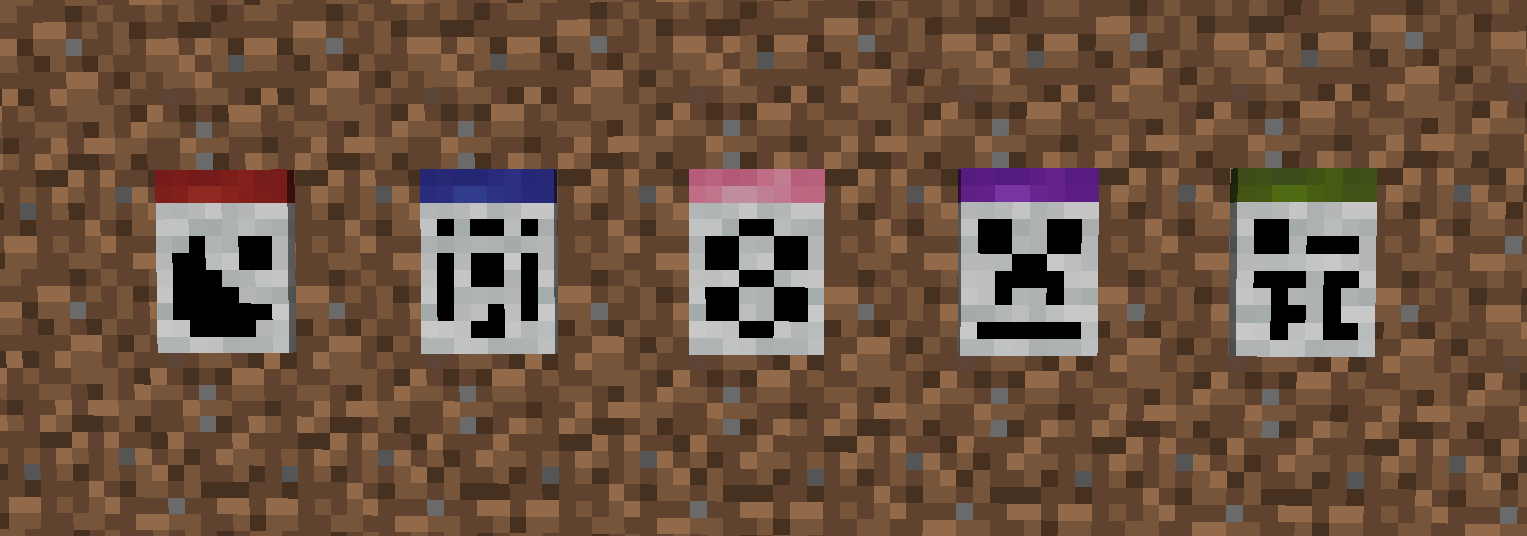
Terra Firma (TerraFirmaCraft Compatibility)
Operates on a 365 Day calendar, starting at year 1000, in Minecraft-Time (Adjustable via commands)
Localtime
Clones the local-time as reported by the PC, in DD-MM-YYYY Format
常见问题
Timekeeper – Calendars 支持哪些 Minecraft 版本?
Timekeeper – Calendars 支持 Minecraft Java 版 1.20.1–1.21.8,共 4 个版本,可用的加载器:Forge / NeoForge。下载时注意选择和你游戏版本一致的文件。
Timekeeper – Calendars 怎么安装?
先用 PCL2 或 HMCL 启动器安装对应版本的 Forge / NeoForge,再把下载的 .jar 文件放进游戏目录的 mods 文件夹,重新启动游戏即可。开启了版本隔离的,mods 文件夹在 versions/版本名 下面。
Lunakibby 的其他作品
查看全部 →
Netherite Tweaks & Fixes
修复了下界合金(远古残骸)无法在模组添加的下界生物群系中正常生成的问题。
Blocks You Need (BYN) – Industrial, Steampunk, Laboratory, Space & more!
将融入 Minecraft 世界的方块添加到你的调色板中!

Netherite Tweaks
修复了导致下界矿石无法在模组生物群系中生成的问题。
Heralds II – Flags, Banners, Heraldry & More!
以原版友好的方式将旗帜、旗帜与纹章带入Minecraft!
评论
登录后评论和评分