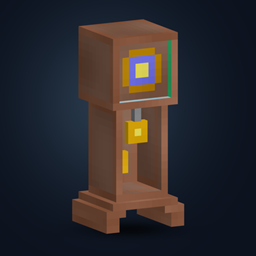
Time Orbs
Time Orbs 2.0 brings Solar/Lunar Orbs, reusable Wands, explosive Sun/Moon Blocks and the Grandfather Clock to 12 Minecraft versions from 1.2.5 to 1.21.5, with Forge, Fabric and NeoForge builds.
截图
介绍
Time Orbs
Make time for your next adventure.
Bring on the dawn, settle into the night, or give your base a magical centerpiece. Time Orbs adds craftable orbs, reusable wands, and a working Grandfather Clock that put the day–night cycle in your hands.
A clock worth building around
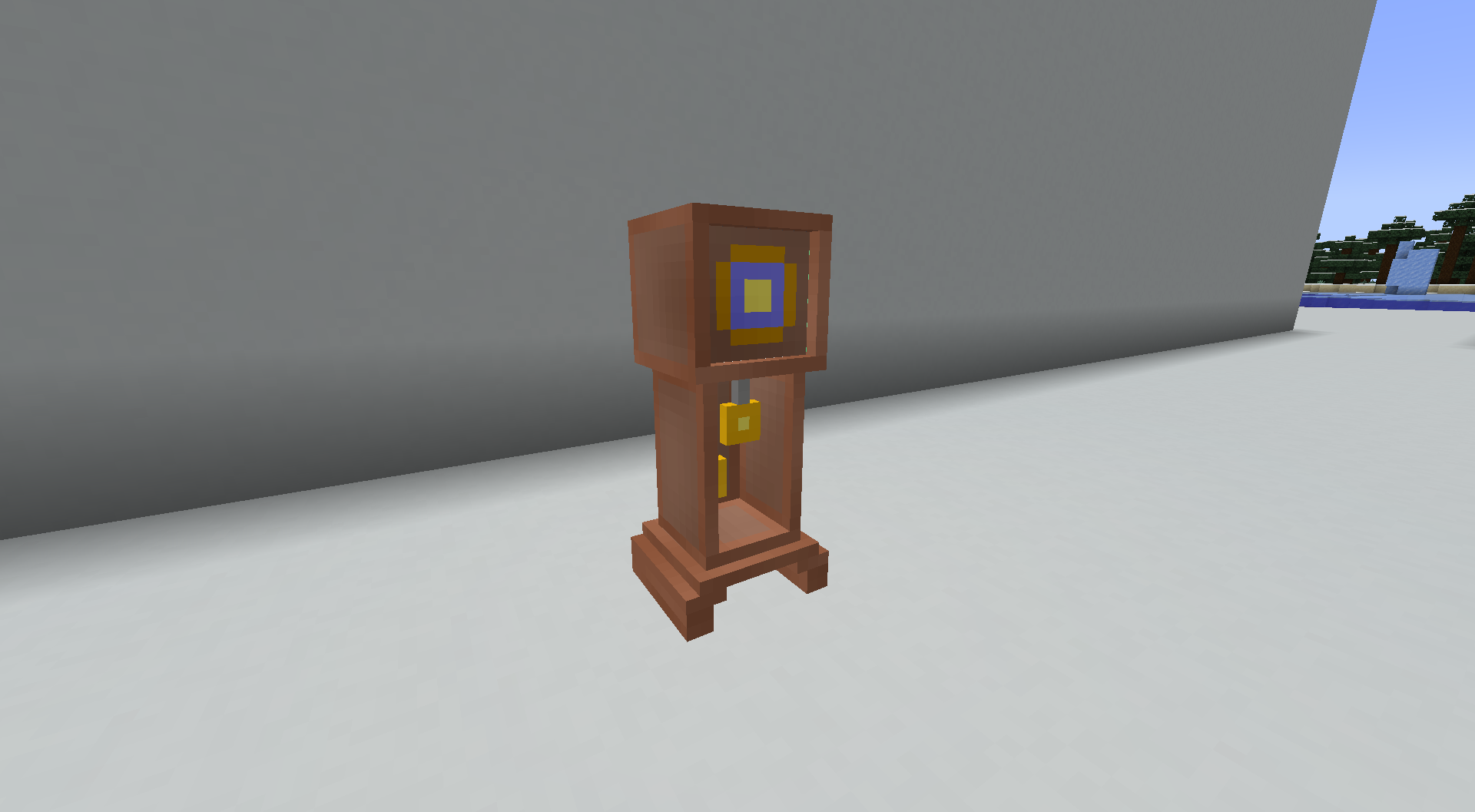
The Grandfather Clock is the centerpiece of your time-controlling toolkit. Build it for your workshop, tower, or home, then use it to choose noon, midnight, sunset, or moonset—as often as you like.
Carry the sun and moon
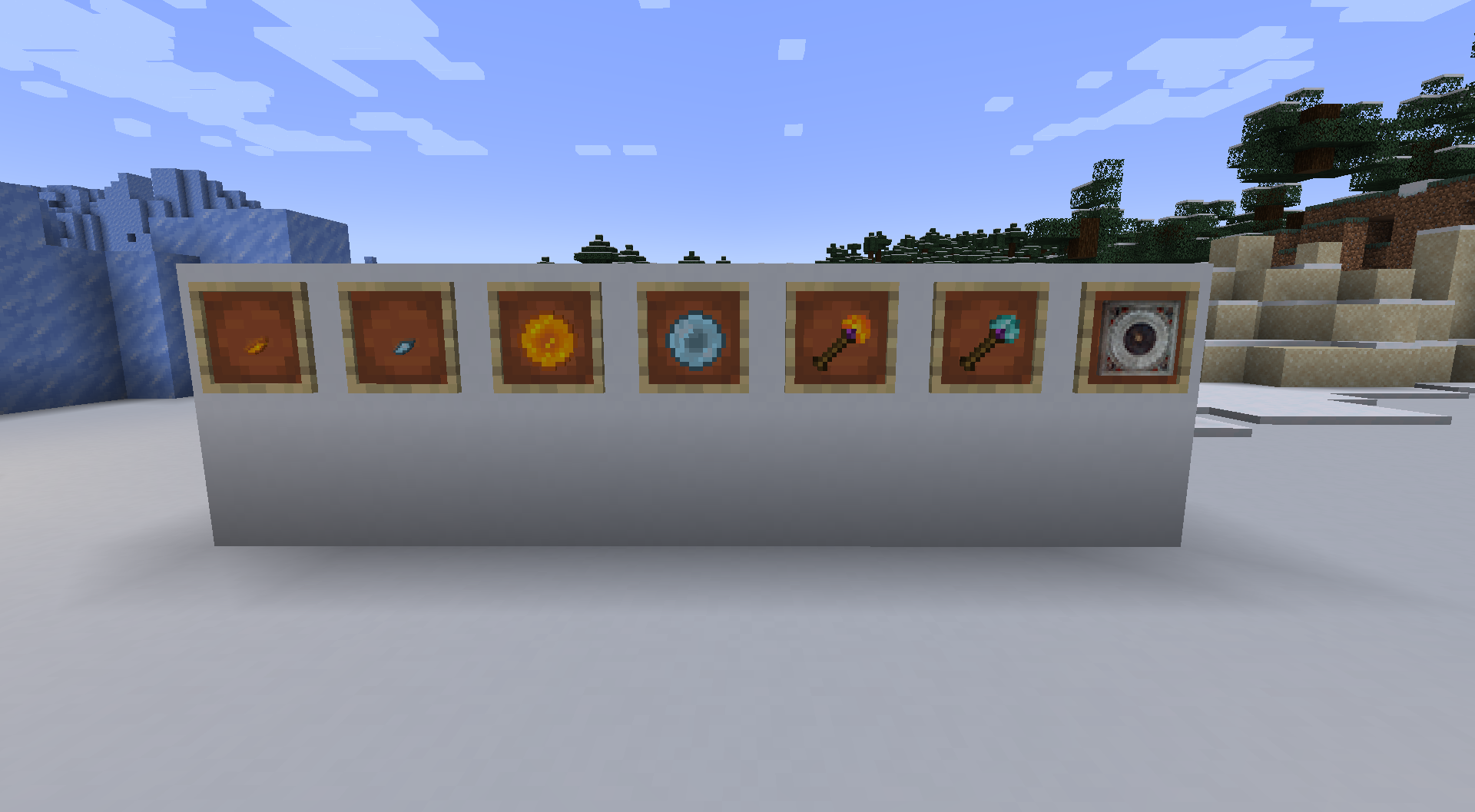
Keep a little time magic in your inventory:
| Item | What it does | Uses |
|---|---|---|
| Solar Orb | Brings the world to dawn | Single use |
| Lunar Orb | Brings the world to night | Single use |
| Solar Wand | Brings the world to dawn | 16 uses |
| Lunar Wand | Brings the world to night | 16 uses |
| Grandfather Clock | Offers four time presets | Reusable |
Start with a shard
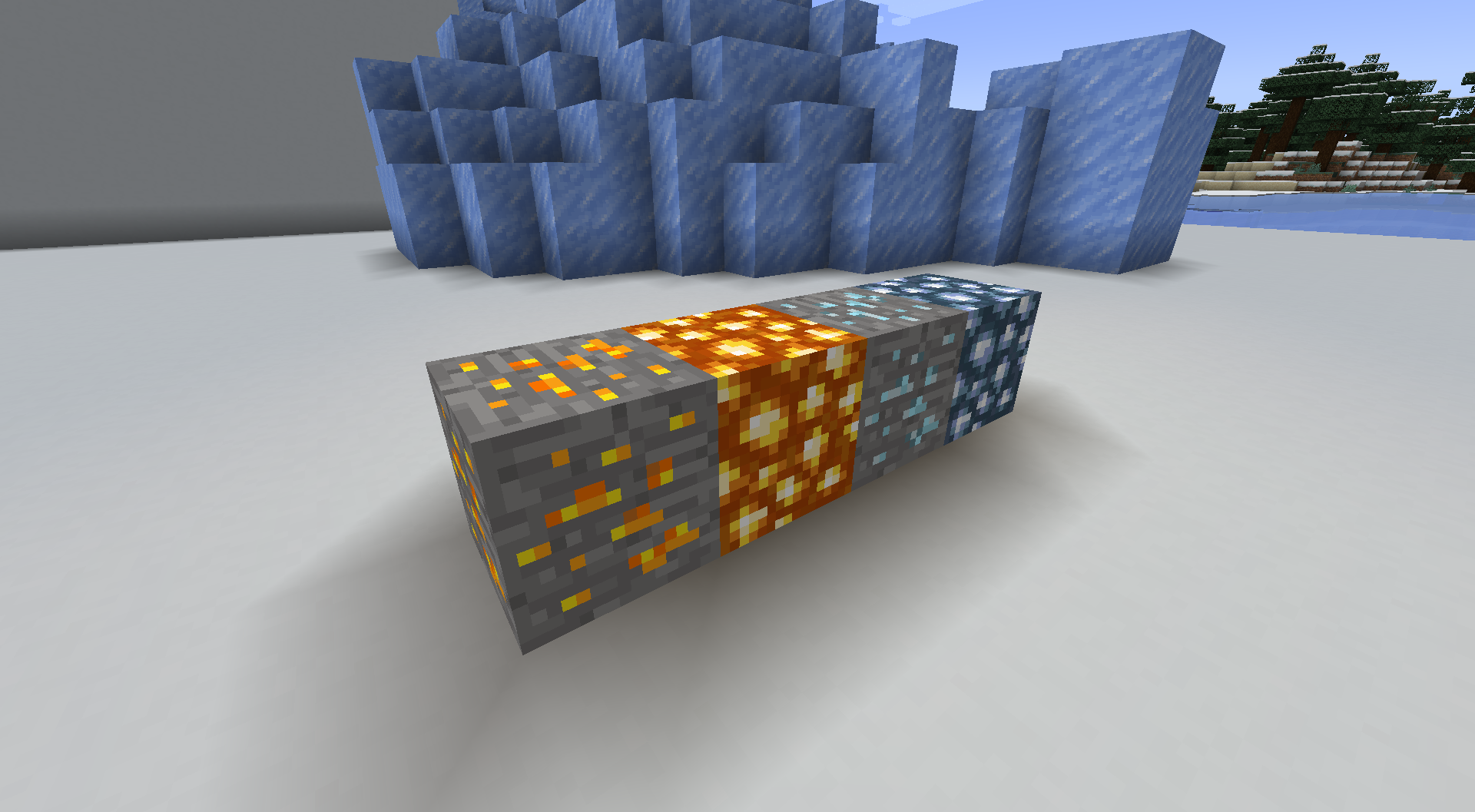
Explore the Overworld for Solar Ore and Lunar Ore, then turn your discoveries into something more powerful.
- Collect Solar Shards or Lunar Shards.
- Combine nine matching shards into an orb.
- Combine nine matching orbs into a Sun Block or Moon Block.
- Craft a Clock Core using Sun Blocks, Moon Blocks, and a vanilla clock, then build your Grandfather Clock.
The 1.21.1 editions include recipe-book entries, with Fortune and Silk Touch support for the ores.
A more dramatic way to change the time
Activate a Sun Block or Moon Block to begin a three-second ritual, followed by lightning and a large explosion. Sun Blocks bring noon; Moon Blocks bring midnight.
Give these blocks plenty of space. Their explosions can damage your surroundings.
Supported Minecraft versions
Time Orbs 2.0.0 is available for these exact Minecraft versions. Choose the file matching both your Minecraft version and mod loader.
| Minecraft | Mod loaders | Java |
|---|---|---|
| 1.2.5 | Forge — separate client and dedicated-server files | 8 |
| 1.4.7 | Forge | 8 |
| 1.6.4 | Forge | 8 |
| 1.7.10 | Forge | 8 |
| 1.12.2 | Forge | 8 |
| 1.16.5 | Forge, Fabric | 8 |
| 1.18.2 | Forge, Fabric | 17 |
| 1.19.2 | Forge, Fabric | 17 |
| 1.20.1 | Forge, NeoForge, Fabric | 17 |
| 1.21.1 | NeoForge, Fabric | 21 |
| 1.21.4 | NeoForge, Fabric | 21 |
| 1.21.5 | NeoForge, Fabric | 21 |
Installation
Install Time Orbs on both the client and server. For Minecraft 1.2.5, use the Forge Client JAR on the client (including singleplayer) and the matching Forge Server JAR on a dedicated server. The other 2.0.0 builds use one JAR for both sides.
Fabric builds require Fabric API for the same Minecraft version. Forge and NeoForge builds use their matching loader.
The 2.0.0 builds are beta releases. The original 1.0.0 Fabric build for Minecraft 1.19.4 remains available as a legacy alpha download.
Time changes preserve your world’s accumulated days. Back up existing worlds before upgrading from an older Minecraft version.
Created by TLPEuan / EuanHoll.
Also on Modrinth.
常见问题
Time Orbs 支持哪些 Minecraft 版本?
Time Orbs 支持 Minecraft Java 版 1.2.5–1.21.5,共 13 个版本,可用的加载器:Fabric / Forge / NeoForge。下载时注意选择和你游戏版本一致的文件。
Time Orbs 怎么安装?
先用 PCL2 或 HMCL 启动器安装对应版本的 Fabric / Forge / NeoForge,再把下载的 .jar 文件放进游戏目录的 mods 文件夹,重新启动游戏即可。开启了版本隔离的,mods 文件夹在 versions/版本名 下面。
euantlp 的其他作品
查看全部 →
Fabricate – Tom’s Storage Autocrafting
可直接通过 Tom's Simple Storage 终端请求合成和机器配方,并支持匹配材料与监控任务进度。
Siphon – Tom’s Storage Fluids
Store and transfer fluids through Tom's Simple Storage cables and access them from its regular terminals.
More Food – Preserved
A recovered early food mod, probably my second: sugary chips, burgers and all the original jank, preserved across Minecraft versions.

Derpy Pig
My first ever mod, created in 2012: a very strange pig and its equally strange food, recovered and ported with all its janky weirdness.
评论
登录后评论和评分