
截图
介绍
中文介绍正在准备中,下面暂时显示原文。
Time Loop



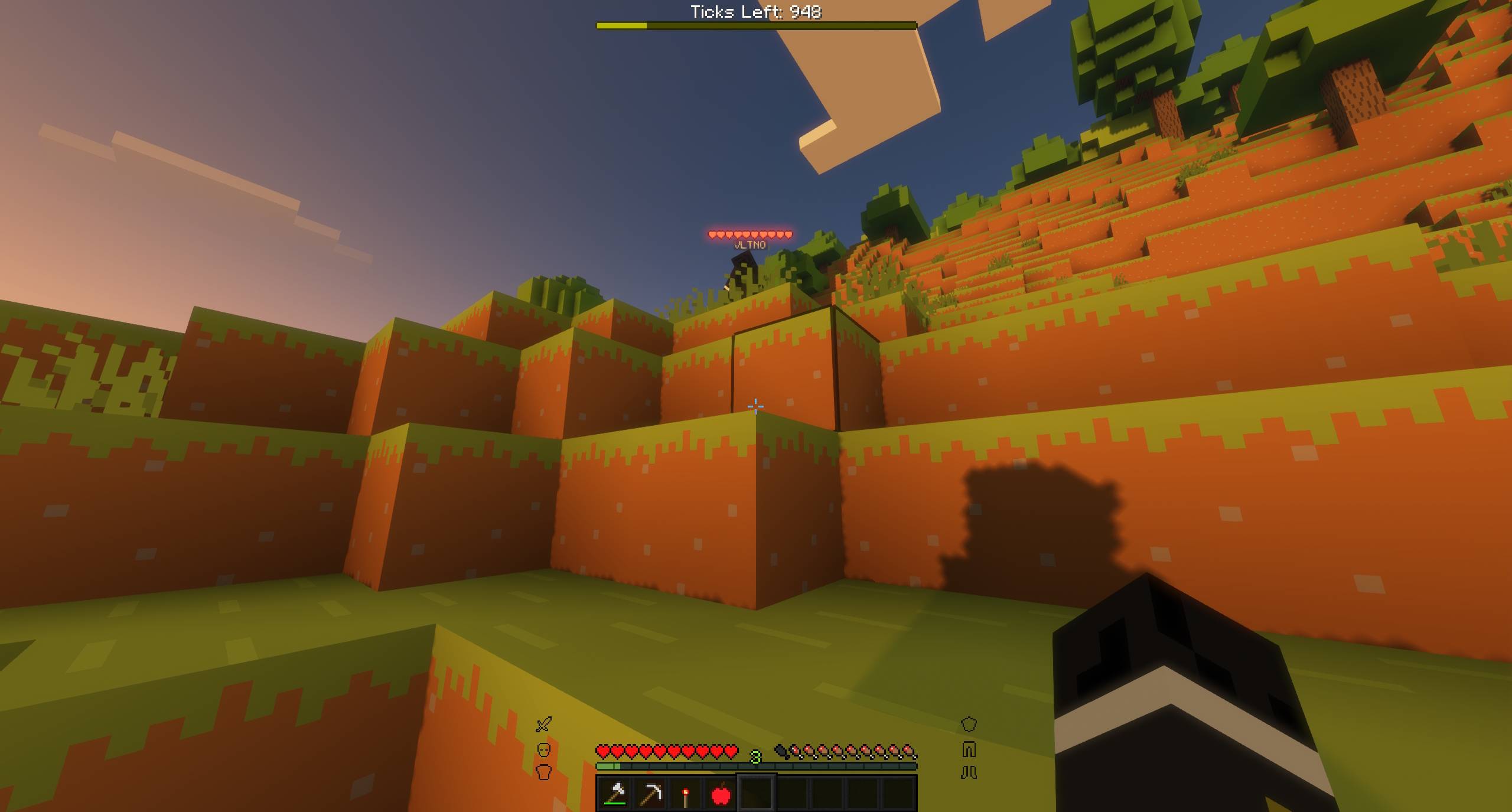
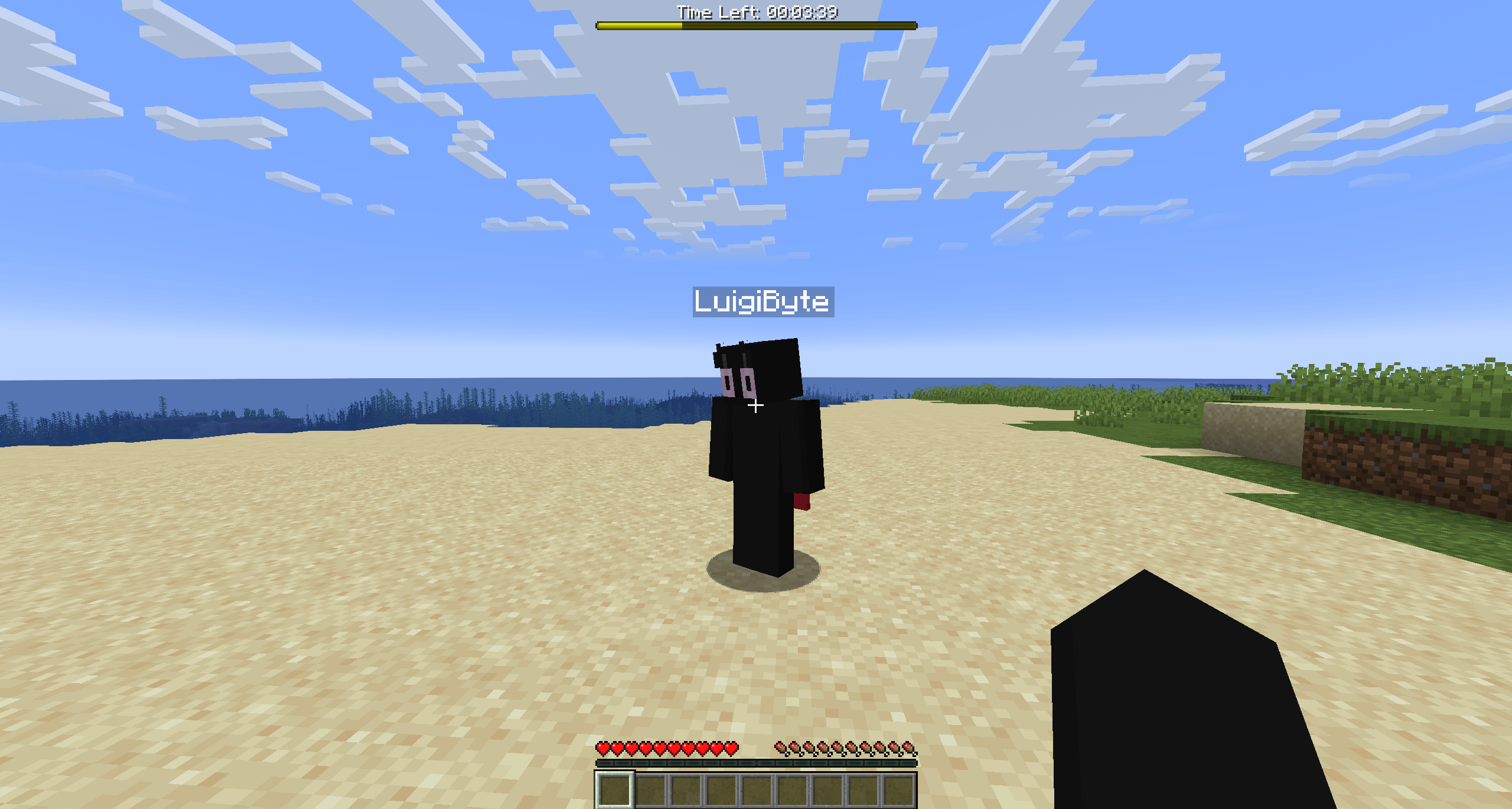
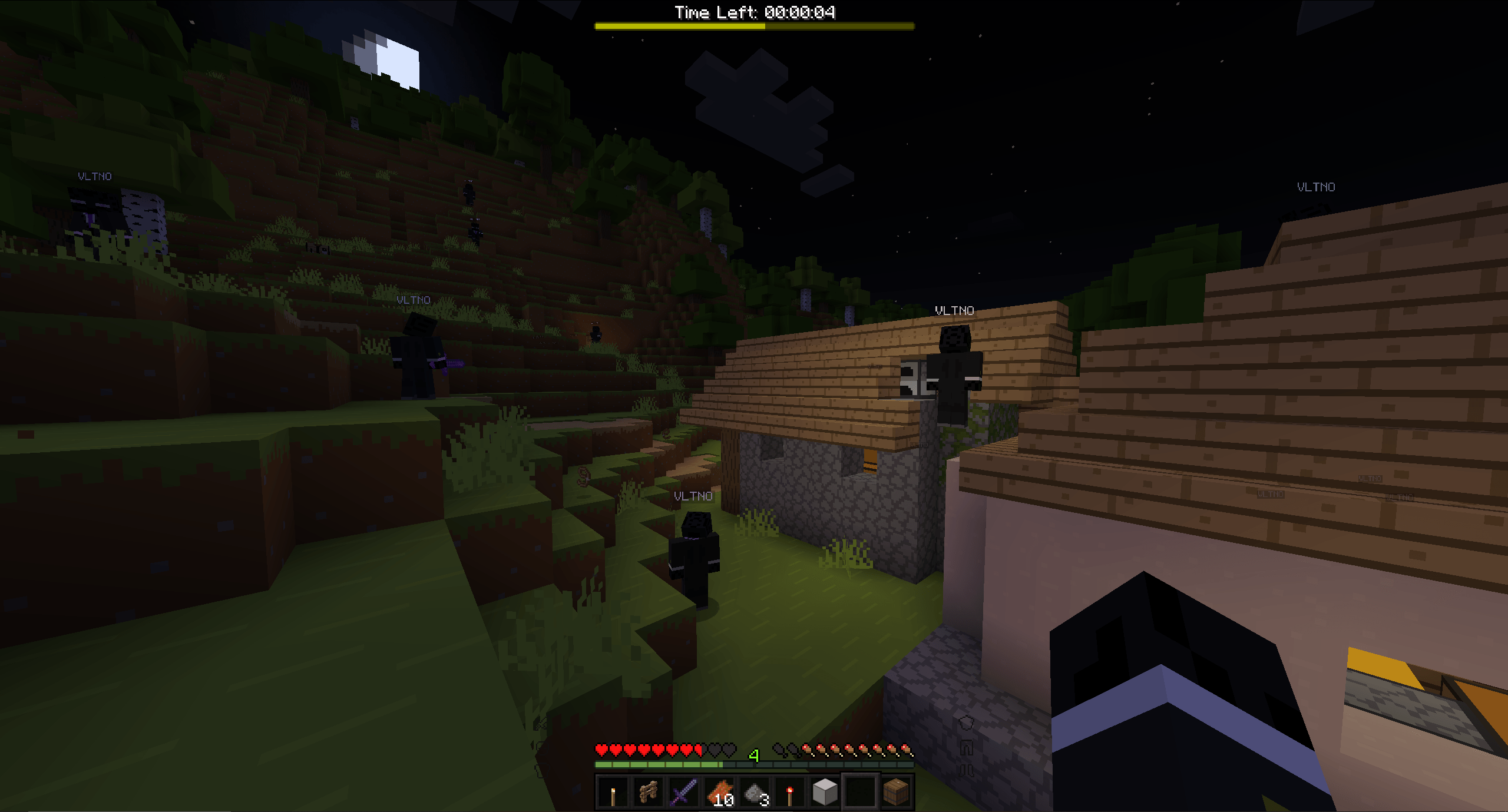
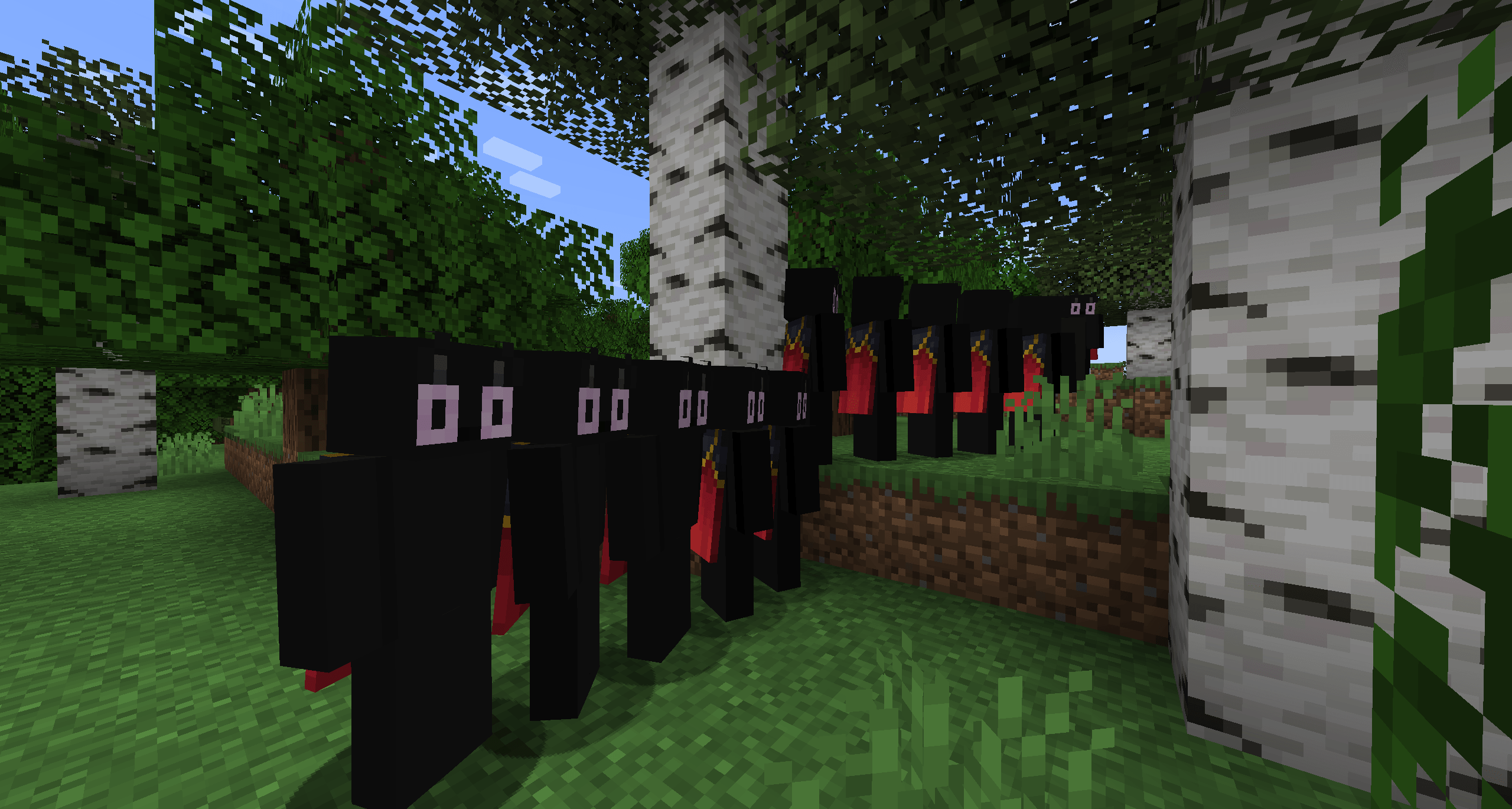
A mod that ‘loops’ time by using the Motion Capture Mod.
Motion Capture mod by mt1006. Inspired by this Tombino video. Original datapack by Penguin Mafia.
Installation
Requires Motion Capture Mod 1.4-alpha-10
The mod works in singleplayer and multiplayer.
Usage
Simply use commands to configure the loop.
/loop
start– Start the loop.skip– Skip the loop and advance to the next iteration.stop– Stop the loop.reset– Reset the loop and go back to the first recording. This doesn’t delete the recordings as of yet but it’s being worked on.status– Shows the status of the loop in chat.- settings
maxLoops [disabled]– Sets the maximum amount of loops.loopType [duration] [5mins]– Sets the type of loop.modifyPlayer [target_player] [nickname] [skin_from_file|skin_from_name|skin_from_mineskin] [skin]– Changes a looped player’s nickname and skin.setRewindType [none]– Sets the rewind type.- toggles
trackTimeOfDay [false]– Toggles tracking the time of day during loops.trackItems [true]– Toggles tracking dropped items during loops.trackInventory [false]– Toggles tracking the player’s inventory during loops.showLoopInfo [true]– Toggles a bar at the top of the screen showing the amount of ticks/time left until the next loop.displayTimeInTicks [false]– Displays the ticks instead of HH:MM:SS on the info bar.trackChat [true]– Toggles tracking chat during loops.hurtLoopedPlayers [false]– Toggles being able to hit looped players.
- voice (Requires simple voice chat to be installed)
trackVoice [true]– Toggles tracking simple voice chat during loops.showPlayerVoiceIcon [true]– Toggles whether or not to show the speaking icon for looped players.
Loop Types
manual➔ Only loops when you use theskipcommandduration x➔ Loops every x. Defaults to 5 minutes (6000 ticks)time_of_day x➔ Loops when the time reaches the set time of day, x. Defaults to 13000sleep➔ Loops when a player sleepsdeath➔ Loops when a player dies
Rewind Types
none➔ Doesn’t rewindstart_position➔ Rewinds players to their position when the loop startedjoin_position➔ Rewinds players to their position when they joinedspawn_position➔ Rewinds players to the world’s spawn position
Max Loops Types
disabled➔ Disables the settingstop_loop➔ Stops the loop after x loopskeep_newest➔ Keeps the newest x loopskeep_newest_delete➔ Keeps the newest x loops and deletes their recording files
Skin Types
skin_from_name [x]➔ Sets the skin from the given name, x. If no name is given, it defaults to the player’s name.skin_from_mineskin x➔ Sets the skin from the given url, xskin_from_file x➔ Sets the skin from the file x. Skin location is:saves/<World name here>/mocap_files/skins/
Support
If you need help or encounter an issue, don’t hesitate to ask someone in the discord: https://discord.gg/nzDETZhqur
常见问题
Time Loop 支持哪些 Minecraft 版本?
Time Loop 支持 Minecraft Java 版 1.21.1–1.21.11,共 6 个版本,可用的加载器:Fabric / NeoForge。下载时注意选择和你游戏版本一致的文件。
Time Loop 怎么安装?
先用 PCL2 或 HMCL 启动器安装对应版本的 Fabric / NeoForge,再把下载的 .jar 文件放进游戏目录的 mods 文件夹,重新启动游戏即可。开启了版本隔离的,mods 文件夹在 versions/版本名 下面。

评论
登录后评论和评分