
Through My Eyes Full Remote
ALPHA! Gouge out your friend's eyes, and see through them with remote viewing! (split-screen/split-view, or fullscreen)
截图
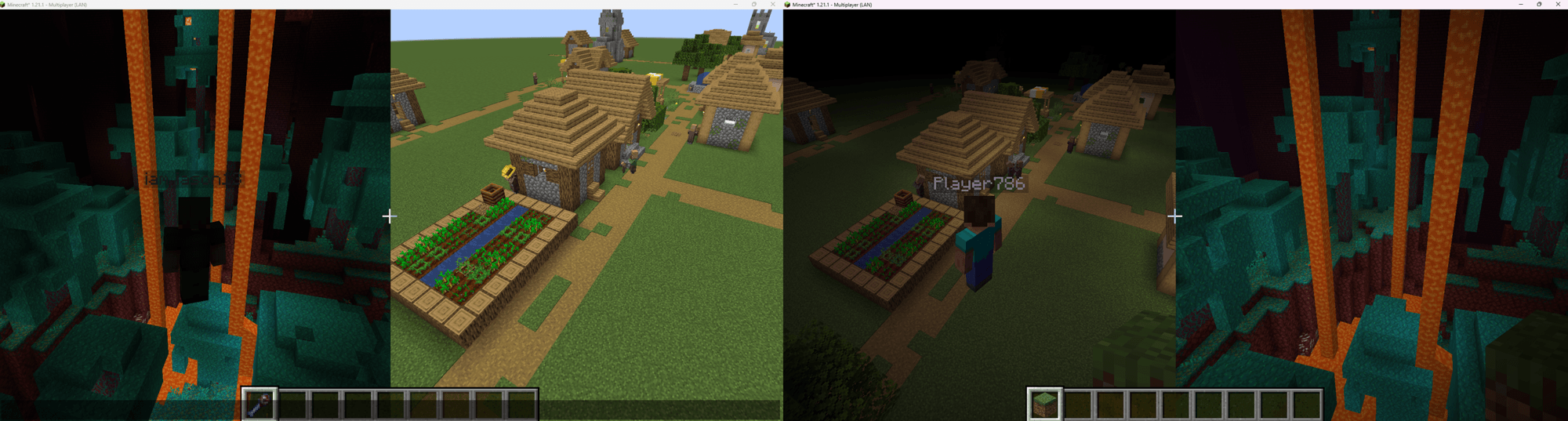
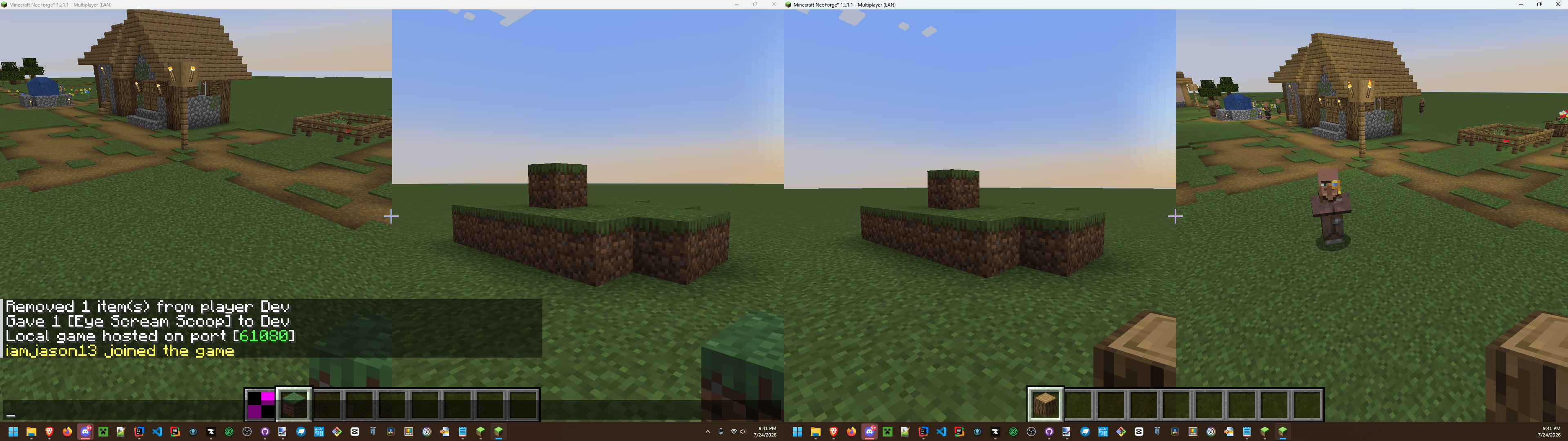
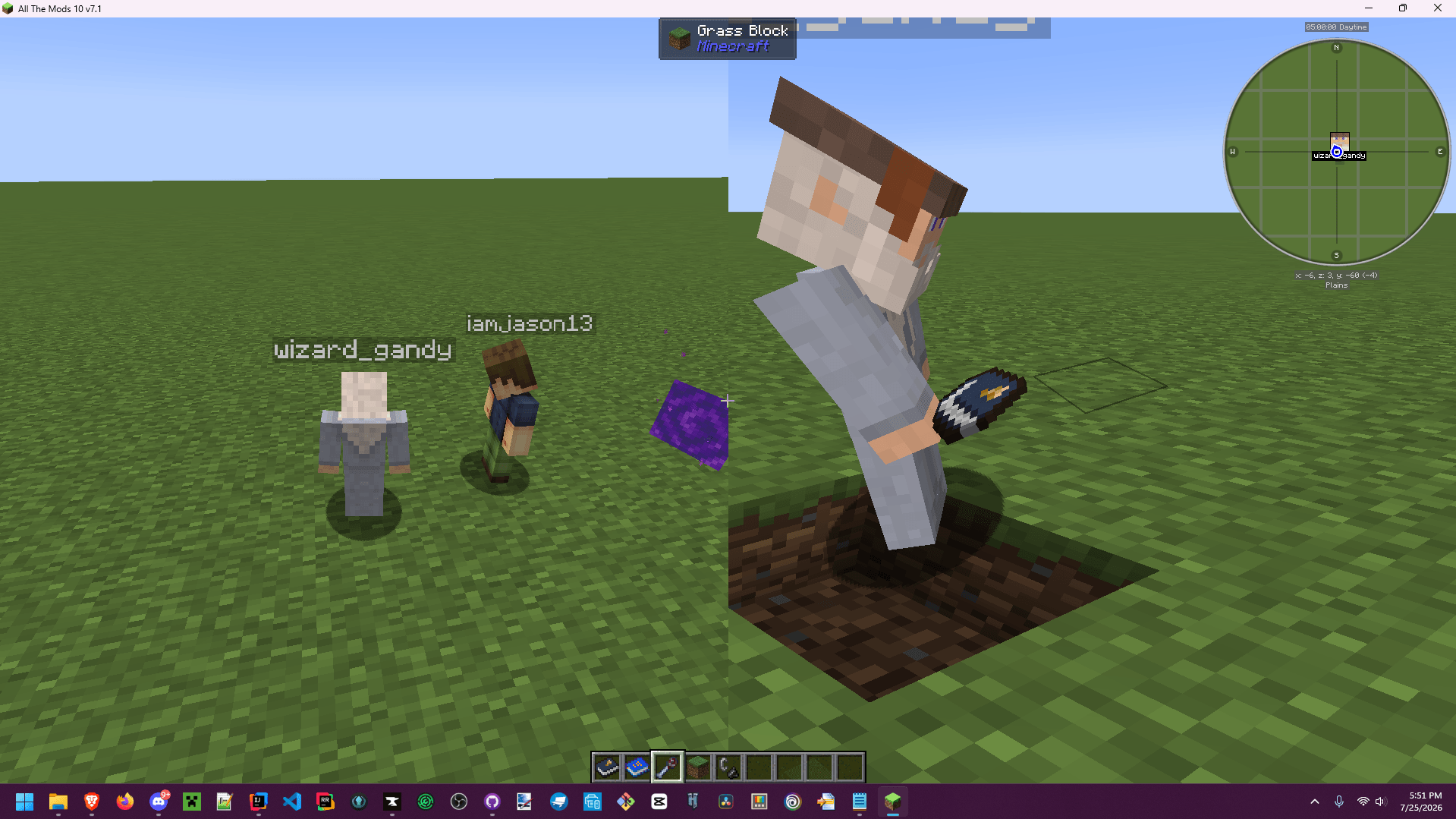
介绍
Somewhat incompatible with Iris shaders, might work with Sodium though!
Here be dragons! This mod is unstable and prone to breaking, crashing, and generally being a pain.
Some commands are provided to request/accept/deny swapping a left eye with another player:
/tme request <player>/tme accept <id>/tme deny <id>
… or you can craft yourself an Eye Scream Scoop with some iron nuggets and an ingot to swap either eye (still sends a consent request! sneak/hold shift to swap the right eye)!
{
  "type": "minecraft:crafting_shaped",
  "category": "misc",
  "key": {
    "#": {
      "item": "minecraft:iron_ingot"
    },
    "N": {
      "item": "minecraft:iron_nugget"
    }
  },
  "pattern": [
    "  #",
    " N ",
    "N  "
  ],
  "result": {
    "count": 1,
    "id": "through_my_eyes:eye_scream_scoop"
  }
}
Some server configuration options are available to limit max connections, remote chunk grace period, and remote chunk streaming radius (check out the /tme config command)
A client config option exists, debug_single_pass which is true by default for this alpha (0.1.0), and can be updated with the /tme_client config command in-game during play.
Setting that value to false will render a split view which is much more buggy than the default single-pass render/ perspective swap.
I’m planning to abstract some of this logic into it’s own "remote viewing" library if there’s enough of an audience for this. Closed source as well for the same reason, just leave a comment.
常见问题
Through My Eyes Full Remote 支持哪些 Minecraft 版本?
Through My Eyes Full Remote 支持 Minecraft Java 版 1.21.1,可用的加载器:NeoForge。下载时注意选择和你游戏版本一致的文件。
Through My Eyes Full Remote 怎么安装?
先用 PCL2 或 HMCL 启动器安装对应版本的 NeoForge,再把下载的 .jar 文件放进游戏目录的 mods 文件夹,重新启动游戏即可。开启了版本隔离的,mods 文件夹在 versions/版本名 下面。
jason13official 的其他作品
查看全部 →
[Let's Do] 葡萄园 [Let’s Do] Vinery
阳光洒满的葡萄园,吱呀作响的木桶,凉爽酒窖里落满灰尘的酒瓶。种植葡萄,压榨自酿葡萄酒,打造你梦想中的酒庄。

MonoLib
一个适用于 Fabric、Forge 和 NeoForge 的非侵入式前置库模组。

Dis-Enchanting Table
从附魔武器或附魔书中回收附魔!

Animal Armor Trims – Horse & Wolf
现在你可以给马铠和狼铠添加盔甲纹饰了!
评论
登录后评论和评分