
截图
介绍
Customize your tooltips!
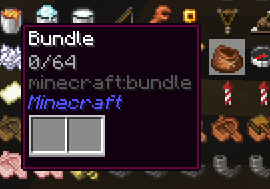
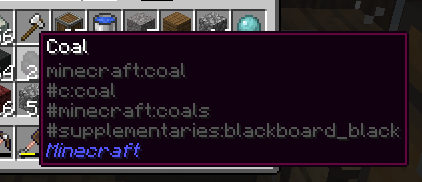
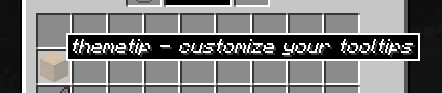
A simple mod that allows you to change the appearance of your tooltips!
After being around in the Modded Minecraft community for a while, I had noticed that there was a lack of mods that allowed the user to change the appearance of their tooltips. There were always mods that added information to the tooltips, or changed the look only for a modpack’s brand.
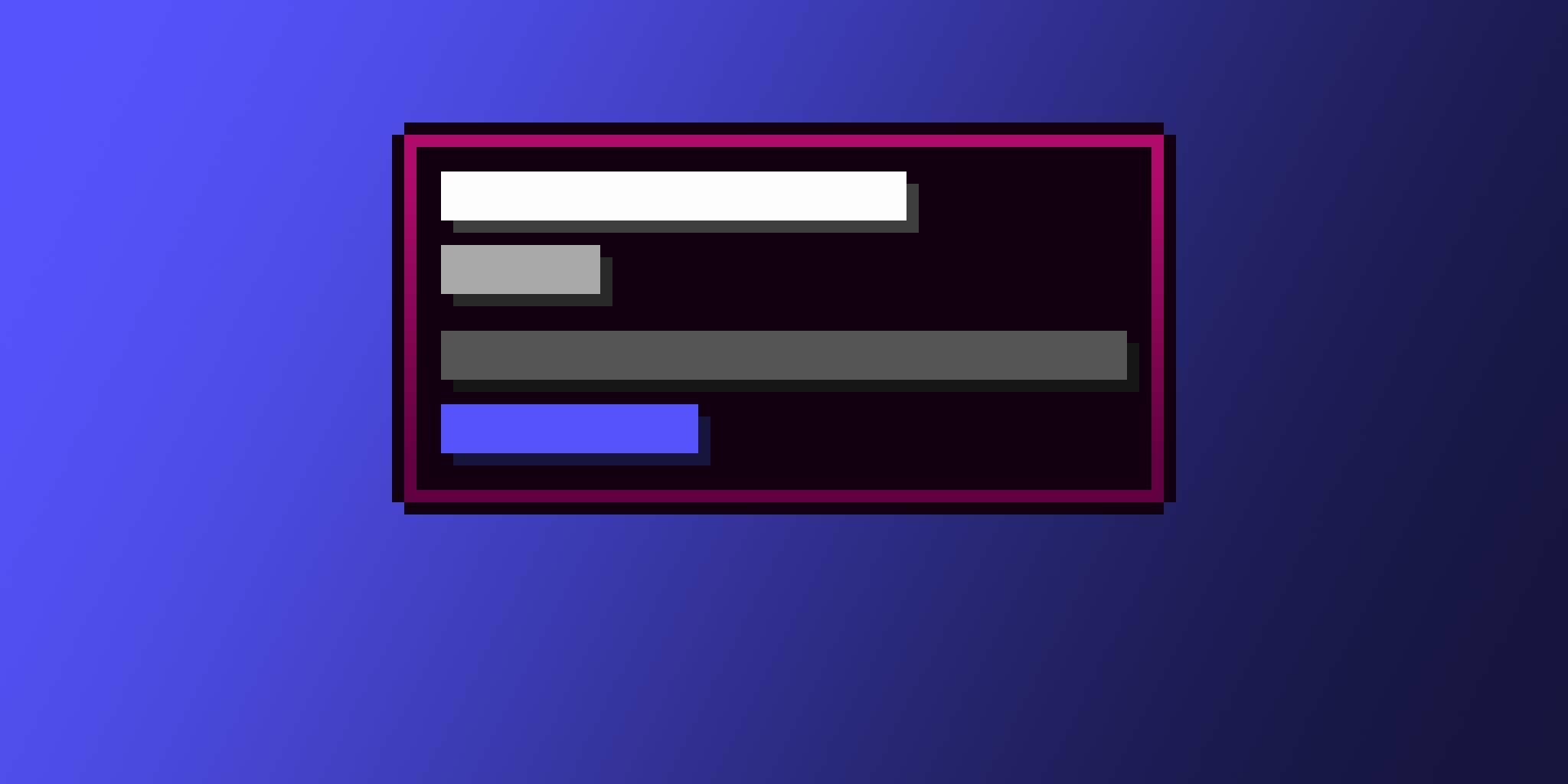
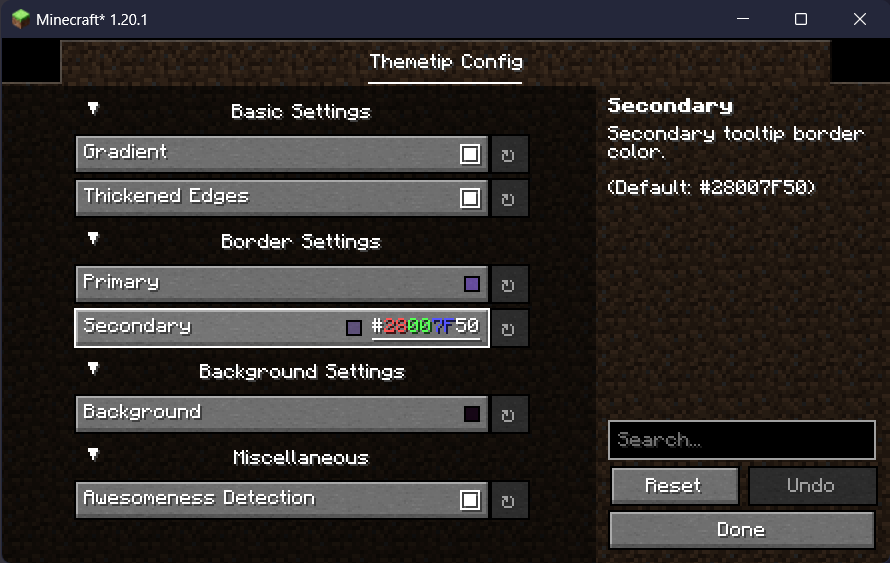
This mod allows easy customization of tooltips, within Minecraft’s style. Disable the gradient, remove the edges, and customize it in any way you wish. More features to come soon!


常见问题
themetip 支持哪些 Minecraft 版本?
themetip 支持 Minecraft Java 版 1.20–1.20.2,共 3 个版本,可用的加载器:Fabric / Quilt。下载时注意选择和你游戏版本一致的文件。
themetip 怎么安装?
先用 PCL2 或 HMCL 启动器安装对应版本的 Fabric / Quilt,再把下载的 .jar 文件放进游戏目录的 mods 文件夹,重新启动游戏即可。开启了版本隔离的,mods 文件夹在 versions/版本名 下面。运行环境:仅客户端。

评论
登录后评论和评分