
介绍
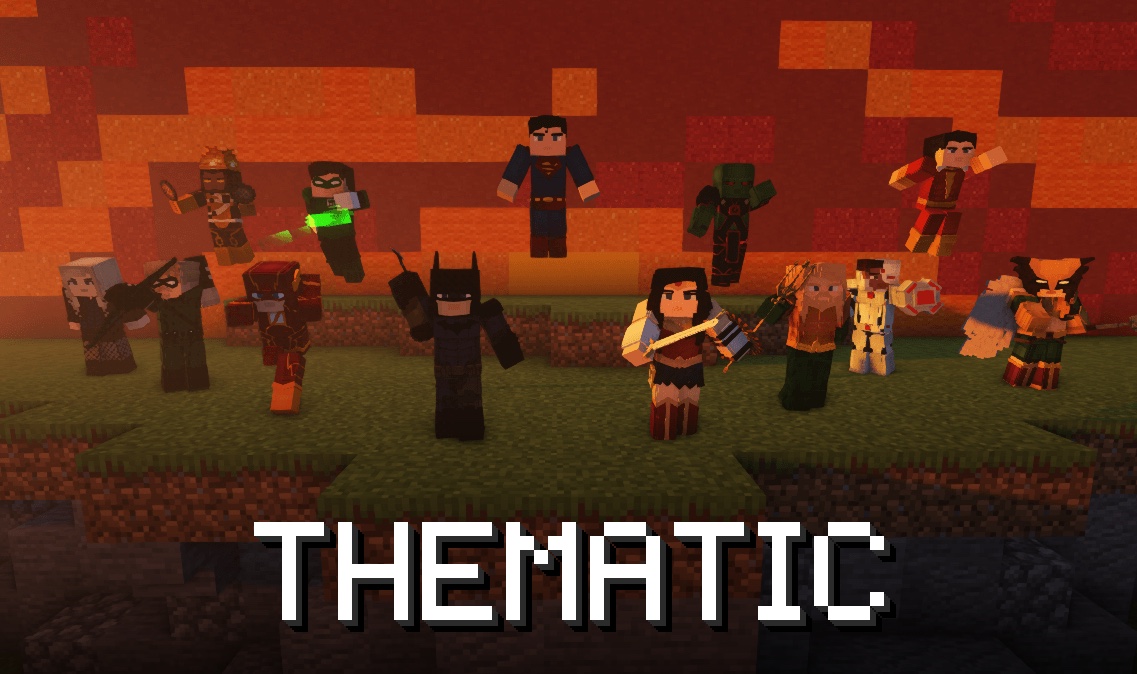
This is the core of Thematic. It runs the suits, abilities, the Suit Bench, the tablet, guns, mobs and the rest, but it has no superheroes of its own. Those come in packs.
Looking for the suits? Install Thematic: Heroes. The Modrinth App adds this core with it, so most players never need this page.
Packs
A pack adds content to Thematic: suits, abilities, items, blocks, mobs, status effects and more. You don’t need to write Java or set up a mod project.
- Suits, items and most abilities are JSON files.
- Abilities that need their own behaviour are short JavaScript files.
- Models are Blockbench geo files and textures are PNGs.
Thematic: Heroes is a pack built the same way, so every suit in it is an example you can open and copy.
Pack support arrives in Thematic 1.7.0.
Making one
- Download the starter pack. It’s a small working pack: a suit with its abilities, a gun and a HUD.
- Rename it and change what you need. The addon format explains every file.
- Put it in
.minecraft/thematic/packs/while you work on it. Ability and suit edits apply on/reload, and/thematic packs reloadtells you what changed. New suits and items need a restart.
For autocomplete and type checks in VS Code, add thematic.d.ts to your project. The editor setup page shows how.
Reference
- Addon format: how a pack is laid out, and what each kind of file holds
- Content types: items, blocks, entities, effects and their fields
- Ability types: every ability type, with the abilities that already use it
- Script API: the functions scripts can call
- Examples: a small and a full example of each kind of file, plus a zip of all of them
Sharing a pack
Upload it as a .zip, or as a .jar with no fabric.mod.json if a site only takes jars. Players drop it in their mods folder like any other mod. A pack that only changes abilities, effects or existing suits can also go in a world’s datapacks folder.
Requirements
- Minecraft 1.20.1 with Fabric
- Fabric API
- Pehkui is included, so you don’t need to install it
Questions about packs? Ask in the Discord.
Team
- funalex — Developer
- BBovard — Lead Modeler
- ReadTheFish — Modeler, Developer
- RealDerpyNarwhal — Developer
- soanoki — Developer
- qualnard1_ — Animator
- bardock1_ — Community Manager
- wonderman21 — Modeler
- gre3ves — Modeler
Contributors
- robin_cosmic — Developer
- dempsity — Sounds
- _beann — Former Builder
Supporters
_fungi, bardock1_, chasemate47, dempsity, devcoolfire, digitaldesign, gre3ves, hooper_3000, infernal_hulk, jcr2k3, karakent, milkincereal, misterymouse, ninjagamer11755, qualnard1_, realderpynarwhal, robin_cosmic, somebody576, spoonder_man, starbornwolf, stumpbunch05, wonderman21, yerd_
Credits last updated 2026-10-20.
常见问题
Thematic 支持哪些 Minecraft 版本?
Thematic 支持 Minecraft Java 版 1.20–1.21.1,共 4 个版本,可用的加载器:Fabric / Forge / NeoForge。下载时注意选择和你游戏版本一致的文件。
Thematic 怎么安装?
先用 PCL2 或 HMCL 启动器安装对应版本的 Fabric / Forge / NeoForge,再把下载的 .jar 文件放进游戏目录的 mods 文件夹,重新启动游戏即可。开启了版本隔离的,mods 文件夹在 versions/版本名 下面。运行环境:客户端和服务端都要装。
Thematic 的其他作品
查看全部 →
Thematic Superheroes
Team up as Batman or Wonder Woman on Thematic’s official server! Craft gadgets, resize with Pehkui, and roleplay with friends in Minecraft 1.20.1. Featuring Mr Fantastic, Superman, Invincible, Batman, Deadpool

Thematic Superheroes Official Server
Thematic Superhero Modpack featuring hit superheroes like Superman, Invincible, Batman, Punisher, and more!
评论
登录后评论和评分