截图
介绍
中文介绍正在准备中,下面暂时显示原文。
Twilight Moonshine
An addon for Twilight Forest (1.21.1) by CareEJoken.
What does it do?
Moon Rabbits & the Moon
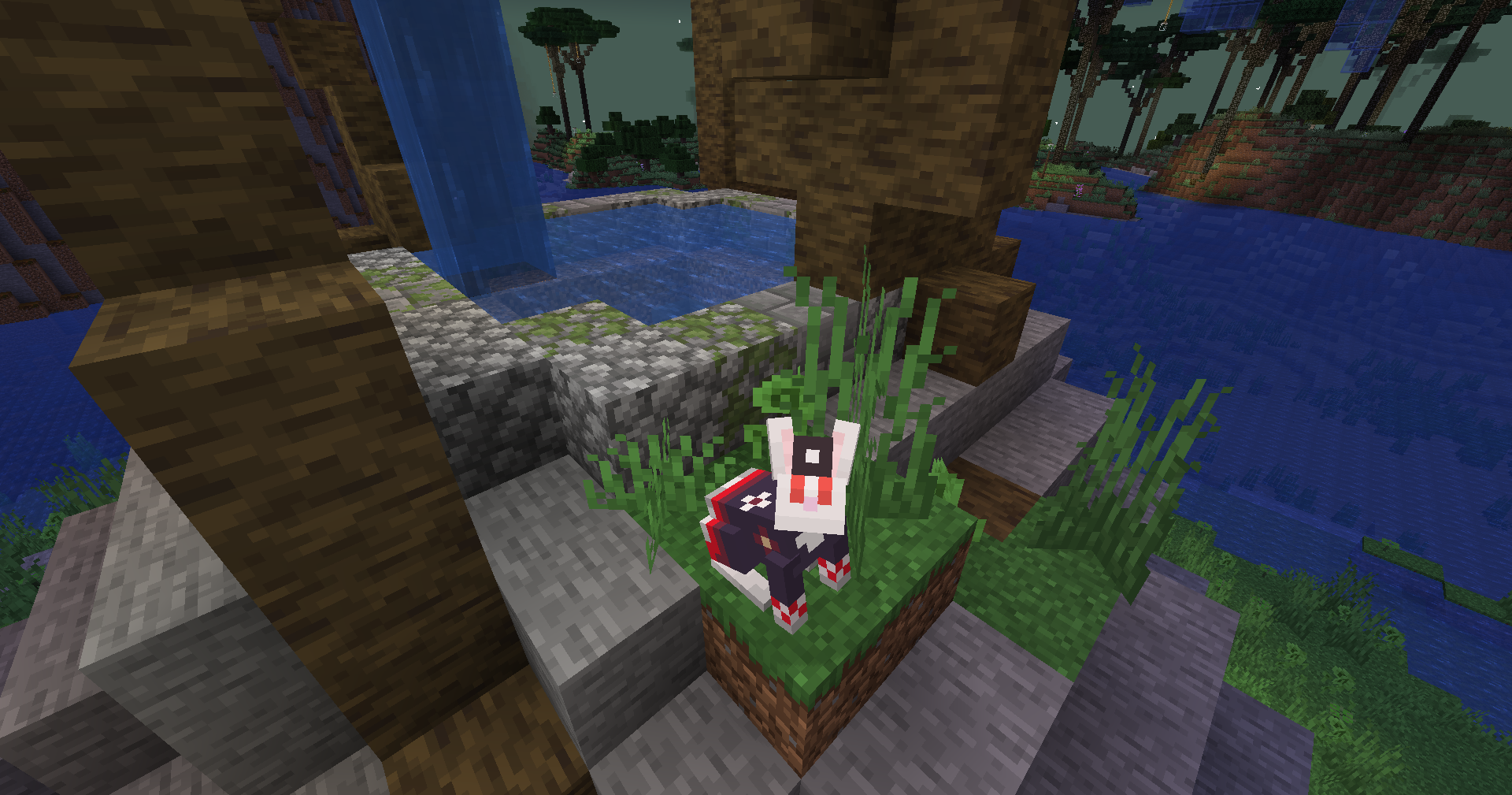
- Moon rabbits with ambient/hurt/death/jump sounds, a sneeze mechanic, and grow-by-feeding (with its own advancement).
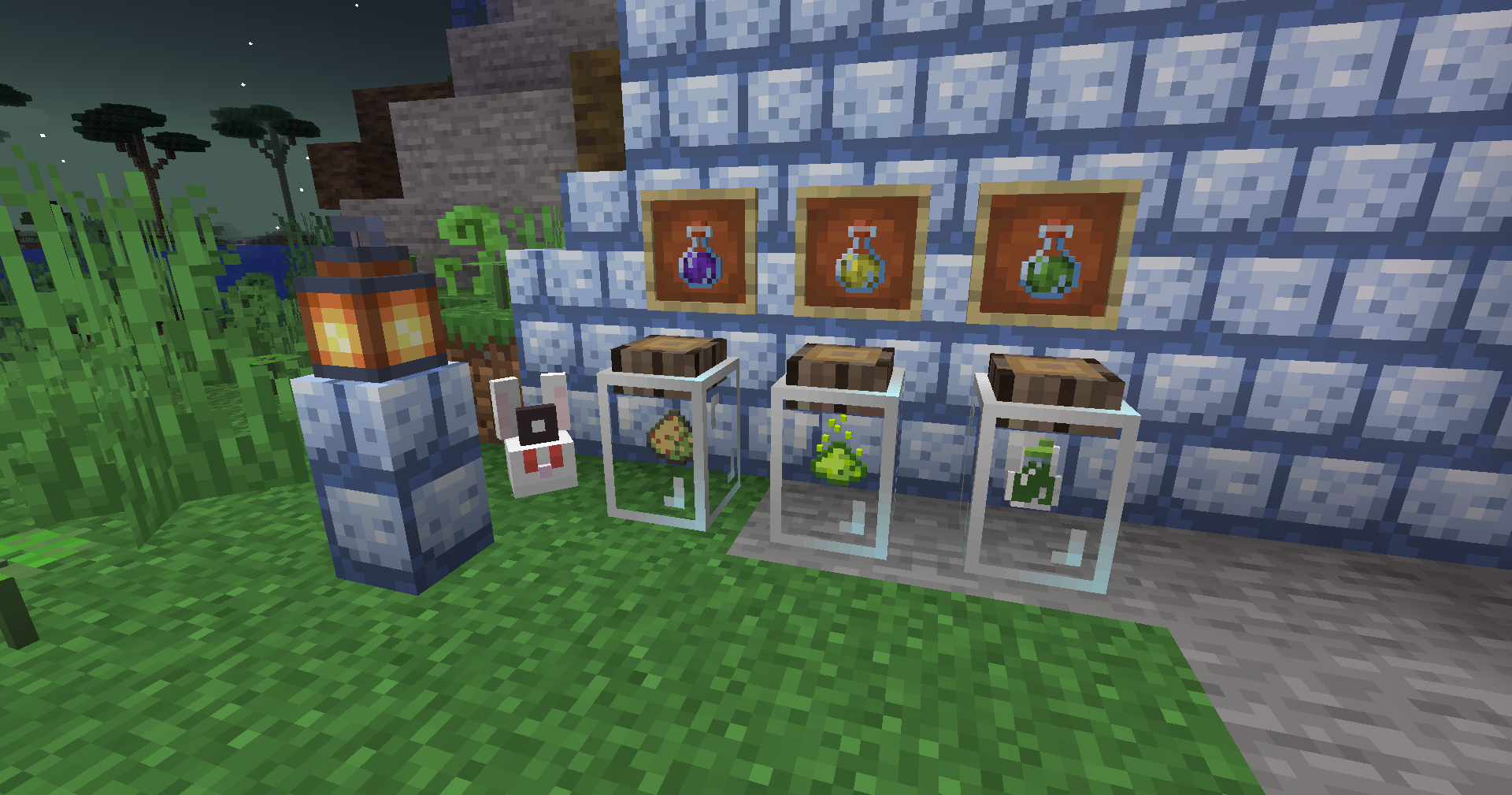
- A moon rabbit trophy for your base.
- The Moonshine potion: 8 minutes of Fire Resistance + Water Breathing + Night Vision. Hand a moon rabbit three distinct potions (Twilight / Glowing / Resistance) and it trades you one.
Brewing & Alchemy
- New potions: Resistance (3 tiers), Glowing (base + long), Twilight.
- Twilight Embrace: while it lasts, twilight animals follow you and hostile mobs stand down.
- Secret pages that unlock hidden recipes (moon rabbit sneezes, luring animals, glowing trails).
- New crafting chain: moon stone shards → moon stone bricks → full moon stone building family (block/stairs/slab/wall), plus twilight plant extract, twilight glow essence, and twilight alloy powder.
- Potion arrows: any potion + 8 arrows = 8 effect arrows.
Twilight Forest Adjustments
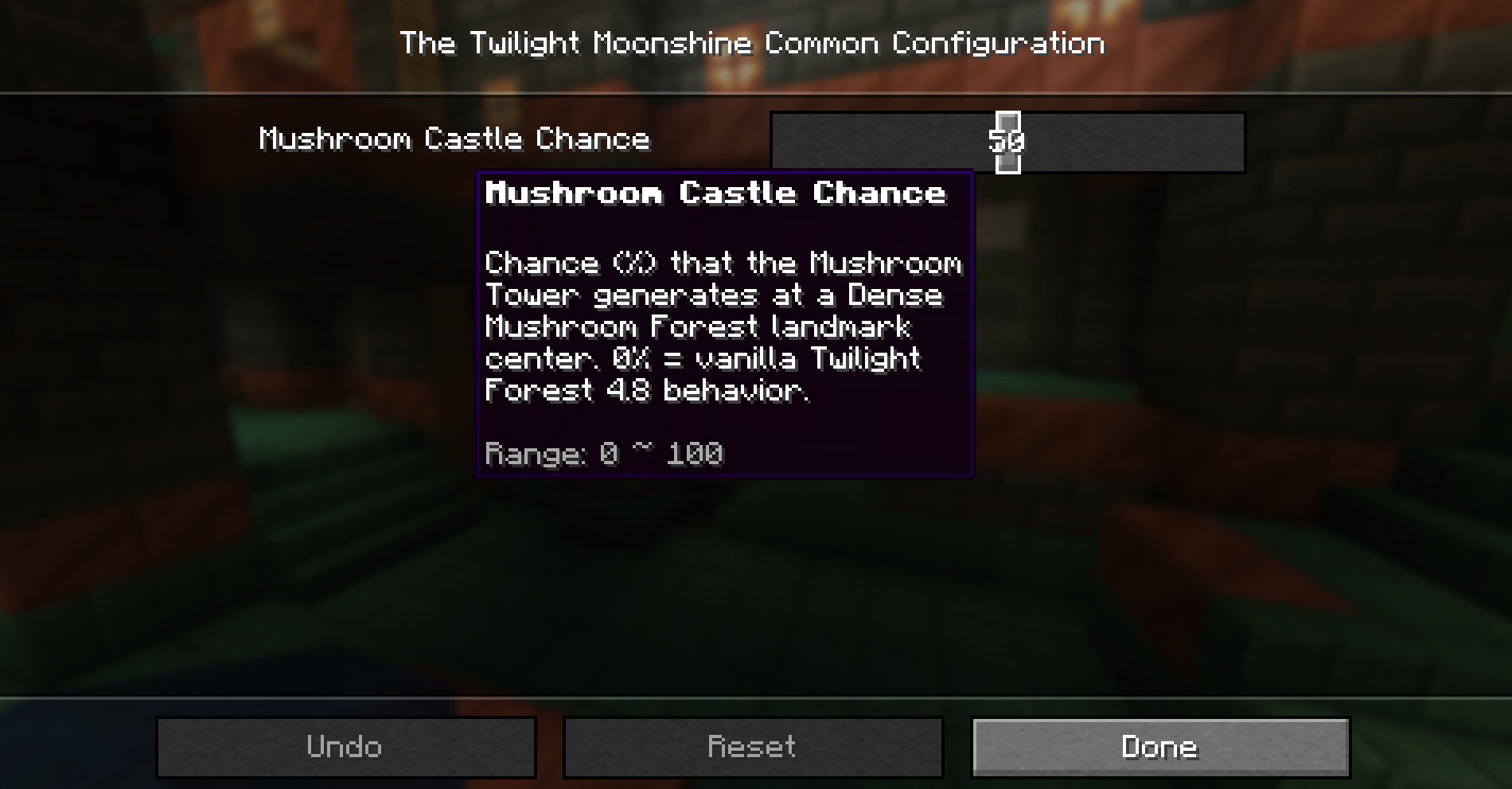
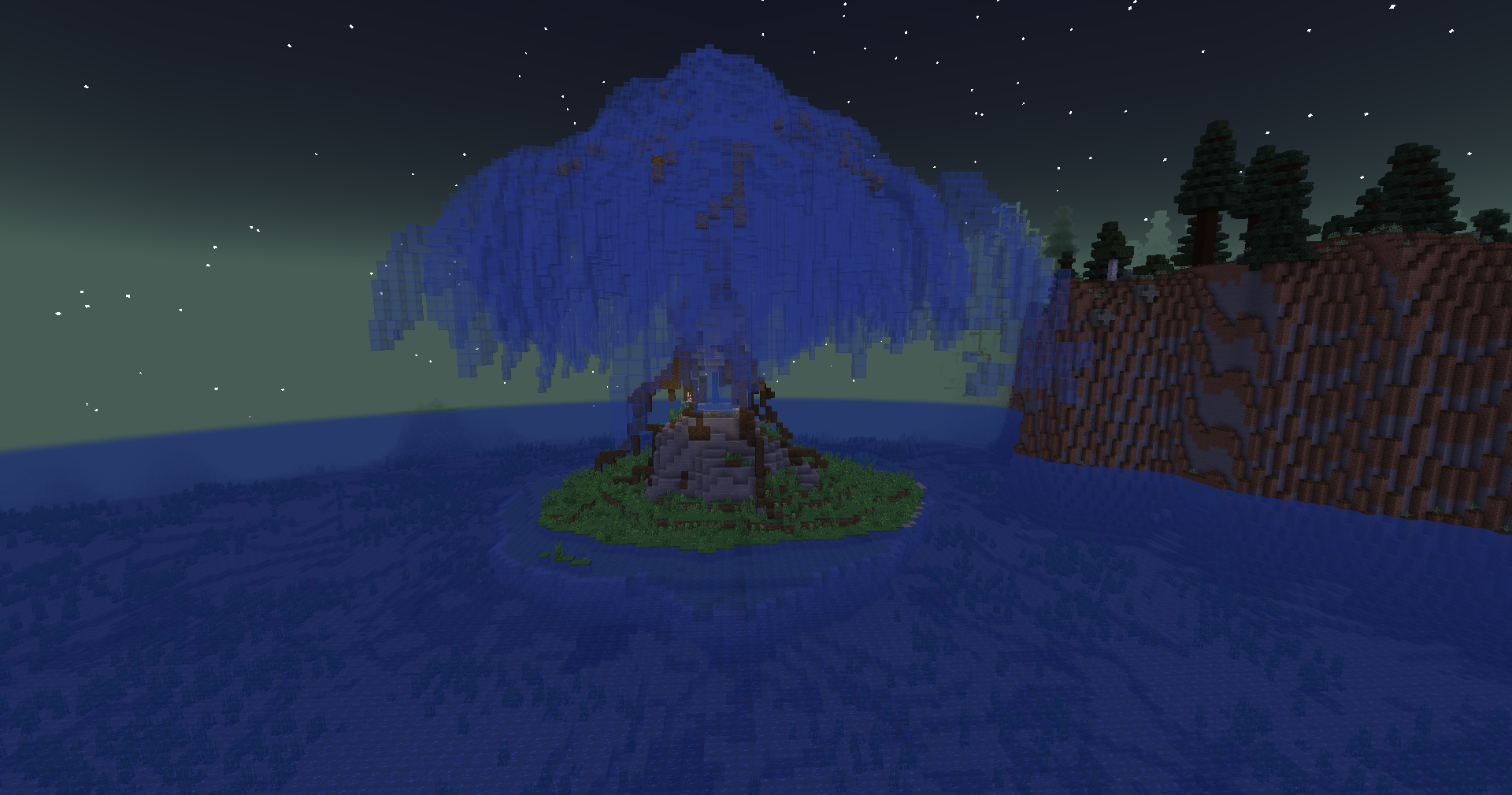
- Mushroom Tower and Quest Island generation re-enabled (commented out in TF 4.8).
- The Mushroom Tower is shown on the magic map with a custom decoration and works with
/locate. - Rebalanced twilight daylight colors.
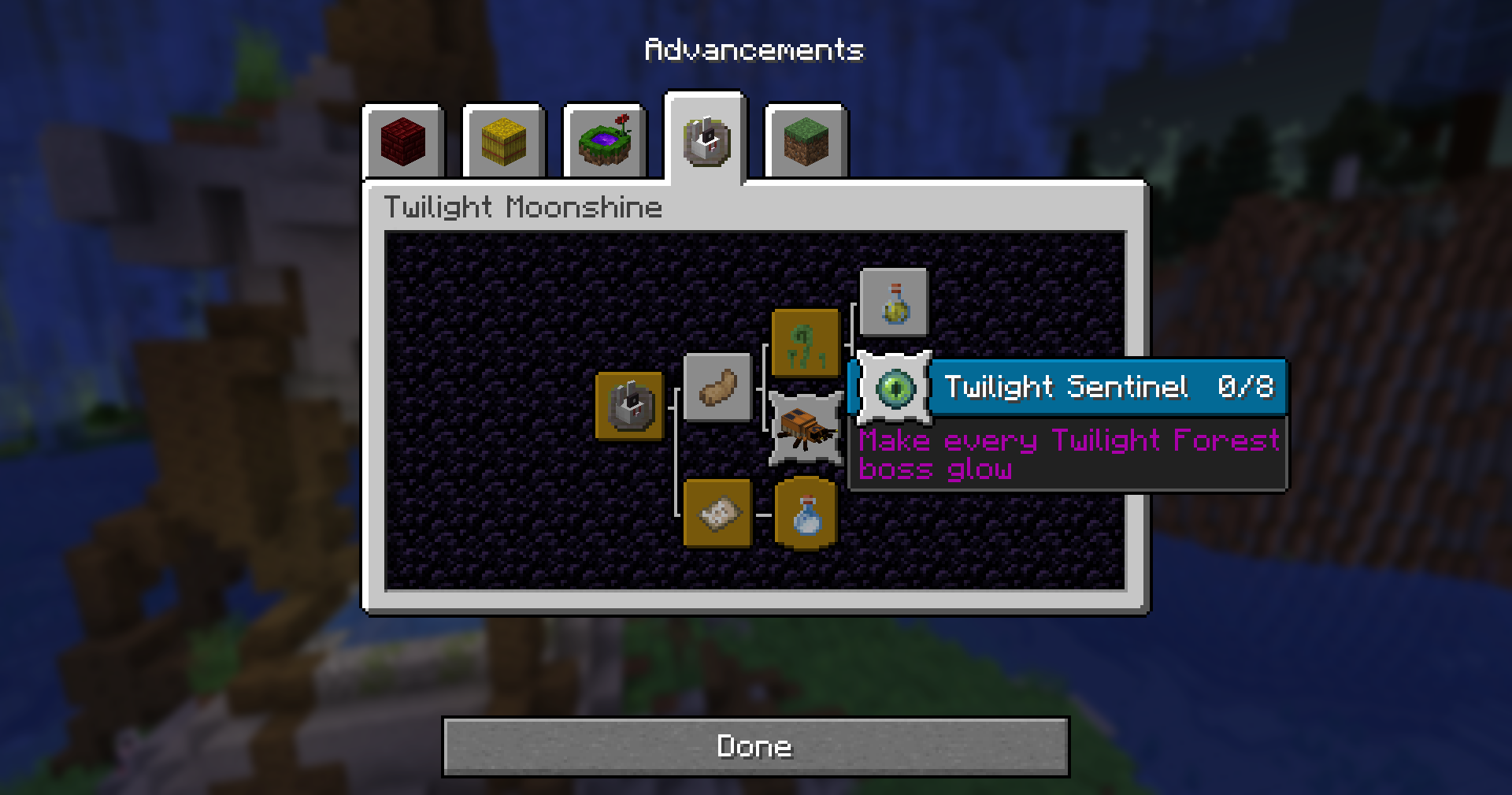
- 7 new advancements, including "Embrace Day" and "The Sunset Beetle Band".
Requirements
- Minecraft 1.21.1
- NeoForge 21.1.x
- Twilight Forest 4.8 or newer (required)
Installation
- Install NeoForge 21.1.x and Twilight Forest 4.8+ for 1.21.1.
- Drop
twilightmoonshine-1.0.0.jarinto yourmodsfolder. - Launch and enjoy.
Credits
Inspired by and built alongside the Twilight Forest mod by Team Twilight. Twilight Forest is licensed under LGPLv3; Twilight Moonshine is licensed under MIT.
Support
Found a bug or have an idea? Leave a comment on this project page.
常见问题
The Twilight Moonshine 支持哪些 Minecraft 版本?
The Twilight Moonshine 支持 Minecraft Java 版 1.21.1,可用的加载器:NeoForge。下载时注意选择和你游戏版本一致的文件。
The Twilight Moonshine 怎么安装?
先用 PCL2 或 HMCL 启动器安装对应版本的 NeoForge,再把下载的 .jar 文件放进游戏目录的 mods 文件夹,重新启动游戏即可。开启了版本隔离的,mods 文件夹在 versions/版本名 下面。
评论
登录后评论和评分