
截图



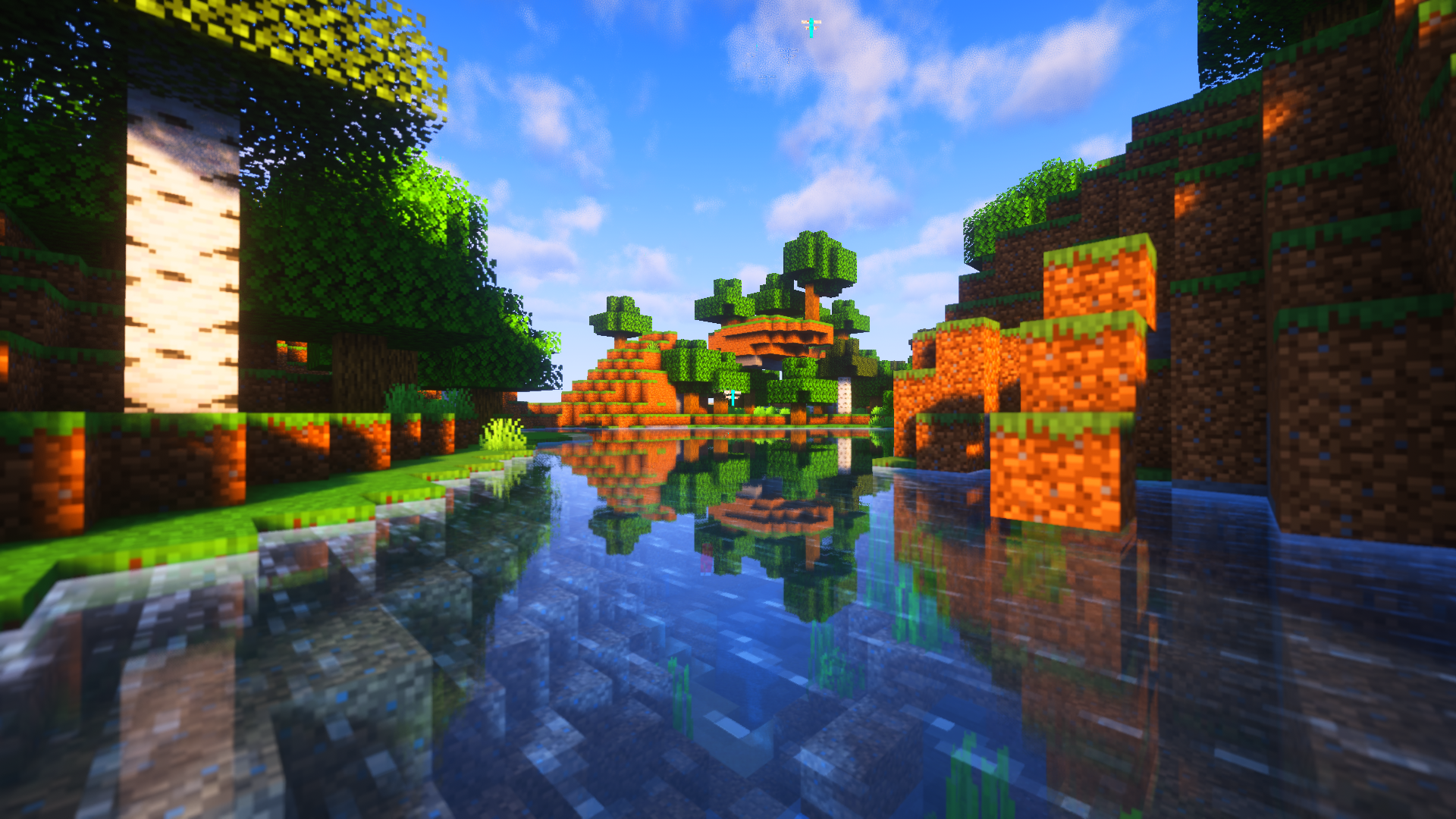

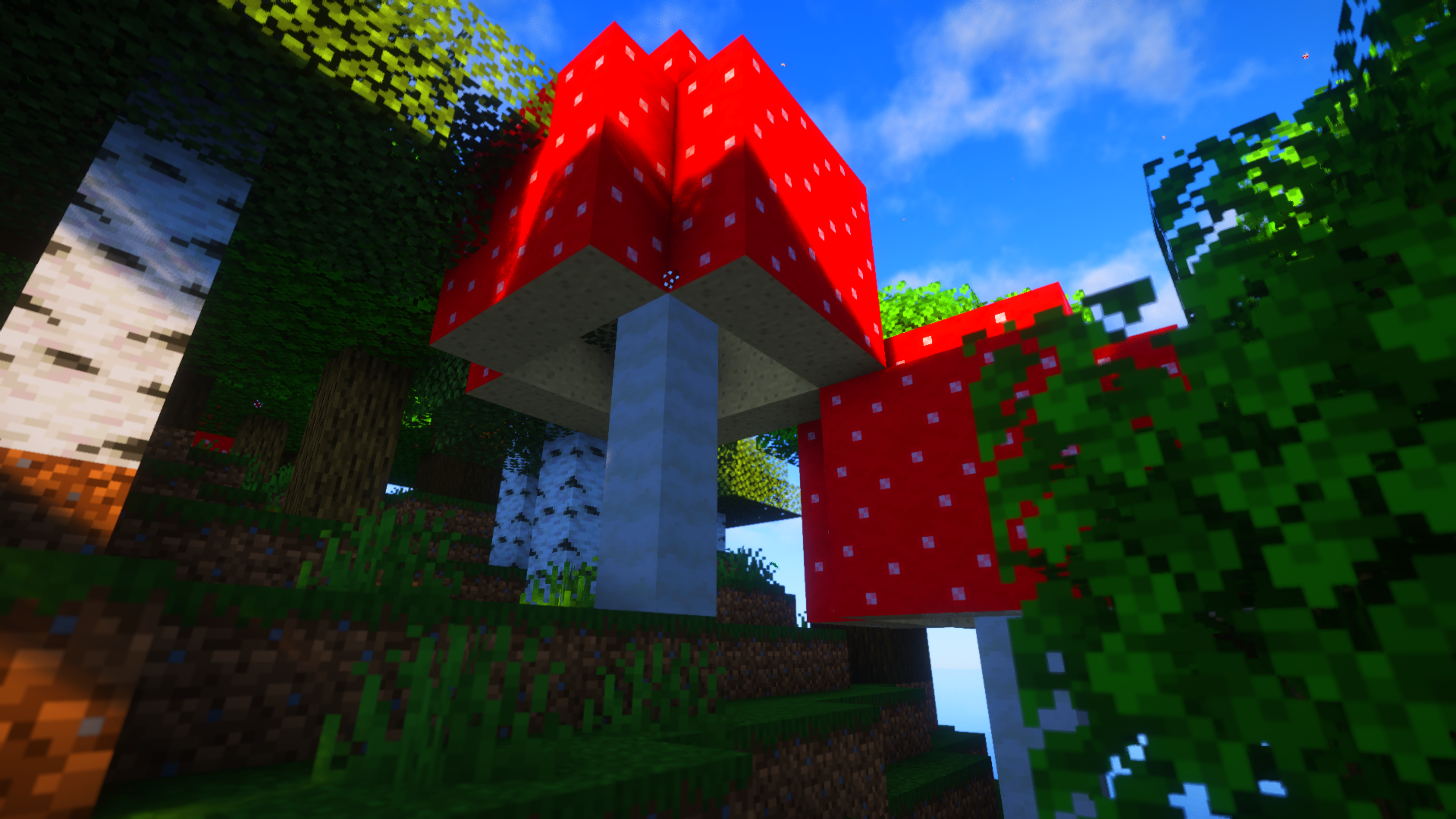
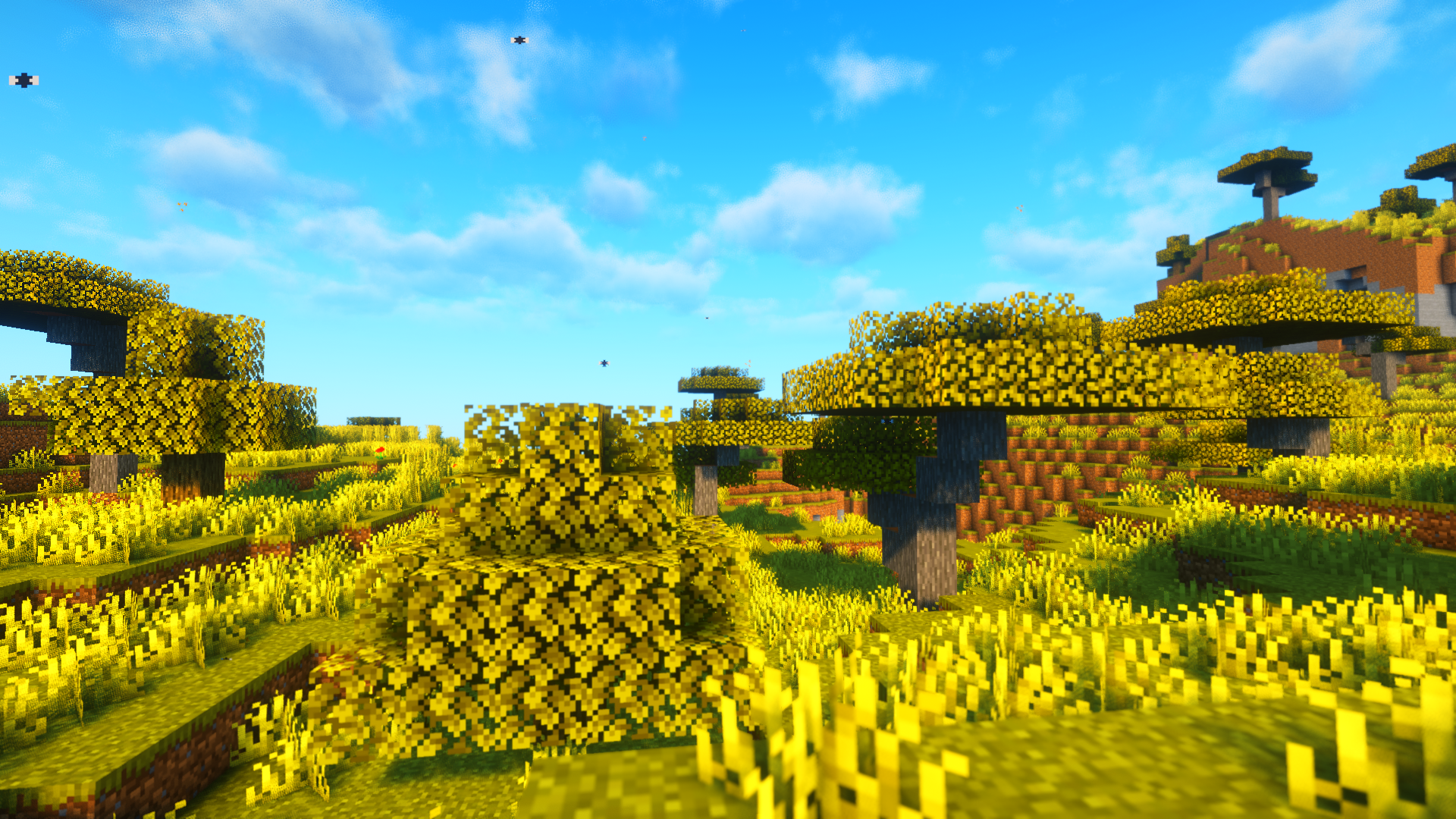
介绍
中文介绍正在准备中,下面暂时显示原文。
The Real World Mod
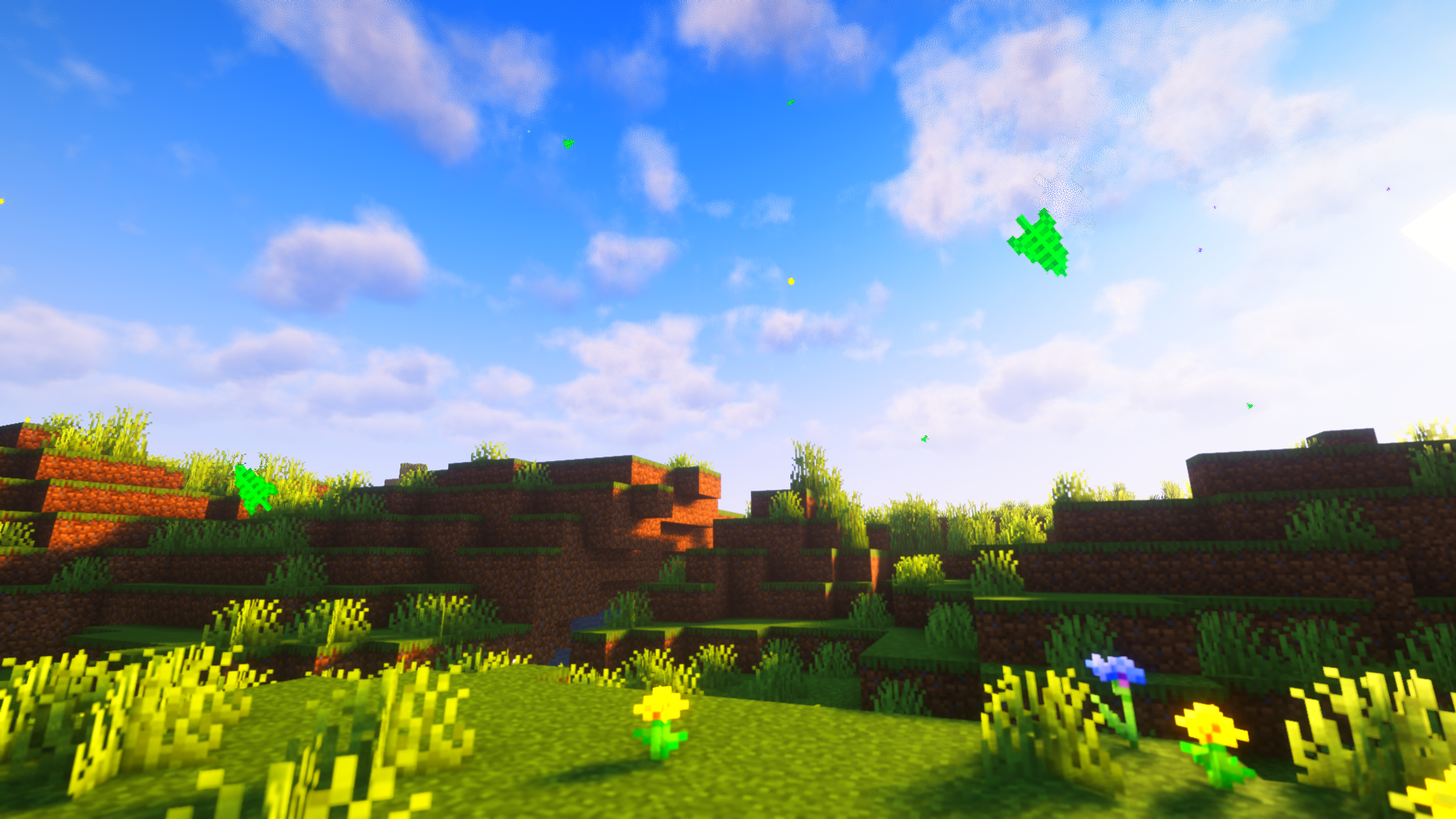
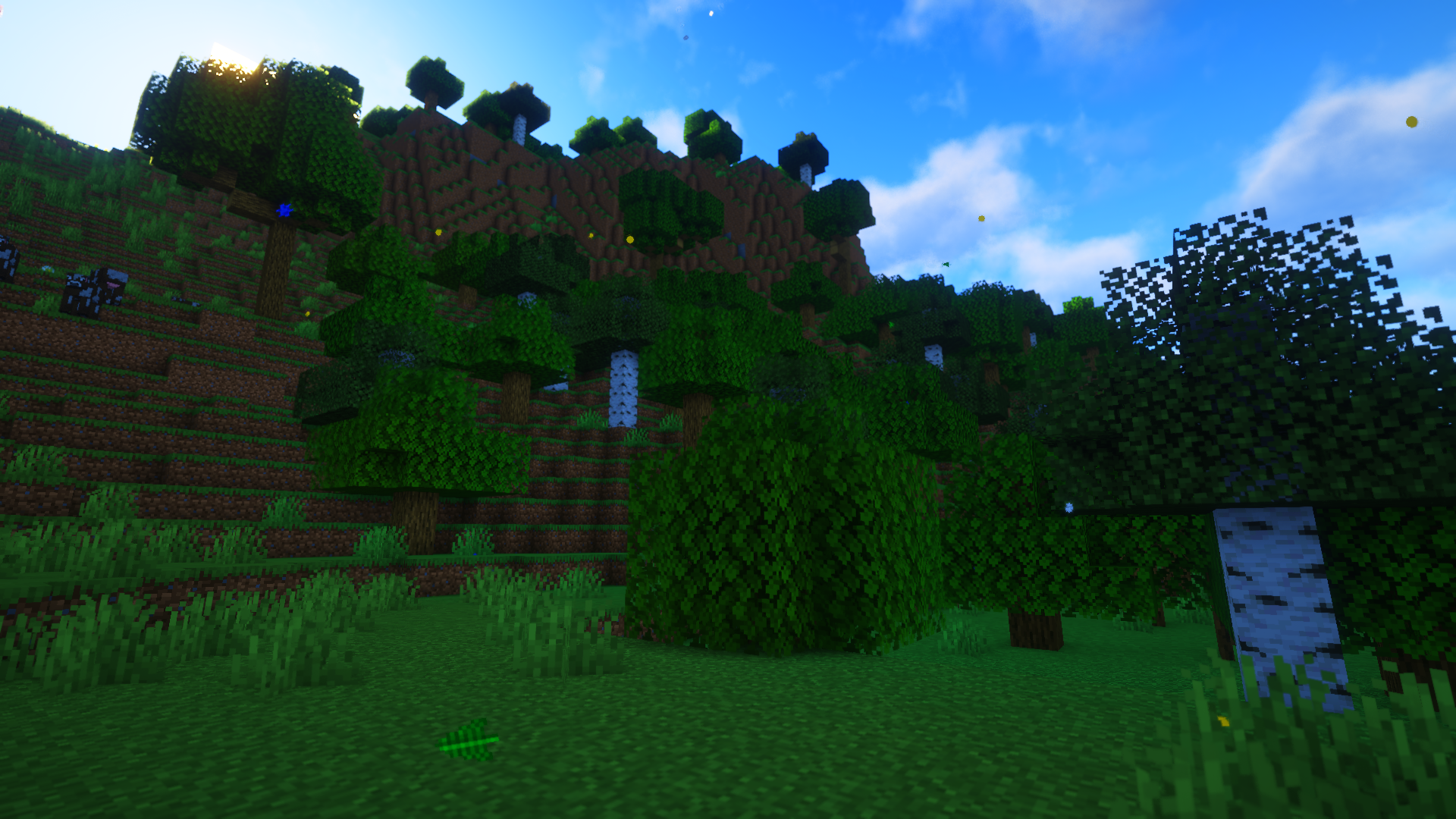
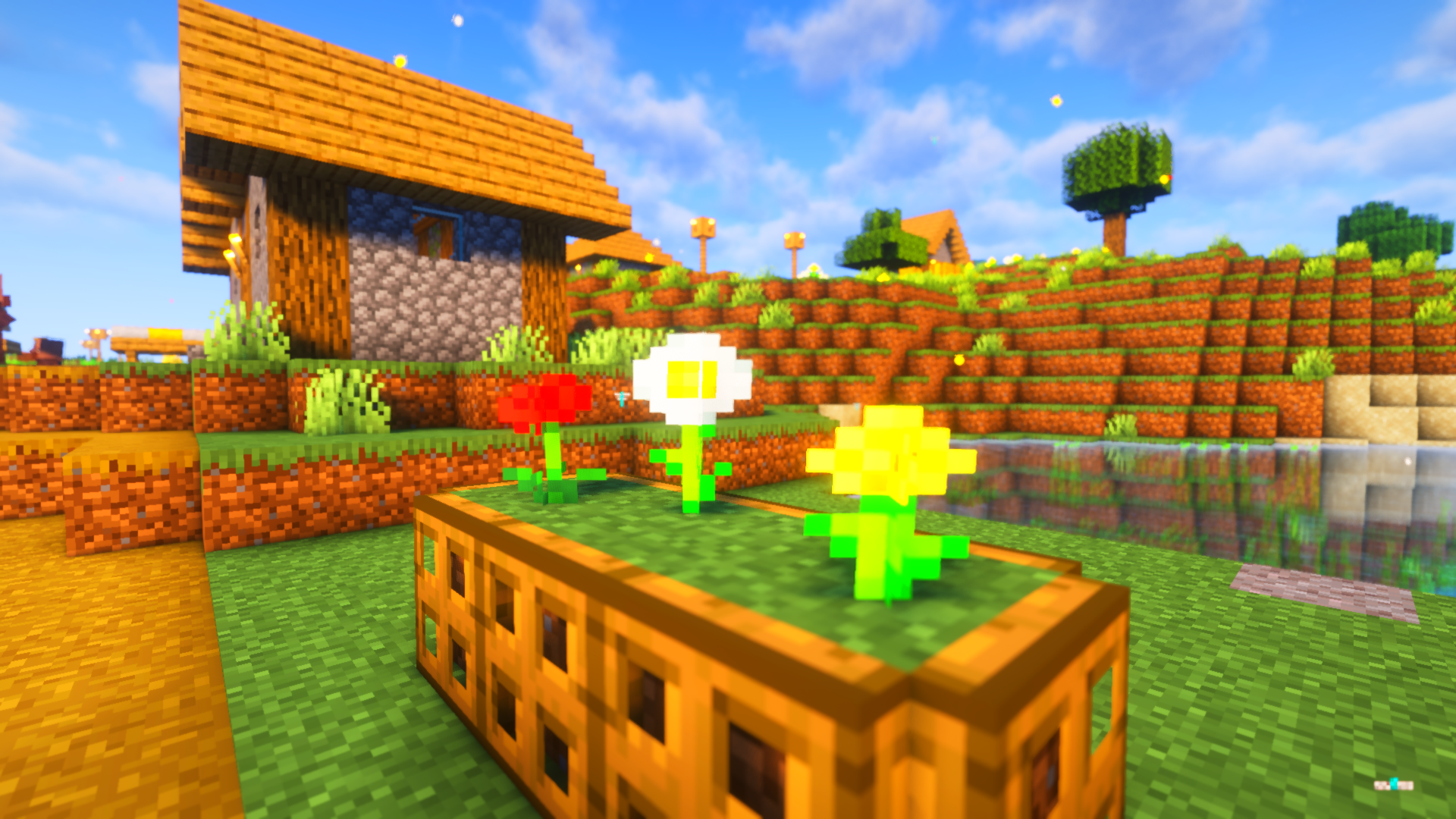
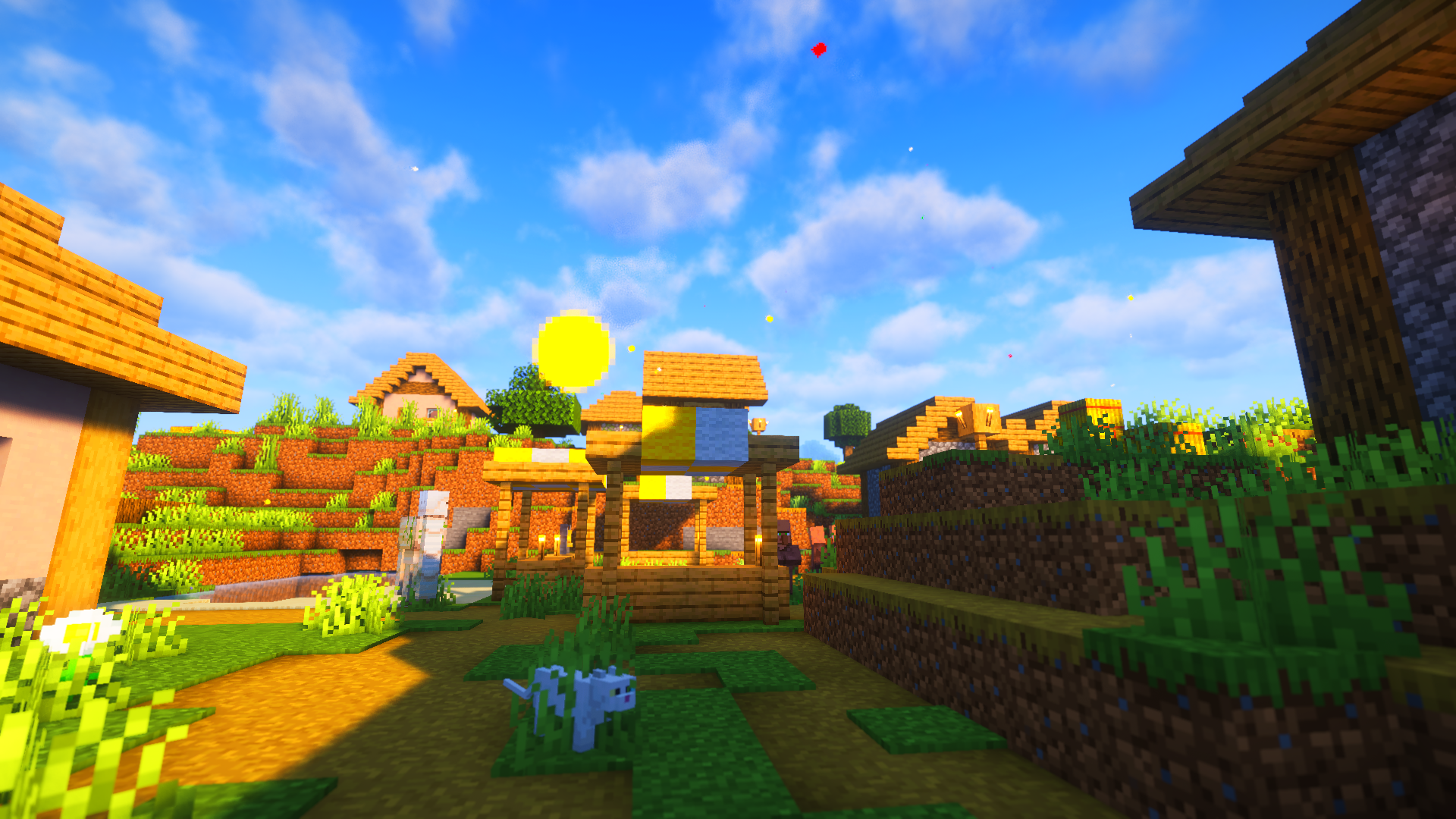
- The aim of this mod is to make biomes feel more alive by adding related particles without compromising Minecraft’s look.
- Some particles are related with the type of plant nearby the player so same biomes might have different particles depending on the plants present.
-Fireflies during the night!
The shader used in the photos is Complementary Shaders – Reimagined, you can click here to download
常见问题
The Real World 支持哪些 Minecraft 版本?
The Real World 支持 Minecraft Java 版 1.19.4–1.20.4,共 3 个版本,可用的加载器:Forge / NeoForge。下载时注意选择和你游戏版本一致的文件。
The Real World 怎么安装?
先用 PCL2 或 HMCL 启动器安装对应版本的 Forge / NeoForge,再把下载的 .jar 文件放进游戏目录的 mods 文件夹,重新启动游戏即可。开启了版本隔离的,mods 文件夹在 versions/版本名 下面。运行环境:客户端和服务端都要装。
IslandAggravating 的其他作品
查看全部 →
Soft Memory
by IslandAggravating
一款试图重现童年怀旧感的光影!
22.6万
2 个月前
CurseForge · Modrinth

Enhanced Cats
by IslandAggravating
Extends Minecraft Vanilla Cats' Features
11.7万
17 天前
CurseForge

Enhanced Cats
by IslandAggravating
Extends Minecraft Vanilla cats' features
10.2万
17 天前
Modrinth
Enhanced Cats
by IslandAggravating
Extends Minecraft Vanilla cats' features
10.2万
17 天前
Modrinth
评论
登录后评论和评分