
The Architect
Describe a build in chat. Get a Litematica ghost in your world and a material list.
截图
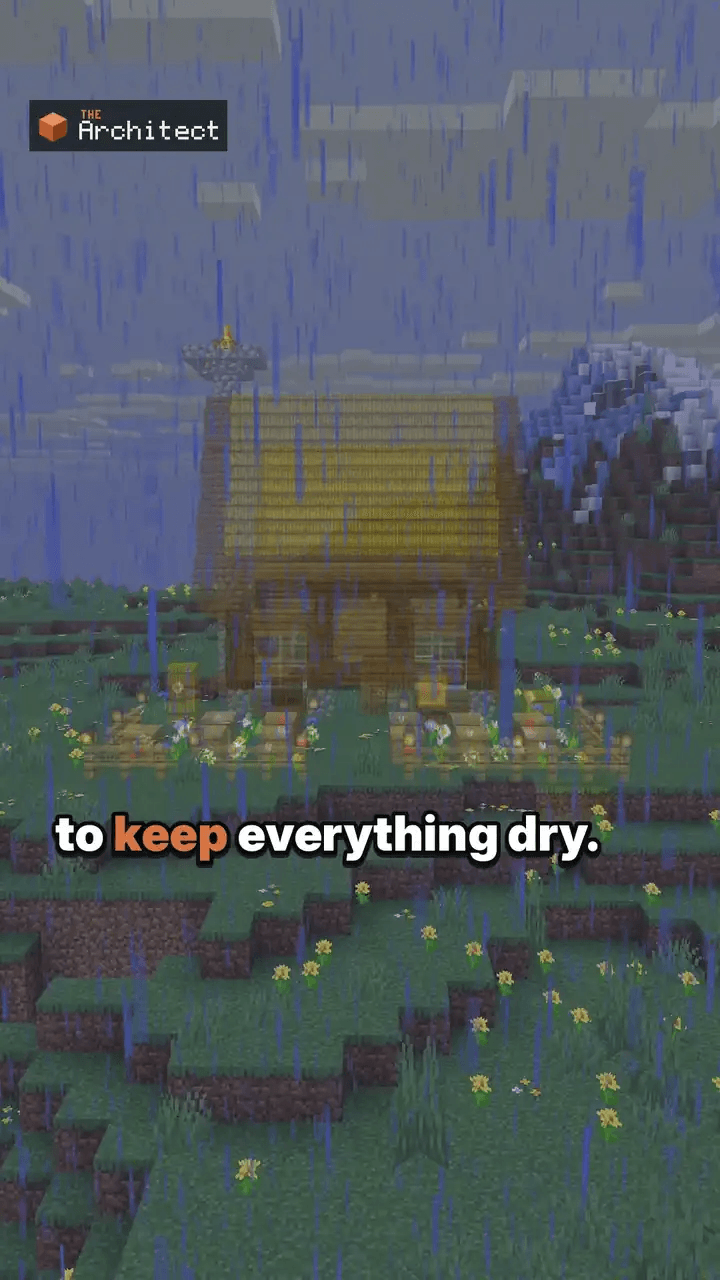
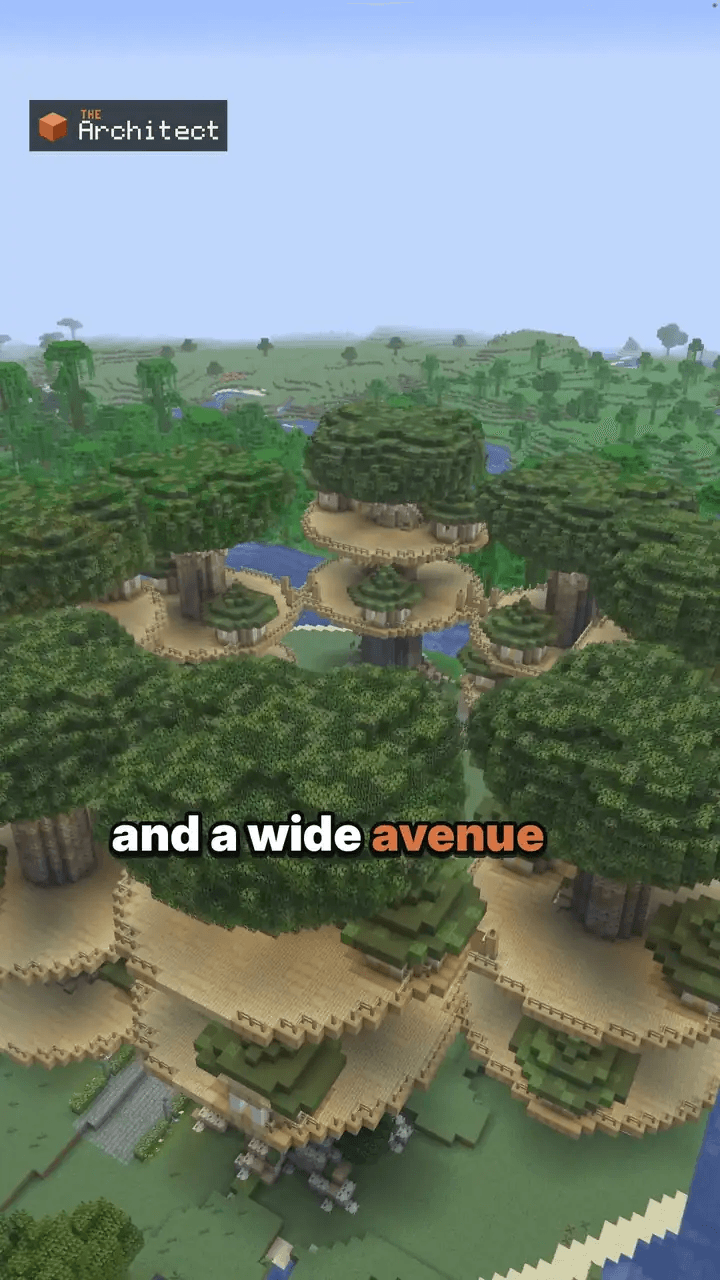
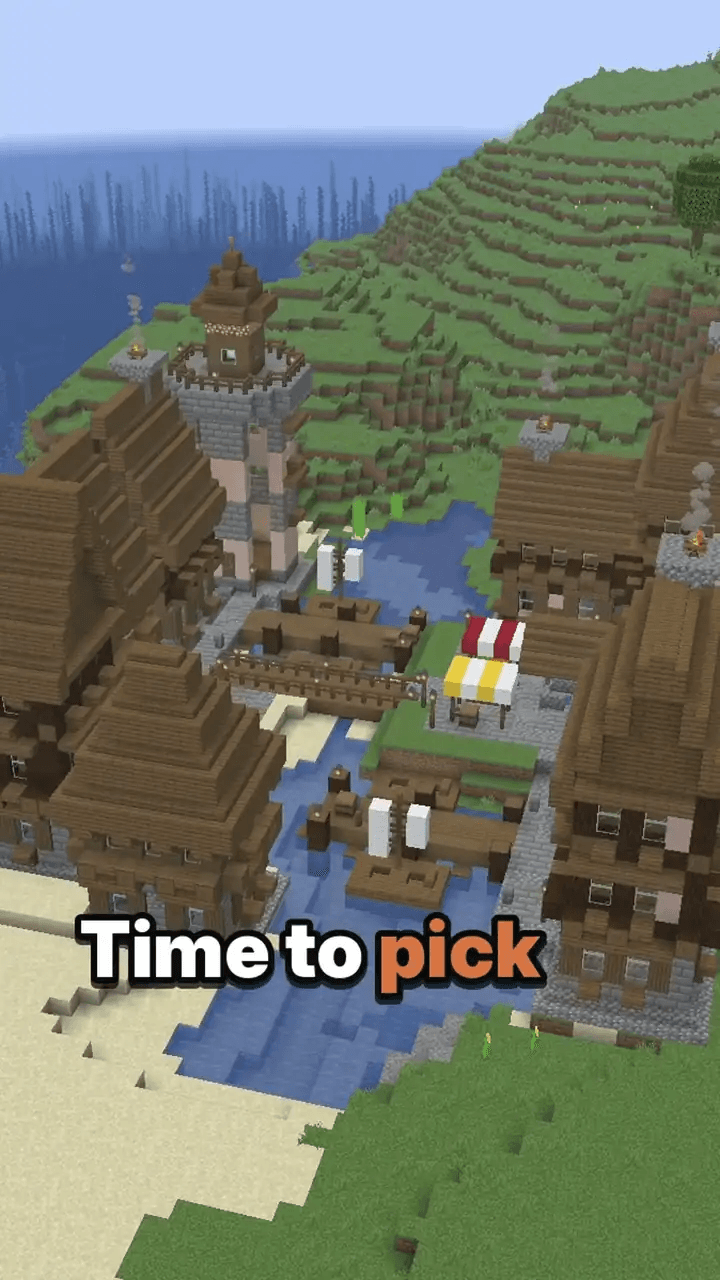
介绍
The Architect: a build helper for Minecraft Java
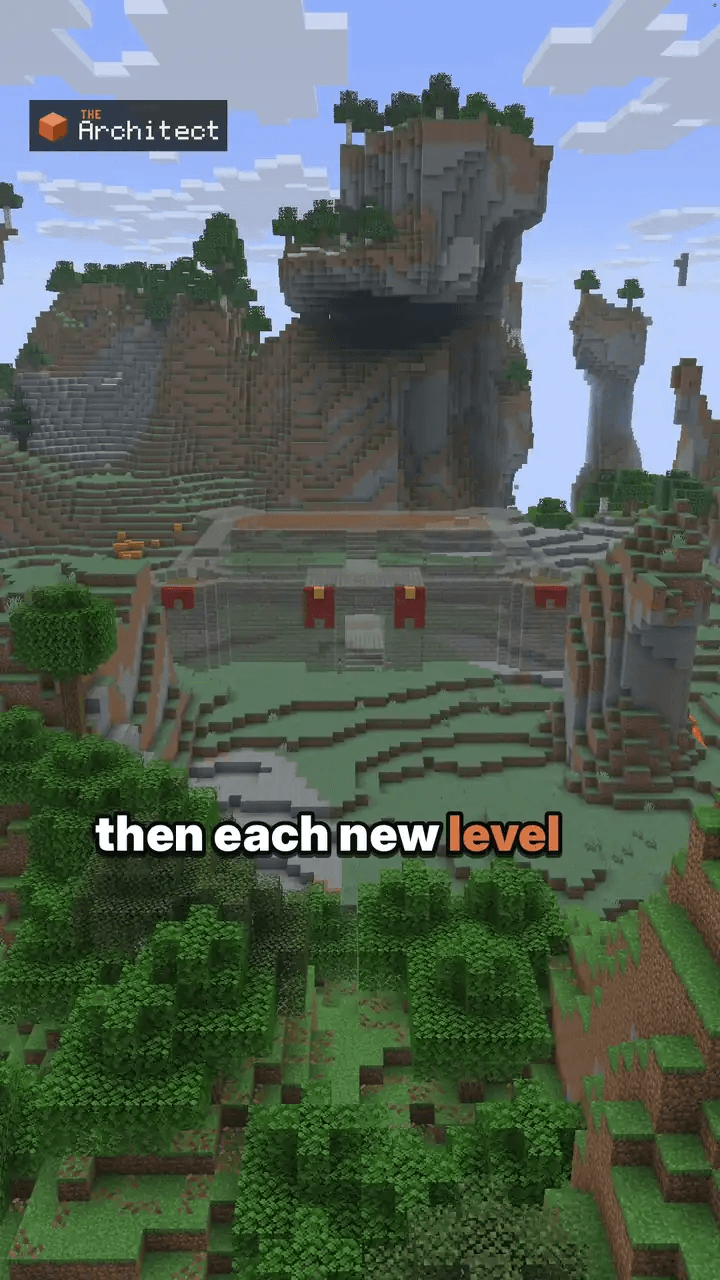
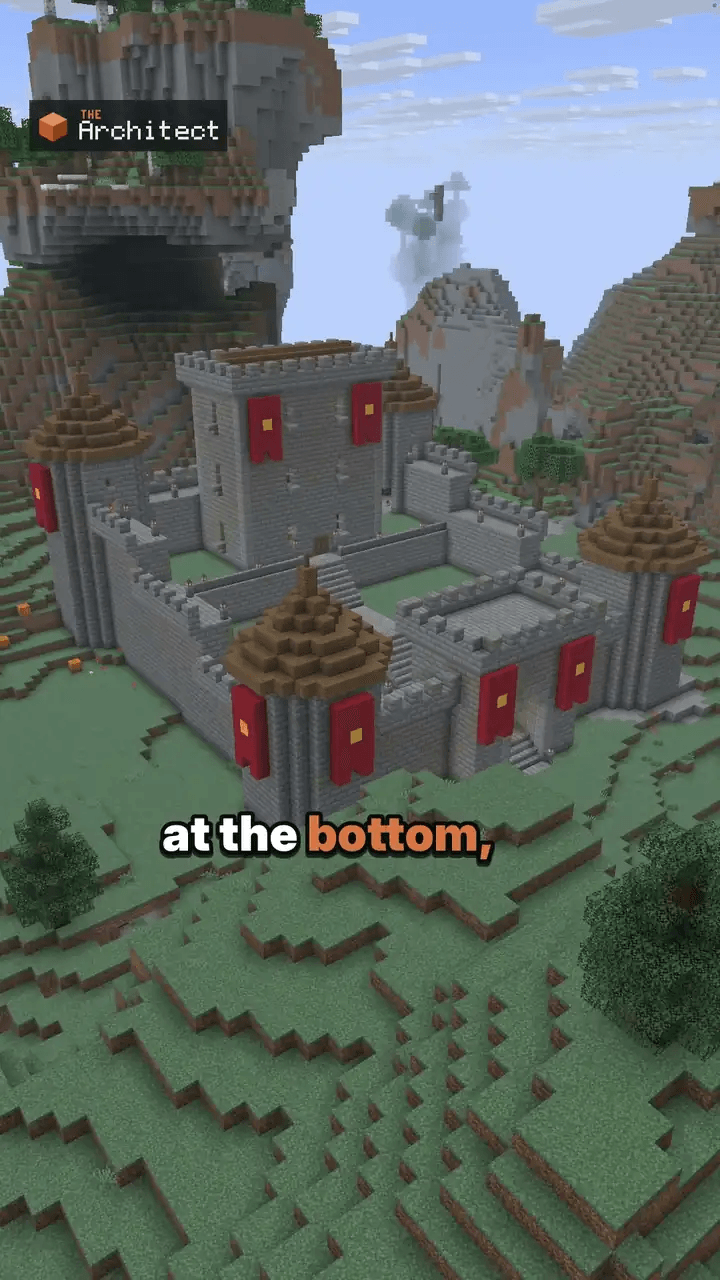
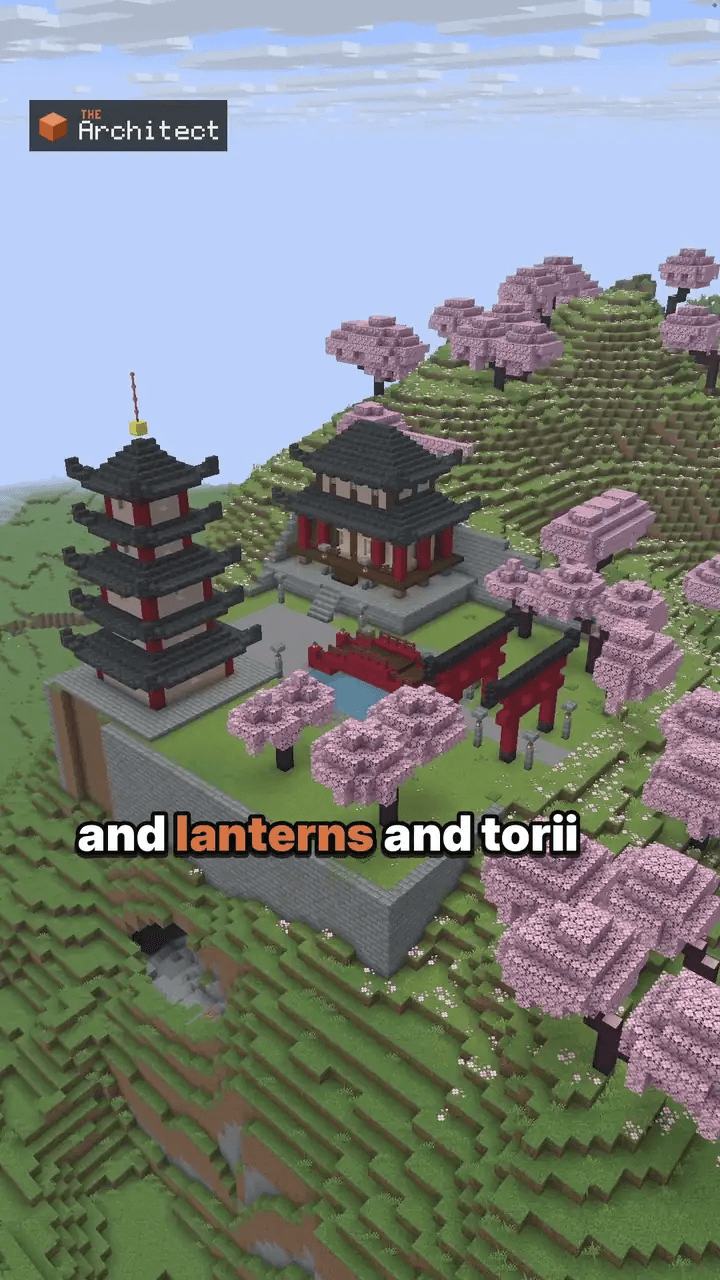
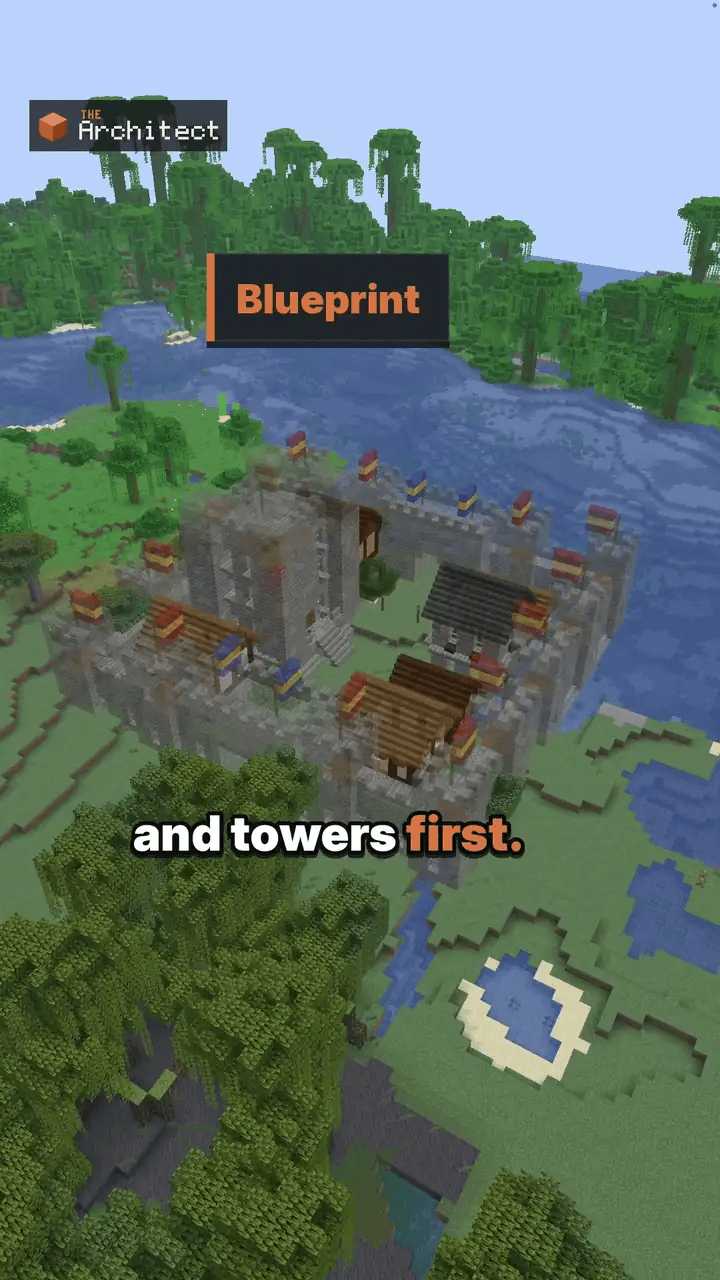
Describe a building in chat. The Architect designs it and shows it as a see-through Litematica ghost in your world, with a material list. Build it yourself in survival, or place it in one go in creative.
The designs are made by generative AI on our server; you need an Architect account to use it.
How it works
- Press B in the game (default key) and log in.
- Describe what you want: "a medieval castle on this hill, stone bricks and spruce, four round towers".
- A ghost of the design shows up in your world. Walk around it before you place a block.
- Follow the material list in survival, or use
/approvein creative. Ask for changes in chat. Each change is a new version, and/undosteps back.
Features
- Ghost preview with Litematica: see the build in your world first.
- Material list counted in stacks (
/materials). - Versions: ask for changes in plain words,
/undo,/redo,/versions, and keep several builds with/builds. - Survival and creative: build by hand, or place it in creative with an undo snapshot.
- Studio in the browser: design in 3D, then send the build to the game or download a
.litematic. - Export the shown version to
schematics/architect/with/export. - Works on servers: it runs on your client only. Singleplayer, Aternos and other servers work, and nothing is installed on the server.
Requirements
- Minecraft Java Edition 1.21 to 1.21.11 or 26.1 to 26.3
- Fabric Loader, Fabric API, Litematica and MaLiLib (the complete pack on our website includes them)
- An Architect account. Designing builds is paid: choose a plan, a credits pack or, in the game, your own key. See https://thearchitectmod.com/#packs
- Players aged 15 and over with their own copy of Minecraft: Java Edition
What is sent to our server
The Architect talks to our server at thearchitectmod.com, and only while you have a session open in the terminal:
- your chat messages to The Architect
- the blocks around the area you build in, so a design fits the terrain
- screenshots of your view, to show what you mean (turn them off with
/screenshots off)
Details: https://thearchitectmod.com/privacy.html
Install
Download the complete pack (.mrpack) from https://thearchitectmod.com/#download and import it in the Modrinth App or Prism Launcher, or add this mod to an existing Fabric setup that has Litematica and MaLiLib. Step by step: https://thearchitectmod.com/guides/install-the-architect/
Learn more
The Architect is an AI and can get a design wrong, like a size or a block choice. Look at the ghost before you gather blocks; the material list is counted from the ghost’s exact blocks. NOT AN OFFICIAL MINECRAFT PRODUCT. NOT APPROVED BY OR ASSOCIATED WITH MOJANG OR MICROSOFT.
常见问题
The Architect 支持哪些 Minecraft 版本?
The Architect 支持 Minecraft Java 版 1.20.1–26.3,共 18 个版本,可用的加载器:Fabric。下载时注意选择和你游戏版本一致的文件。
The Architect 怎么安装?
先用 PCL2 或 HMCL 启动器安装对应版本的 Fabric,再把下载的 .jar 文件放进游戏目录的 mods 文件夹,重新启动游戏即可。开启了版本隔离的,mods 文件夹在 versions/版本名 下面。
评论
登录后评论和评分