
截图
介绍
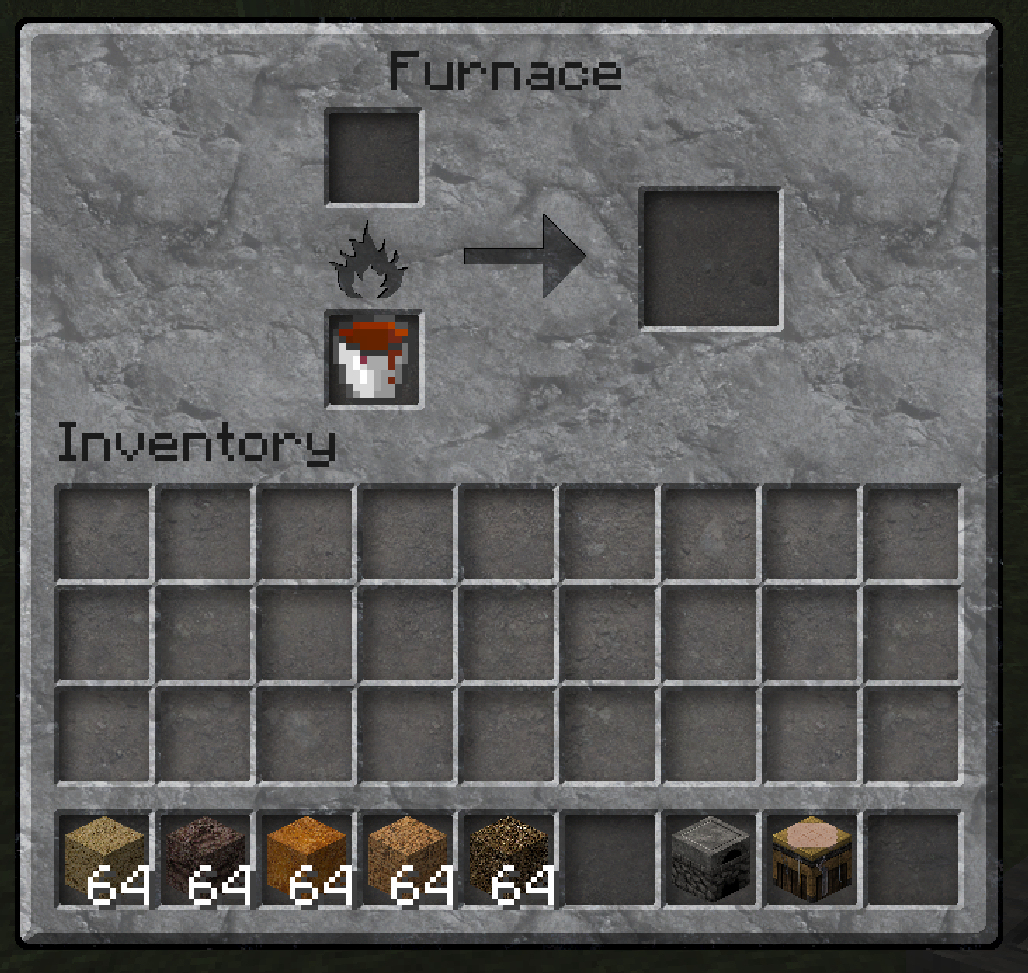
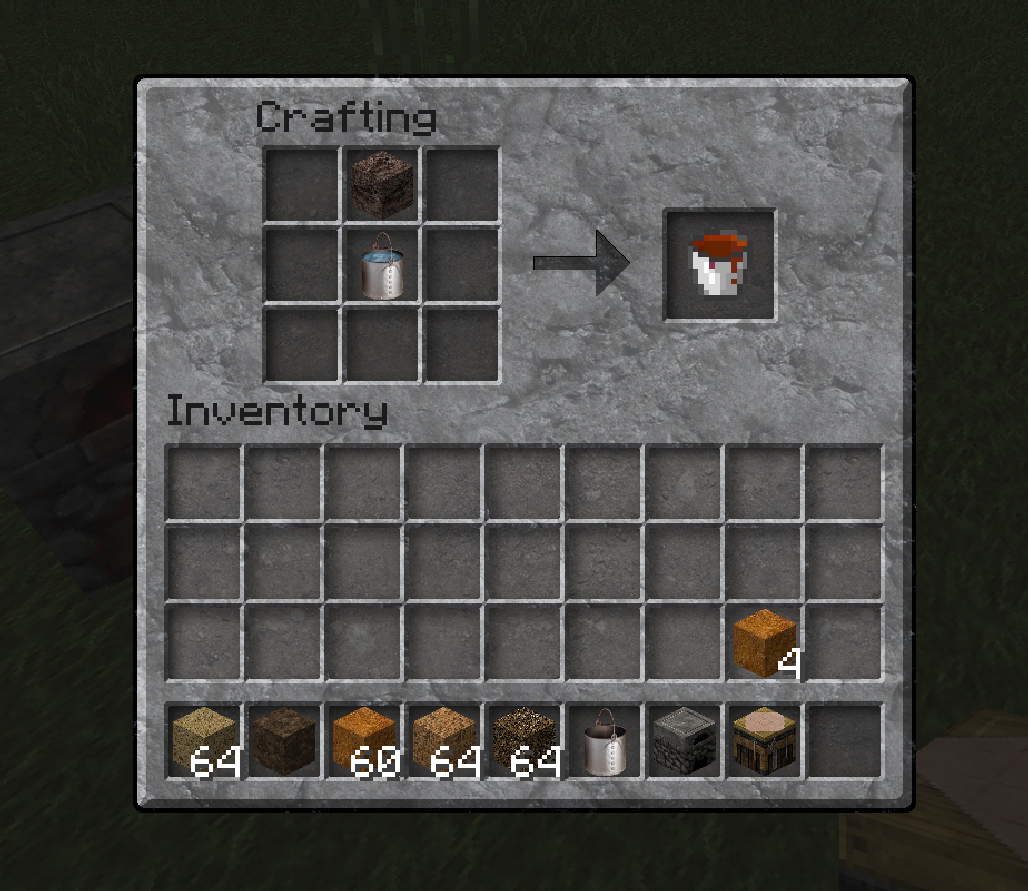
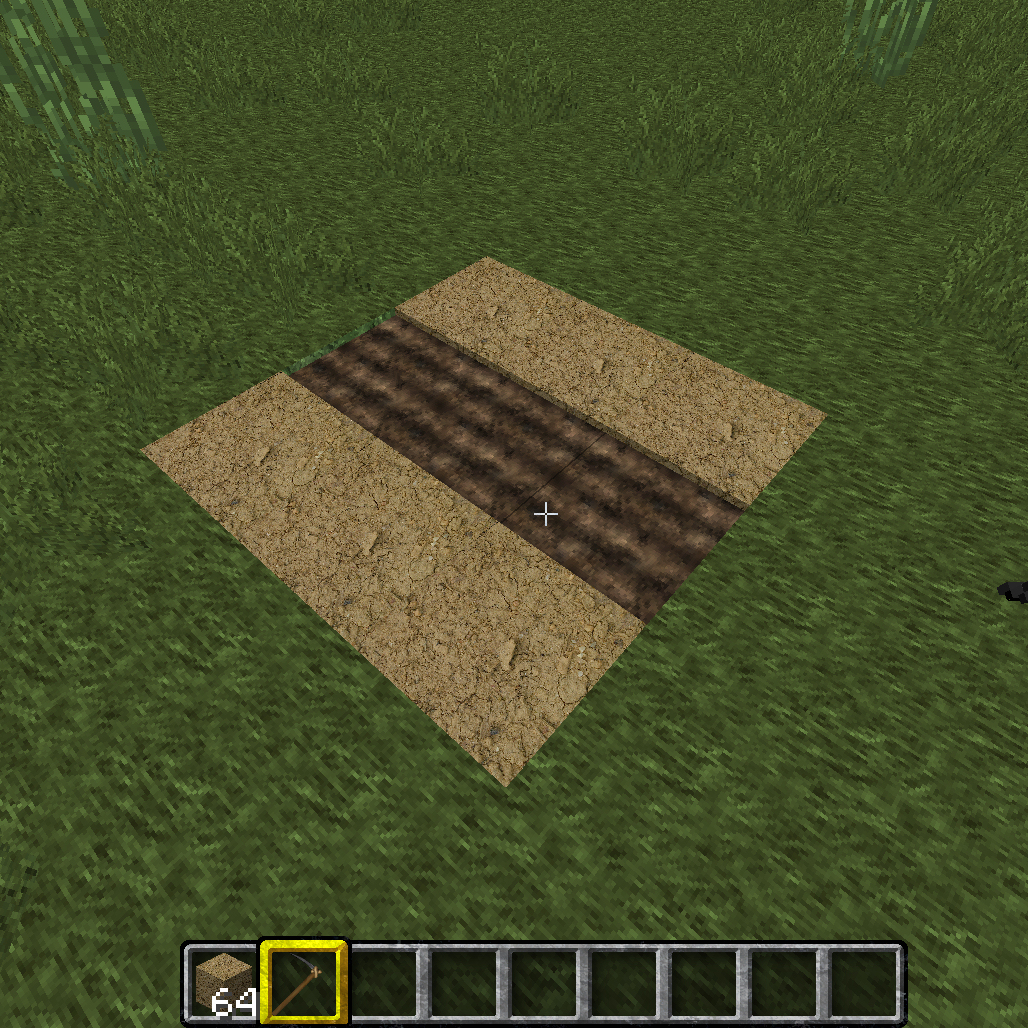
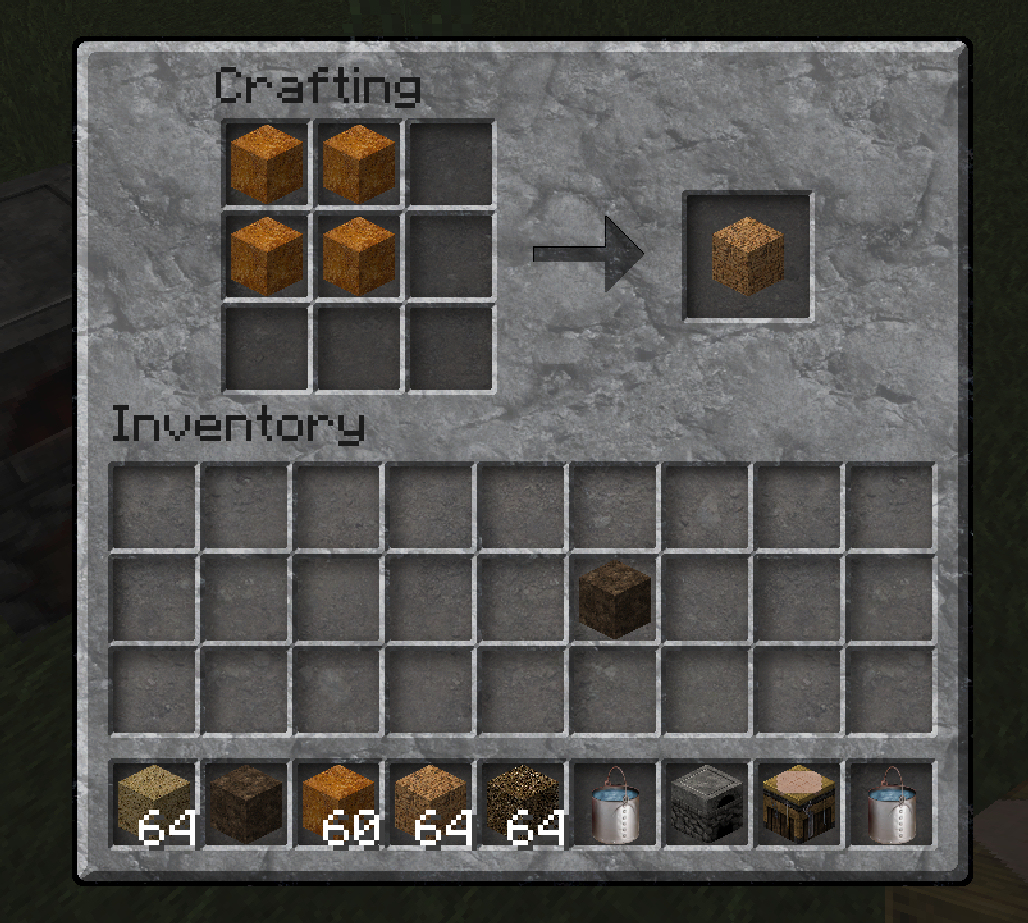
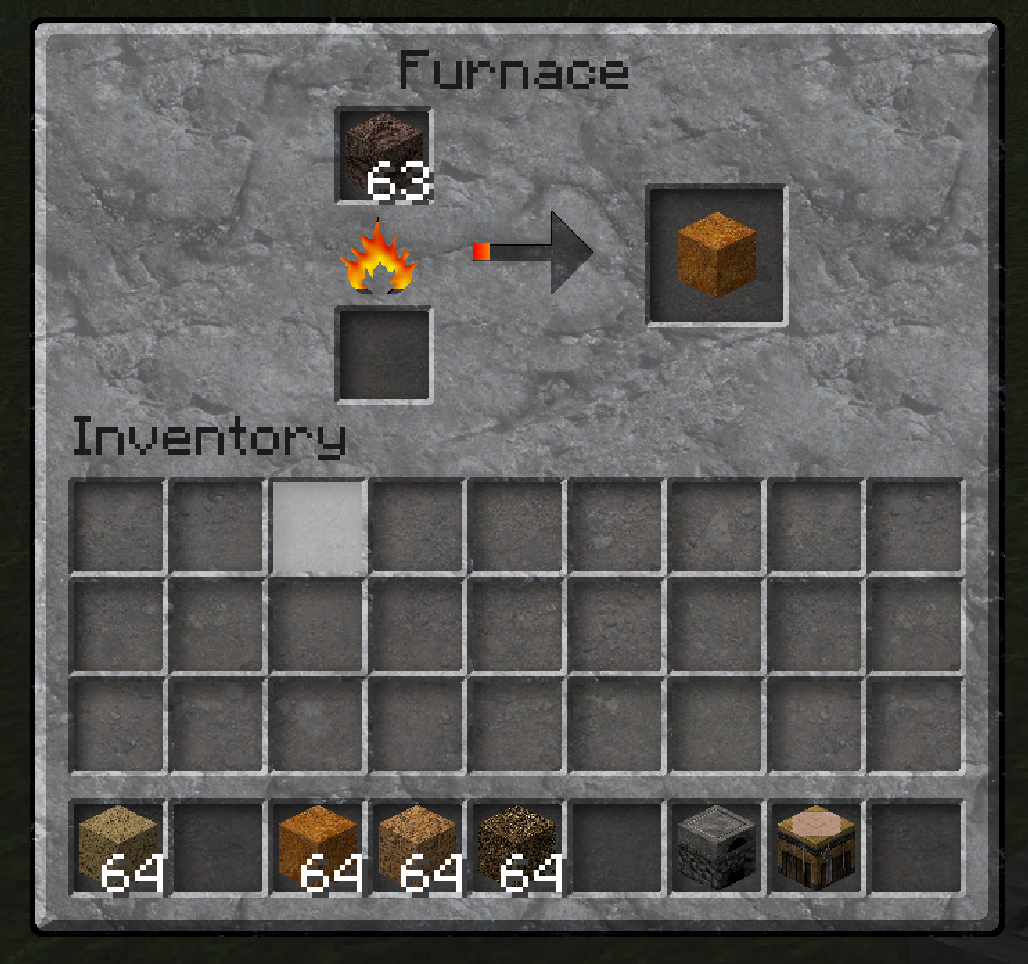
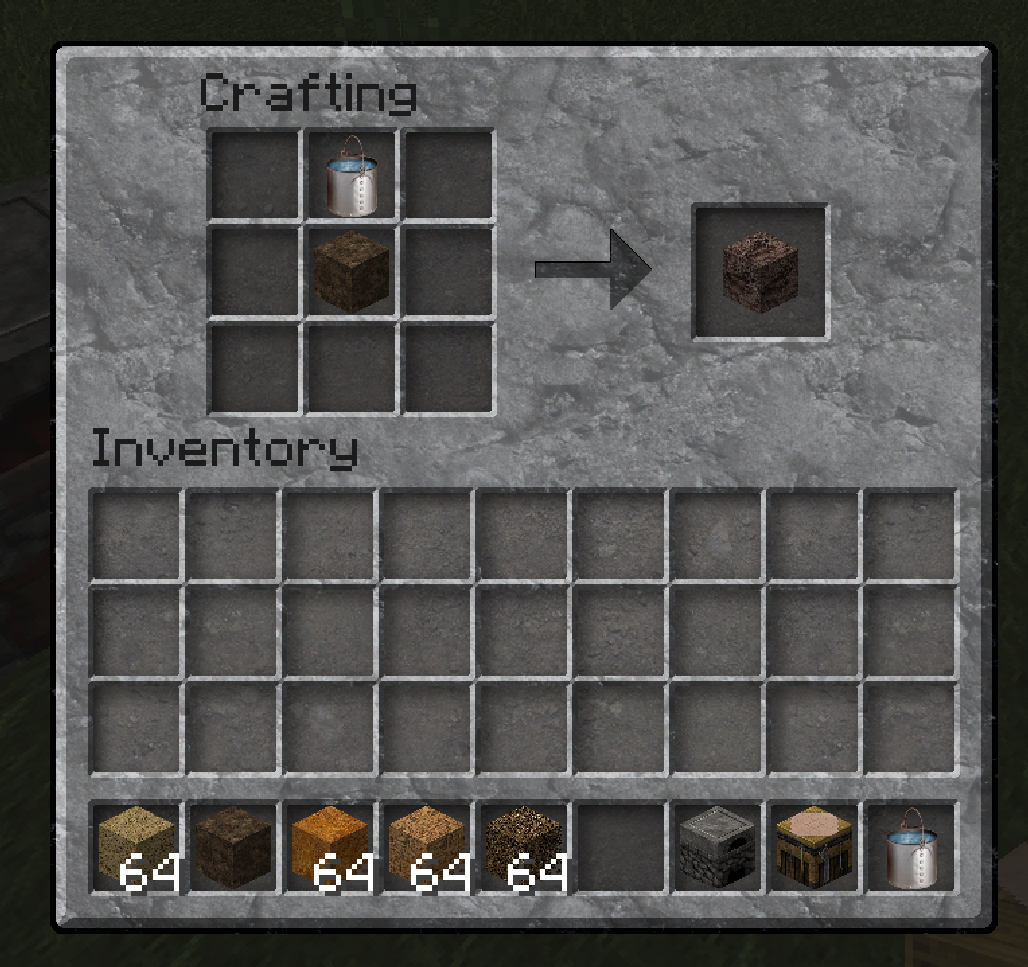
This mod adds four(4) new blocks that enable the use of adobe for building…The first block, Mud…The mud block can be crafted by placing a water bucket in the upper center slot and a block of dirt in the middle slot of the crafting table…Leaving mud in the sun will cause it to dry out and become the second block, the dried mud block…dried mud can be farmed using a stone hoe…Placing mud in the furnace will bake the mud into the the third block, the adobe block…the adobe block can be use to build or can be placed in the upper four, left hand slot of the crafting table to create the fourth block…the adobe brick block…Placing a mud block in the upper center slot of the crafting table, directly above a bucket of water will create muddy water…a bucket of muddy water can be used as fuel in the furnace…
常见问题
The Adobe Mod 支持哪些 Minecraft 版本?
The Adobe Mod 支持 Minecraft Java 版 1.7.10,可用的加载器:Forge。下载时注意选择和你游戏版本一致的文件。
The Adobe Mod 怎么安装?
先用 PCL2 或 HMCL 启动器安装对应版本的 Forge,再把下载的 .jar 文件放进游戏目录的 mods 文件夹,重新启动游戏即可。开启了版本隔离的,mods 文件夹在 versions/版本名 下面。
评论
登录后评论和评分