Thanatophobia
A psychological survival mod that simulates thanatophobia. Your fear grows as your health drops - blurring vision, freezing your hands, switching your hotbar. The closer to death, the harder to survive. Face your fear or perish.
截图
介绍
Thanatophobia — Fear of the End
The darkness remembers you. And it’s watching.
About
Thanatophobia is a psychological horror mod for Minecraft 1.20.1 that introduces a persistent Fear mechanic. The more dangerous your situation — the more your mind betrays you.
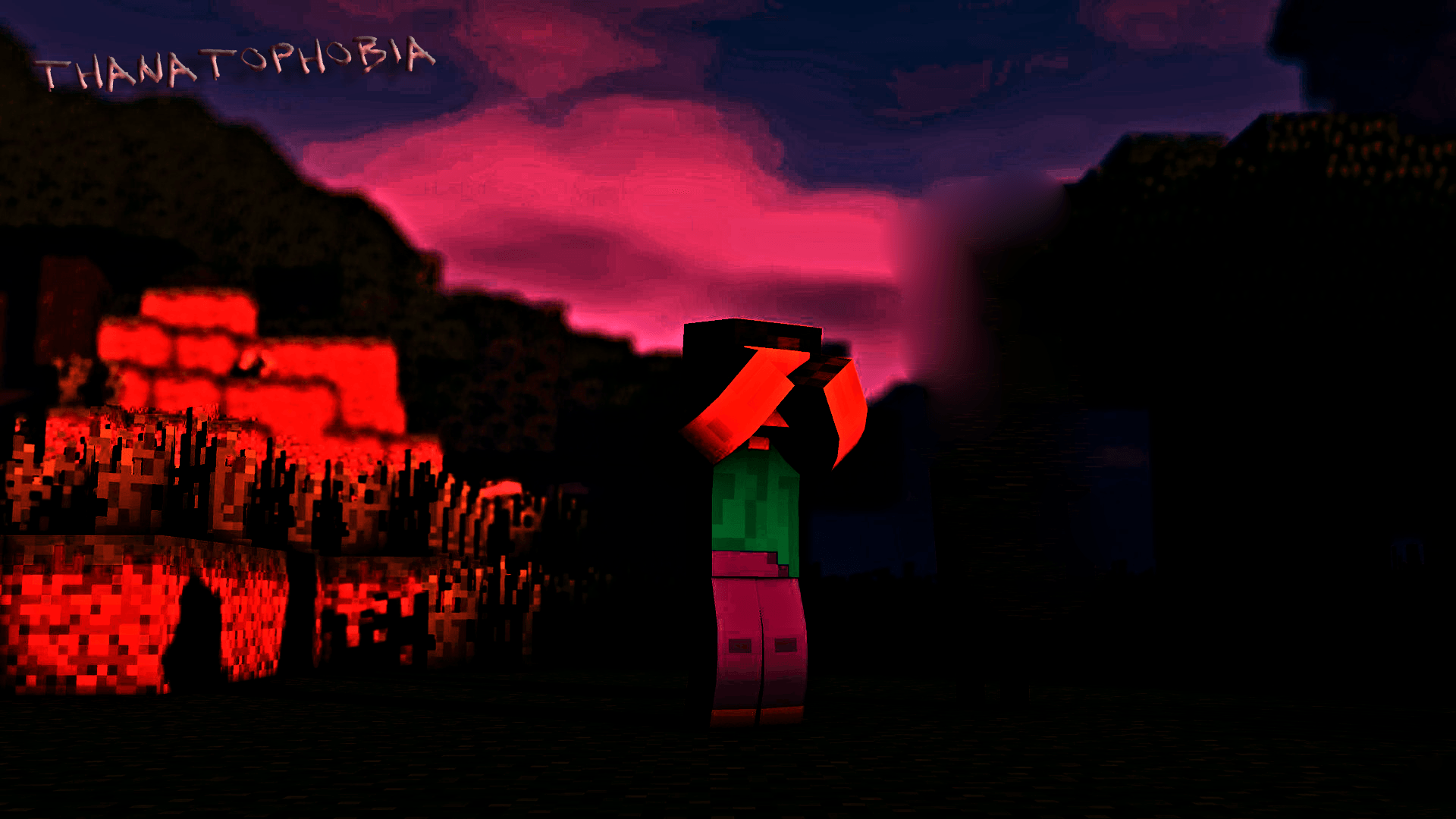
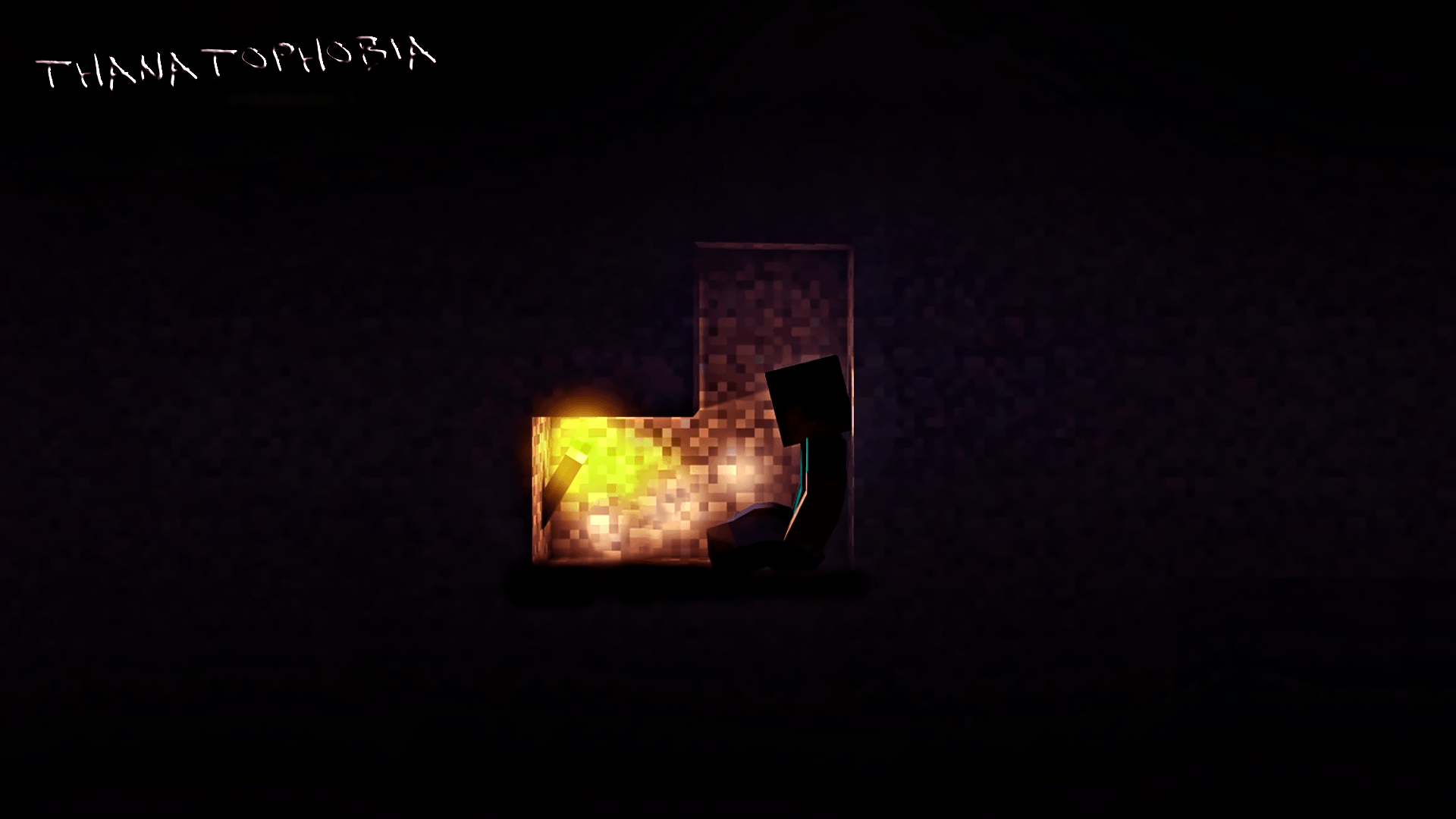
Fear builds gradually from darkness, damage, hostile environments, and your own mistakes. As it rises, the world around you begins to change. Sounds that shouldn’t exist. Movements in the corner of your eye. Your own character losing control.
There is no escape. Only survival.
Features
- 🩸 Fear Bar — A persistent indicator that tracks your mental state. It never resets on its own.
- 🔊 Atmospheric Audio — The world sounds different when you’re afraid. Breathing, heartbeats, and things you can’t explain.
- 🌑 Visual Distortion — Vignette, desaturation, and sudden flashes that grow worse with fear.
- 🚪 Paranormal Activity — Your surroundings react to your fear in unexpected ways.
- 💀 Escalating Danger — High fear doesn’t just scare you — it hurts you.
- ⚙️ Fully Configurable — Every value is adjustable. Make it subtle or unbearable.
How Fear Works
Fear increases from:
- Taking damage
- Being in darkness
- Low health
- Hostile dimensions and biomes
- Certain… actions
Fear decreases from:
- Full health in bright light
- Sleeping
- Certain consumable items
Tips
- Light is your best friend.
- Don’t stay in the dark too long.
- Pay attention to your surroundings.
- Some things are best left unseen.
Requirements
- Minecraft 1.20.1
- Forge 47.x
License
All rights reserved. This mod is not open source.
You were warned.
常见问题
Thanatophobia 支持哪些 Minecraft 版本?
Thanatophobia 支持 Minecraft Java 版 1.20.1,可用的加载器:Forge。下载时注意选择和你游戏版本一致的文件。
Thanatophobia 怎么安装?
先用 PCL2 或 HMCL 启动器安装对应版本的 Forge,再把下载的 .jar 文件放进游戏目录的 mods 文件夹,重新启动游戏即可。开启了版本隔离的,mods 文件夹在 versions/版本名 下面。
评论
登录后评论和评分