
Tessera
Tessera is a focused, performance-first VRAM optimization engine GPU-native using BC7 format
截图
介绍




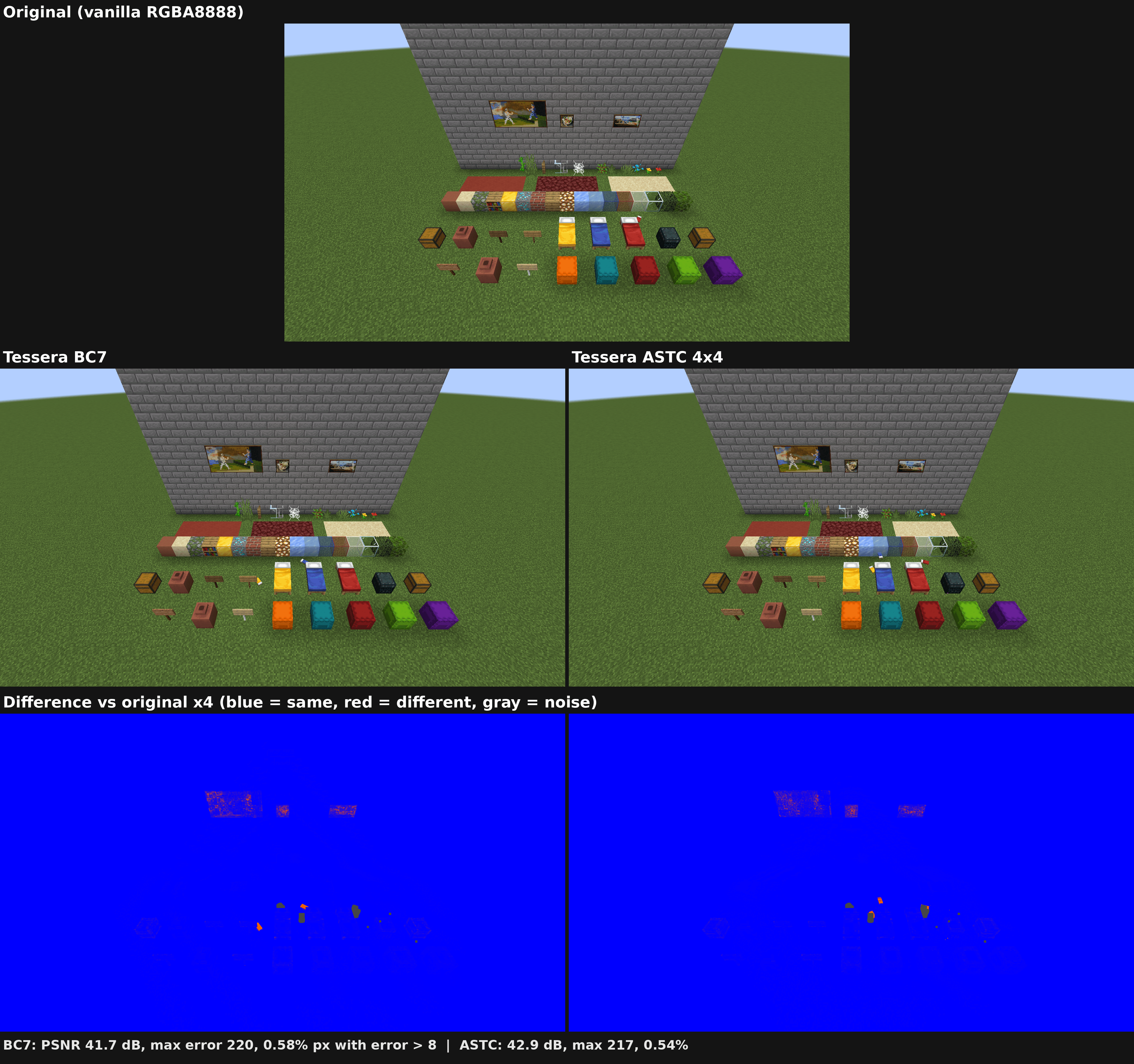
Tessera makes Minecraft use less video memory. It shrinks the game’s textures on your graphics card by up to 75%, and the game looks exactly the same. Helpful with big resource packs, large modpacks, or a GPU without much memory.
✨ Features
- 🎯 Nothing to set up: install it and play.
- 🌊 Animations keep moving: water, lava, fire and every other animated texture.
- 🧊 No freezes while textures load: the work happens in the background.
- 🎨 Shaders welcome: it doesn’t change how the game draws, so shaders and other visual mods keep working.
- 📊 See the savings: press F3 to see how much video memory it saves (on every version except 1.21.5 – 1.21.9).
You also need Celeris. Put both in your
modsfolder.
📉 What it saves
This is Tessera’s corner of the F3 screen in a normal world: the textures take 3.96 MB of video memory instead of 15.84 MB.

The more textures your packs and mods add, the more it saves. An earlier version, for comparison:
| Earlier version | Now |
|---|---|
 |
 |
🖥️ Will it work for me?
| Your setup | Tessera |
|---|---|
| Minecraft 1.21 – 1.21.11 and 26.1 – 26.3, NeoForge | ✅ Download the file made for your version |
| Windows or Linux | ✅ Supported |
| macOS | ❌ macOS doesn’t support the texture format Tessera needs |
| Servers | ➖ Not needed: it runs on your computer only, and you can join any server with it |
📚 Learn more
Settings, extra speed tips, how it works and the full version list are on GitHub.




Code: AGPL-3.0 · Art: CC BY-NC-SA 4.0 · Made by Bichal
常见问题
Tessera 支持哪些 Minecraft 版本?
Tessera 支持 Minecraft Java 版 1.21–26.3,共 17 个版本,可用的加载器:NeoForge。下载时注意选择和你游戏版本一致的文件。
Tessera 怎么安装?
先用 PCL2 或 HMCL 启动器安装对应版本的 NeoForge,再把下载的 .jar 文件放进游戏目录的 mods 文件夹,重新启动游戏即可。开启了版本隔离的,mods 文件夹在 versions/版本名 下面。
Bichal 的其他作品
查看全部 →
Better Player Locator Bar
A Minecraft Fabric mod that adds an enhanced player locator bar. An improvement over Mojang's existing player indicator system.

Better Player Locator Bar
A Minecraft Fabric mod that adds an enhanced player locator bar. An improvement over Mojang's existing player indicator system.

Translucent Window
Translucent Window is a Fabric mod that enhances Minecraft's aesthetics by applying translucent window effects on supported systems.
Mo Flowers
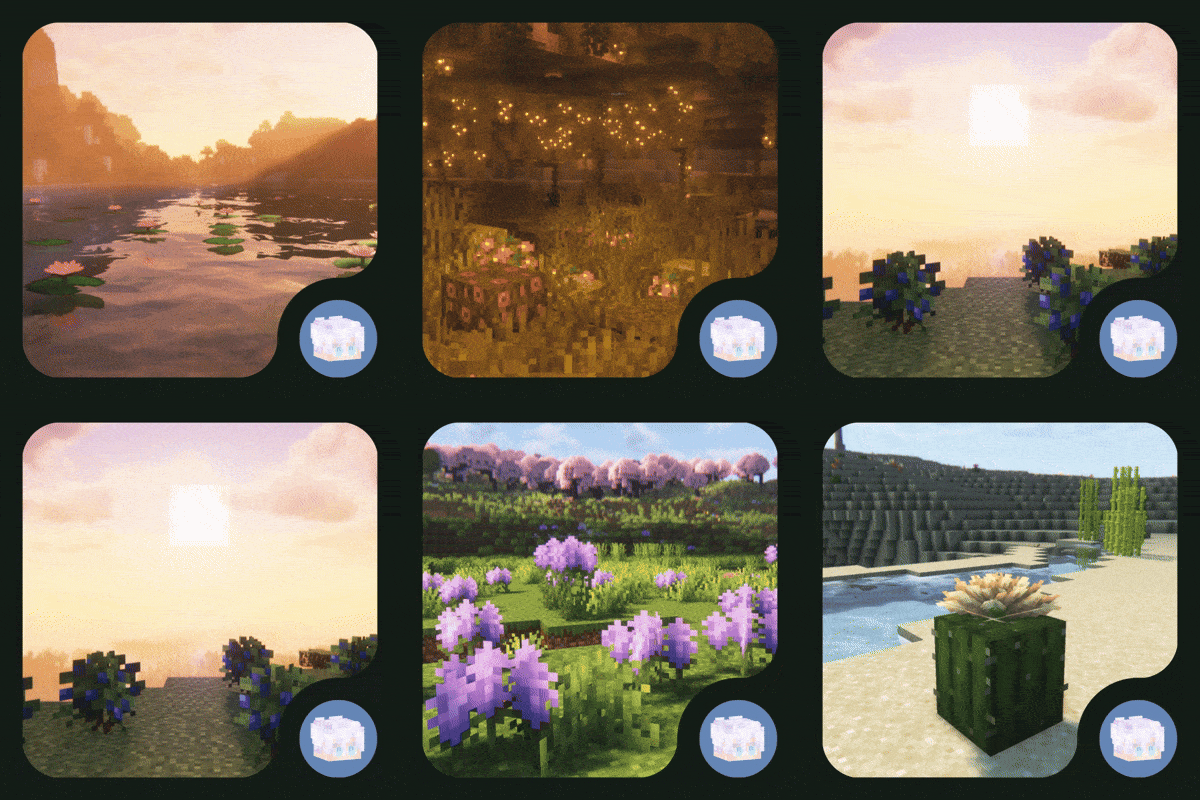
MoFlowers is a Minecraft mod that adds new flowers, shrubs and decorative blocks, with associated mechanics, biome generation, flower management API, custom rendering and localisation support.
评论
登录后评论和评分