Tensura: Voice Chat
Private party voice and directional proximity chat for Tensura Teams, with separate microphone modes, device selection, noise suppression and party volume controls.
截图
介绍
中文介绍正在准备中,下面暂时显示原文。
◆
PARTY & DIRECTIONAL PROXIMITY VOICE
Tensura: Voice Chat
Stay together, wherever you travel.
Private party voice across any distance and dimension, plus a separate directional proximity channel for the players around you.
Channels
Choose who hears you.
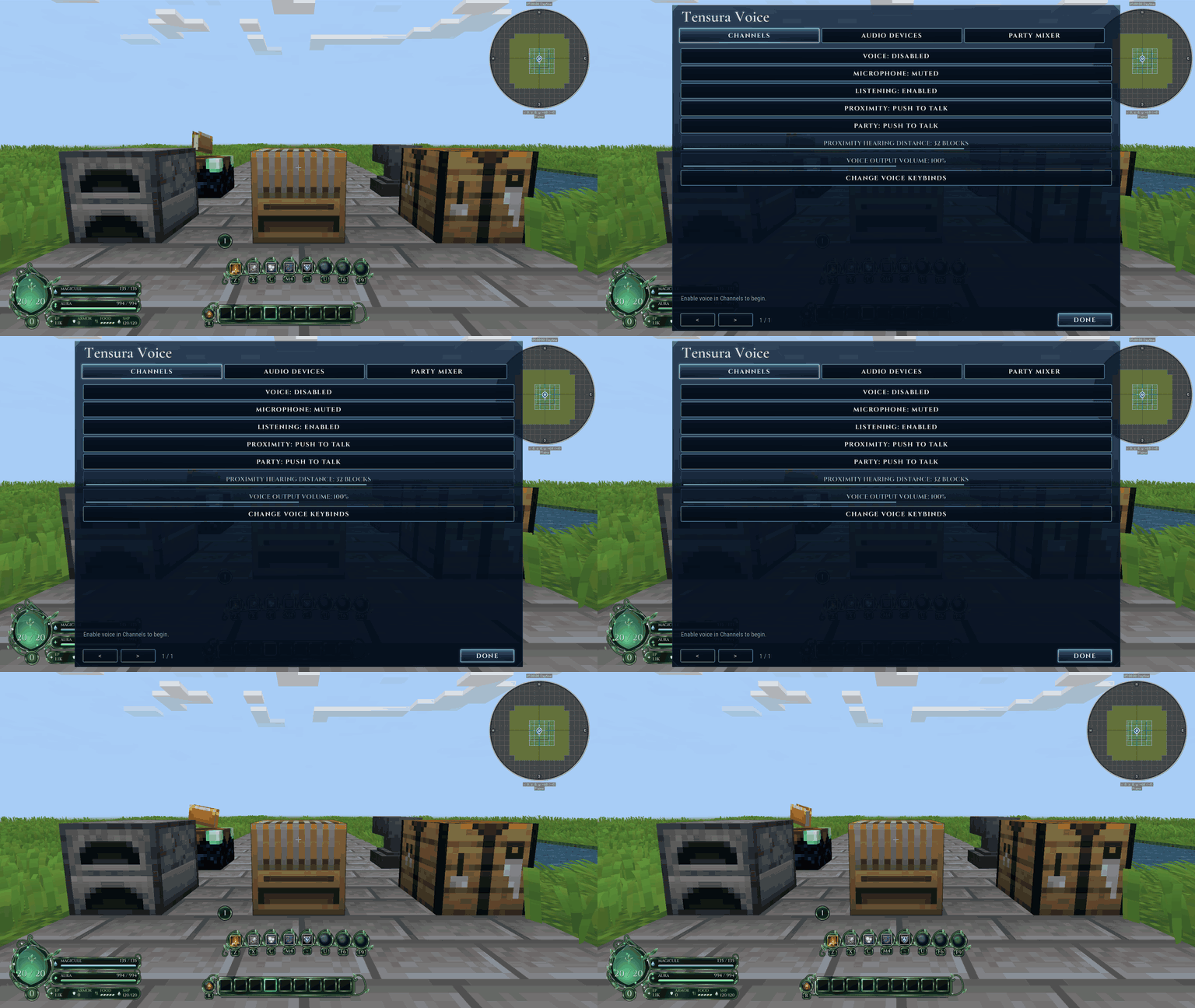
Party voice reaches current temporary-party members without distance fading. Proximity voice uses stereo direction and fades over distance in the same dimension. Persistent teams do not receive their own voice channel.
Each channel has independent Off, Push to talk and Open mic modes. Voice starts disabled until you enable it, and outgoing audio pauses when Minecraft loses focus.
Audio controls
Make the sound yours.
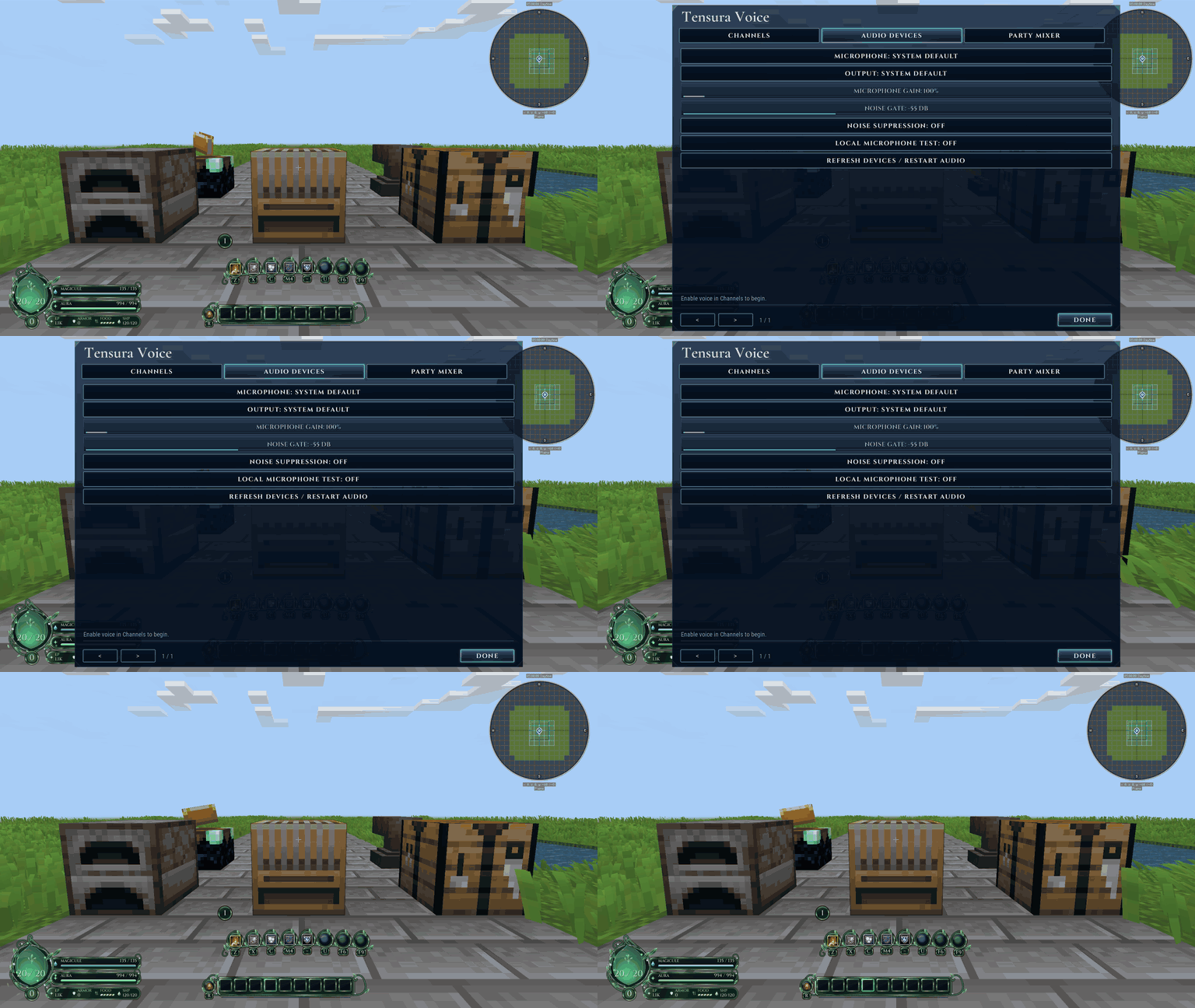
Choose input and output devices, adjust microphone gain, set a noise gate and enable suppression for steady background noise. A local microphone test lets you check your setup without transmitting.
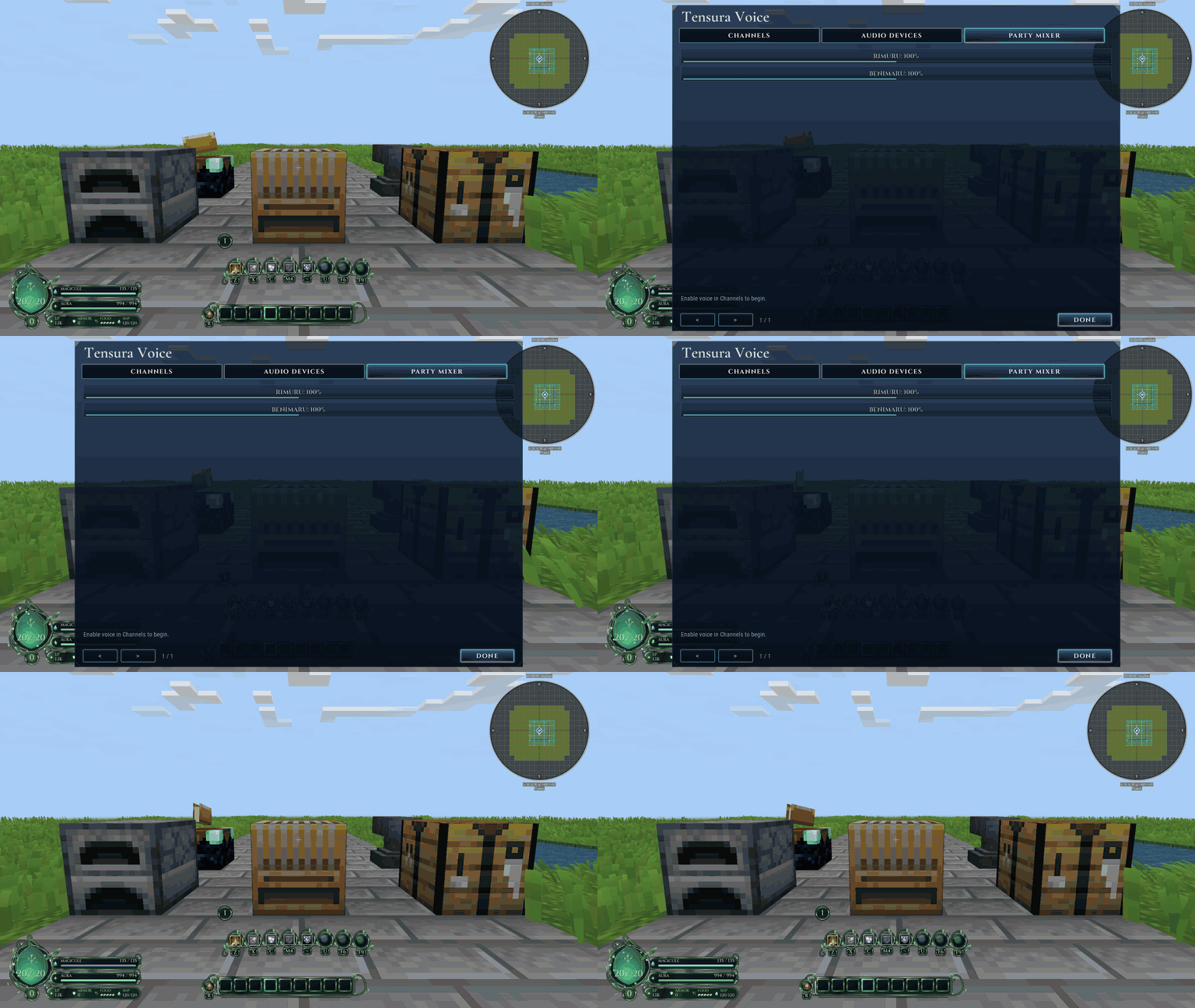
The party mixer remembers per-player 0-200% volume; zero mutes that member’s party audio. Microphone mute stops outgoing channels, while deafen stops both listening and sending.
Getting started
One connection. Separate audiences.
Press F7 for settings, enable voice, select your devices and use V for proximity or B for party push to talk. Remap these defaults in Controls if your pack uses the same keys.
Audio travels over the existing Minecraft connection, so the host needs no separate UDP voice port. Server congestion can delay audio. This uses its own voice protocol; Simple Voice Chat clients are not interchangeable.
Installation
Bring it to your world.
Minecraft 1.21.1 / NeoForge 21.1.250+ / Java 21.
Required: Tensura: Teams 1.1.18+; Tensura: GUI 0.4.36+ (clients). Install each dependency’s own required libraries too.
Install matching Voice versions on the server and every client. Clients require Tensura: GUI for settings; dedicated servers do not. Install Teams and all of its dependencies too.
常见问题
Tensura: Voice Chat 支持哪些 Minecraft 版本?
Tensura: Voice Chat 支持 Minecraft Java 版 1.21.1,可用的加载器:NeoForge。下载时注意选择和你游戏版本一致的文件。
Tensura: Voice Chat 怎么安装?
先用 PCL2 或 HMCL 启动器安装对应版本的 NeoForge,再把下载的 .jar 文件放进游戏目录的 mods 文件夹,重新启动游戏即可。开启了版本隔离的,mods 文件夹在 versions/版本名 下面。
Hecrius 的其他作品
查看全部 →
Smooth Loading Screens
by Hecrius, SentiBuzz
减少启动时的卡顿,并让创建世界的加载界面保持流畅响应!
2万
10 天前
CurseForge
Tensura: Main Menu
by Hecrius, SentiBuzz
Tensura 主题电影感前端,包含动态镜湖、加载水晶、进入世界过渡效果、主题菜单、环形暂停菜单和可自定义字体。
4,018
6 天前
CurseForge

Custom FPS Crosshairs
by Hecrius, SentiBuzz
完全可自定义的 VALORANT 风格 Minecraft 准星,带实时编辑器、可分享代码、动态效果,最多 10 个配置档。
2,662
19 天前
CurseForge
Tensura: Death Screens
by Hecrius, SentiBuzz
受《转生史莱姆》启发的死亡动画,可选择配置并安全预览,重生后还有匹配的过渡动画回到世界。
2,619
2 天前
CurseForge
评论
登录后评论和评分