
截图







介绍
If you have Telepost with version lower to 4.0 (<4.0) go here
#
Telepost doesn’t require any other mod to function. However, it has softdepend functions for:
- Luckperms: For permission management. (max posts per player, leverage per player, command permissions)
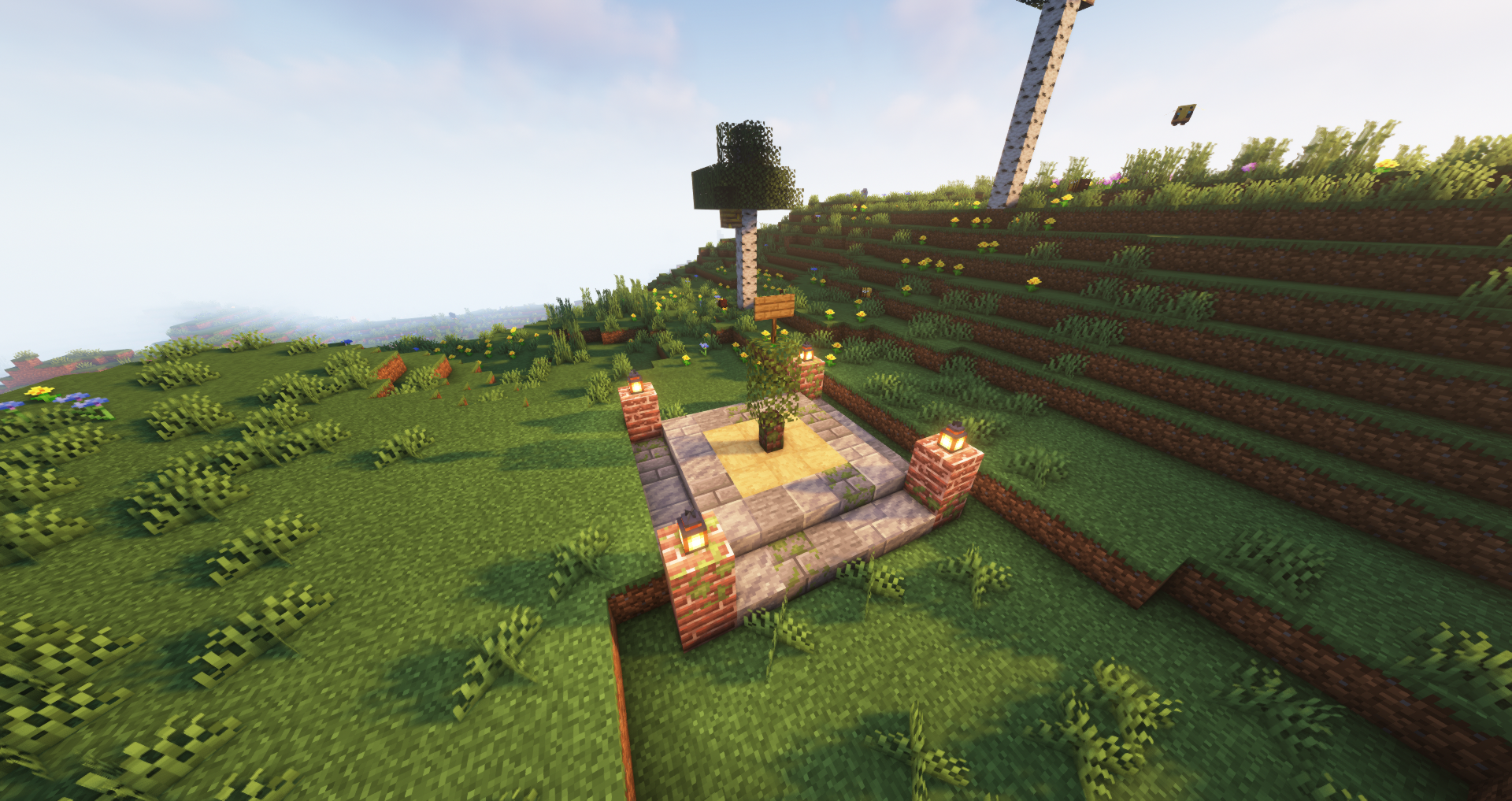
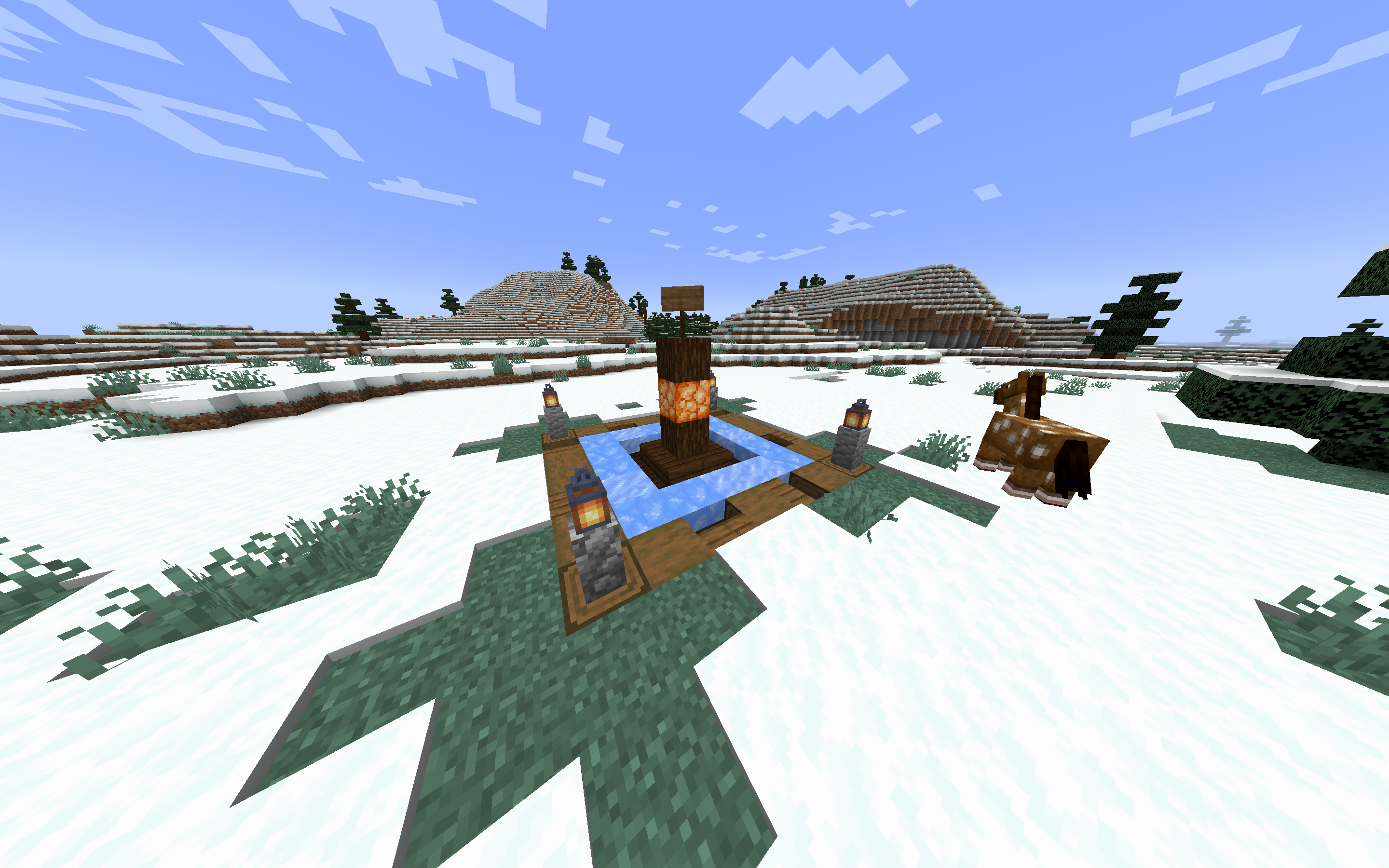
Nerfed teleportation! Easier than ever. Players can create posts if not near enough others. This creates a teleport hall for all players.
You may teleport there if you are standing inside another post.
You can also have your own post to call a /home.
/postor/nearestpostor/closestpost: shows you where the nearest post is./sethomepostor/sethome: sets a home on the nearest post./homepostor/homeor/h: teleports you to your home./visit <Post>or/v: teleports you to a Post./forcevisit <Player> <Post>or/fv: teleports you to a Post without requiring to be standing on a post. OPs only./post list [page]: shows a paginated GUI of the posts./post create <Post> <x> <z>: creates a post with a given name./post rename <OldName> <NewName>: renames a post./post transfer <PostName> <Player>: transfers a post to another player. OPs only./post delete <PostName>: deletes a post. OPs only./post ally <Player>: Mark a player as your ally./post enemy <Player>: Mark a player as your enemy./post forgive <Player>: Forgive a player. (Delete ally/enemy status)
Important permissions:
telepost.posts.NUMBER– Maximum number of posts a player can own. Default is 1.telepost.leverage.NUMBER– Leverage distance to create posts. See the Leverage section for more information. Default is POST-GAP / 2.
Command permissions:
telepost.command.post– Use /post, /nearestpost, /closestposttelepost.command.sethome– Use /sethomepost, /sethometelepost.command.home– Use /homepost, /home, /htelepost.command.visit– Use /visit, /vtelepost.command.forcevisit– Use /forcevisit (OPs only)telepost.command.list– Use /post listtelepost.command.create– Use /post createtelepost.command.rename– Use /post renametelepost.command.transfer– Use /post transfer (OPs only)telepost.command.delete– Use /post delete (OPs only)telepost.command.ally– Use /post allytelepost.command.enemy– Use /post enemytelepost.command.forgive– Use /post forgive
Config
{
  "db-url": "jdbc:postgresql://kryeit.com:5432/servus",
  "db-user": "postgres",
  "db-password": "lel",
  "post-gap": 2000,
  "post-diameter": 31
}- You need to input the credentials for a PostgreSQL database. Required to have one in order to use the mod.
post-gap: The minimum distance in blocks that must be between two posts. Default is 2000 blocks.post-diameter: The diameter of the post area. Default is 31 blocks. This is also used to offset structures when placing them with/post create.
Leverage
Imagine "post-gap": 1000, inside the config.json.
When creating a post, you must select a location. You can’t create a post closer to 1000 blocks from another post.
If you are an ally of a player, their posts will have leverage for you. Once you have leverage, you can create posts closer to your allies. If you had 200 of leverage you could create a post 800 blocks away from your ally’s post.
If you are an enemy of a player, their posts will have negative leverage for you. You must create posts further away from your enemies. If you had 200 of leverage you could only create a post 1200 blocks away from your enemy’s post.
Our Discord: https://discord.gg/vq5vwuyDGU
常见问题
Telepost 支持哪些 Minecraft 版本?
Telepost 支持 Minecraft Java 版 1.20–1.21.4,共 8 个版本,可用的加载器:Fabric / NeoForge / Quilt。下载时注意选择和你游戏版本一致的文件。
Telepost 怎么安装?
先用 PCL2 或 HMCL 启动器安装对应版本的 Fabric / NeoForge / Quilt,再把下载的 .jar 文件放进游戏目录的 mods 文件夹,重新启动游戏即可。开启了版本隔离的,mods 文件夹在 versions/版本名 下面。运行环境:仅服务端。
MrRedRhino 的其他作品
查看全部 →
Create: Missions
Economy for servers, by daily weekly missions and physical currency!

Kryeit
Base modpack for the Kryeit server

Kryeit
The base modpack for Kryeit

Votifier for Fabric
A Votifier mod for Fabric platforms (Port of original Bukkit votifier)
评论
登录后评论和评分