Teleport Stones
Discover monumental teleport stones, build a persistent travel network, explore seven environment-aware styles, and travel safely across dimensions.
截图
介绍
Teleport Stones
| Classic | Verdant | Sandy | Deepslate |
|---|---|---|---|
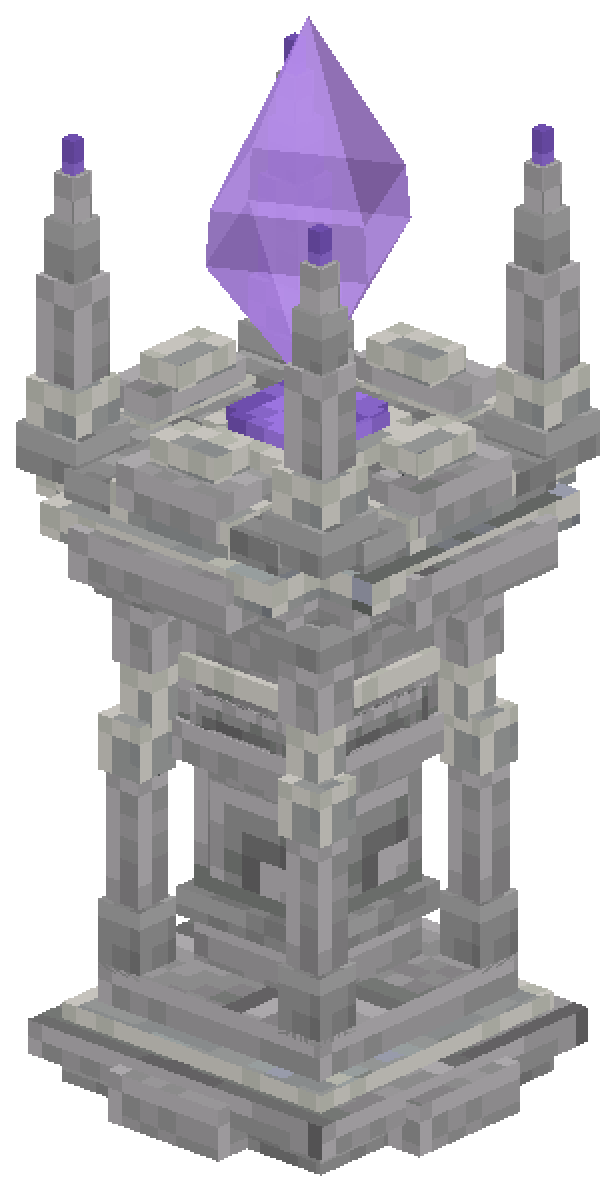 |
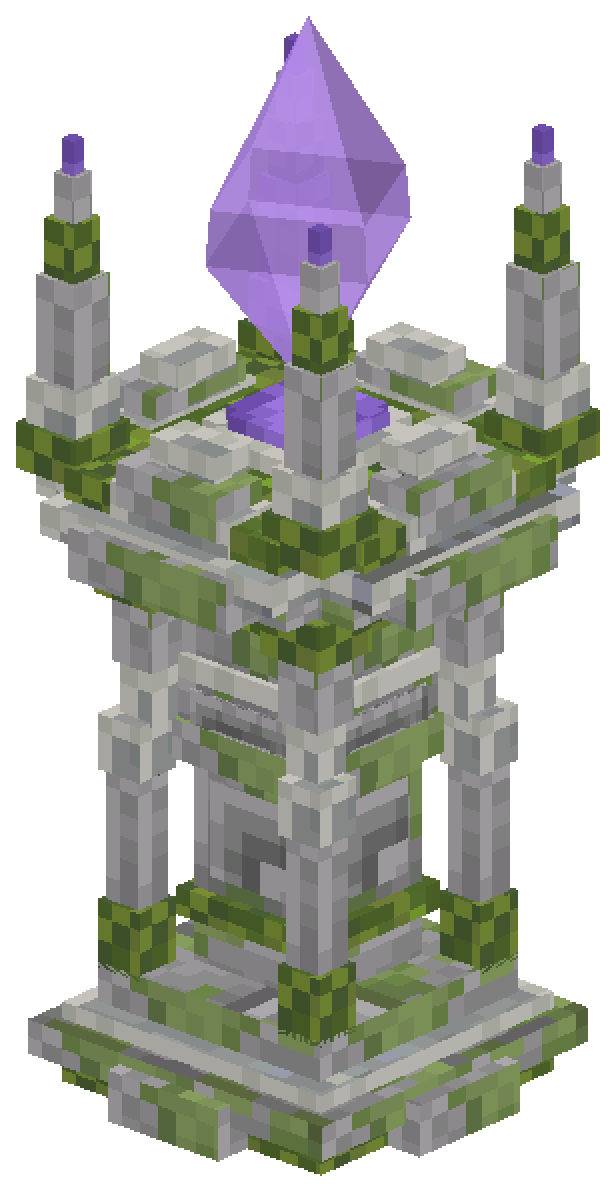 |
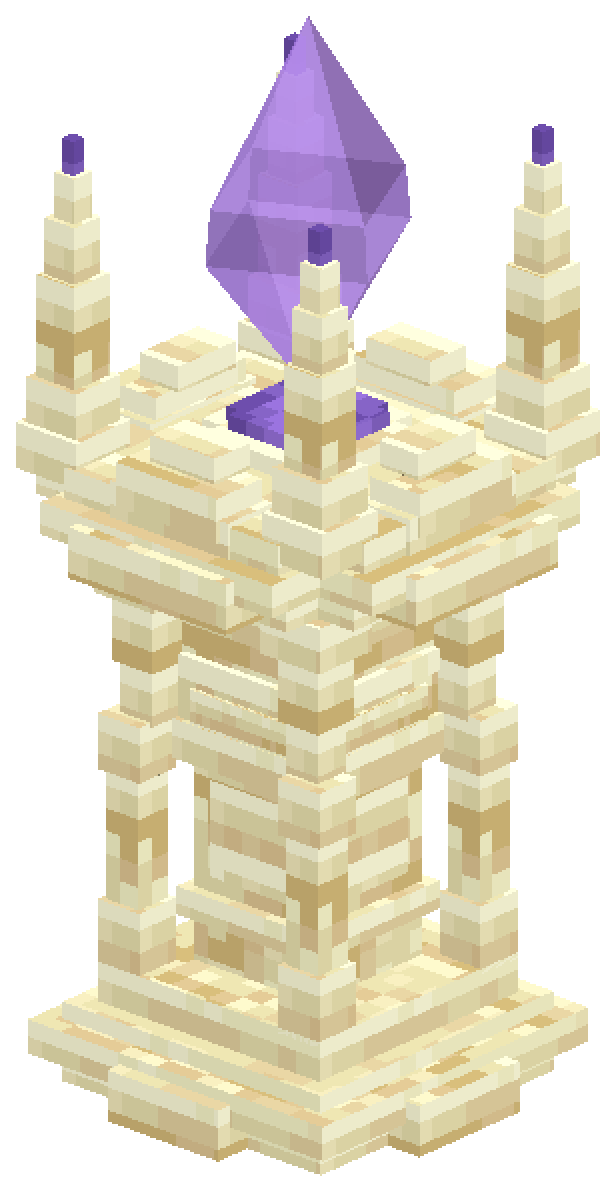 |
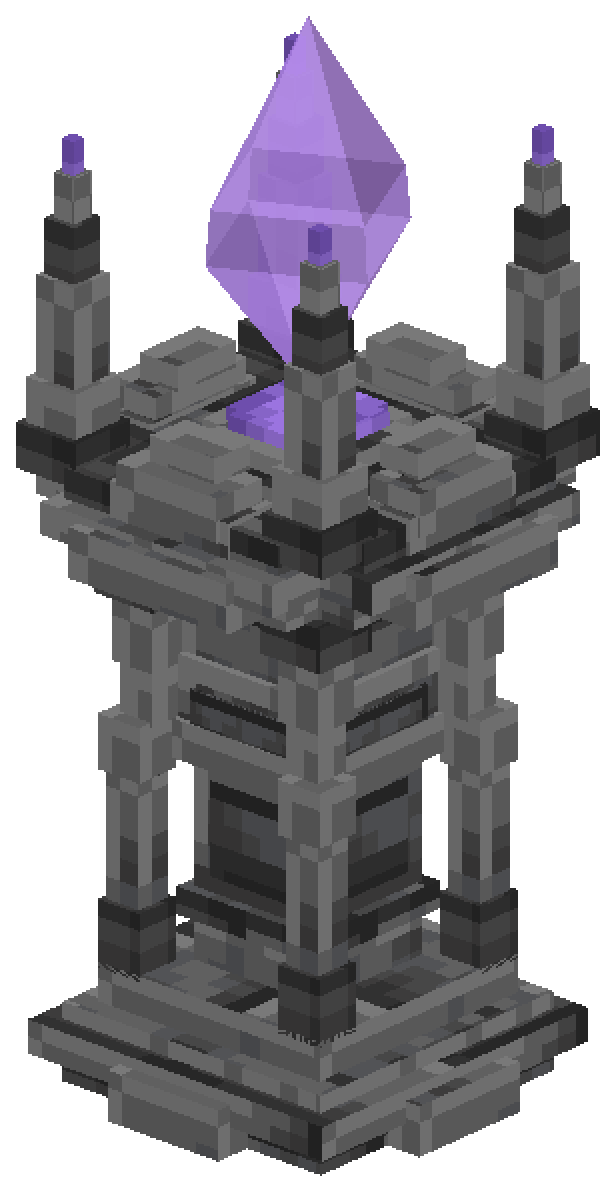 |
| Infernal | End | Frost |
|---|---|---|
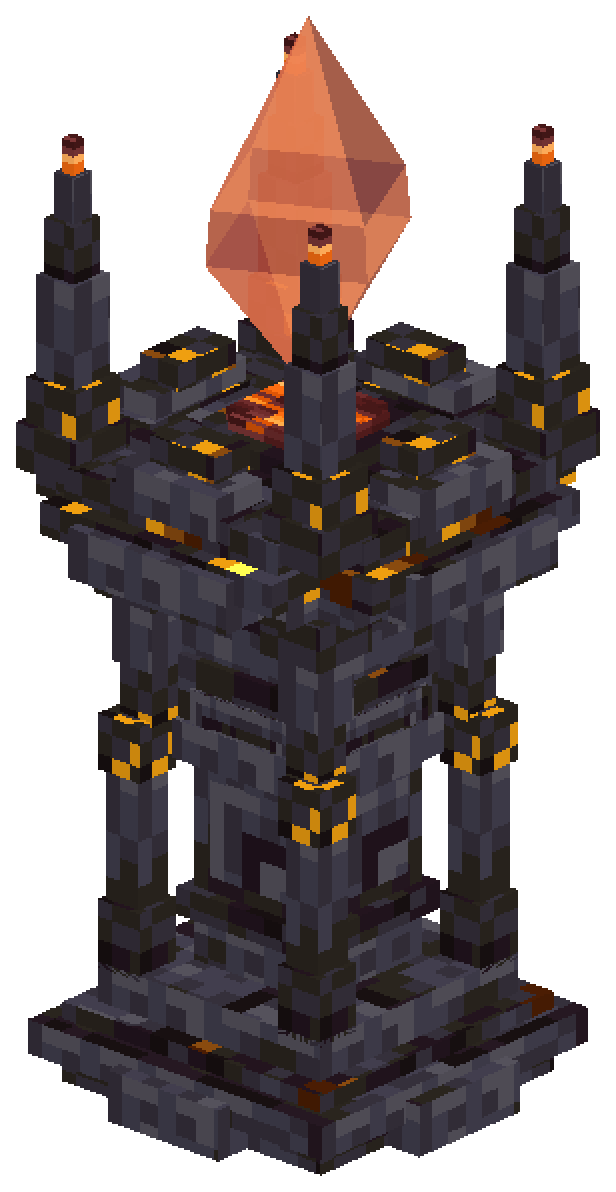 |
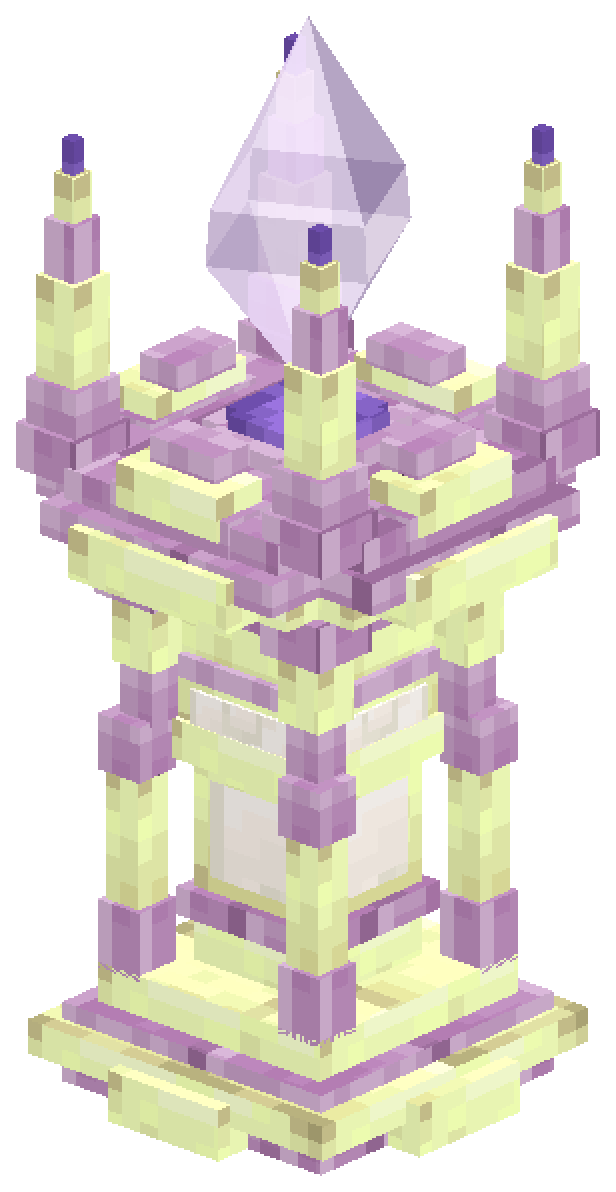 |
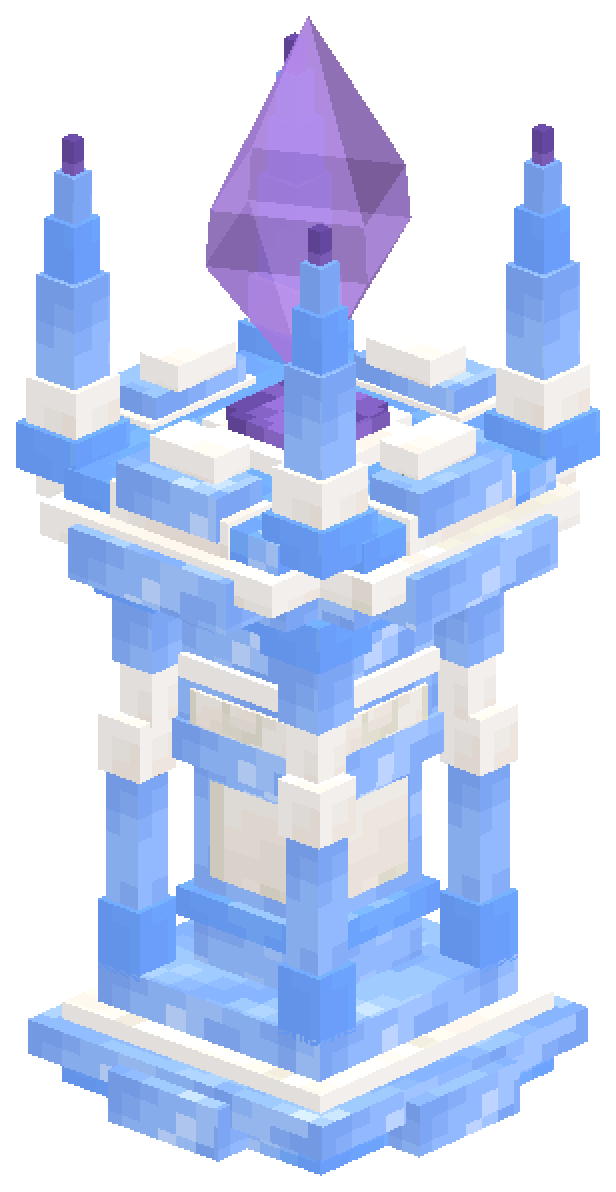 |
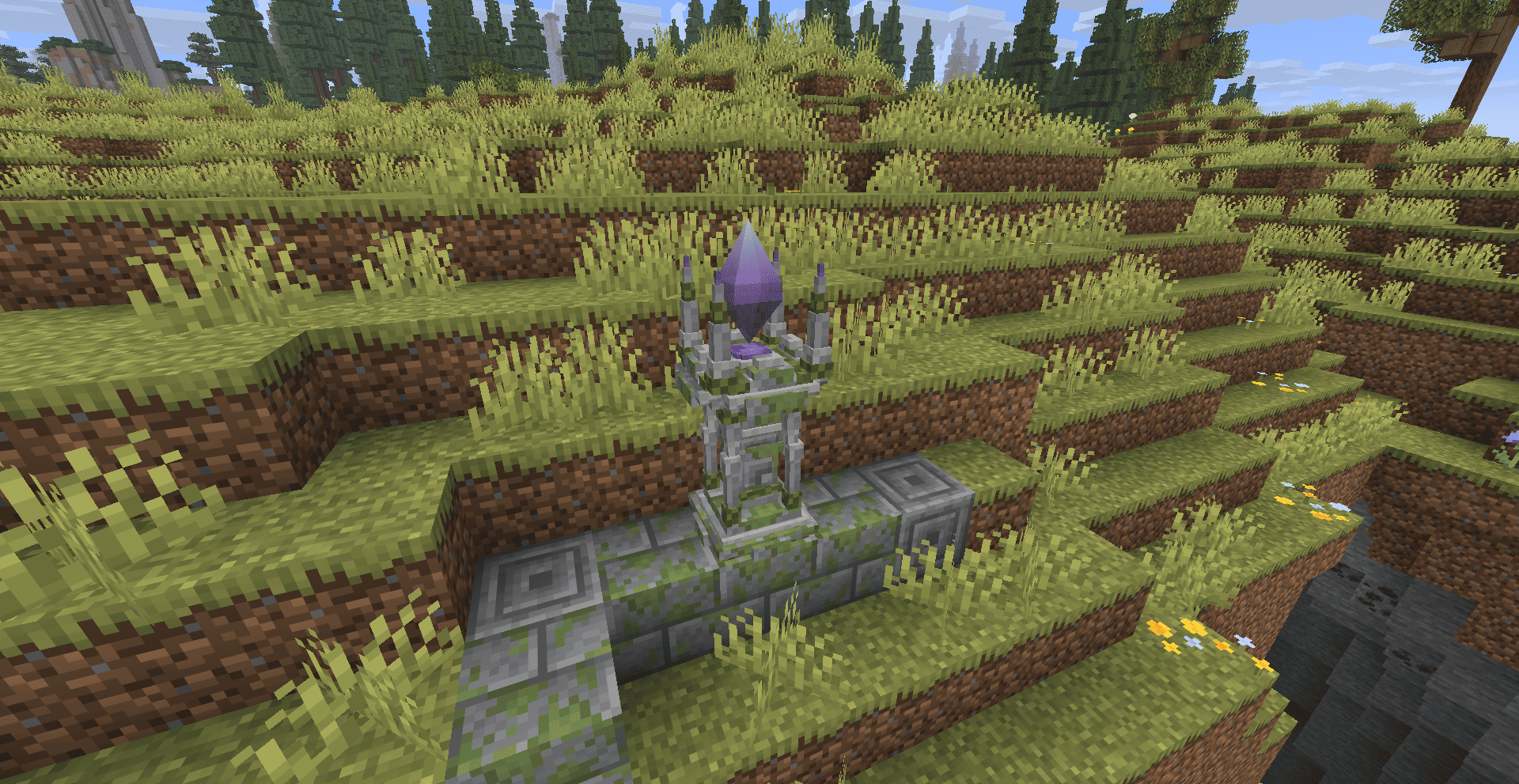
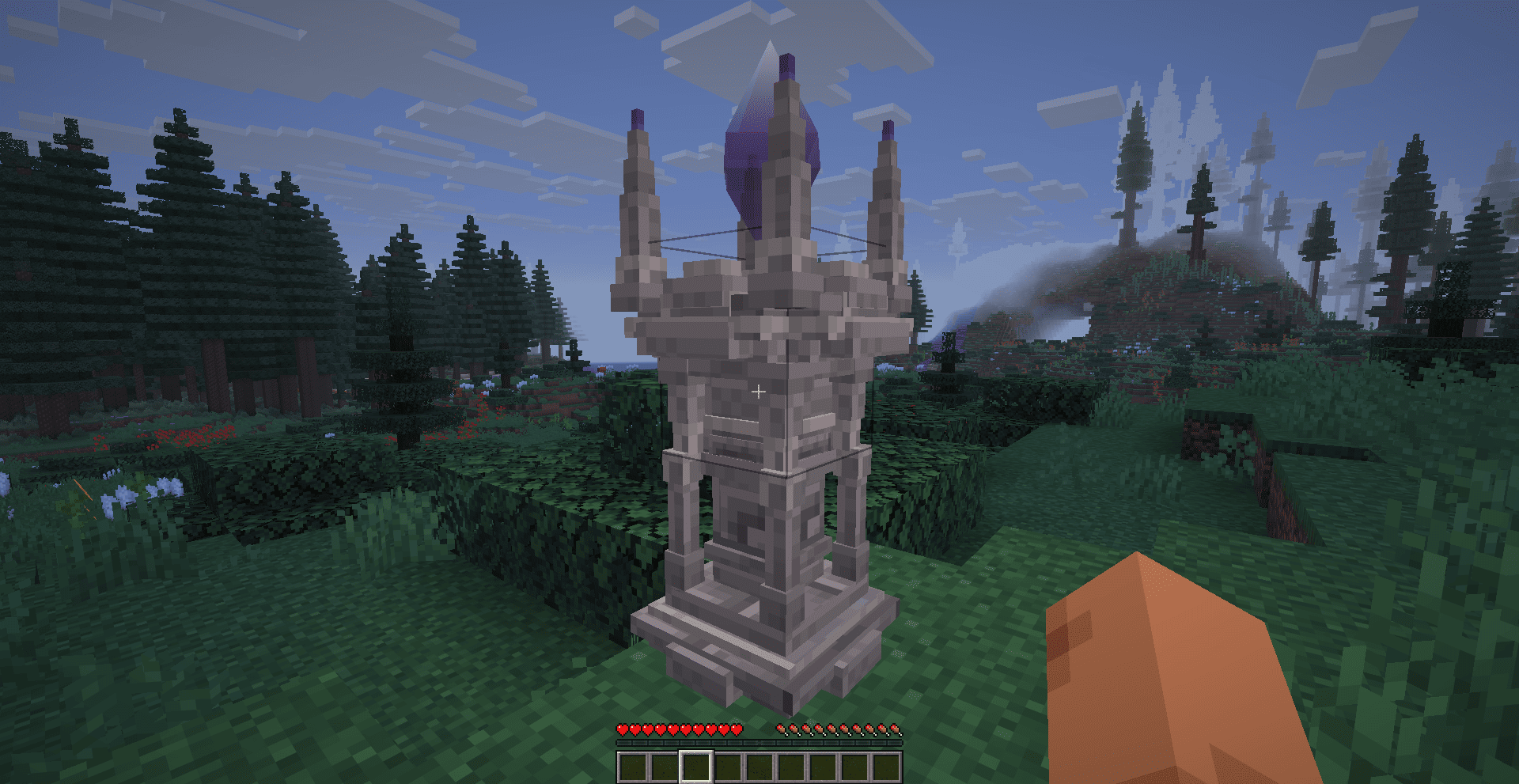
 Teleport Stones adds monumental travel structures that become part of your world. Place or discover a stone, activate it, and use its network to move between destinations you have already found.
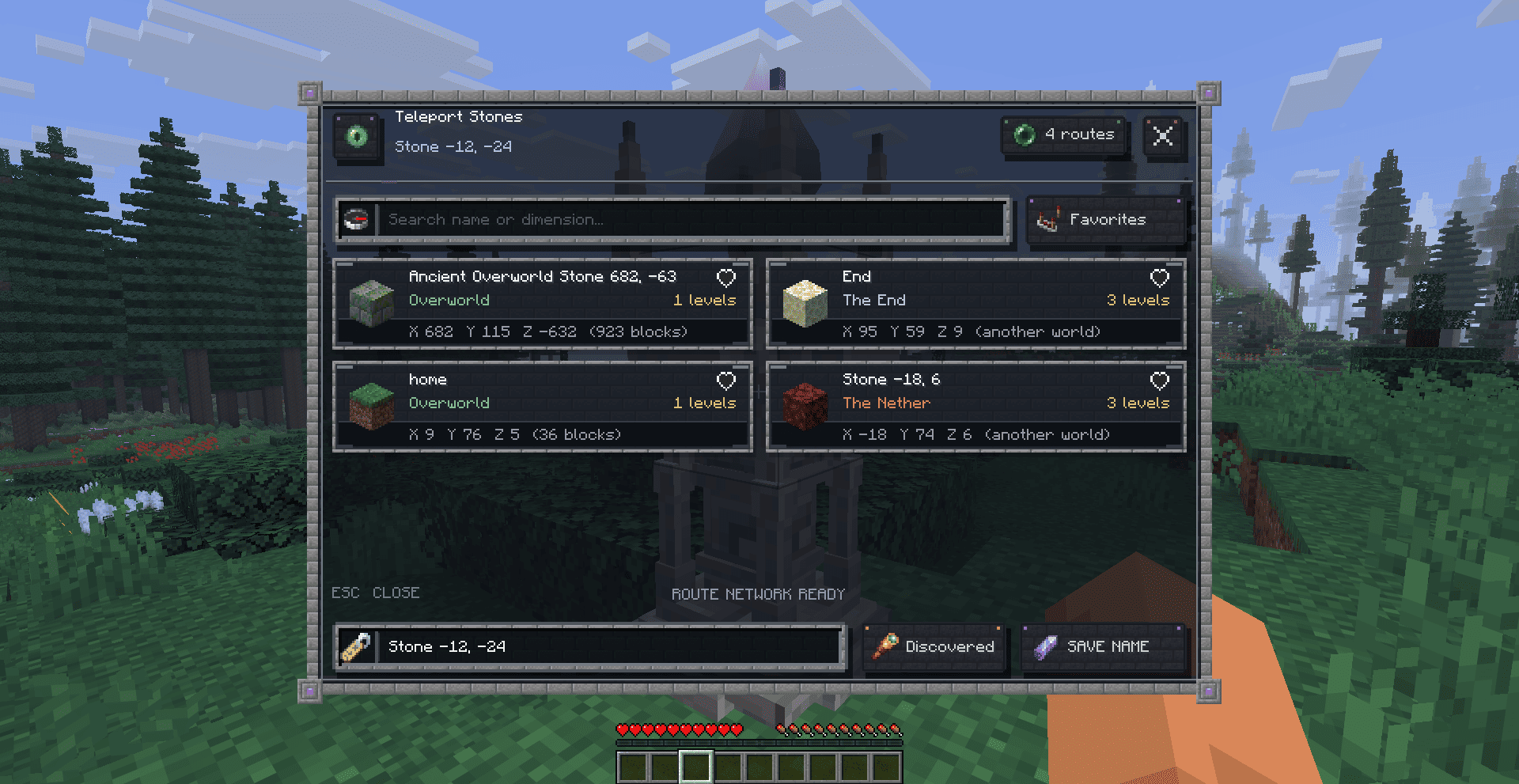
Every destination keeps its name, dimension, coordinates, distance, visibility, route channel, and a small terrain preview. The network persists with the world, so discovered stones remain available after leaving and reopening the game.
 The stone can appear in seven visual styles designed for different environments:
| Style | Environment |
|---|---|
| Classic | A balanced stone-brick monument for the Overworld |
| Verdant | Moss-covered stone suited to forests and lush regions |
| Sandy | Warm sandstone for deserts and dry landscapes |
| Deepslate | Dark, heavy masonry for deep underground areas |
| Infernal | Blackstone and ember tones for the Nether |
| End | End stone and purpur details for the End |
| Frost | Ice-blue stone for frozen regions |
Each monument uses a rotating translucent crystal whose color and subtle ambient particles adapt to its dimension.
Open any activated stone to browse the travel network. Every destination displays:
- Its saved name and dimension.
- Exact coordinates and distance in blocks.
- A stored preview of the surrounding terrain.
- Favorite and visibility status.
- Travel cost and availability.
Search by name or dimension, mark important locations as favorites, and sort destinations by favorites, name, or distance.
 Travel is based on discovery. Players activate stones they encounter, building their own destination list as they explore.
Stone owners can rename their monuments and select one of three access modes:
- Private — available only to the owner.
- Discovered — available to players who have activated it.
- Public — visible across the network.
Server-side checks validate the source, destination, ownership, discovery state, travel cost, cooldown, and arrival location before every teleport.

- Travel Crystal — opens your network away from a monument.
- Warp Plate — creates a compact travel endpoint.
- Warp Scroll — opens the network for one journey.
- Return Scroll — returns you to your last departure point.
- Bound Scroll — grants a temporary one-use guest journey to its bound destination.
- Route Channels — use dyes to connect selected stones through colored networks.
- Group Travel — invite nearby players and travel together after they accept.
- Companion Travel — optionally bring nearby tamed animals and leashed mobs.
Rare Teleport Stone shrines can generate naturally with environment-aware materials and a compact surrounding plaza. Stones can also appear through weighted integration with the five vanilla village styles, giving exploration a practical reward without overwhelming the landscape.
 Servers can configure cooldowns, experience costs, distance costs, dimension surcharges, portable travel costs, discovery limits, group size, companion limits, natural generation, and village generation.
The mod includes permission hooks, claim-protection integration, owner-based mining protection, scoreboard-team visibility, and administrative tools for inspecting, renaming, removing, and repairing the network.
 First craft a Resonance Core:
Amethyst Shard | Eye of Ender | Amethyst Shard
Gold Ingot     | Diamond      | Gold Ingot
Amethyst Shard | Blaze Powder | Amethyst Shard
Then craft the monument:
Stone Bricks | Resonance Core | Stone Bricks
Obsidian     | Ender Pearl    | Obsidian
Stone Bricks | Stone Bricks   | Stone Bricks
Place the Teleport Stone with three clear blocks of vertical space. The complete monument assembles automatically.
常见问题
Teleport Stones 支持哪些 Minecraft 版本?
Teleport Stones 支持 Minecraft Java 版 1.20.1–26.3,共 4 个版本,可用的加载器:Fabric / Forge / NeoForge。下载时注意选择和你游戏版本一致的文件。
Teleport Stones 怎么安装?
先用 PCL2 或 HMCL 启动器安装对应版本的 Fabric / Forge / NeoForge,再把下载的 .jar 文件放进游戏目录的 mods 文件夹,重新启动游戏即可。开启了版本隔离的,mods 文件夹在 versions/版本名 下面。
Haider_x 的其他作品
查看全部 →
Luna shader
Luna 光影:优化了水面反射,呈现深蓝色调,并为末地传送门加入独特的旋转黑洞效果。

Aetheria Shaders
Aetheria Shaders 是 Complementary Reimagined 的一款华丽奇幻改版光影。拥有自定义维度氛围、发光的青绿色水体、银河主题的下界传送门、流动的熔岩,以及体积化的末地龙卷风。性能表现有保障。

Quanta Shader
快速呈现精美的《Minecraft》画面。柔和的阴影、动态云朵、波光粼粼的水面和绚丽天空,同时优化性能,畅玩高帧率游戏。

Vanilla Rebuild
保留 Minecraft 的经典风格,同时增强光照效果,呈现逼真的天空、体积云、柔和阴影,以及各维度独具特色的浓郁氛围。
评论
登录后评论和评分