
TeamPing
📍 Team-based pings, quick responses, and customizable communication tools built for Minecraft co-op survival.
截图

介绍
TeamPing
📍 Fast communication for co-op survival.
TeamPing is a communication-focused mod for Minecraft 1.21.1 NeoForge.
Instead of opening chat, typing coordinates, or using voice chat, players can communicate instantly using team-based pings, quick responses, and customizable radial menus.
Whether you’re exploring caves, fighting bosses, building a base, or searching for structures, TeamPing helps your group stay coordinated without interrupting gameplay.
✨ Features
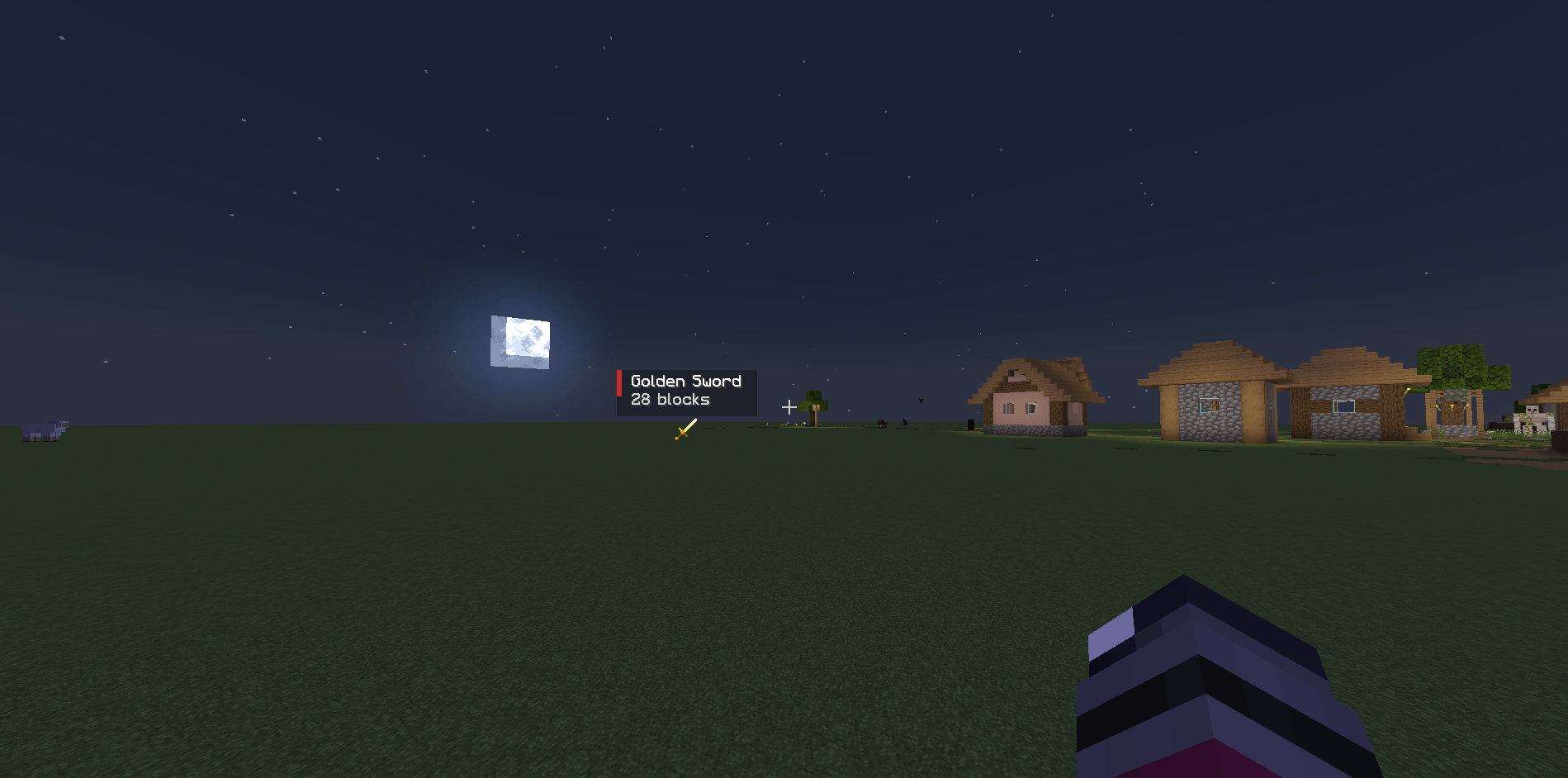
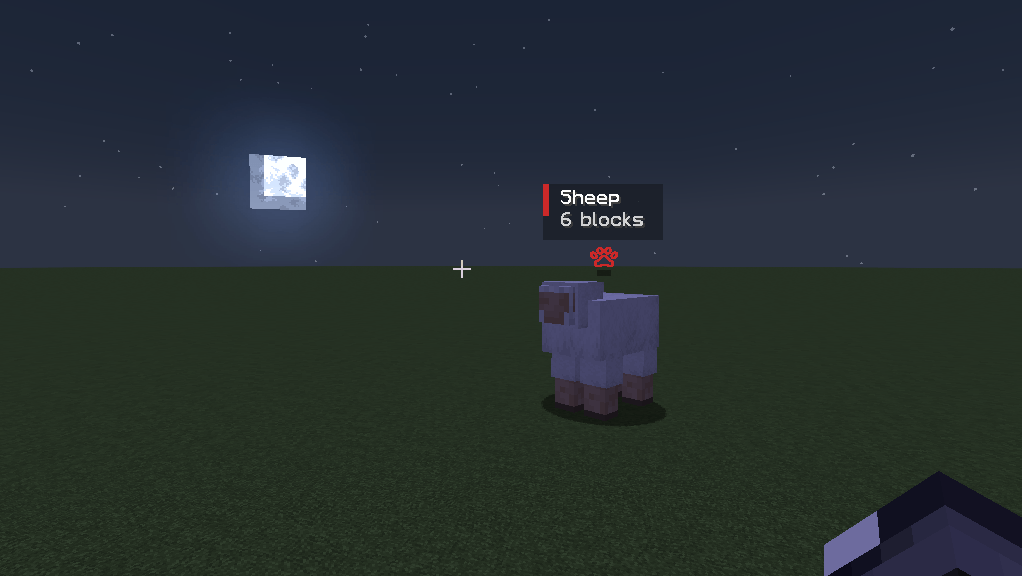
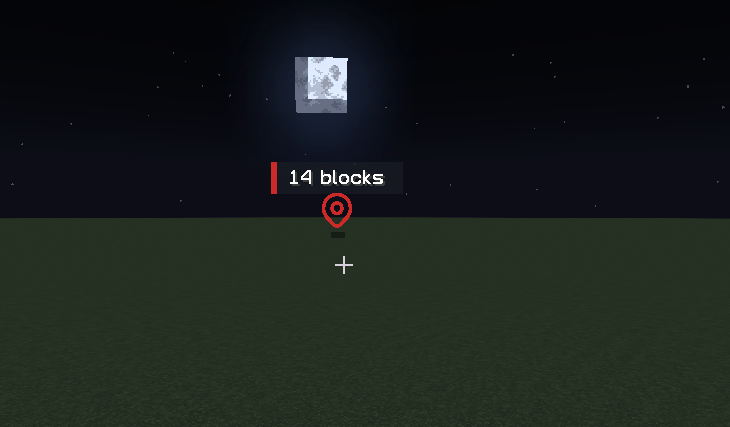
📍 Team Pings
Create visual markers that only your teammates can see.
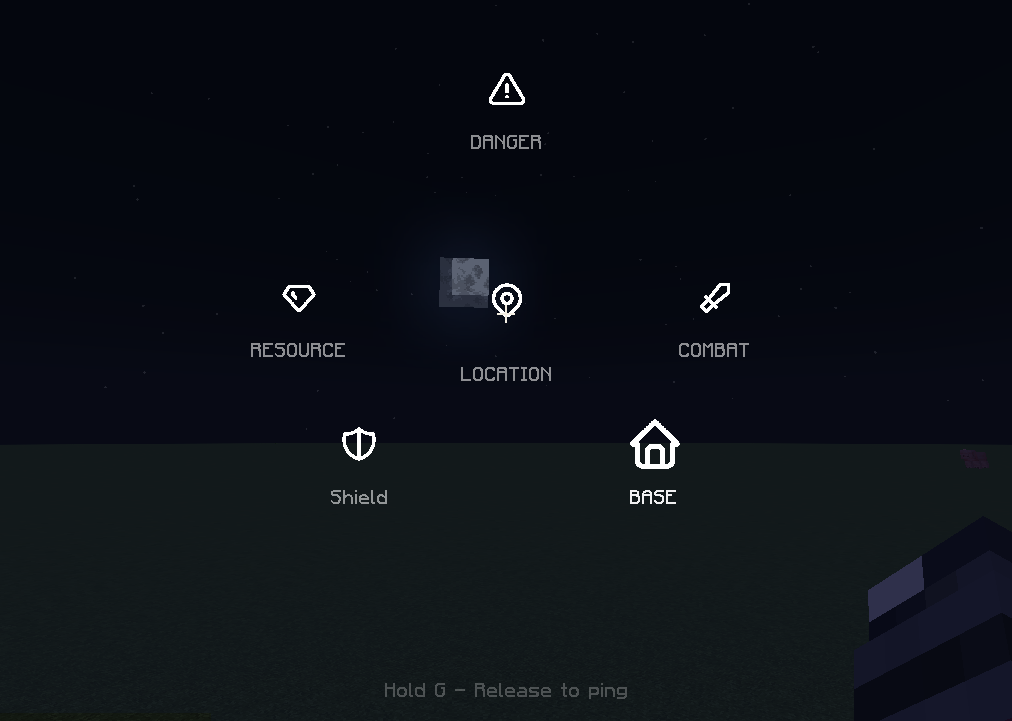
Available ping types:
-
⚠ Danger
-
⛏ Resource
-
⚔ Combat
-
📦 Loot
-
🏠 Base
-
📍 Location
Pings can be placed on:
-
Blocks
-
Dropped items
-
Hostile mobs
-
Passive mobs
Moving entities can even be tracked while they remain valid.
👥 Team System
Choose a team and communicate only with players who belong to that team.
Available teams:
-
🔵 Blue
-
🔴 Red
-
🟢 Green
-
🟡 Yellow
Commands:
/pingteam blue
/pingteam red
/pingteam green
/pingteam yellow
/pingteam exit
🎯 Radial Ping Wheel
Hold G to open the communication wheel.
Release the key to instantly send a ping.
Designed for fast multiplayer coordination without opening menus or chat.
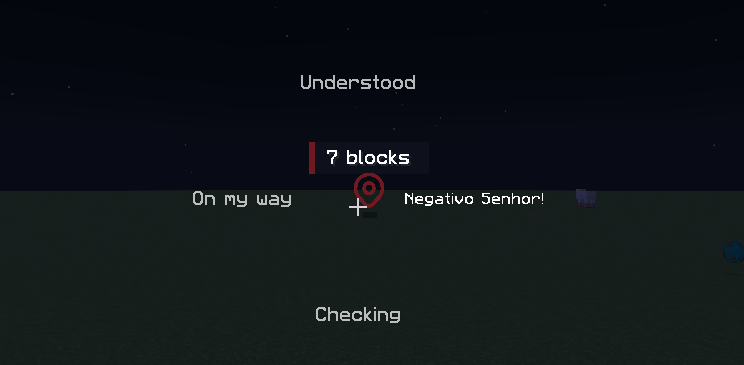
👍 Quick Responses
Respond to teammate pings instantly.
Hold R to open the acknowledgement wheel.
Available responses:
-
👍 Understood
-
👣 On My Way
-
❌ Negative
-
👀 Checking
You can also use quick shortcuts:
| Key | Response |
|---|---|
| Z | Understood |
| X | On My Way |
| C | Negative |
| V | Checking |
No typing required.
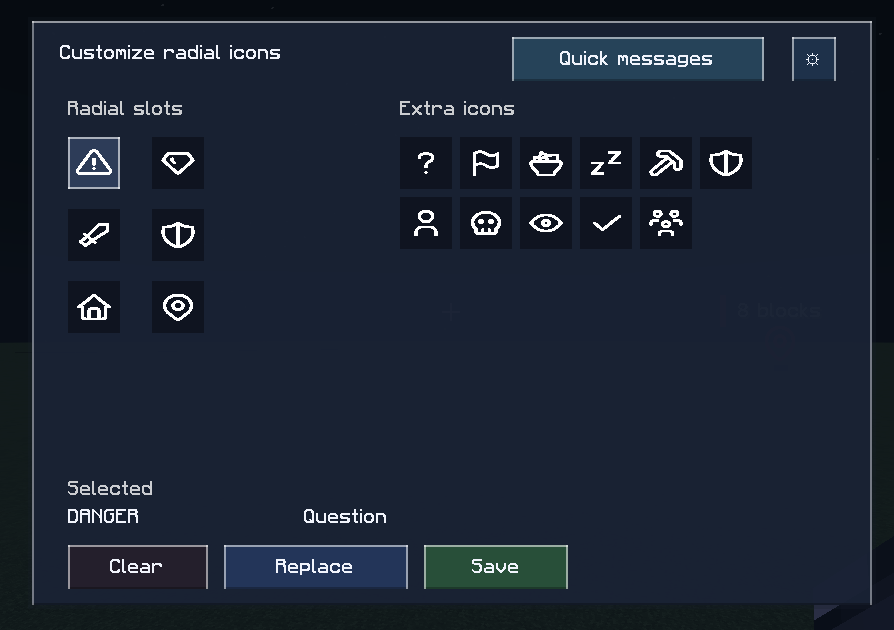
⚙ Customization
Customize your communication experience.
Players can:
-
Change radial icons
-
Rename quick responses
-
Configure visual settings
-
Adjust ping appearance
-
Create personalized layouts
Examples:
Understood → Beleza
On My Way → Indo
Negative → Não Posso
🖥 Server Friendly
The server is always authoritative.
This means:
✅ Team validation
✅ Ping validation
✅ Cooldown enforcement
✅ Active ping limits
✅ Dedicated server support
Clients can request actions, but the server decides what is valid and who receives it.
🎮 Controls
| Control | Action |
|---|---|
| G (Tap) | Quick Location Ping |
| G (Hold) | Open Ping Wheel |
| G (Hold on your ping) | Remove Ping |
| Shift + G | Remove All Personal Pings |
| R (Hold) | Open Response Wheel |
| U | Open Customization Menu |
| Z | Understood |
| X | On My Way |
| C | Negative |
| V | Checking |
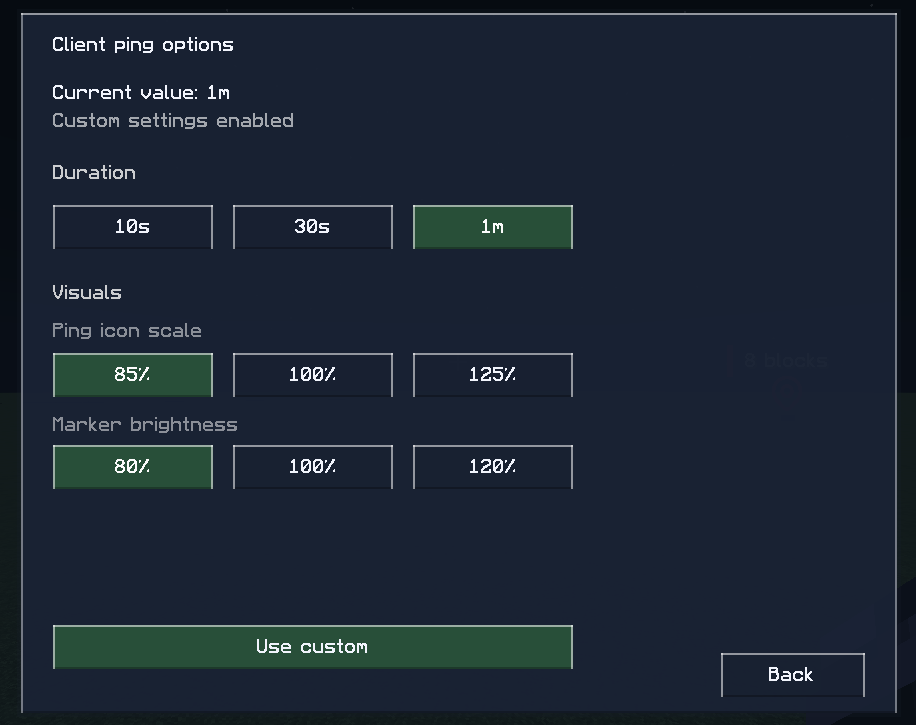
⚙ Configuration
Client settings:
-
Ping duration
-
Marker size
-
Marker brightness
-
Acknowledgement duration
Server settings:
-
Cooldowns
-
Ping distance
-
Active ping limits
-
Team validation
-
Client override permissions
🏹 Perfect For
-
Co-op Survival
-
Friend Groups
-
SMP Servers
-
Exploration
-
Building Teams
-
Cave Expeditions
-
Boss Fights
-
Structure Hunting
🚀 Future Plans
-
Additional ping categories
-
Team presets
-
Custom icon packs
-
Public addon API
-
More ping target types
-
Sound customization
-
Expanded communication tools
⭐ More Than A Ping System
TeamPing is not just a ping mod.
It’s a complete communication toolkit built specifically for Minecraft co-op survival.
常见问题
TeamPing 支持哪些 Minecraft 版本?
TeamPing 支持 Minecraft Java 版 1.21.1,可用的加载器:NeoForge。下载时注意选择和你游戏版本一致的文件。
TeamPing 怎么安装?
先用 PCL2 或 HMCL 启动器安装对应版本的 NeoForge,再把下载的 .jar 文件放进游戏目录的 mods 文件夹,重新启动游戏即可。开启了版本隔离的,mods 文件夹在 versions/版本名 下面。
ithalozk 的其他作品
查看全部 →
Call of Yucatán – Unofficial Port
Unofficial NeoForge 1.21.1 port of Call of Yucatán, bringing Mayan and Aztec-inspired bosses, ancient temples, powerful weapons, mystical creatures, and new adventures to Minecraft.
Villagers Sell Animals – Unofficial Port
Unofficial NeoForge 1.21.1 port of Villagers Sell Animals, allowing players to buy baby animals from villagers using emeralds through new vanilla-style trades.

Advanced Compass – Unofficial Port
Unofficial NeoForge 1.21.1 port of Advanced Compass, featuring an RPG-style compass HUD with mob tracking, player indicators, waypoints, and customizable settings.
Better Fishing Rods — Unofficial Port
An unofficial port of Better Fishing Rods, bringing new fishing rods, upgrades, special abilities, and an enhanced fishing experience to more Minecraft versions.
评论
登录后评论和评分