Tattoo Studio
You ever wanted to give yourself tattoos in Minecraft? Well, here is your chance!
截图

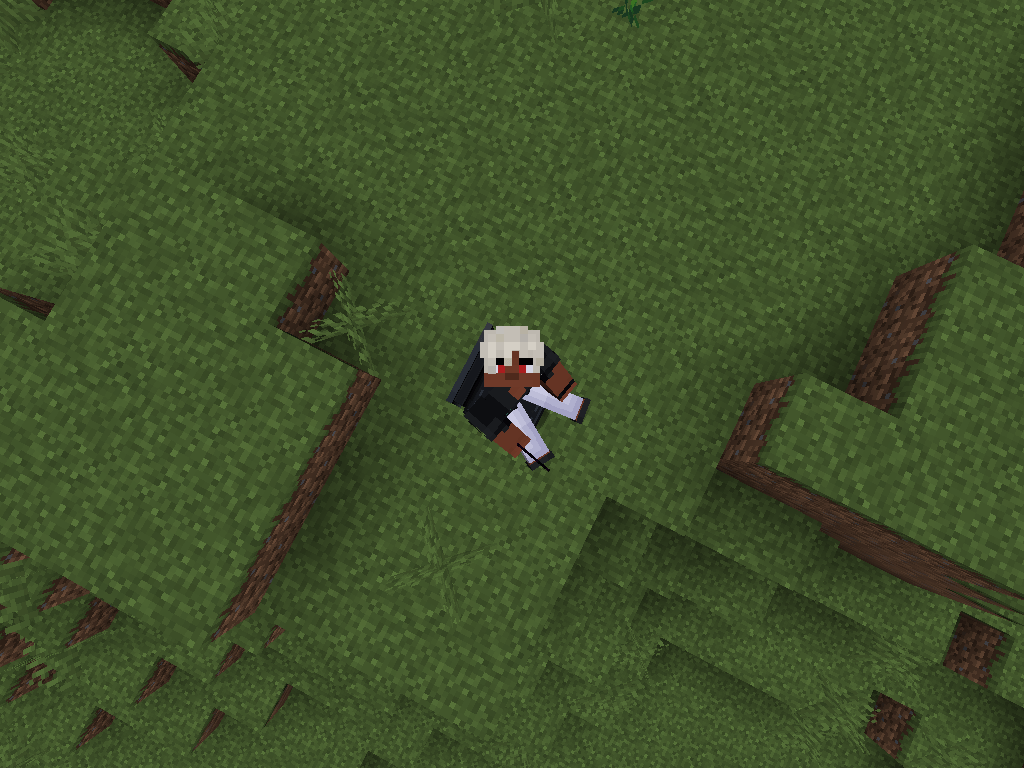
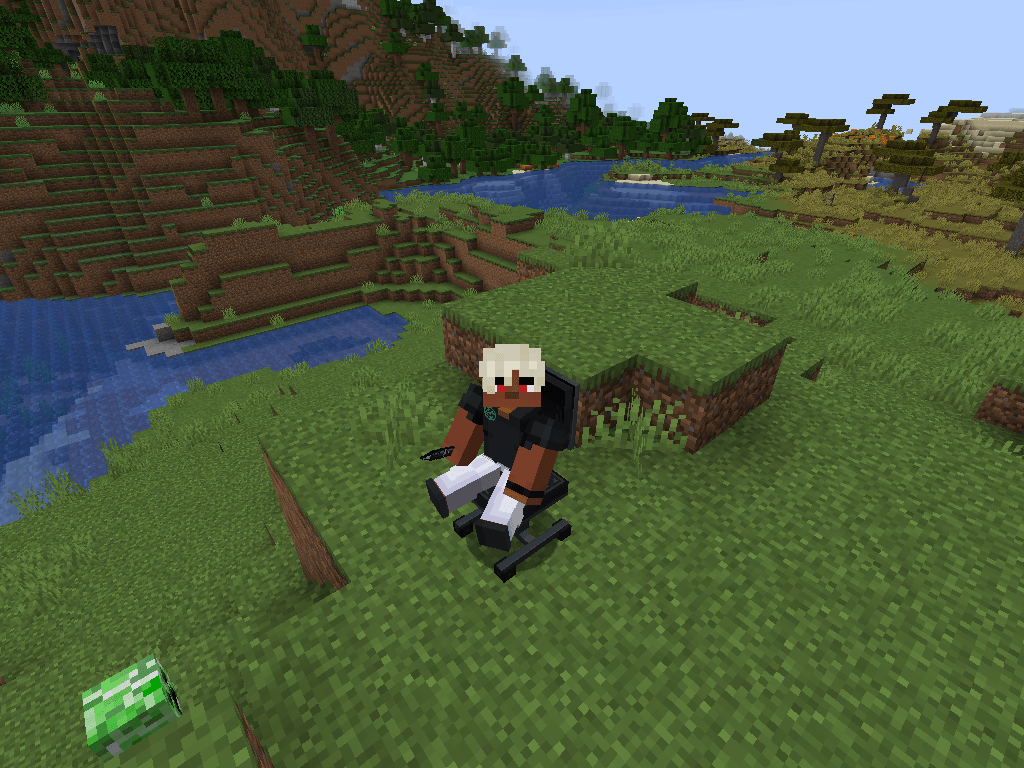
介绍
Tattoo Studio.
Your Skin. Your canvas.
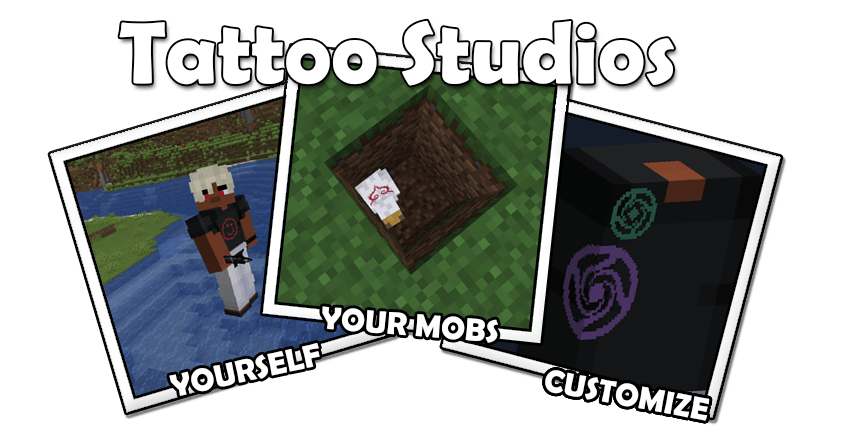
This project is created as support for another mod currently in development.
Have you ever wanted to pain directly onto your Minecraft skin? Have you ever wanted to allow someone else to paint directly onto your Minecraft skin? Well, this is the mod for you!
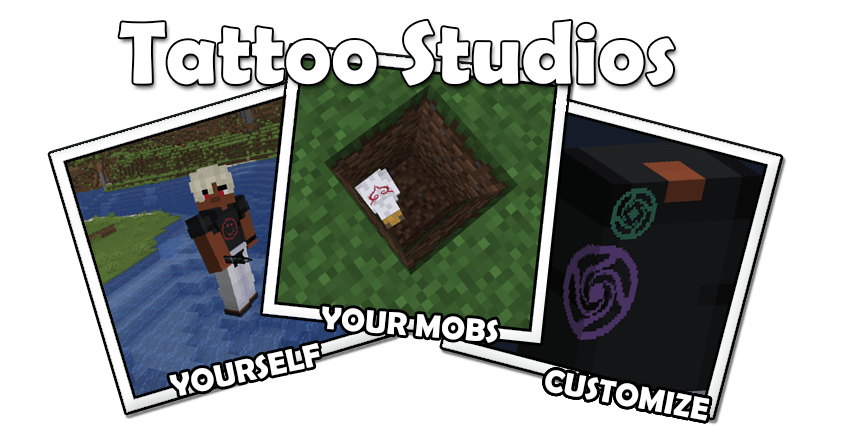
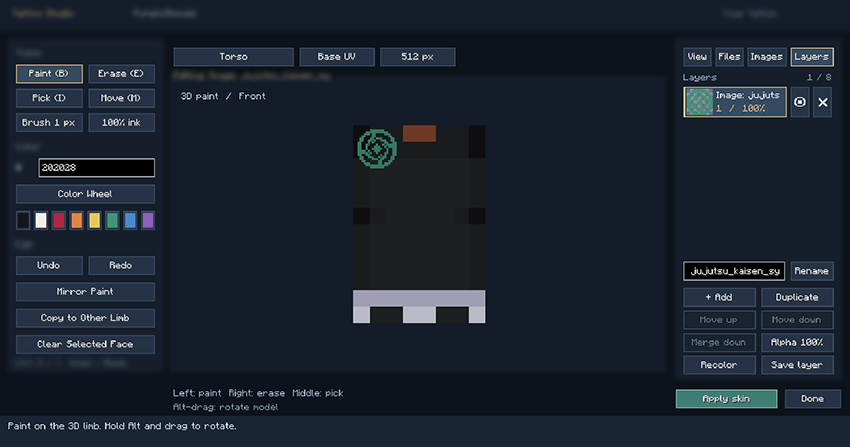
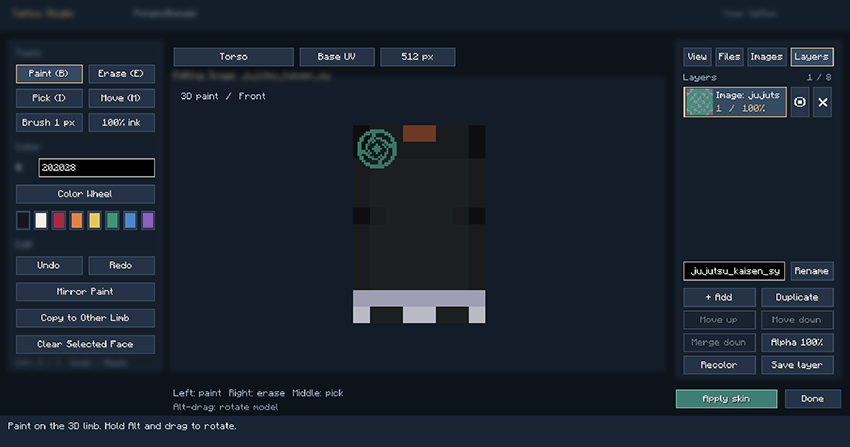
You can create custom tattoos directly onto your Minecraft character with an interactive 3D editor. Paint by hand, import PNG artworks, or replace your entire skin with a high-resolution design of your making!
Make it yours
- Paint directly in 3D – rotate body parts and work across visible surfaces!
- Import artwork – preview PNG designs, then position, resize, rotate, and flip them onto your character! Designs are even wrapped around the sides and back!
- Layers – I know how much you artists enjoy this. Even comes with thumbails, visibility, opacity, and ordering of these layers!
- Work in higher detail – supports 64×64, 128×128, 256×256, and 512×512 textures. One of my friends says that anyone who mixes resolutions has a certain place in Hell, but hey! It can’t be that bad!
- Open your own tattoo studio – Craft a Tattoo Pen and Tattoo Chair. Sit a friend in the chair, request their permission, and create their next tattoo together.
Additional Features:
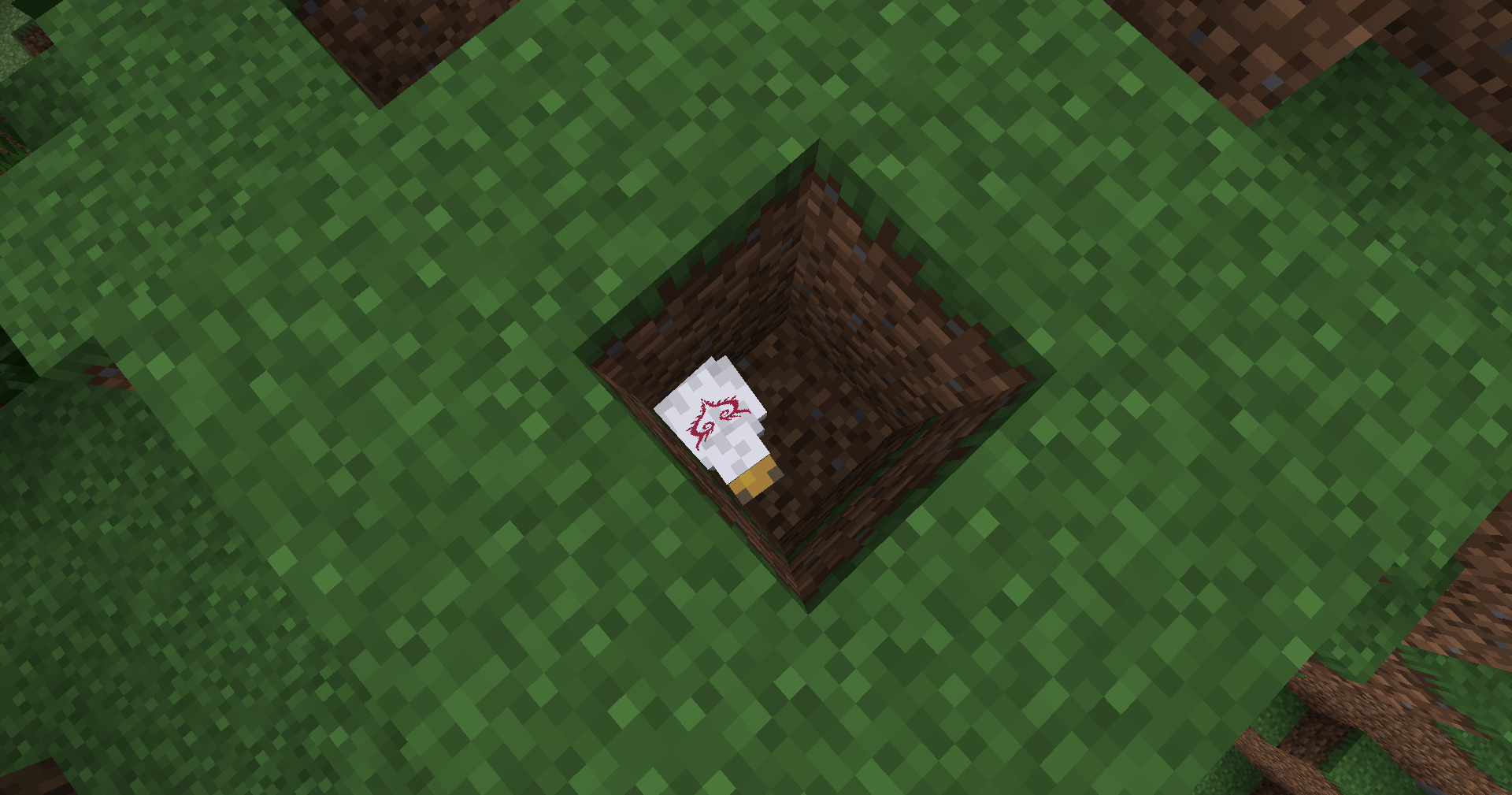
- Paint directly onto 3D player and mob models.
- Import images with thumbnail previews and drag-to-place controls.
- Move, resize, rotate, flip, and recolor artwork.
- Freeze mob animations in the editor for easier painting.
Getting Started:
Craft a tattoo pen and right-click to open your editor, or use it on a supported mob.
Place PNG or JPEG files in the
tattoo_designsfolder generated in the directory, then open Images → Image Directory (accessible through the Tattoo Gui) to browse and place them.
Requirements:
- Minecraft Java Edition 1.21.1
- Modloader: Neoforge 21.1.252+
- The mod needs to be loaded on both client and server.
Release 1.0.0: Despite releasing as an official version, this is far from finalized! Any improvements, bugs, and necessary fixes should be directed to the comments. Compatibility for Fabric and Forge is in development if those are interested. Some mobs with specialized renderers may unfortunately be unsupported.
Future Implementations:
- Text and font support.
- Potential GIF support.
- Optimization changes when necessary.
AI Disclosure: This mod was developed with AI assistance for rendering, GUI development, and troubleshooting. As such, it will never be monetized in ways such as ads, paid versions, or rewards. It was originally made for personal use, and I decided to release it in the case others may find it useful.
常见问题
Tattoo Studio 支持哪些 Minecraft 版本?
Tattoo Studio 支持 Minecraft Java 版 1.21.1,可用的加载器:NeoForge。下载时注意选择和你游戏版本一致的文件。
Tattoo Studio 怎么安装?
先用 PCL2 或 HMCL 启动器安装对应版本的 NeoForge,再把下载的 .jar 文件放进游戏目录的 mods 文件夹,重新启动游戏即可。开启了版本隔离的,mods 文件夹在 versions/版本名 下面。


评论
登录后评论和评分