
Targets
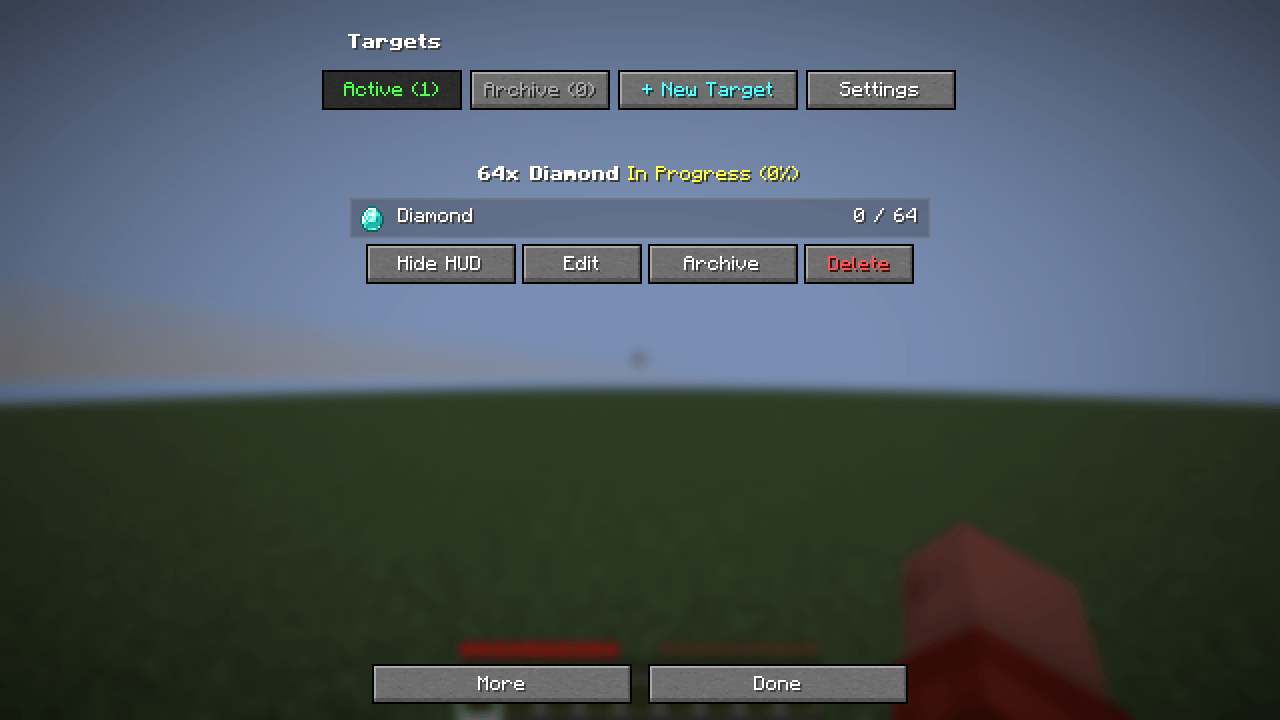
Track items, tags, XP, and manual goals with a clean HUD and separate profiles for each world or server.
截图
介绍
Targets
A client-side Fabric mod for keeping track of the things you want to collect and do. Create goals for items, watch your progress in the HUD, and keep separate goals for each world or server.
✨ Features
- Item goals: Search items by name or ID, add several items to one goal, and see your progress in the menu and HUD.
- More goal types: Track item tags, experience levels, and manual tasks in the advanced editor.
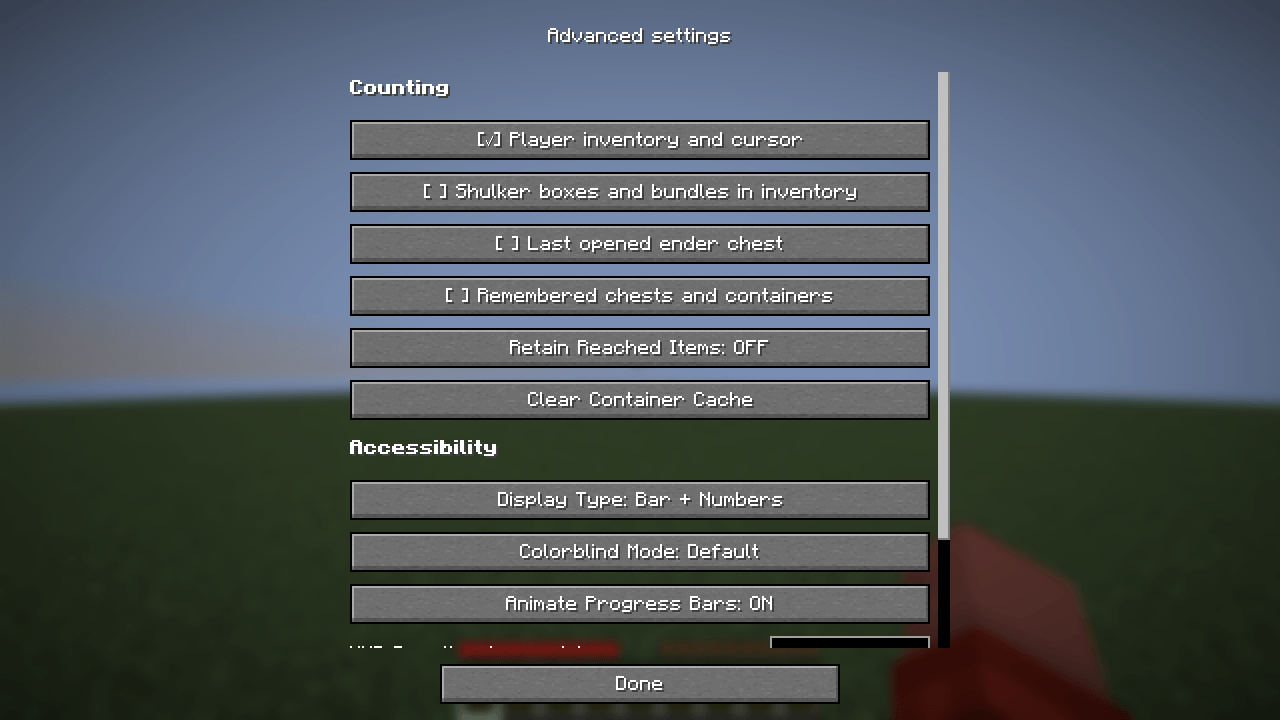
- Flexible counting: Independently include your inventory, shulker boxes and bundles, the last opened ender chest, and remembered containers.
- Simple menu: Create, edit, archive, and review goals. A saved goal appears immediately.
- Personal HUD: Choose its position and visibility, completion sound, and celebration style.
- World and server profiles: Targets switches profiles automatically. Older shared goals can be imported into a chosen profile.
💻 How to Install & Use
- Install Fabric Loader and Fabric API for your Minecraft installation.
- Put
targets-1.0.0.jarand Fabric API in the client’smodsfolder. Targets does not need to be installed on the server. - Start the game and press G to open the Targets menu.
- Select New Target, find an item, set the amount, and save. Your goal appears in the menu and HUD.
- Open Settings to change the HUD, counting sources, and hotkeys. You can also change the hotkeys in Minecraft Controls.
Hover over an item in a supported screen and press T to add it quickly. Mod Menu is optional.
This mod was created with the help of the AI assistant.
常见问题
Targets 支持哪些 Minecraft 版本?
Targets 支持 Minecraft Java 版 26.1–26.3,共 5 个版本,可用的加载器:Fabric。下载时注意选择和你游戏版本一致的文件。
Targets 怎么安装?
先用 PCL2 或 HMCL 启动器安装对应版本的 Fabric,再把下载的 .jar 文件放进游戏目录的 mods 文件夹,重新启动游戏即可。开启了版本隔离的,mods 文件夹在 versions/版本名 下面。
Hikerys 的其他作品
查看全部 →
BoomBow
Shoot TNT from bows and crossbows! Hold TNT in your offhand, draw your weapon, and watch things go boom!

LocalRTP
Random teleport relative to player position. Type /rtp, wait out the countdown, and land somewhere safe around you.
评论
登录后评论和评分