
Talk Balloons [Forge | Fabric | NeoForge]
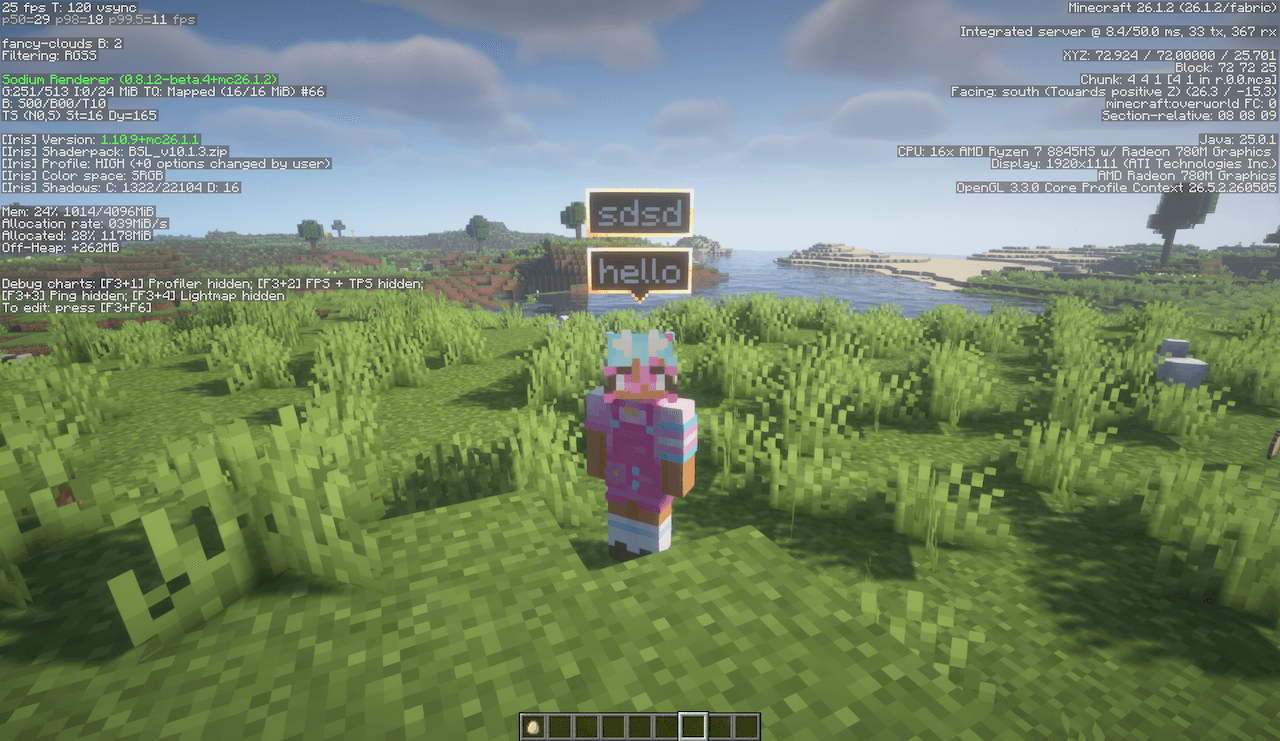
Add bubbles above players heads when they send a message in the chat.
截图
介绍
What is this?
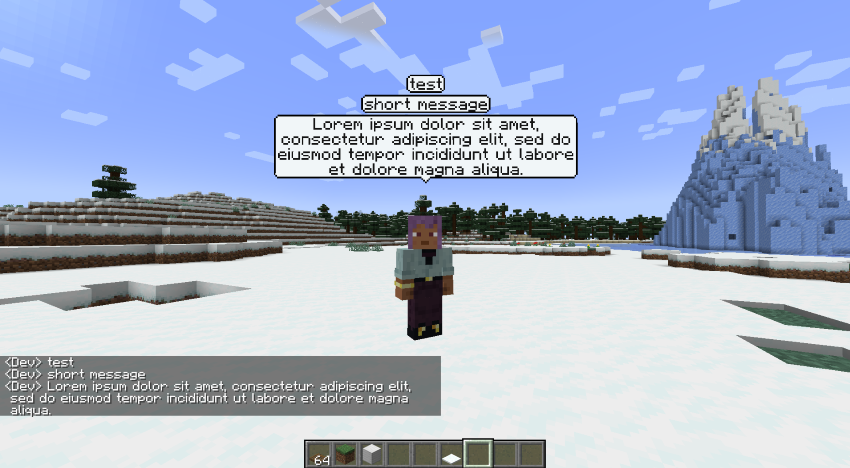
Talk Balloons is a client side mod that allows you to see bubbles above the players heads when they send messages to the chat.
The bubbles adjust to the size of the message, with larger messages being supported too.
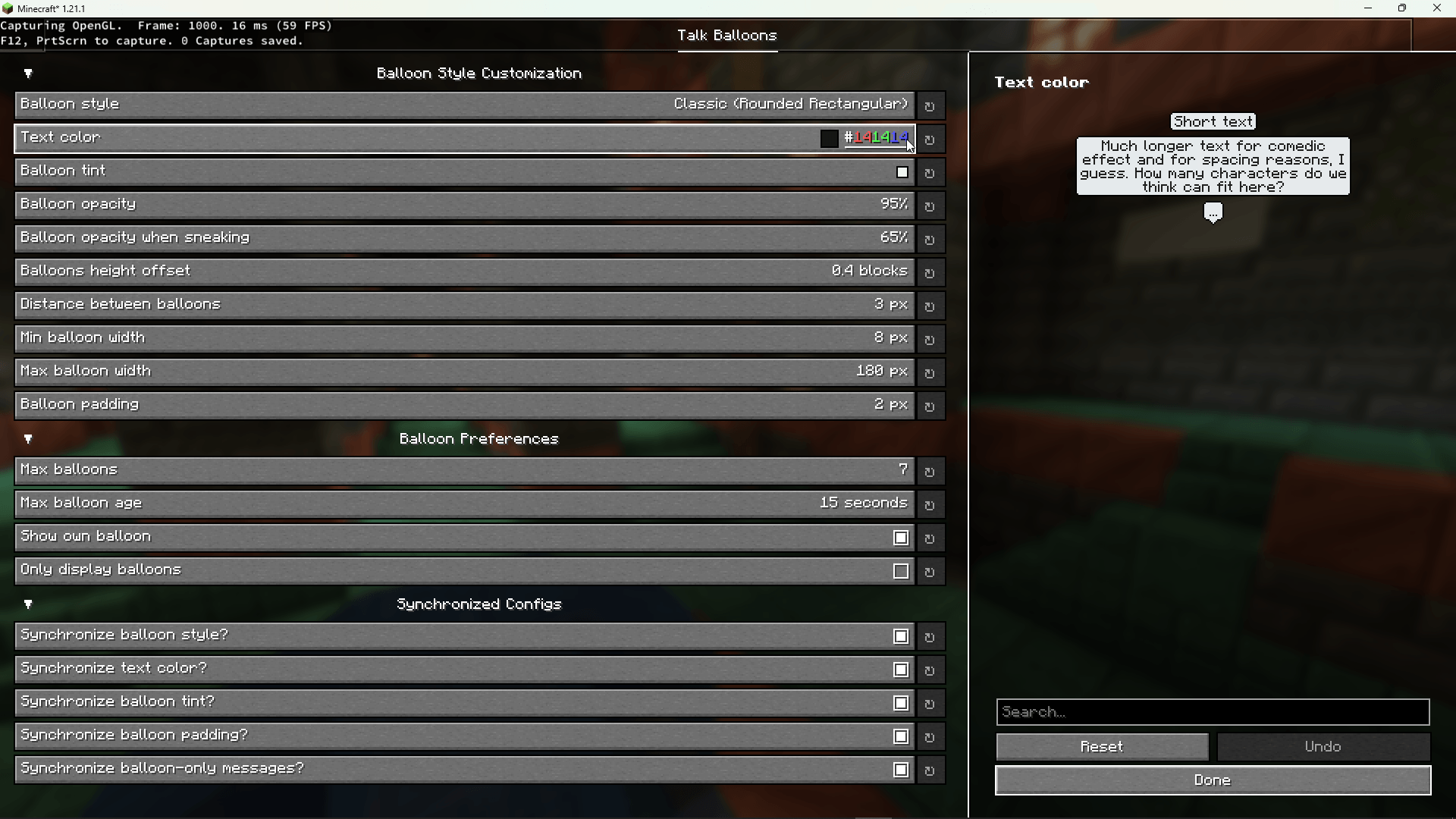
Through the config file you can change stuffs like: the max/min balloon width, the text color, the amount of balloons rendered and more.
This mod requires KotlinLangForge.
QSMP Live Translation:
This mod is now maintained by BluSpring, who has created an addon for this mod that replicates the QSMP’s live translation system, which allows for transforming speech into text, and making them translatable to other languages. You may find it under UnityTranslate.
Support
Please report all bugs, issues, and feature requests to the issue tracker or use my discord server and report at the appropriate channel. Please leave the comment section only for comments about the mod or simple questions.
Please read the FAQ before reporting a bug, issue or feature request.
Need a Server?
常见问题
Talk Balloons [Forge | Fabric | NeoForge] 支持哪些 Minecraft 版本?
Talk Balloons [Forge | Fabric | NeoForge] 支持 Minecraft Java 版 1.18–26.3,共 29 个版本,可用的加载器:Fabric / Forge / NeoForge。下载时注意选择和你游戏版本一致的文件。
Talk Balloons [Forge | Fabric | NeoForge] 怎么安装?
先用 PCL2 或 HMCL 启动器安装对应版本的 Fabric / Forge / NeoForge,再把下载的 .jar 文件放进游戏目录的 mods 文件夹,重新启动游戏即可。开启了版本隔离的,mods 文件夹在 versions/版本名 下面。
Cerbon 的其他作品
查看全部 →
CERBON’s API [Forge | Fabric | NeoForge]
CERBON的Minecraft模组的前置库模组

Bosses of Mass Destruction [Forge | NeoForge]
为Minecraft添加Boss战的模组,仍在开发中。

Beautiful Enchanted Books [MOD EDITION] | 6.0 UPDATE!
告别附魔书无聊的一面!现在,书籍将拥有与主题相关的新特性,并新增对 85+ 个重要模组的支持!

CERBON’s Better Beacons [Forge | Fabric | NeoForge]
全新界面、功能、效果和进度,全面升级 Minecraft 的信标。
评论
登录后评论和评分