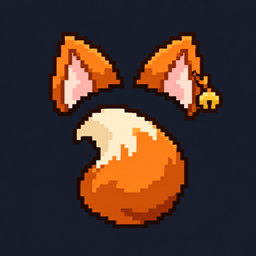
🐾 Tailcraft — Ears, Tails & Accessories
Customizable ears, tails, and collars with smooth physics, fluffy styles, and multiplayer support.
截图
介绍
🐾 Tailcraft — Ears, Tails & Accessories
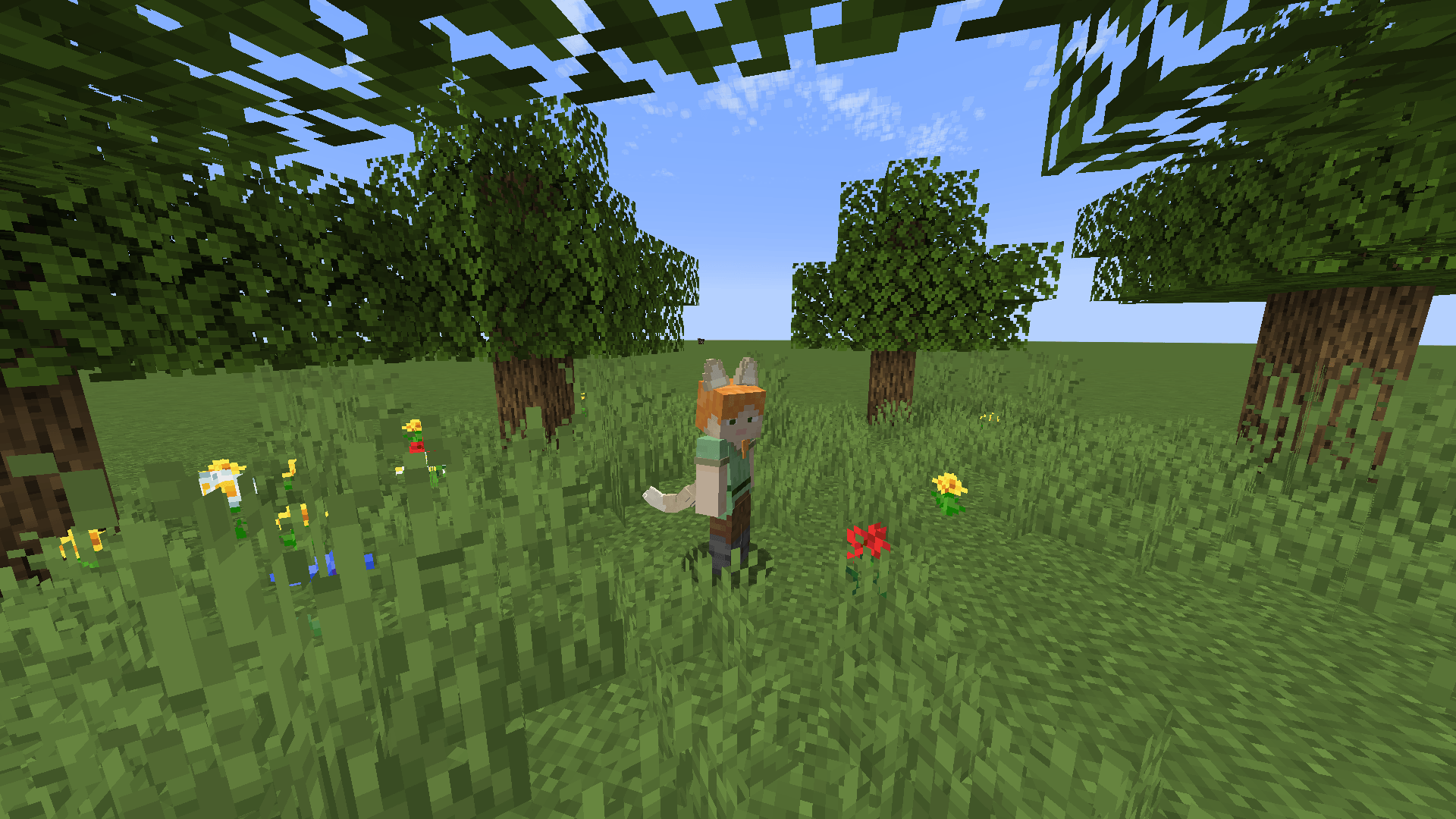
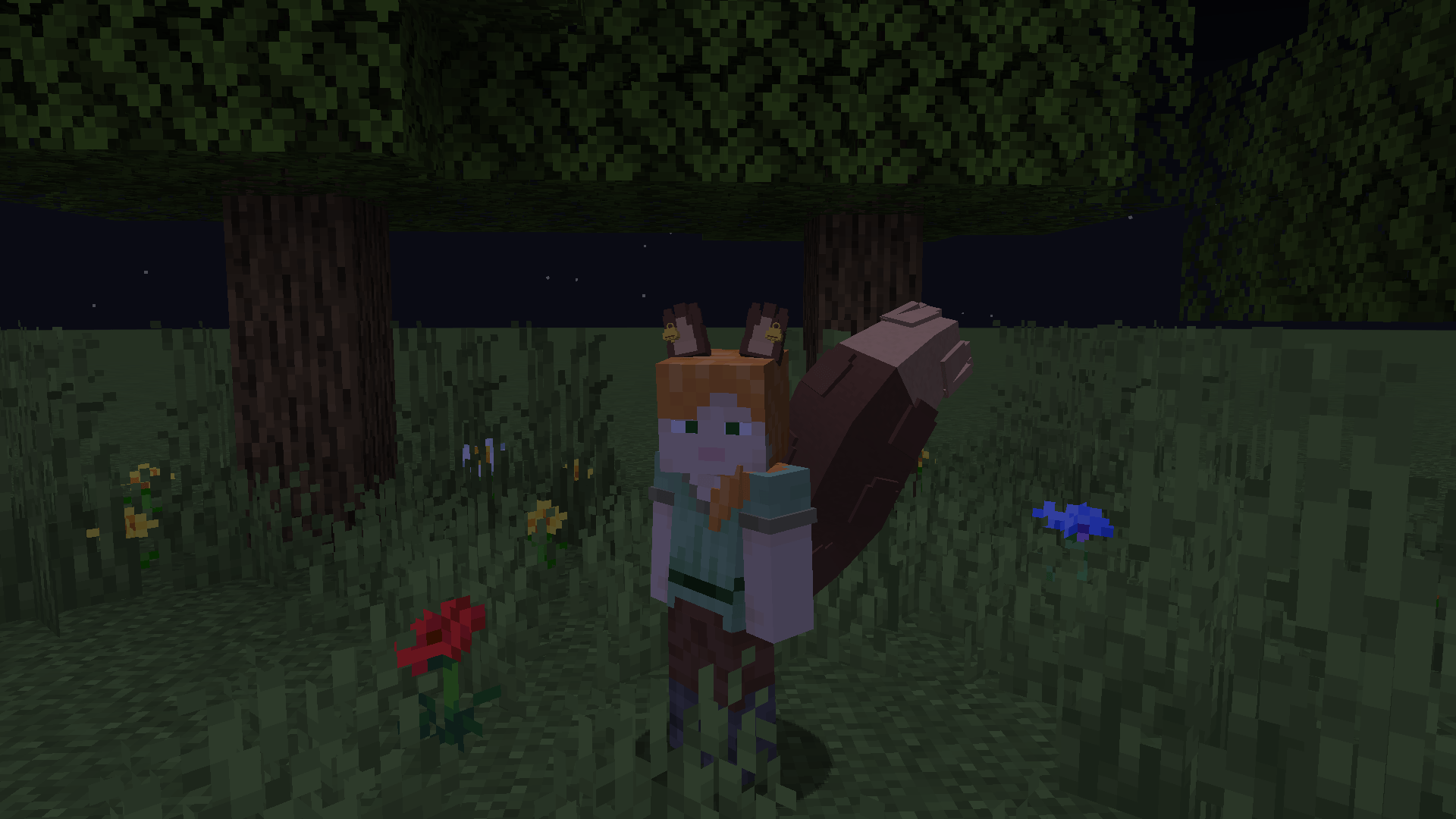
Give your Minecraft character a personal touch with customizable ears, expressive tails, and neck accessories. Mix different styles, create your own color combinations, and bring them to life with adjustable physics—all through an in-game menu.
✨ Create your own look
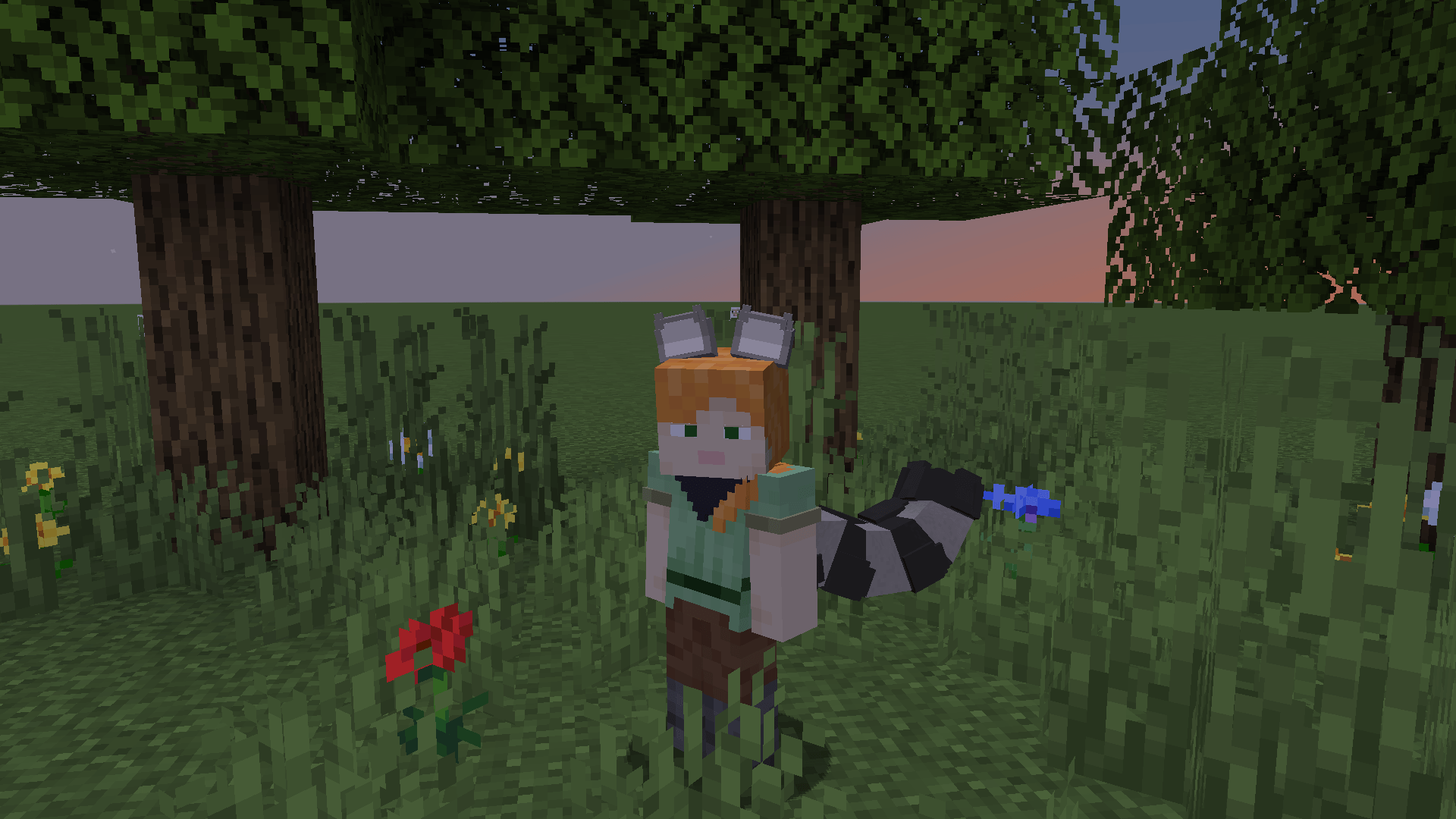
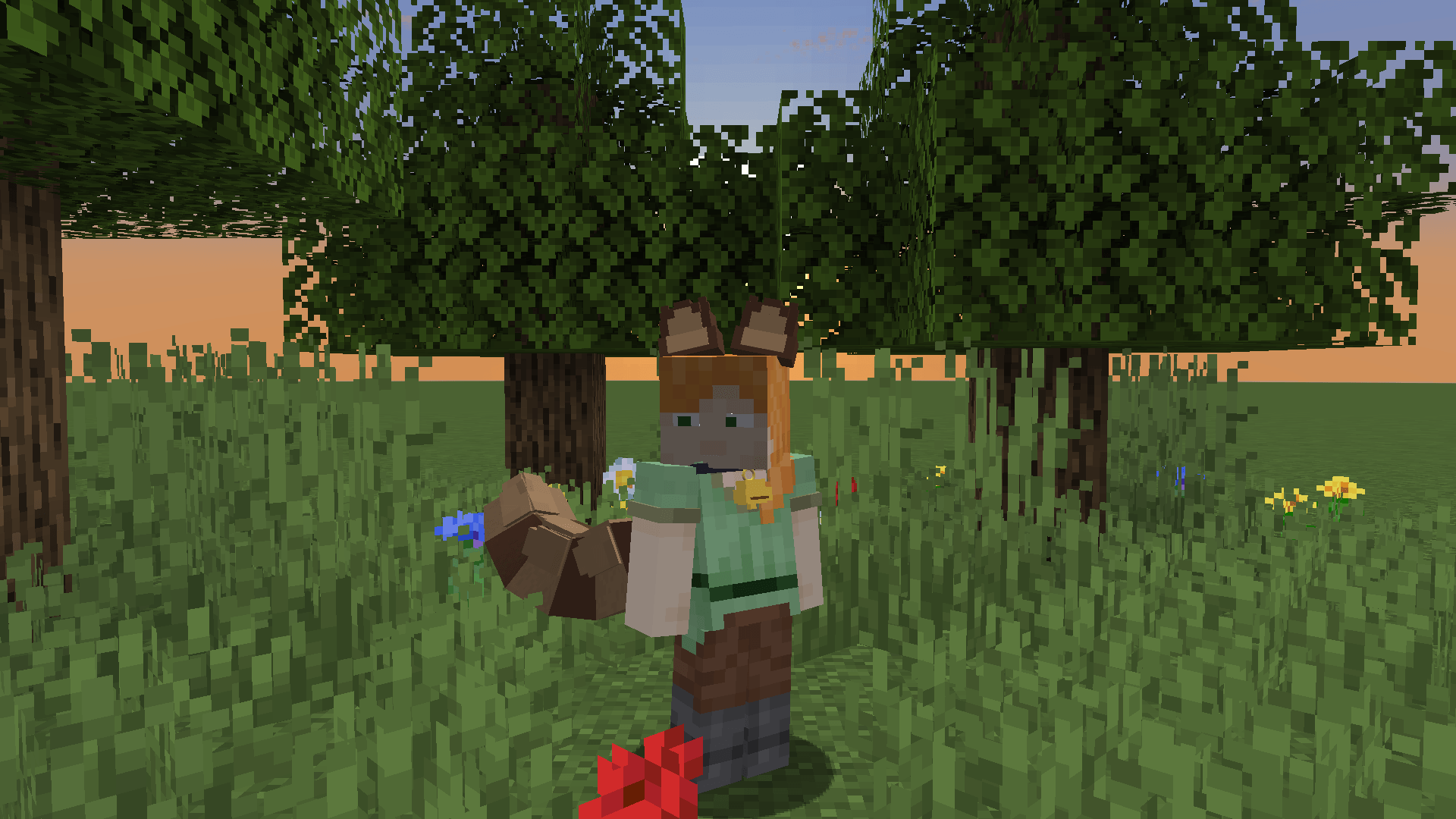
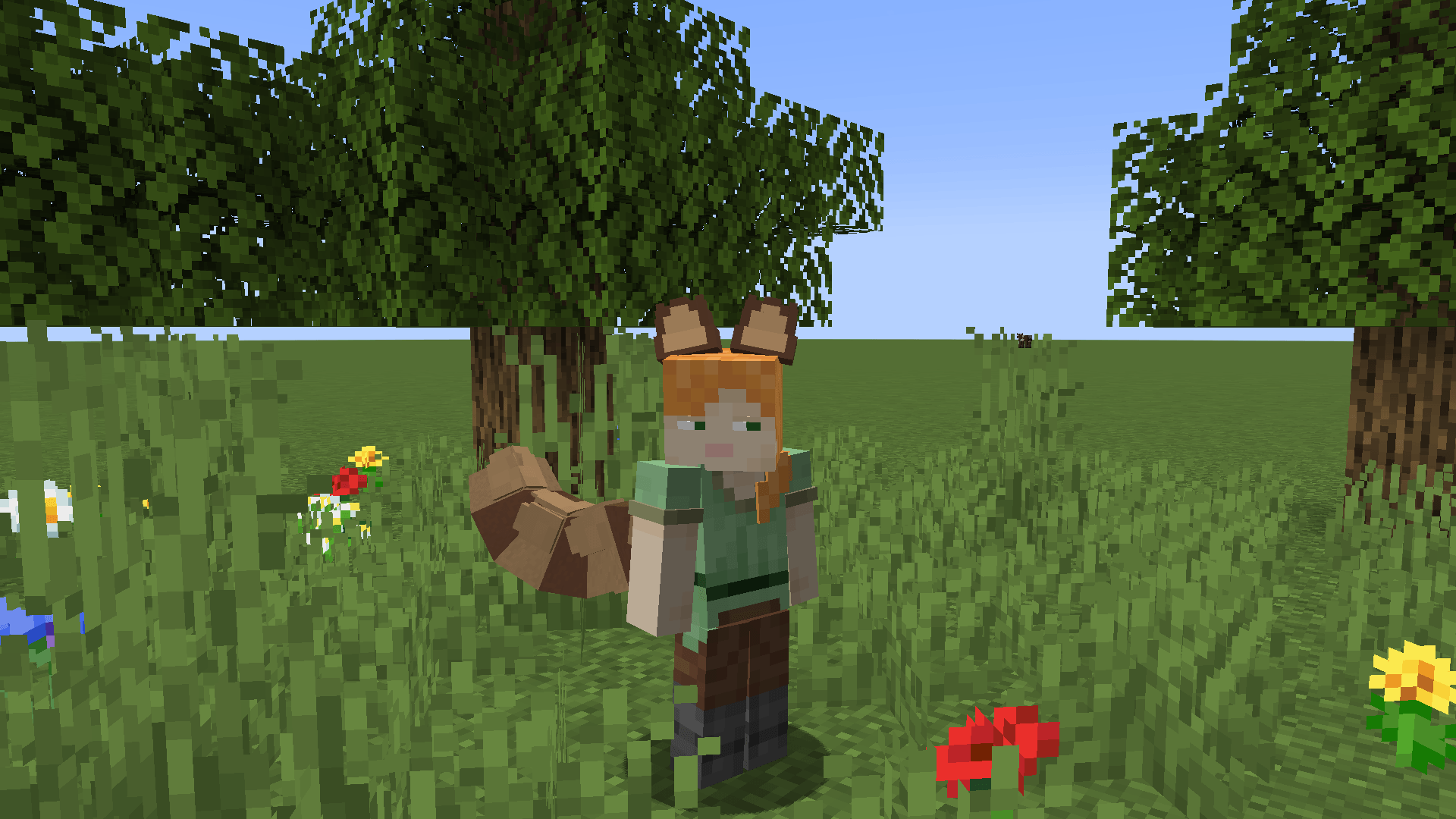
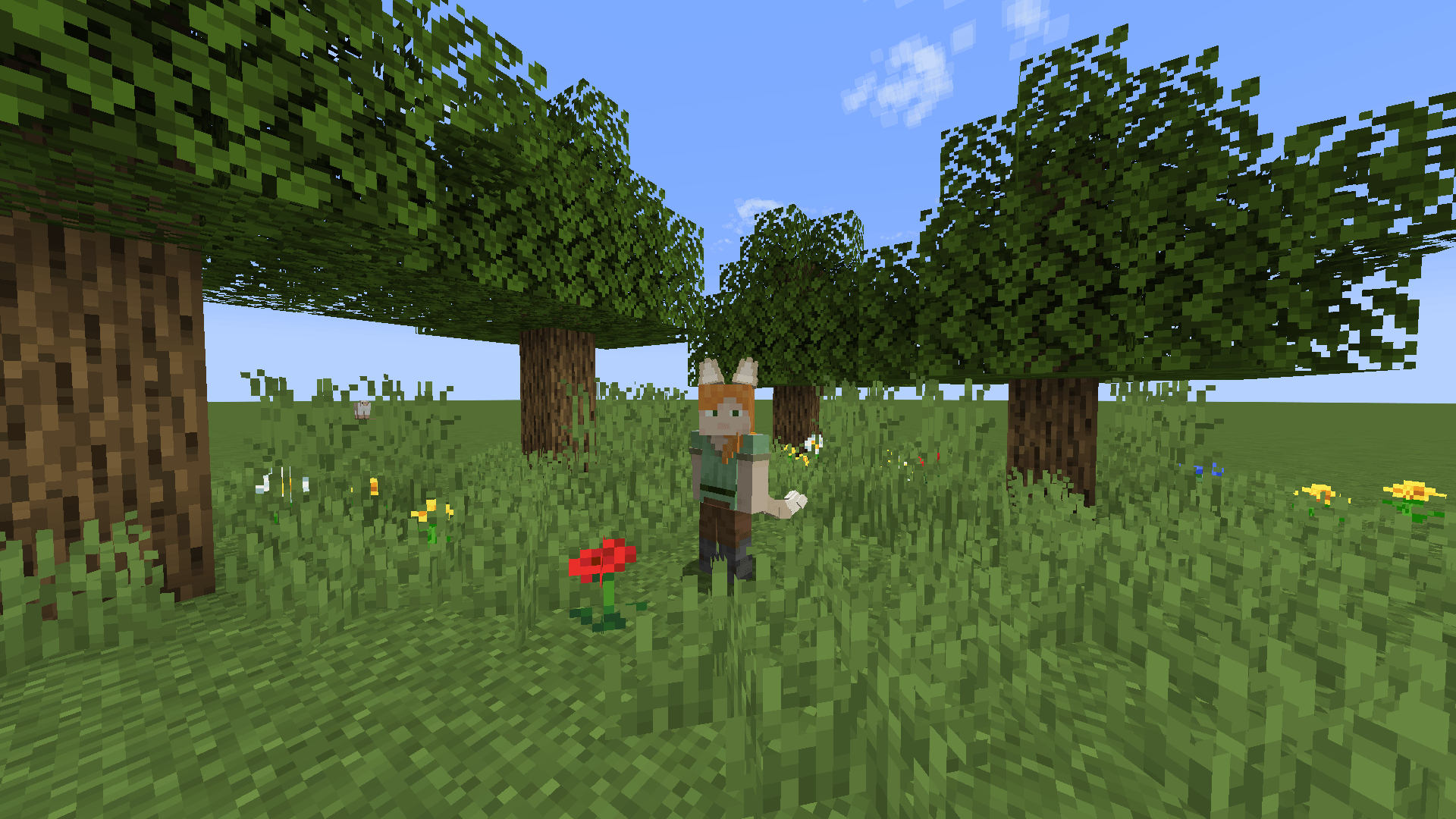
- Choose from 10 ear and tail types, including cats, dogs, foxes, wolves, raccoons, rabbits, squirrels, red pandas, and Nanachi-inspired designs.
- Explore five cat-ear variants, including small, fluffy, tufted, and folded ears.
- Adjust ear and tail size, proportions, angles, and bends.
- Choose from 24 tail poses and 10 ear poses.
- Customize outer ears, inner ears, tail colors, and individual tail segments.
- Add gradients, stripes, and contrasting tips.
- Choose short, fluffy, layered, long-lock, or fluffy-tip fur—or keep the tail without extra fur.
🎀 Accessories and neckwear
Complete your character with bows, rings, and bells for ears and tails.
Neckwear includes chains, chokers, spiked collars, leather collars with buckles, double chokers, bandanas, bow collars, and collars with tags or studs. A choker with a yellow bell is also available!
Customize fabric colors, metal finishes, bow styles, and accessory sizes.
🌿 Expressive movement
Tails react to movement and turns, with adjustable follow delay from the base to the tip. Tune stiffness, damping, inertia, and the movement of ears, fur, and pendants.
Enable occasional ear twitches or optional idle tail swaying and wagging. Visual collision lets tails bend away from blocks and the player’s legs.
Physics are cosmetic. Brief clipping may occur during sudden movement or in tight spaces.
🎨 Customize in-game
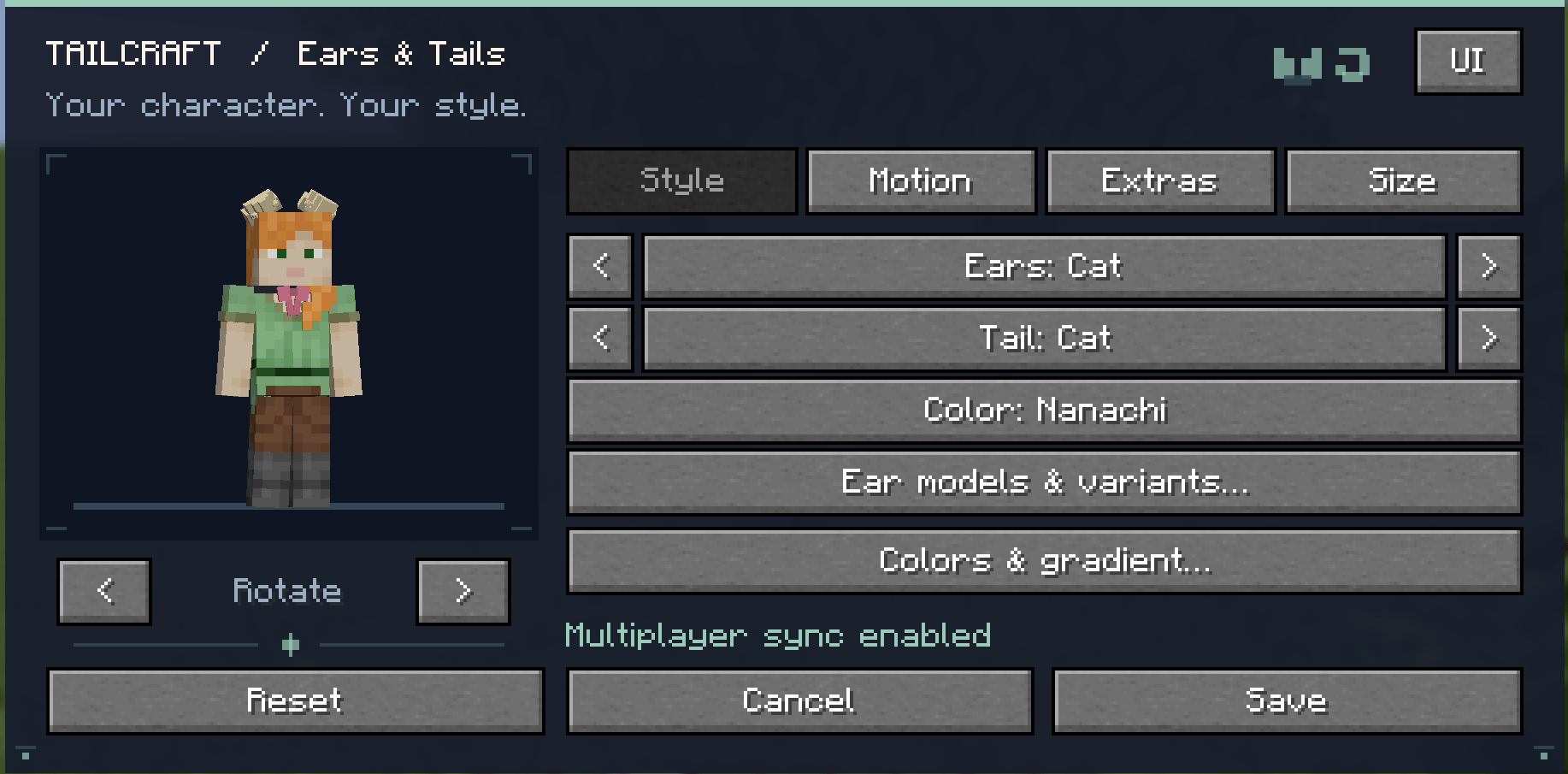
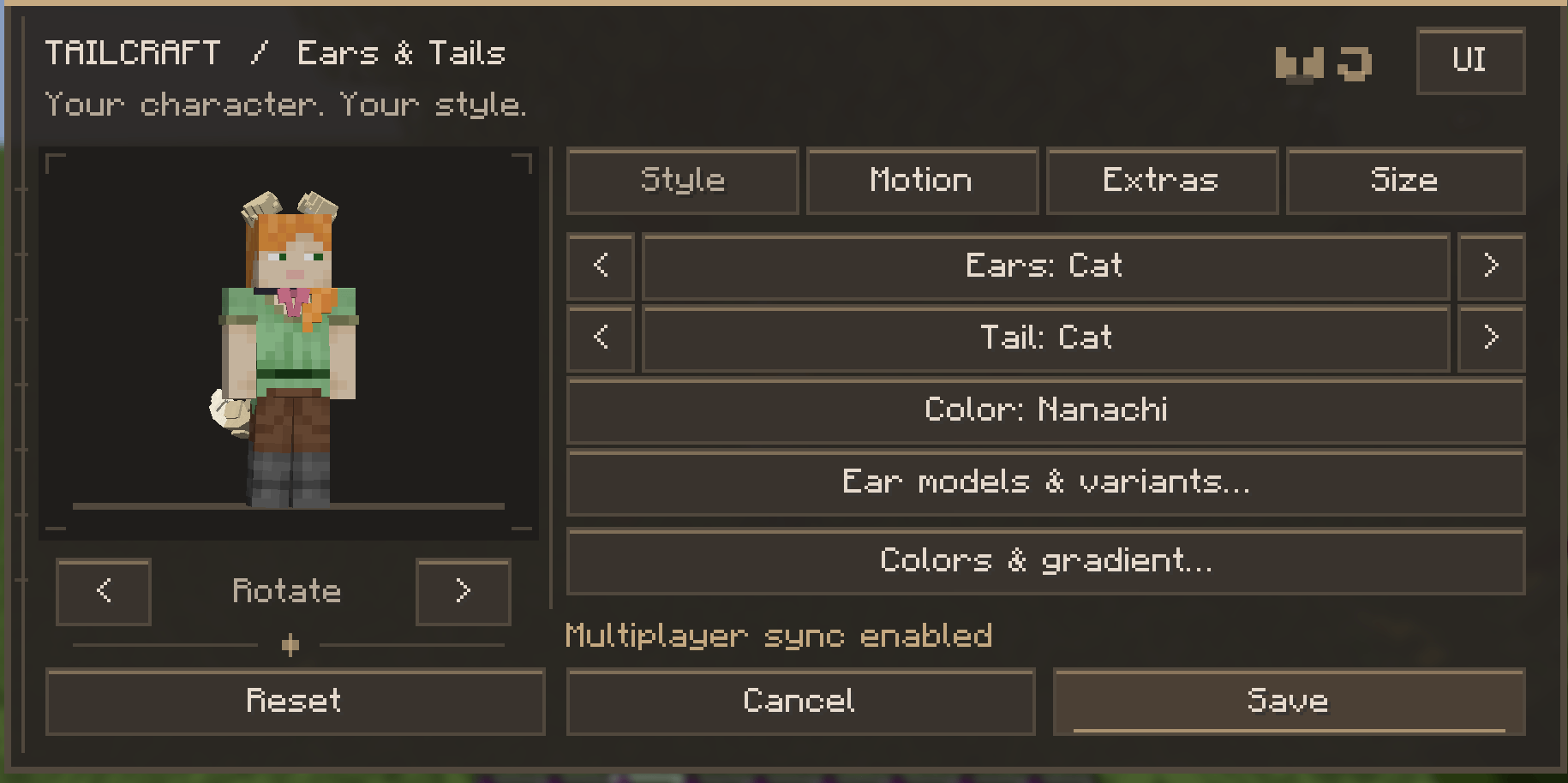
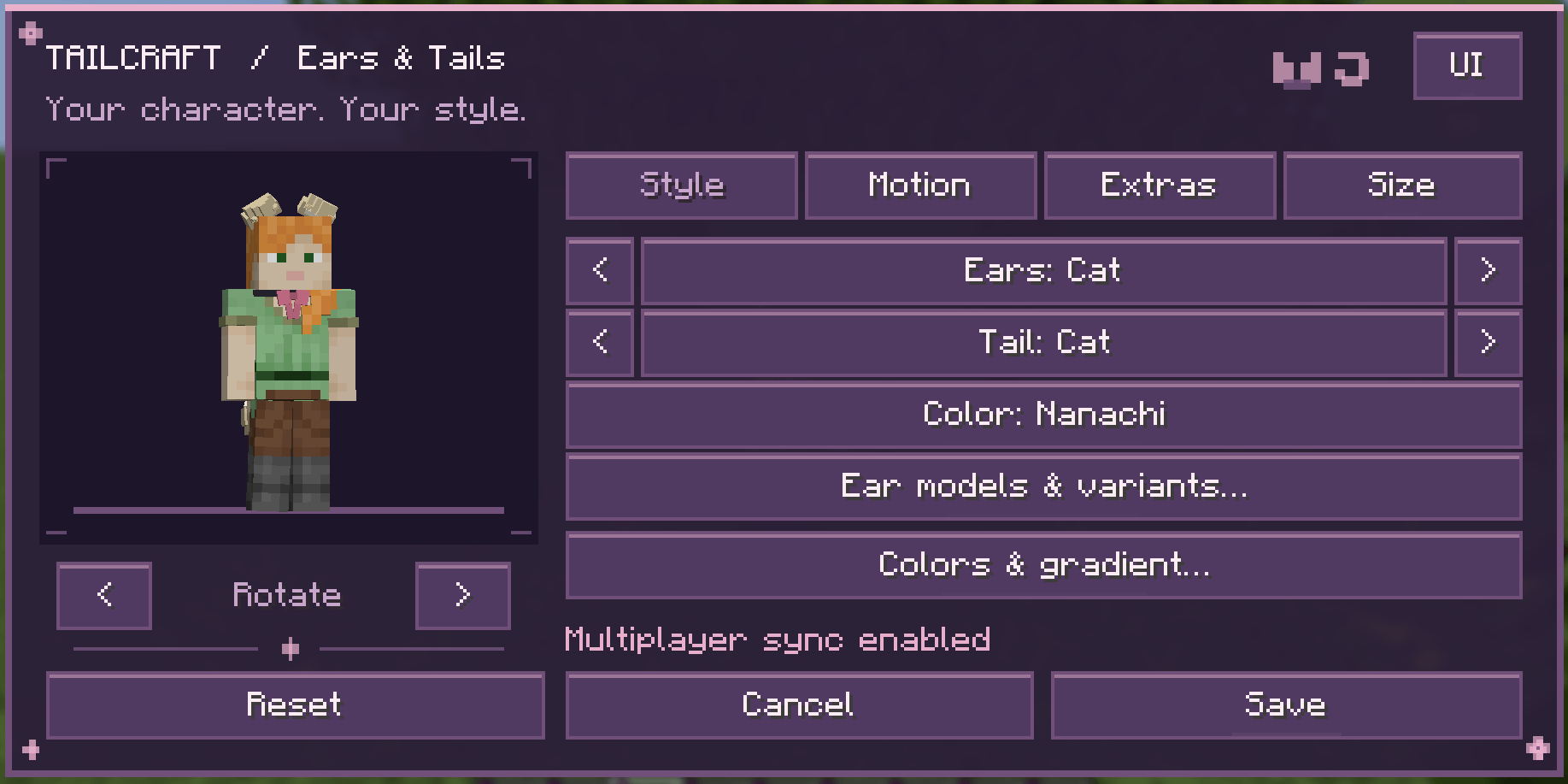
Press K to open the customization menu, featuring:
- A rotating character preview.
- Three interface themes: Classic, Warm Book, and Sakura.
- Animated menus and buttons.
- English and Russian, selected automatically through Minecraft’s language settings.
🌊 Water & Posture — New in 1.3 BETA
Open the customization menu with K and click the new Water button to customize how your ears and tail react to water and crouching.
- Enable or disable wet-tail and wet-ear effects separately.
- Adjust drying time from 5 to 120 seconds.
- Customize how much wet fur darkens and flattens.
- Adjust movement in water and ear tilting when crouching—or turn these effects off.
After leaving the water, your ears and tail gradually dry and return to their usual appearance. These settings synchronize with other players using the same beta version.
Available in Tailcraft 1.3 BETA for Minecraft 1.21.1.
The menu key can be changed in Controls. Optional first-person tail visibility is also available.
👥 Multiplayer
To see each other’s cosmetics, install the same Tailcraft version on the server and participating clients. For LAN worlds, the host and guests need the mod.
Without the server mod, your cosmetics remain local to your client.
📦 Requirements
- Minecraft Java Edition 1.21.1 to 26.3
- NeoForge 21.1.259+
- Java 21
- No additional mod libraries required.
Place the JAR in your mods folder, launch the game, and press K to get started!
Main version: 1.21.1. This version will receive updates first!
(TailCraft mod version 1.2.6 has noticeable bugs related to tail poses. Please download the more stable version 1.2.9.2 or try the beta version of my mod – 1.3 BETA 2 !)
常见问题
🐾 Tailcraft — Ears, Tails & Accessories 支持哪些 Minecraft 版本?
🐾 Tailcraft — Ears, Tails & Accessories 支持 Minecraft Java 版 1.21.1–26.3,共 16 个版本,可用的加载器:NeoForge。下载时注意选择和你游戏版本一致的文件。
🐾 Tailcraft — Ears, Tails & Accessories 怎么安装?
先用 PCL2 或 HMCL 启动器安装对应版本的 NeoForge,再把下载的 .jar 文件放进游戏目录的 mods 文件夹,重新启动游戏即可。开启了版本隔离的,mods 文件夹在 versions/版本名 下面。
评论
登录后评论和评分