
Tabular Creative
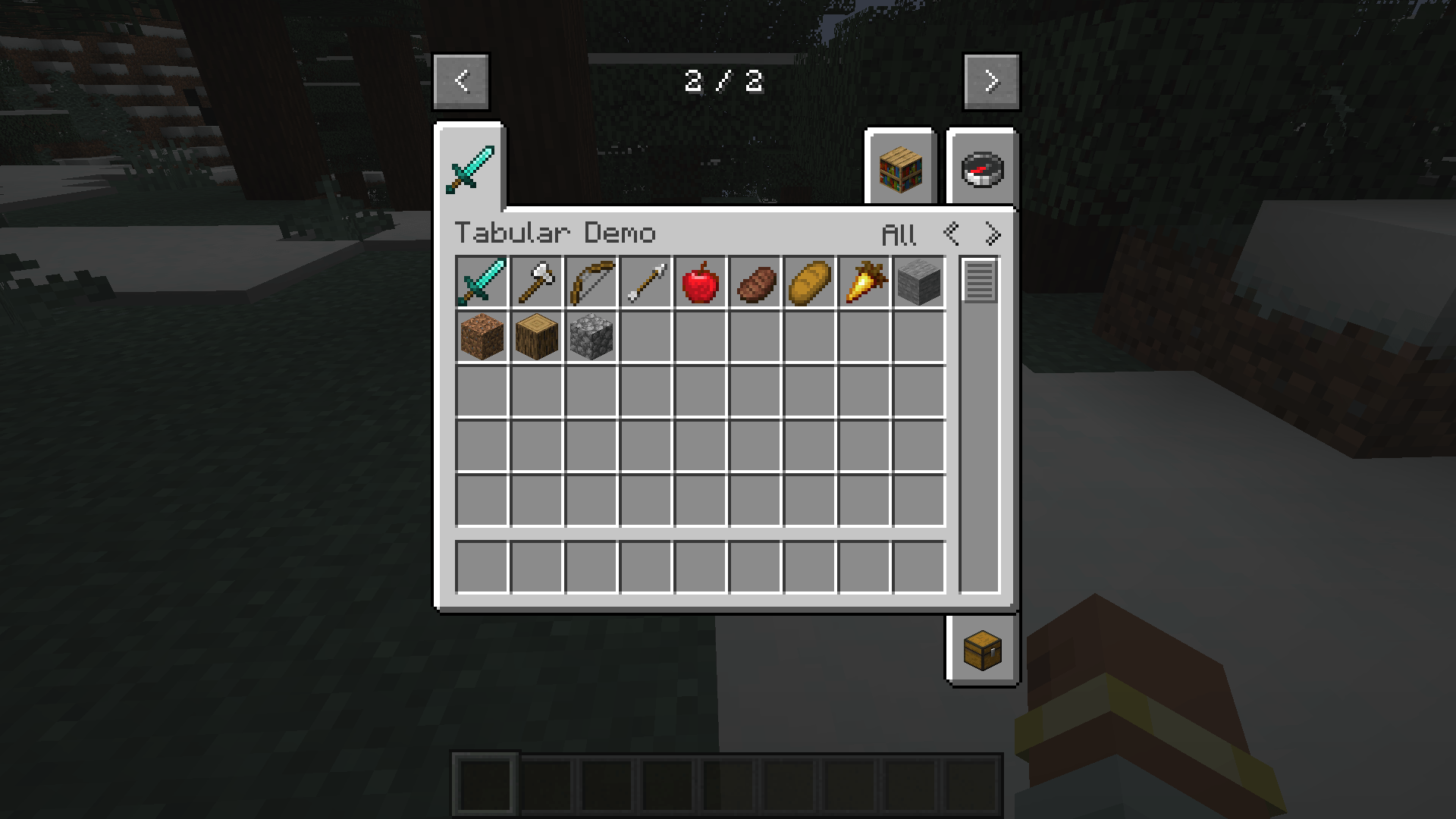
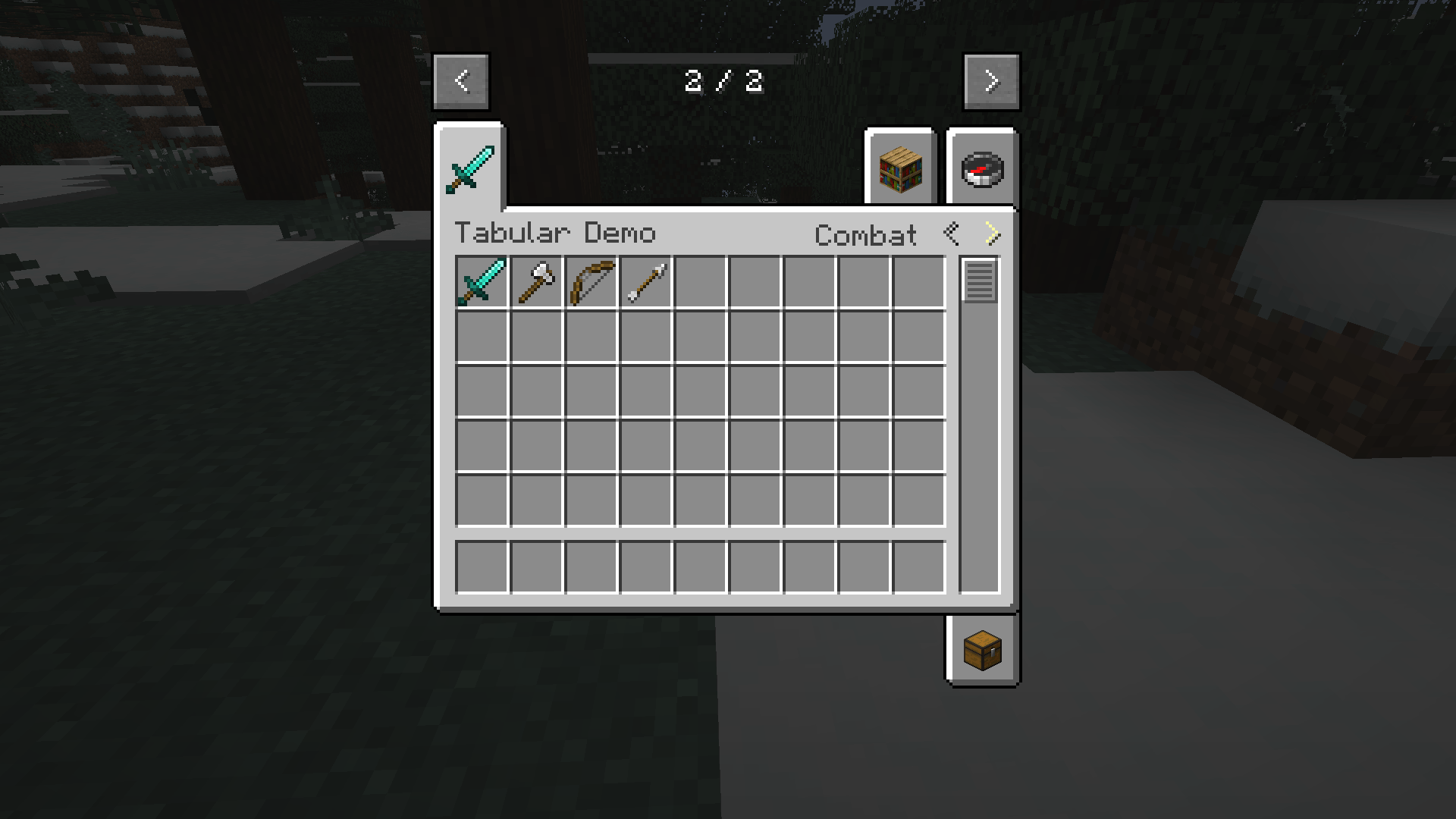
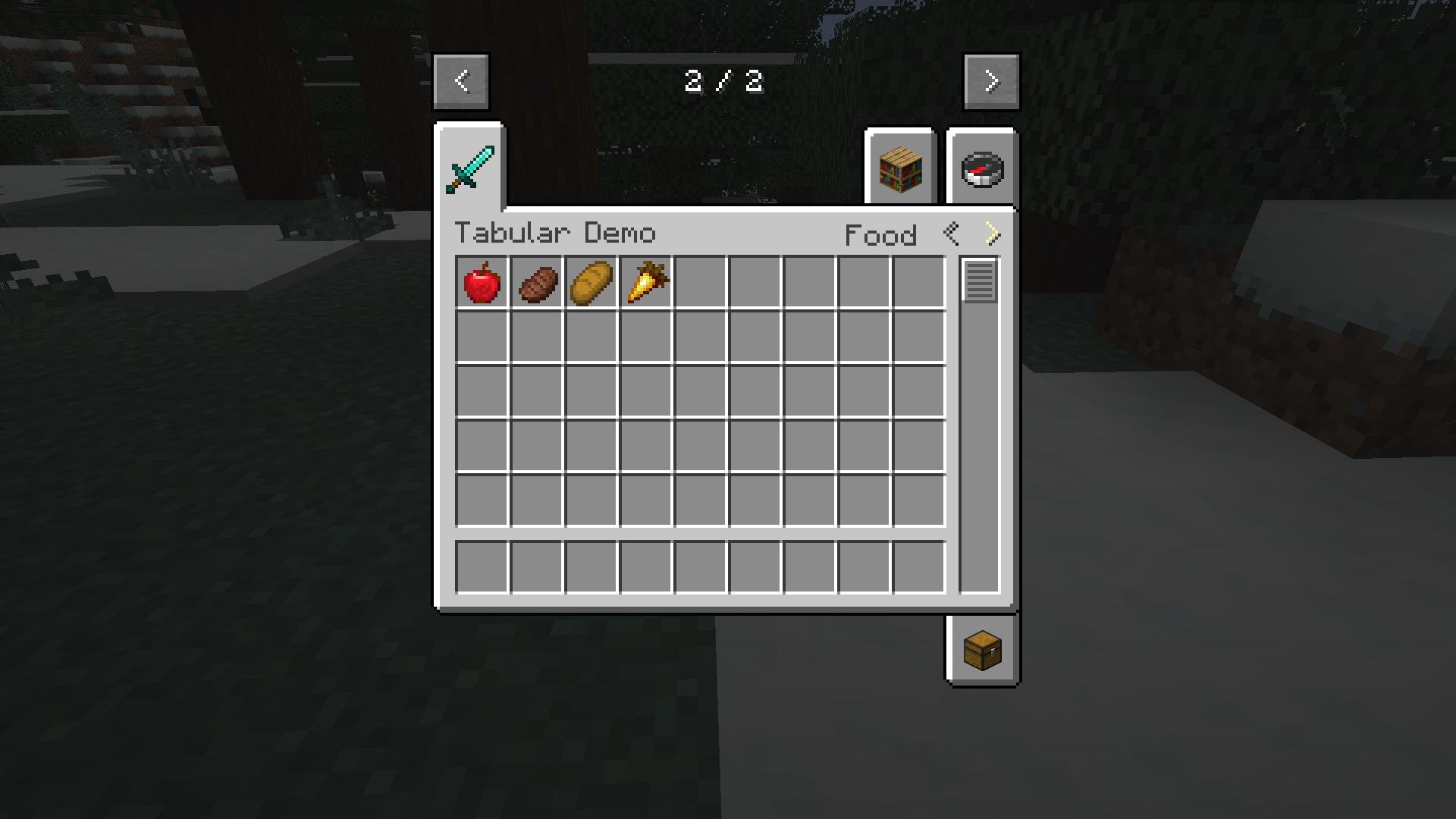
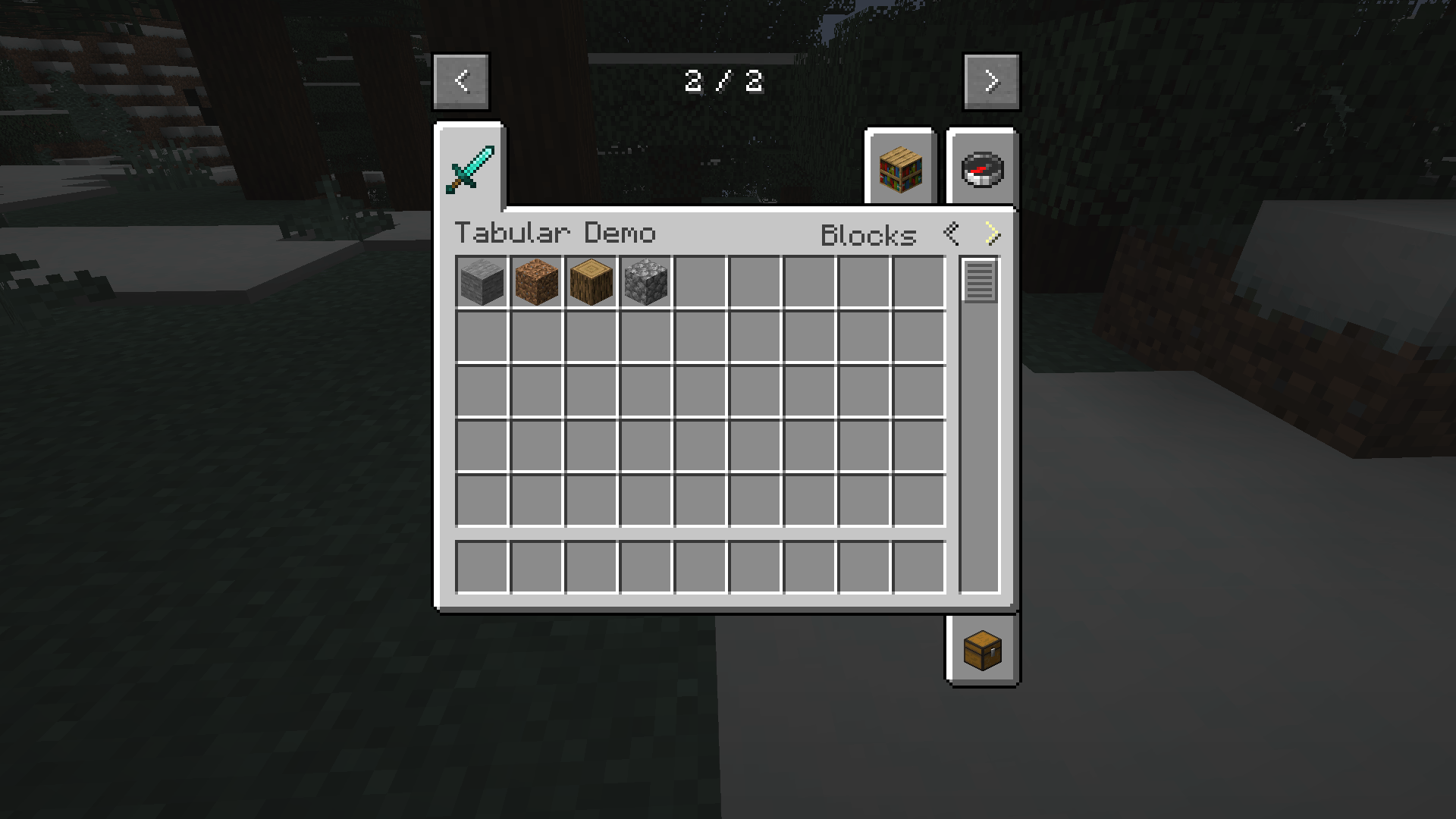
A lightweight API and library for Minecraft Forge. Adds sub-categories, filters, and UI navigation to Creative Mode tabs.
截图
介绍
This is a library and API mod required for mods that utilize Tabular sub-categories and custom game modes. It enhances the Creative Mode GUI by allowing developers to split a single tab into multiple filtered views, and introduces a fully functional framework for adding brand-new game modes to Minecraft.
Features:
- Sub-Categories: Allows Creative Tabs to be divided into specific groups (e.g., “Combat”, “Food”, “Blocks”) instead of one massive list.
- Navigation UI: Adds simple
<Prev and>Next buttons to the Creative inventory header for cycling through categories. - Smart Filtering: Automatically generates an “All Items” view and remembers your last selected category for every tab.
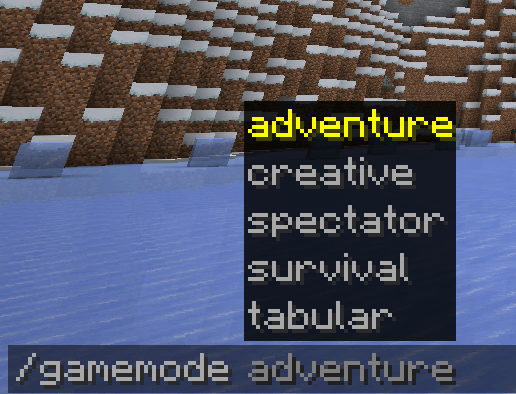
- Custom Game Mode API: A developer framework to register entirely new game modes with custom names, icons, and base rules.
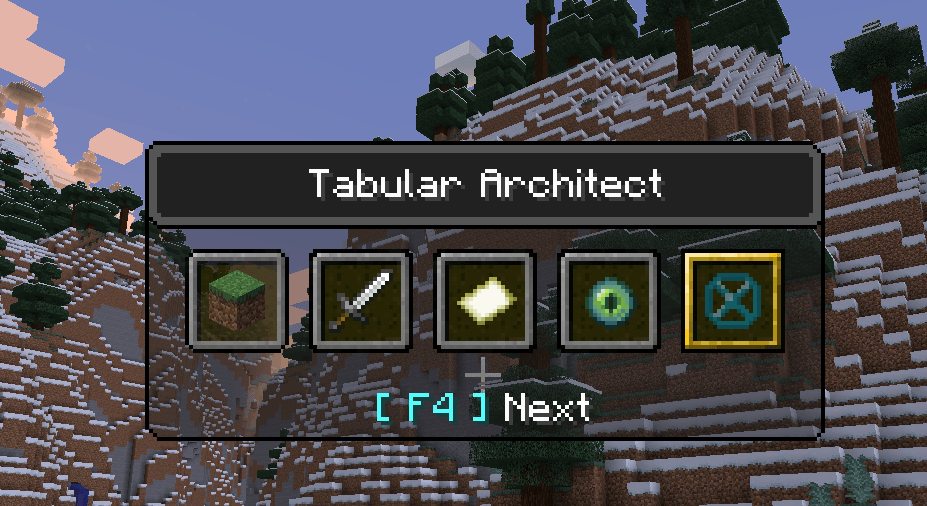
- Seamless Vanilla Integration: Custom game modes natively hook into the standard
/gamemodecommand and the F3 + F4 Game Mode Switcher menu. - Tabular Architect Mode: A built-in, ultimate builder’s game mode featuring:
- Hyper & Ghost Flight: Double standard creative flight speed with the ability to phase through walls (NoClip) while flying.
- Extended Reach: +15 blocks of reach distance for placing and breaking.
- Builder’s Vision: Constant night vision without annoying potion particles.
- Architect’s Aura: Silently erases hostile mobs within 50 blocks so you can build in peace.
- Pacifist Enforcement: Prevents accidentally breaking item frames/paintings or attacking friendly mobs.
- Quick-Void Trash: Sneak + Drop instantly deletes an item instead of dropping it on the ground.
- Creative Exclusivity: Bypasses the standard 2×2 survival inventory screen, always opening the Creative inventory.
常见问题
Tabular Creative 支持哪些 Minecraft 版本?
Tabular Creative 支持 Minecraft Java 版 1.20.1,可用的加载器:Forge。下载时注意选择和你游戏版本一致的文件。
Tabular Creative 怎么安装?
先用 PCL2 或 HMCL 启动器安装对应版本的 Forge,再把下载的 .jar 文件放进游戏目录的 mods 文件夹,重新启动游戏即可。开启了版本隔离的,mods 文件夹在 versions/版本名 下面。
Slytharis 的其他作品
查看全部 →
JJC Library
A core API and library mod for extending JujutsuCraft with custom cursed techniques, domains, and mob systems.

Jujutsu Anomalies
A JujutsuCraft addon bringing "what if" scenarios, powerful crossover characters, and custom cursed techniques with unique mechanics.
Slytharis Animator Engine
A powerful Forge API and animation engine for rendering complex, MoLang-driven custom animations onto the player model.

JujutsuCraft: Awakening
A cosmetic VFX and artifact addon for Jujutsu Craft featuring transformation shaders, and animated Mahoraga wheel.
评论
登录后评论和评分