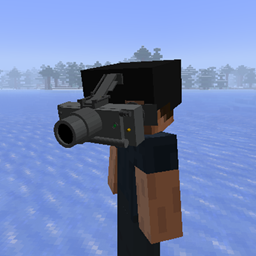
T7 Thermal Imager
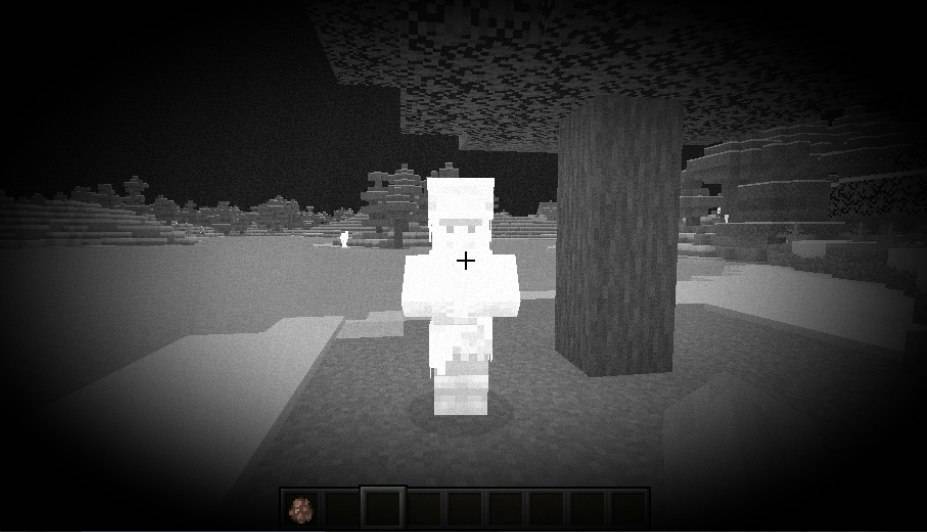
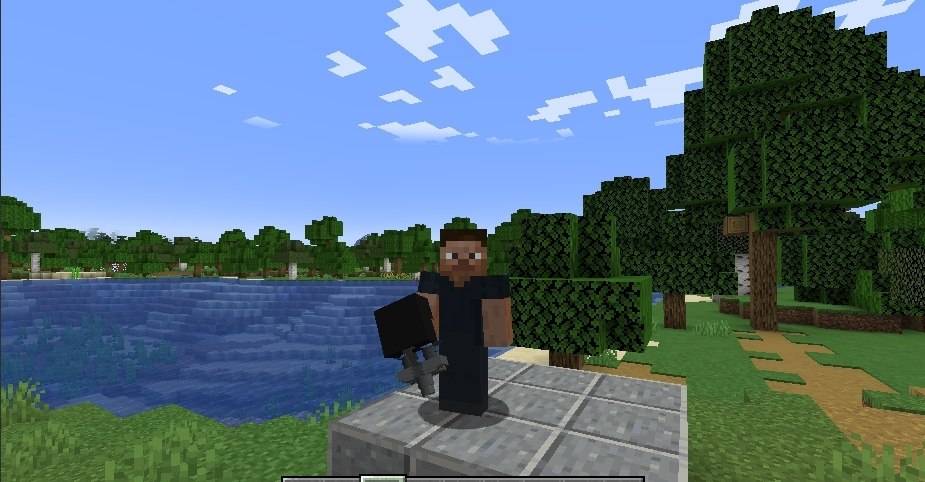
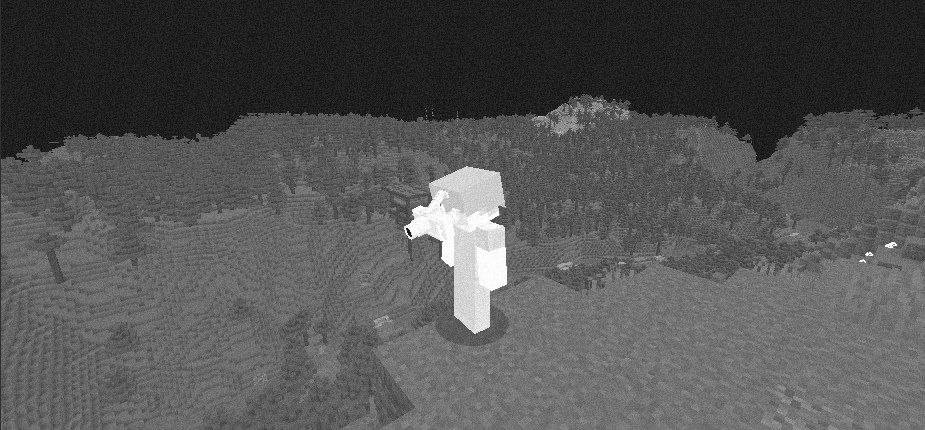
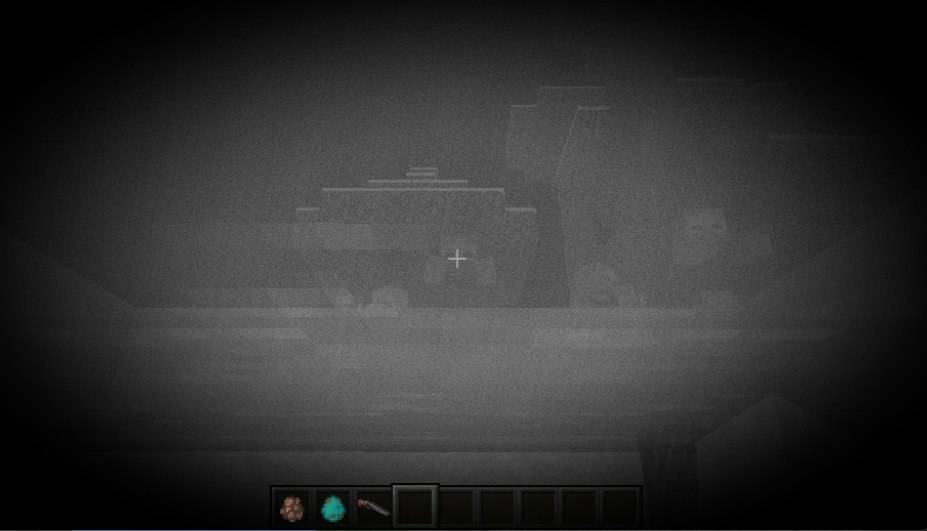
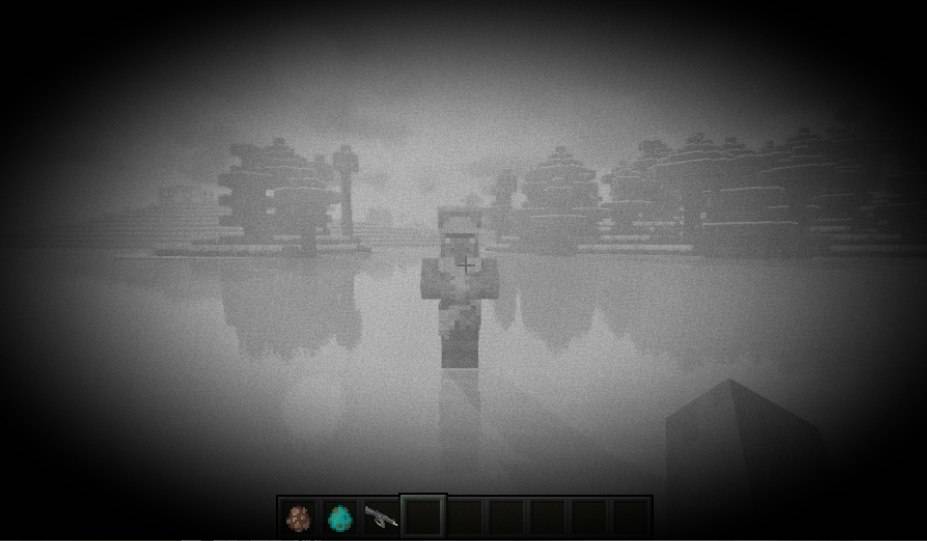
T7 Thermal Imager, which provides the user with a wide field of view in the infrared spectrum. Bad news for anyone hiding in the bushes.
截图
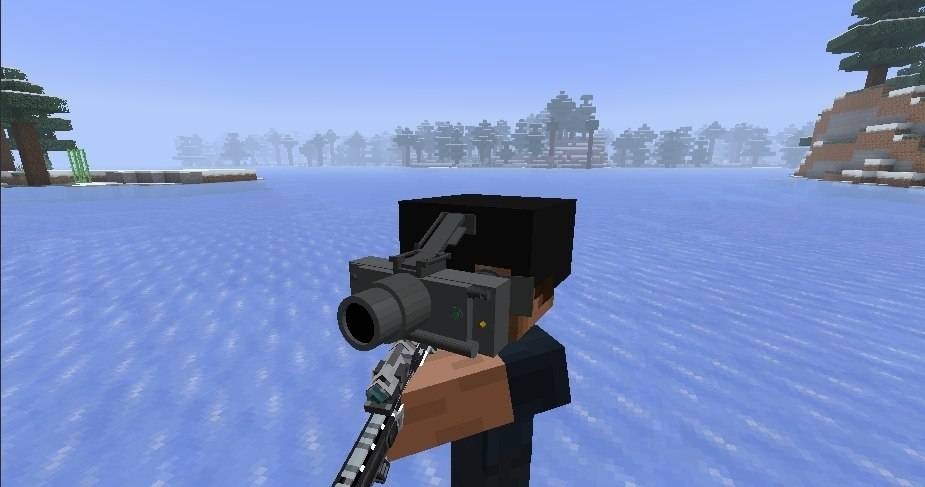
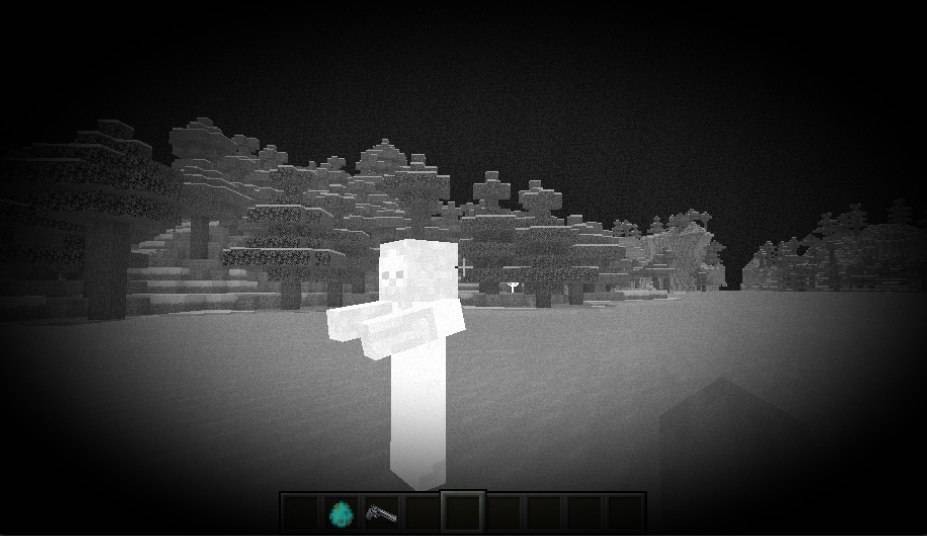
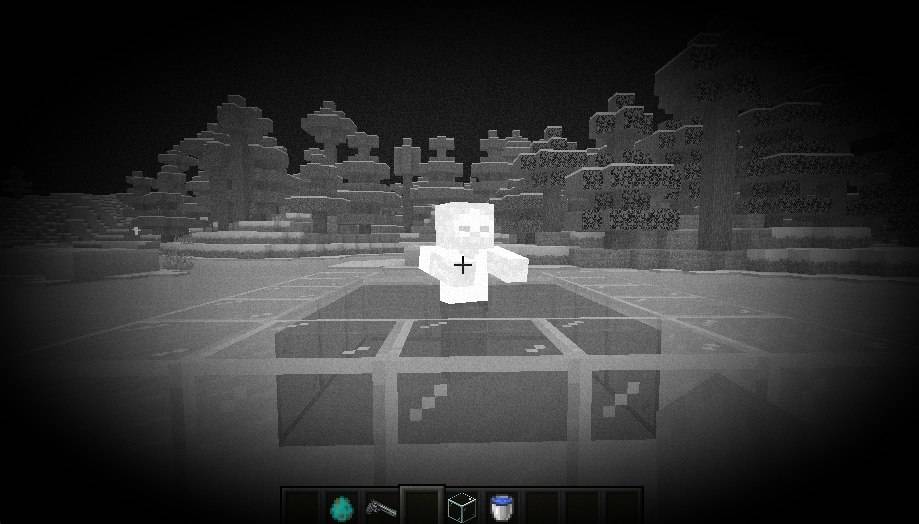
介绍
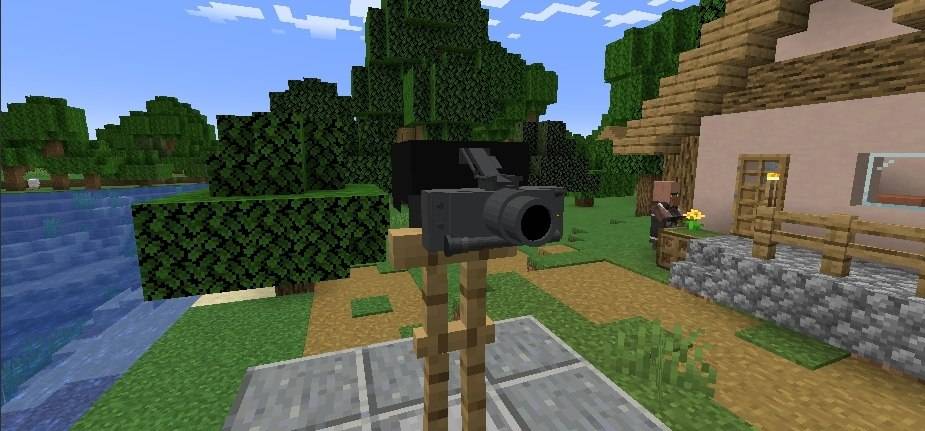
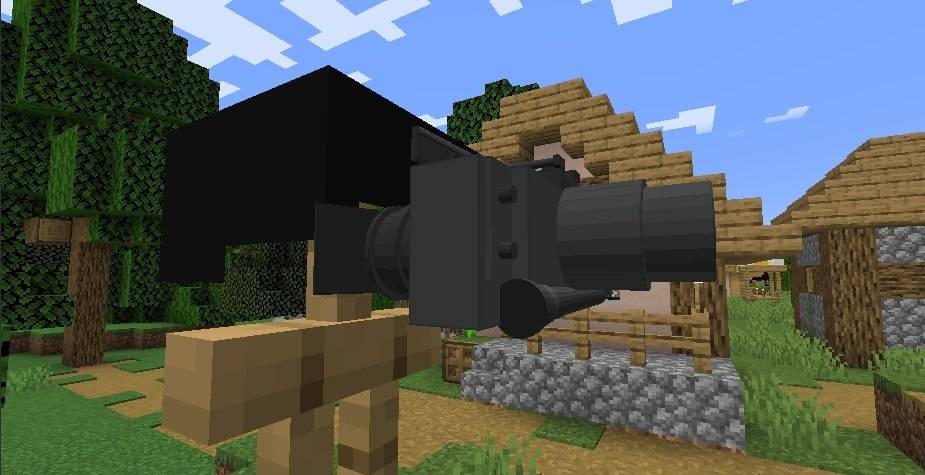
Mod that adds T7 Thermal Imaging Goggles, inspired by some games and a bit of real life. It mostly works like in games.
It is uncraftable in survival mode and can only be taken from the creative tab.
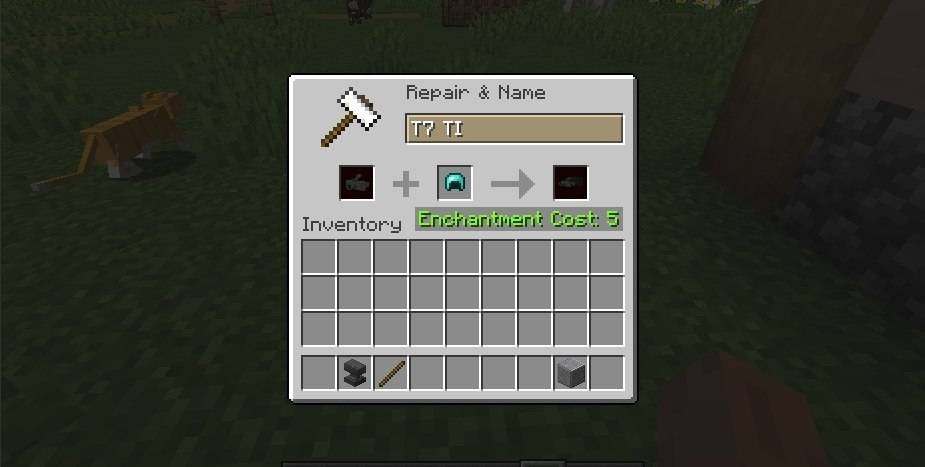
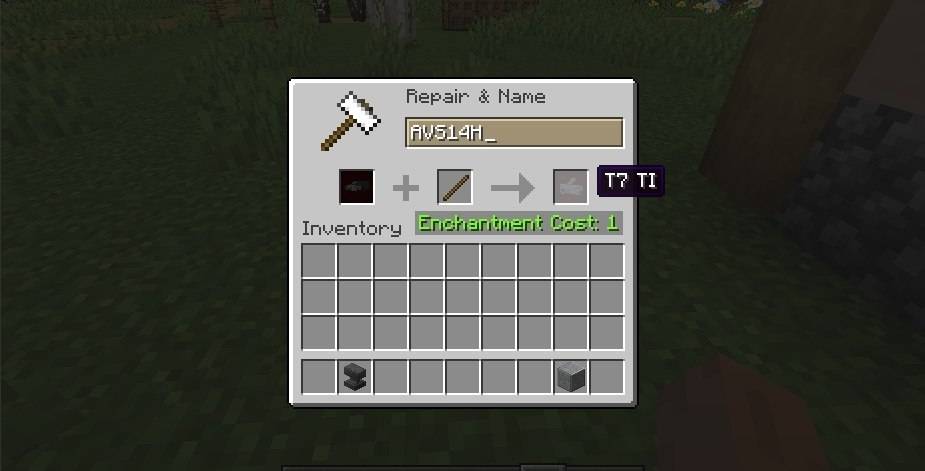
You can mount the T7 TI on a diamond helmet using an anvil, which turns it into the AVS14H helmet with the T7 mounted. To unmount it, put the AVS14H in an anvil with a wooden stick (I had no other idea for this).
- If you see any lag or bugs, feel free to comment about them, but I don’t know if I will be able to fix them because I’m not a professional yet and I can’t code this well on my own.
Claude helped me with the code, but I made the models and textures myself in 2025 on my phone using Blockbench in the web version, so it’s obvious they won’t be perfect. I had no laptop back then.
It may be incompatible with some or all shader packs, because this mod has its own shader for the thermal imaging.
Choose whether clouds are visible while wearing the helmet, in config of the mod in mods list. Default is hidden (more realistic). This affects visuals only.
Flip key (default V): raise or lower the T7 on the helmet. Raised = thermal vision off. Rebind it in Controls.
I will try to add more things to this mod over time, but I’m not sure about that because, as I said, I’m not a pro at this.
Requires Minecraft 1.20.1 and Forge.
常见问题
T7 Thermal Imager 支持哪些 Minecraft 版本?
T7 Thermal Imager 支持 Minecraft Java 版 1.20.1,可用的加载器:Forge。下载时注意选择和你游戏版本一致的文件。
T7 Thermal Imager 怎么安装?
先用 PCL2 或 HMCL 启动器安装对应版本的 Forge,再把下载的 .jar 文件放进游戏目录的 mods 文件夹,重新启动游戏即可。开启了版本隔离的,mods 文件夹在 versions/版本名 下面。
评论
登录后评论和评分