SynthCraft Live
Open-source, AI-powered music generation for Minecraft — describe the mood, genre, and lyrics you want, and SynthCraft creates original songs you can listen to privately or broadcast server-wide.
截图
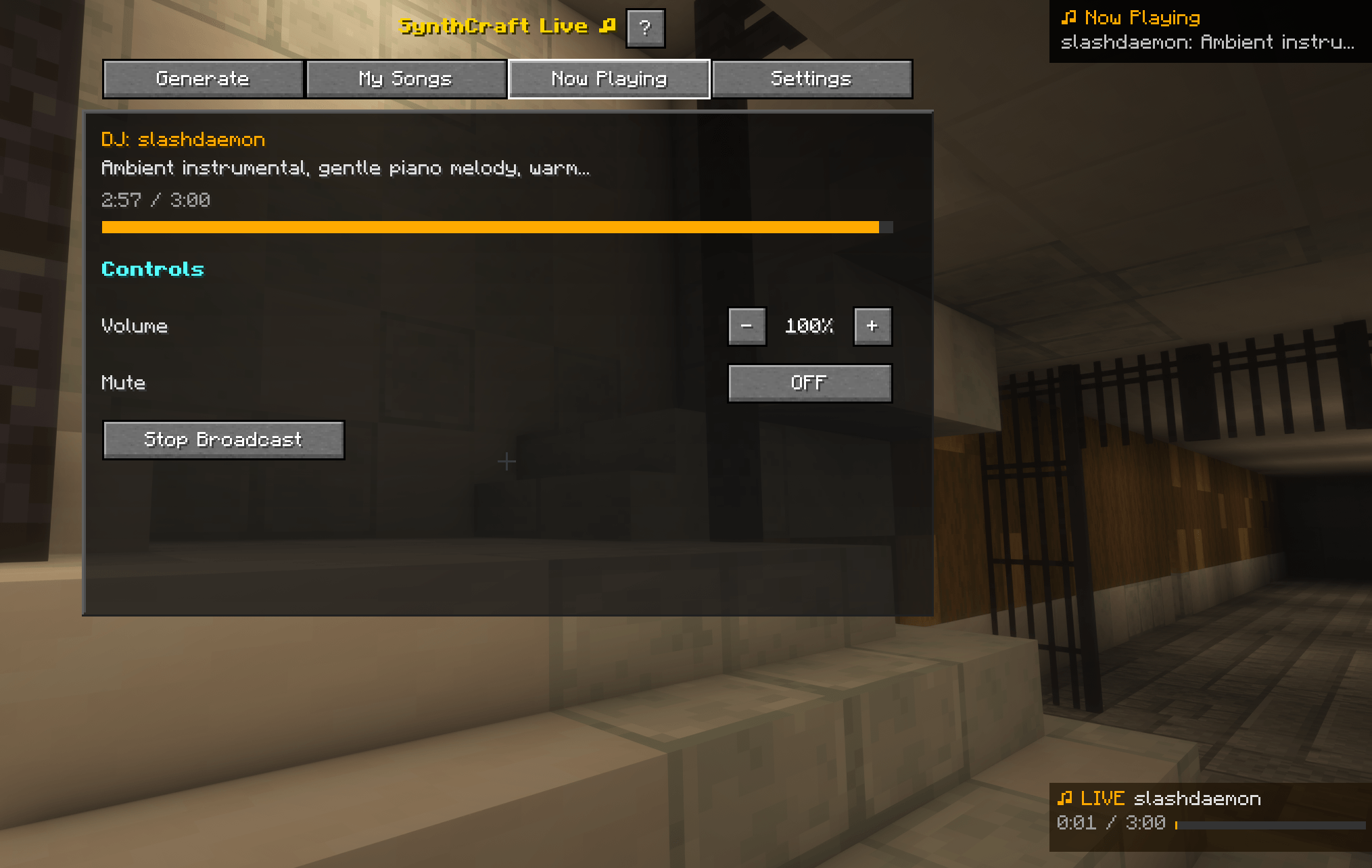
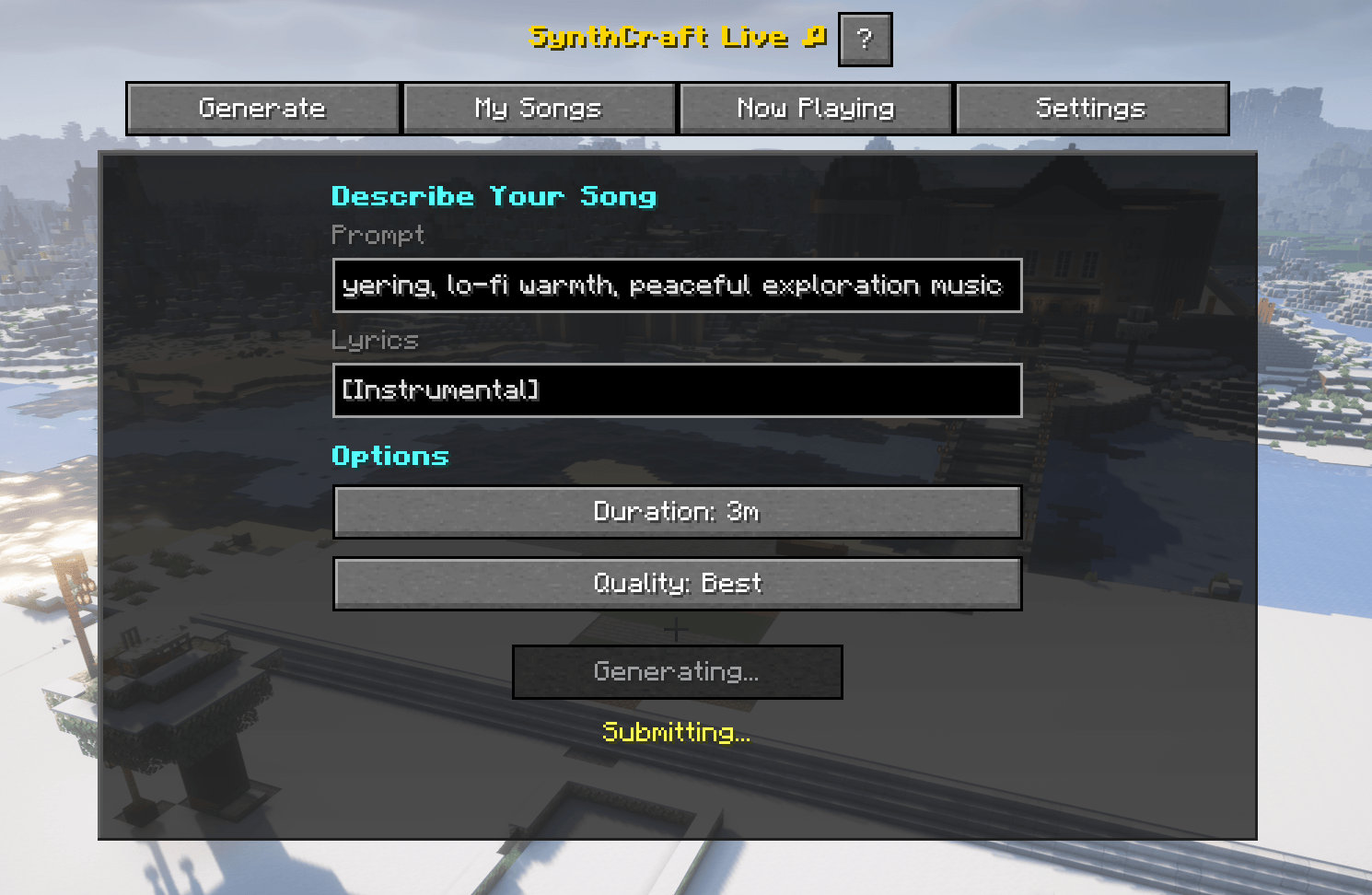
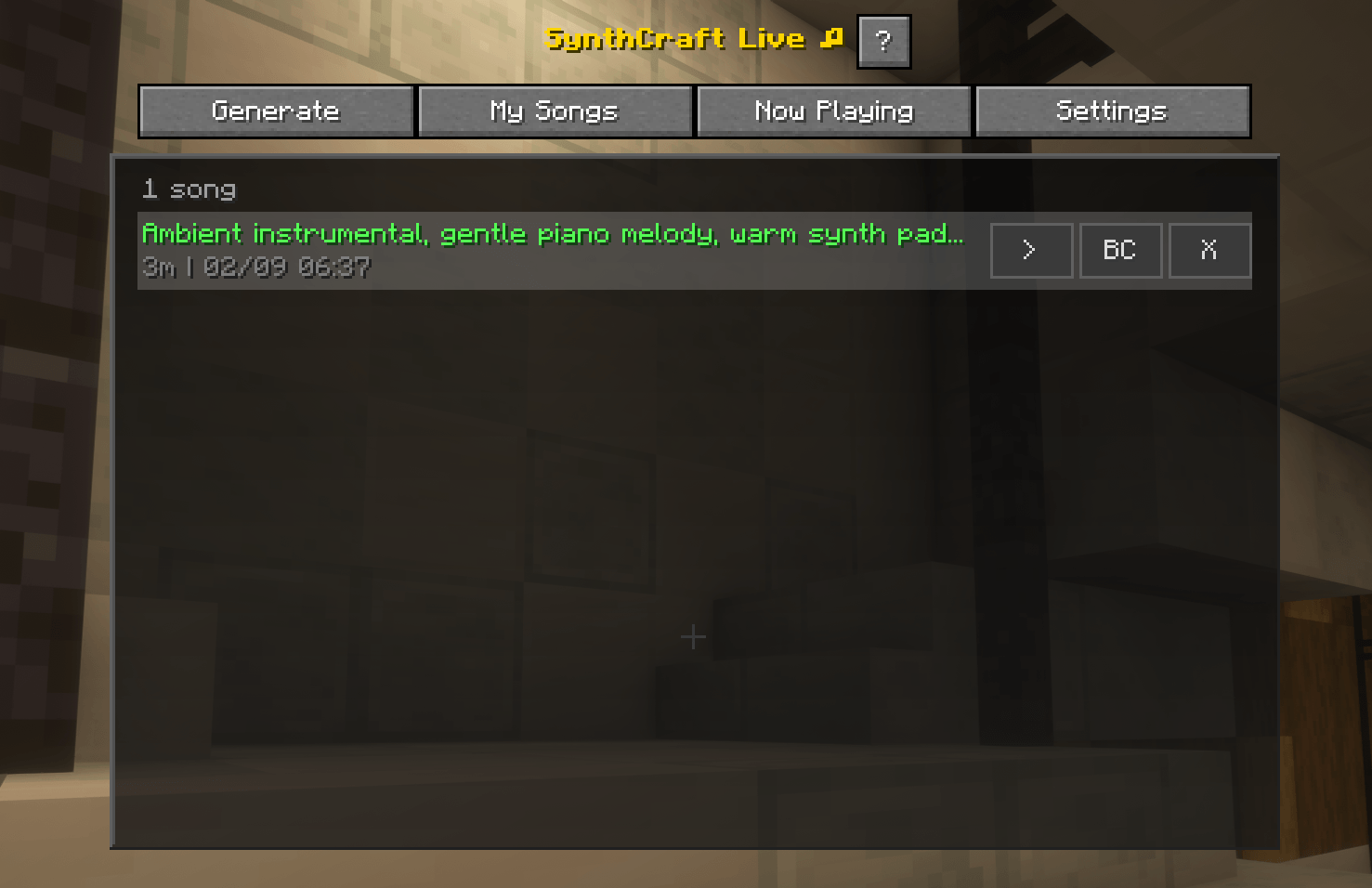
介绍
SynthCraft Live brings AI-powered music generation into your Minecraft world.
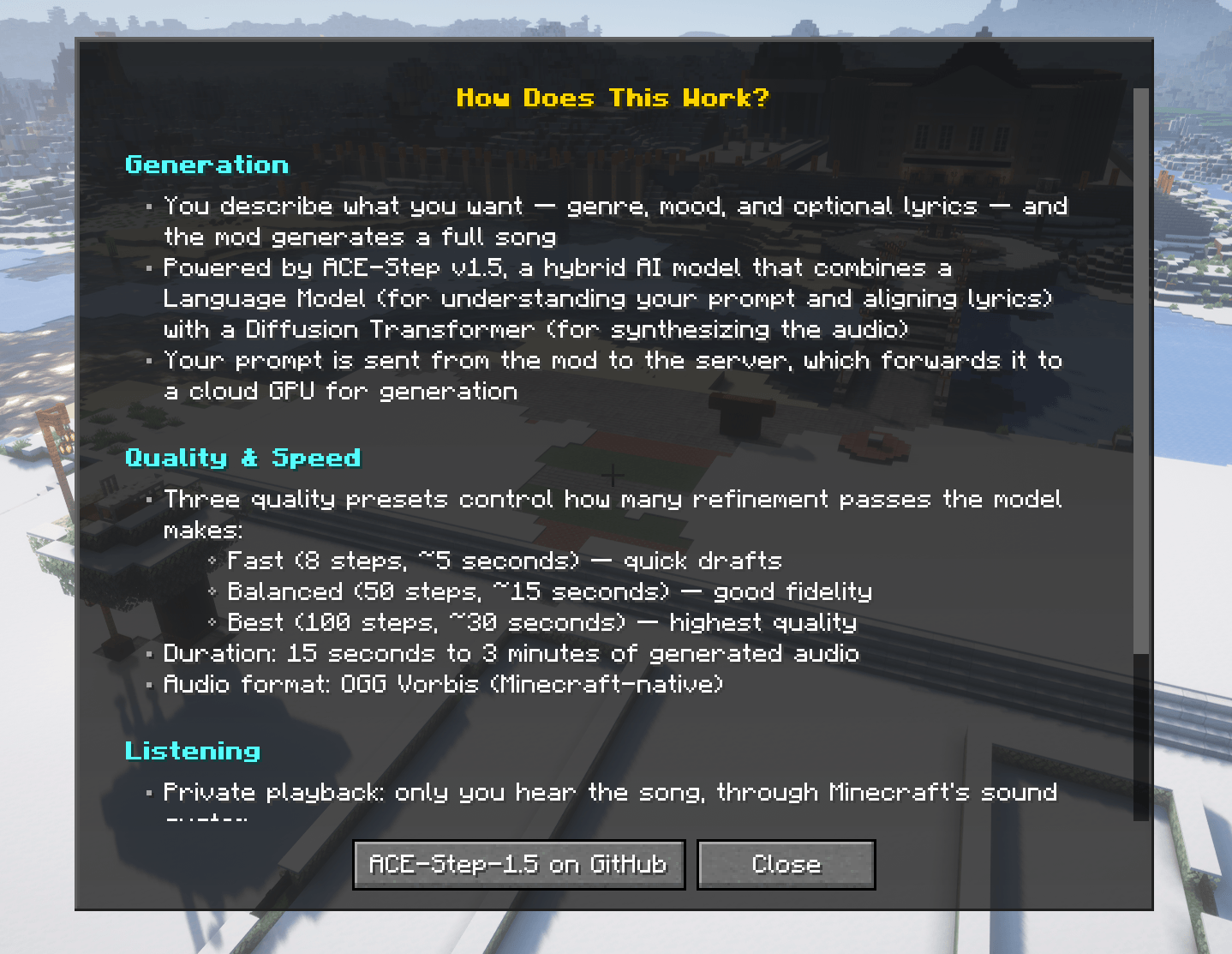
Describe the genre, mood, and lyrics you want — SynthCraft generates a full original song in seconds. Listen privately while you build or broadcast server-wide to replace Minecraft’s ambient soundtrack with your own AI-generated music that every player hears.
Features
- Text-to-Music — Type a prompt like “chill lo-fi hip hop for building at sunset” and get a full original song in 5–30 seconds
- Lyrics Support — Add custom lyrics or leave it instrumental — the AI handles both
- Private Listening — Play songs through your client only, without anyone else hearing
- Server-Wide Broadcast — One player DJs for the whole server, replacing vanilla ambient music at equal volume for everyone regardless of location
- Broadcast Queue — Queue your song when someone else is already broadcasting — it plays automatically when the current track ends
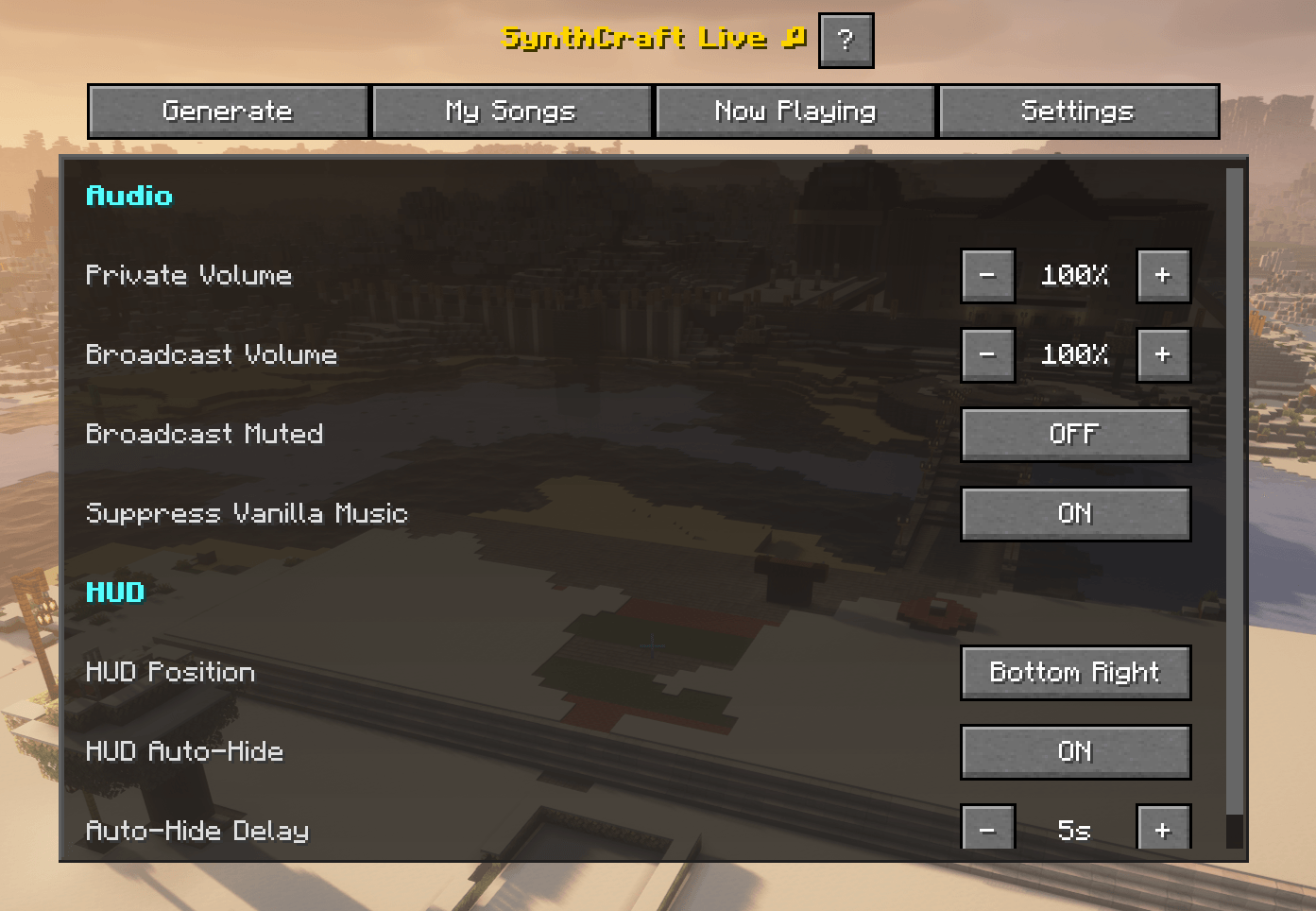
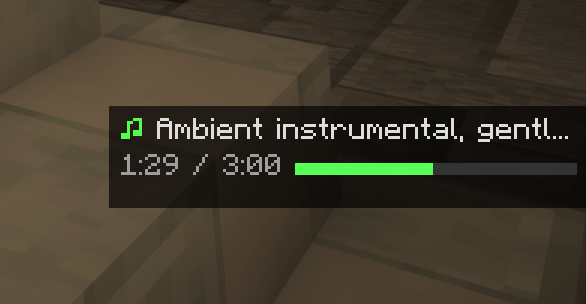
- Now Playing HUD — Minimal playback bar with play/pause, progress, and volume; auto-hides after 5 seconds
- Song Library — All your generated songs cached locally for instant replay, up to 50 per server
- Vanilla Music Suppression — Active broadcasts seamlessly suppress Minecraft’s ambient soundtrack; it resumes when the broadcast ends
- Listener Controls — Mute broadcasts, adjust volume independently, or disable them entirely in Settings
- Broadcast Permissions — Server owners control who can DJ: everyone, ops only, or a specific allowlist
- Content Filter — Server-side word filter on prompts and lyrics, configurable or disableable
- Public Song Feed — Optional API endpoint and embeddable widget showing recent songs on your website
- Zero setup for players — Server owner installs the mod, gets an auto-provisioned free trial with no signup required
How It Works
Press , (comma) to open the SynthCraft menu. Choose a genre, describe the mood, optionally write lyrics, pick a duration (15s–180s), and hit Generate. The song is created in the cloud while you keep playing — a chat notification lets you know when it’s ready. Play it privately or broadcast it to the entire server.
Requirements
- Minecraft 1.20.1 through 1.21.11 (Fabric)
- Multiplayer only — requires the mod installed on both client and server
- Fabric API
- Java 21+
Server Administration
Server owners can configure SynthCraft via config/synthcraft/server.json:
- broadcastPermission — Control who can broadcast: “everyone”, “ops”, or “allowlist”
- maxSongDurationSeconds — Cap generation length (default: 120s)
- maxQueueSize — Limit the broadcast queue (default: 10)
- contentFilterEnabled — Toggle the prompt/lyrics word filter
- publicFeedEnabled — Expose a public song activity feed for website embeds
Admin commands (op level 3):
- /synthcraft activate code
- /synthcraft reload
- /synthcraft stopall
- /synthcraft status
Licensing
SynthCraft works out of the box with a free trial — no registration needed. After the trial, server owners can subscribe for unlimited music generation. One license per server.
常见问题
SynthCraft Live 支持哪些 Minecraft 版本?
SynthCraft Live 支持 Minecraft Java 版 1.20.1–1.21.11,共 18 个版本,可用的加载器:Fabric。下载时注意选择和你游戏版本一致的文件。
SynthCraft Live 怎么安装?
先用 PCL2 或 HMCL 启动器安装对应版本的 Fabric,再把下载的 .jar 文件放进游戏目录的 mods 文件夹,重新启动游戏即可。开启了版本隔离的,mods 文件夹在 versions/版本名 下面。
slashdaemon2026 的其他作品
查看全部 →
SlashLoot
Per-player loot for naturally-generated chests, barrels, shulker boxes, and minecarts — server-side only, requires no client mod.
SlashRails
Smooth curves for vanilla rails: minecarts glide through corners and loops instead of snapping 90° at each turn.
TheBlockSurvival
An optional OS-specific (PC/Mac/Linux) client-side modpack for theblocksurvival.com SMP, MC 26.1.2 with improved performance, visuals, audio, and quality-of-life without adding any gameplay content. Only 1 server-mod requirement: StreamCraft Live.
评论
登录后评论和评分