Symbiotic Swiss Knife
A powerful multitool for GregTech Modern with tons of functionality
截图


介绍

This mod adds a Symbiotic Swiss Knife to GregTech modern.
This tool lets you slot any other kind of GT Tool into a singular tool for extreme QOL swappability! It’s got all your tools in one.
You can also read the description of the item in game for more information.
Switching
You can easily swap between tools through three different methods.
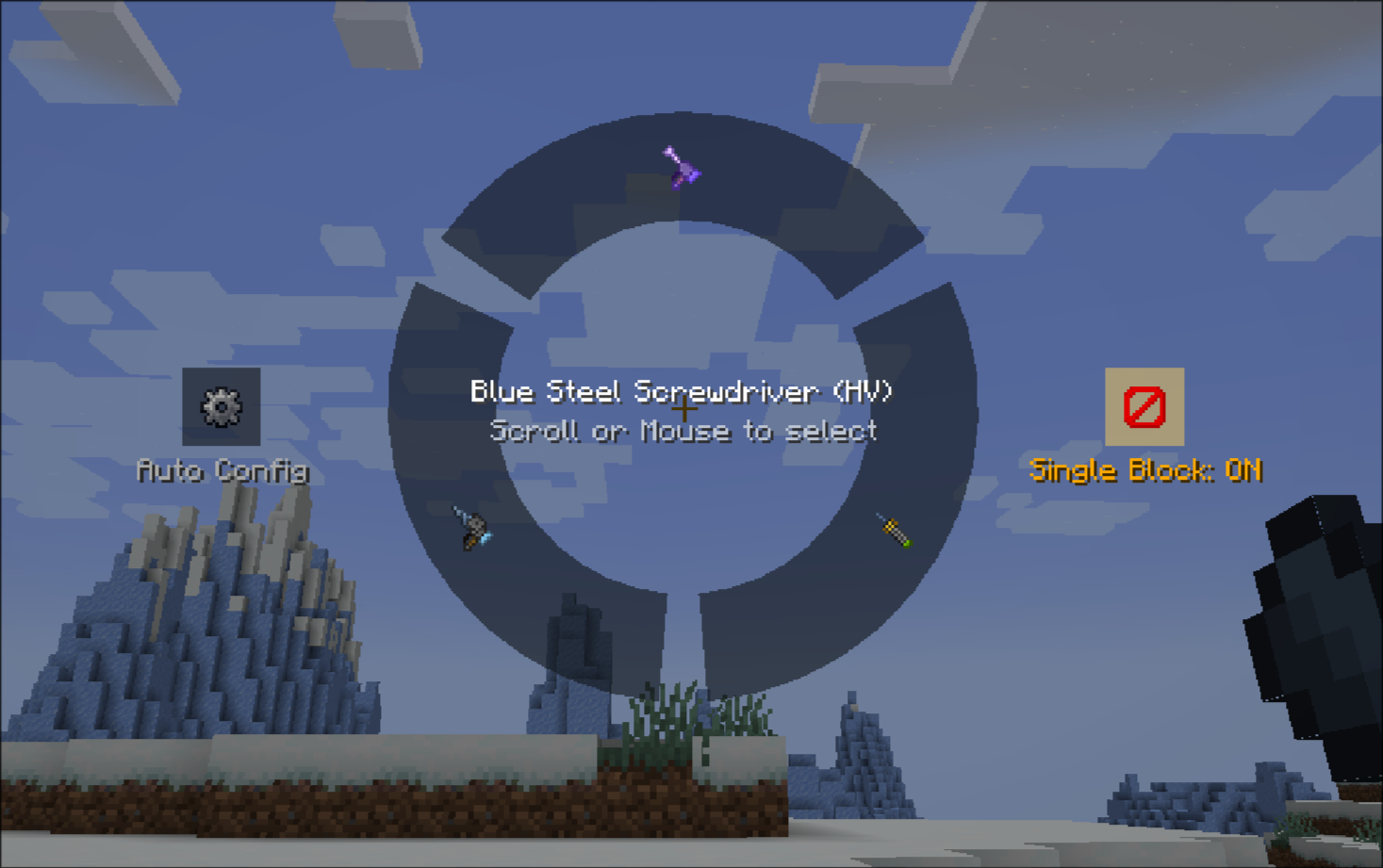
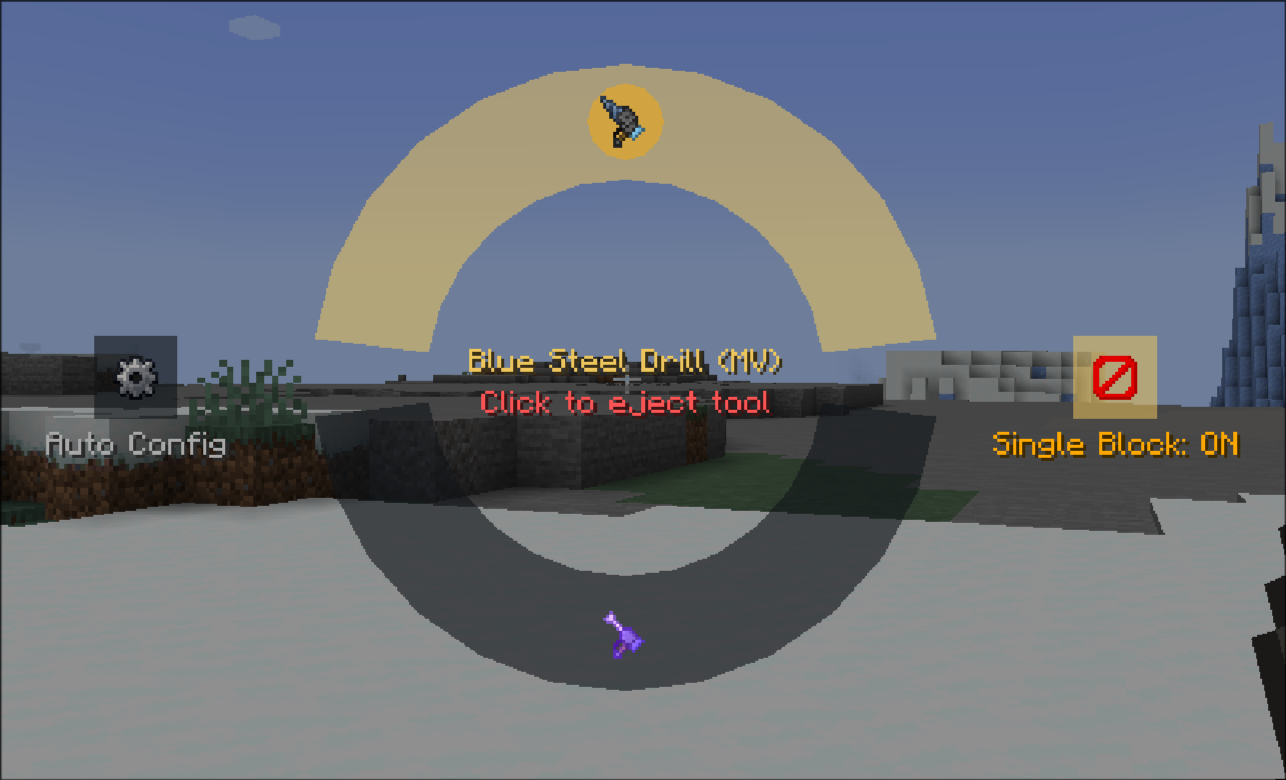
The multitool selector UI
You can use your mouse to freely select in a radial wheel the multitool of your choosing!
Scroll Wheel
Holding the multitool while shifting and scrolling will quickly swap between each item in order! Use this for quick swapping.
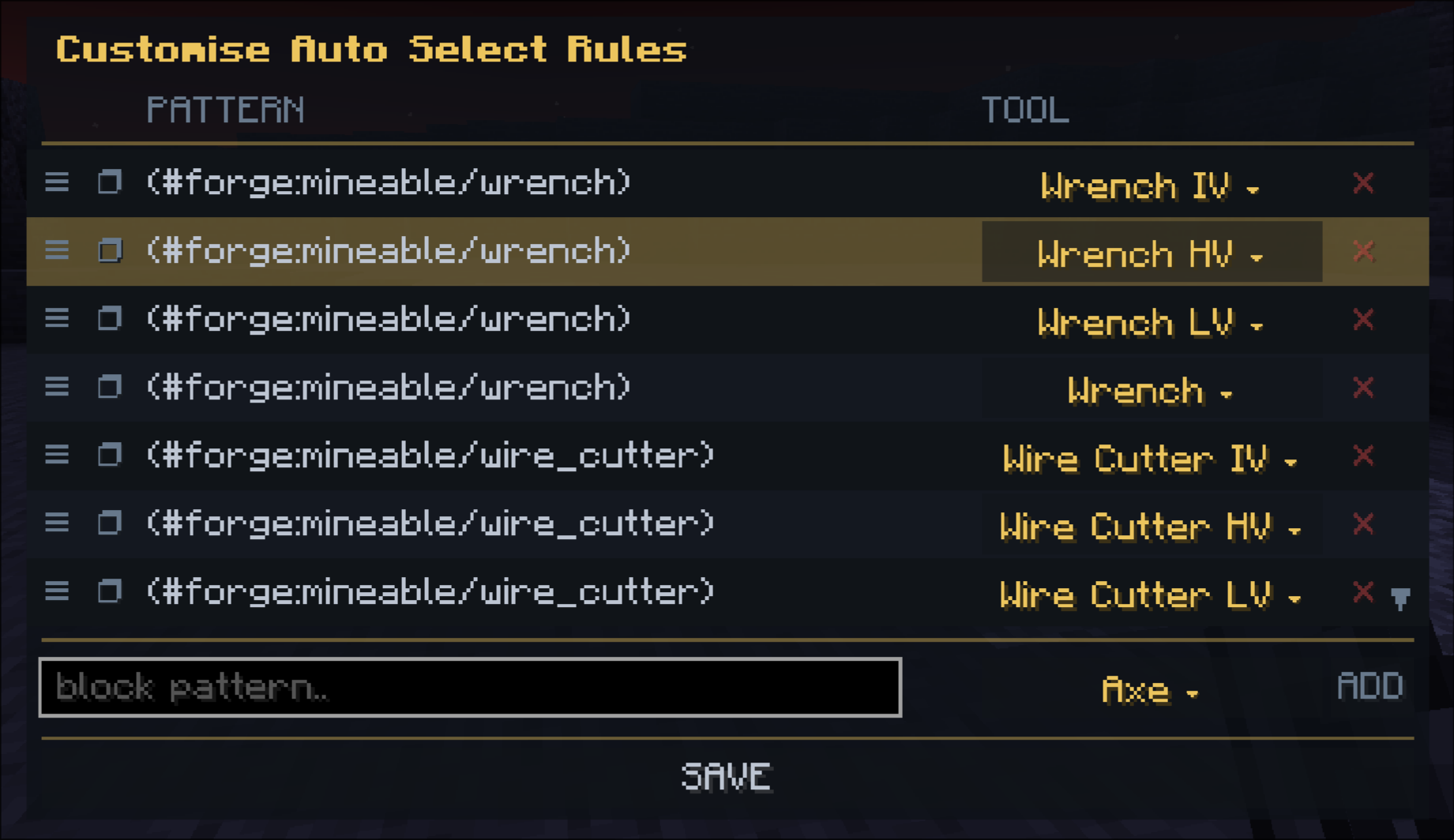
And the most powerful! The Auto-Select!
By pressing Pick Block, the multitool will automatically select the best tool for the purpose for the block the player is looking at.
This lets you rapidly swap between tools easily, and this is entirely customisable!
Single Block Mode
Tired of breaking your clean rooms due to your wrenches being too fast? We’ve got you covered with the Single Block Mode.
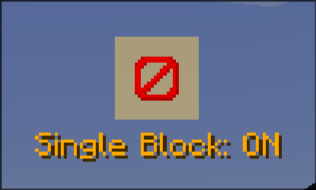
Once toggled on, you’ll only be able to break one block per attack action! This means no more obliterating your entire cleanroom when you just want to break one machine.
Adding Tools
You can easily slot new tools by combining the multitool with any other GT Tool type in a crafting table. The multitool supports all base GT tool types:
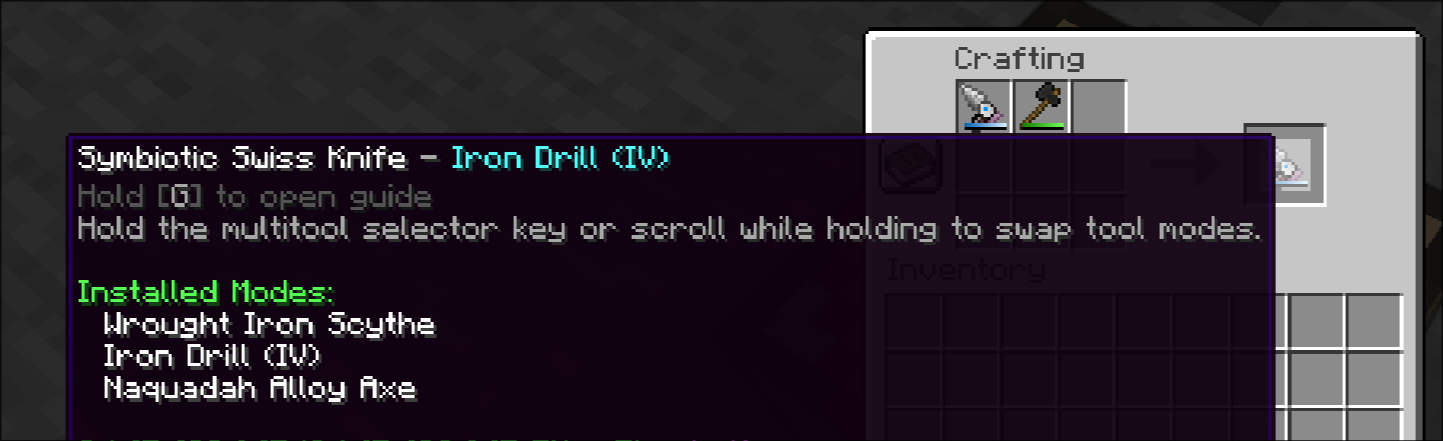
They can be ejected by shift clicking in the multitool selector UI:
Part of the Star Technology Beyond project. https://github.com/Star-Technology-Beyond
Credits:
\- All Art by qiuu\_qiuu and ariothesnekdragon, Initial Implementation by buggygee.
常见问题
Symbiotic Swiss Knife 支持哪些 Minecraft 版本?
Symbiotic Swiss Knife 支持 Minecraft Java 版 1.20.1,可用的加载器:Forge / NeoForge。下载时注意选择和你游戏版本一致的文件。
Symbiotic Swiss Knife 怎么安装?
先用 PCL2 或 HMCL 启动器安装对应版本的 Forge / NeoForge,再把下载的 .jar 文件放进游戏目录的 mods 文件夹,重新启动游戏即可。开启了版本隔离的,mods 文件夹在 versions/版本名 下面。运行环境:客户端和服务端都要装。


评论
登录后评论和评分