截图
介绍
Sword Displays
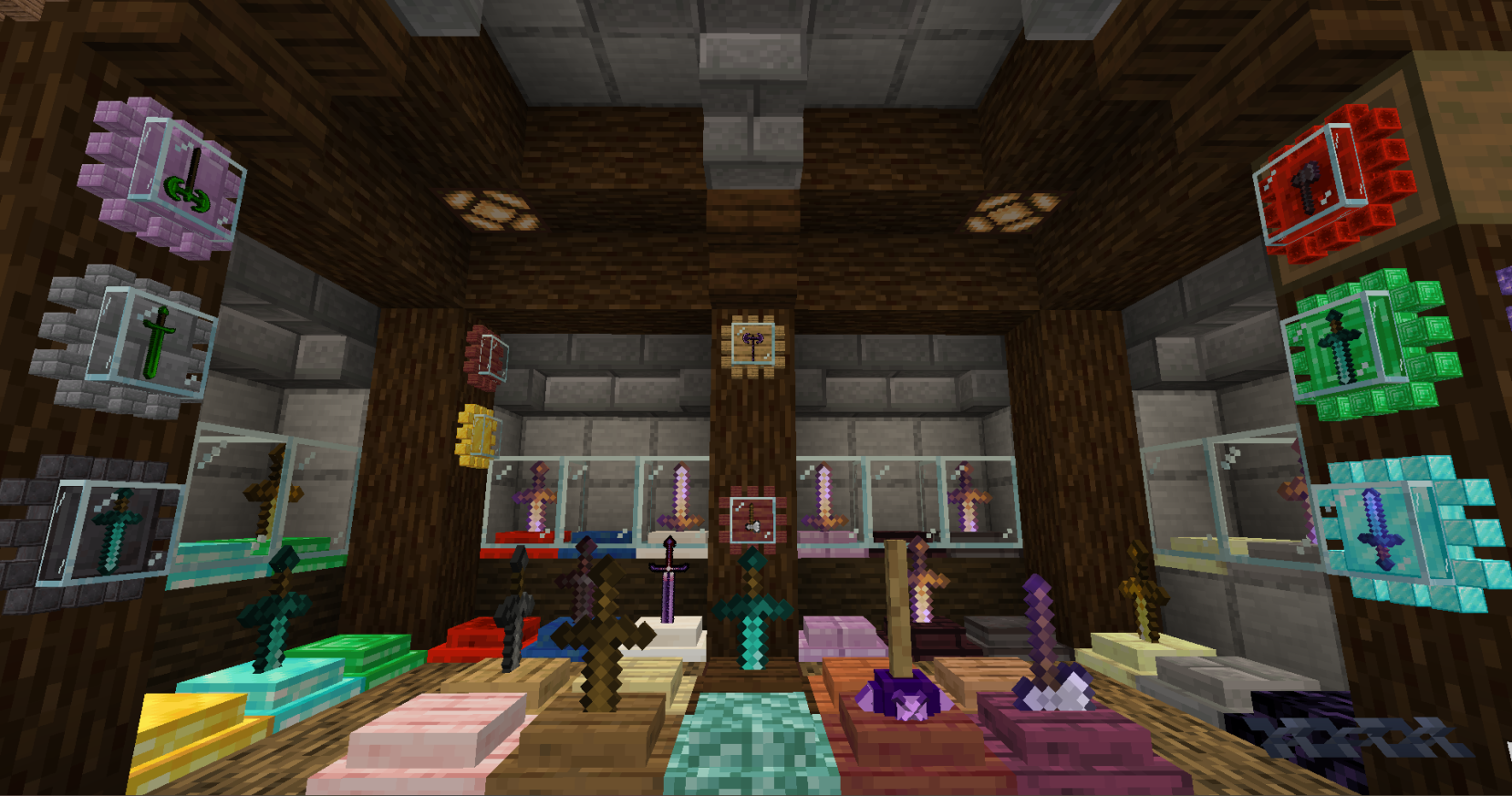
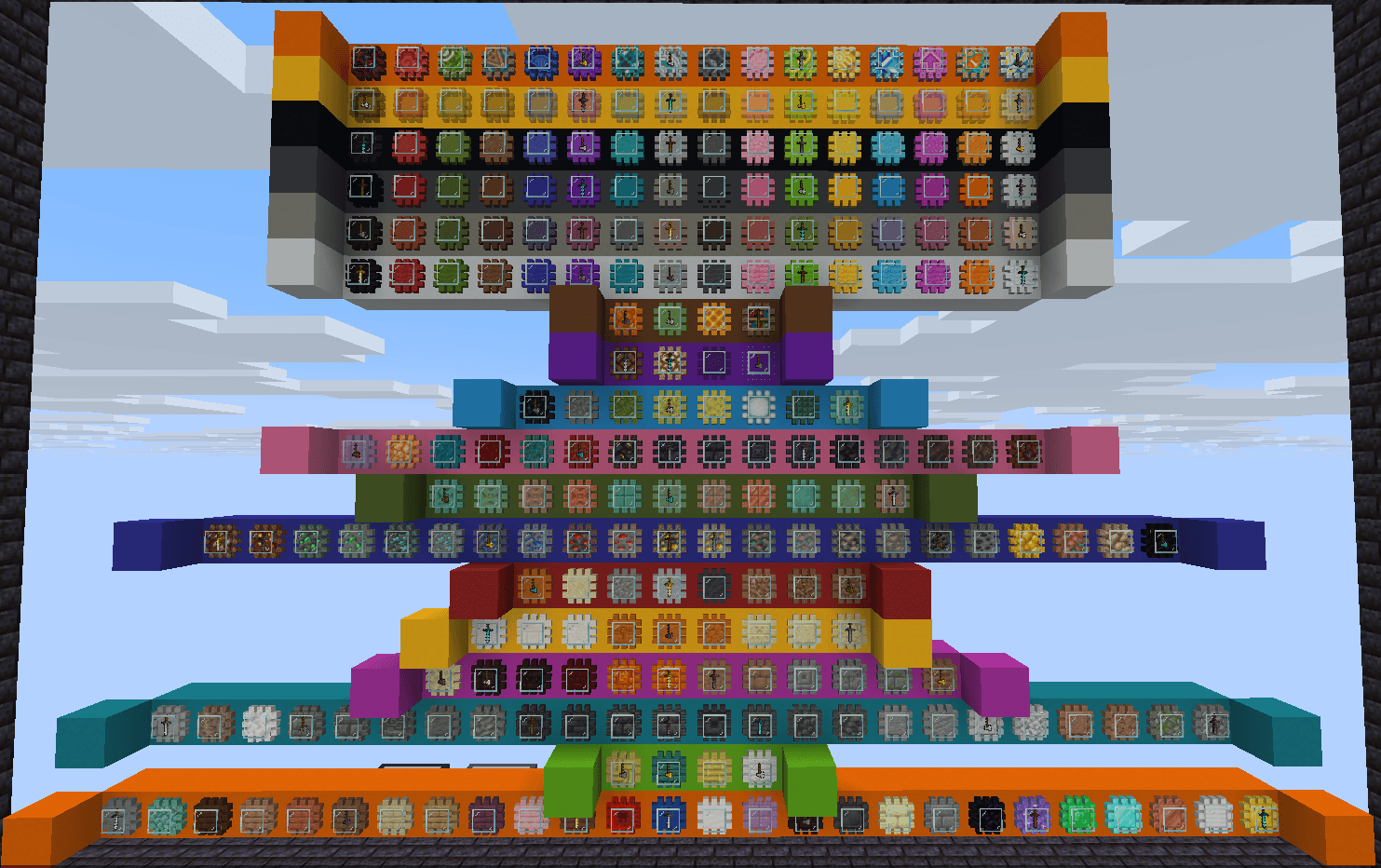
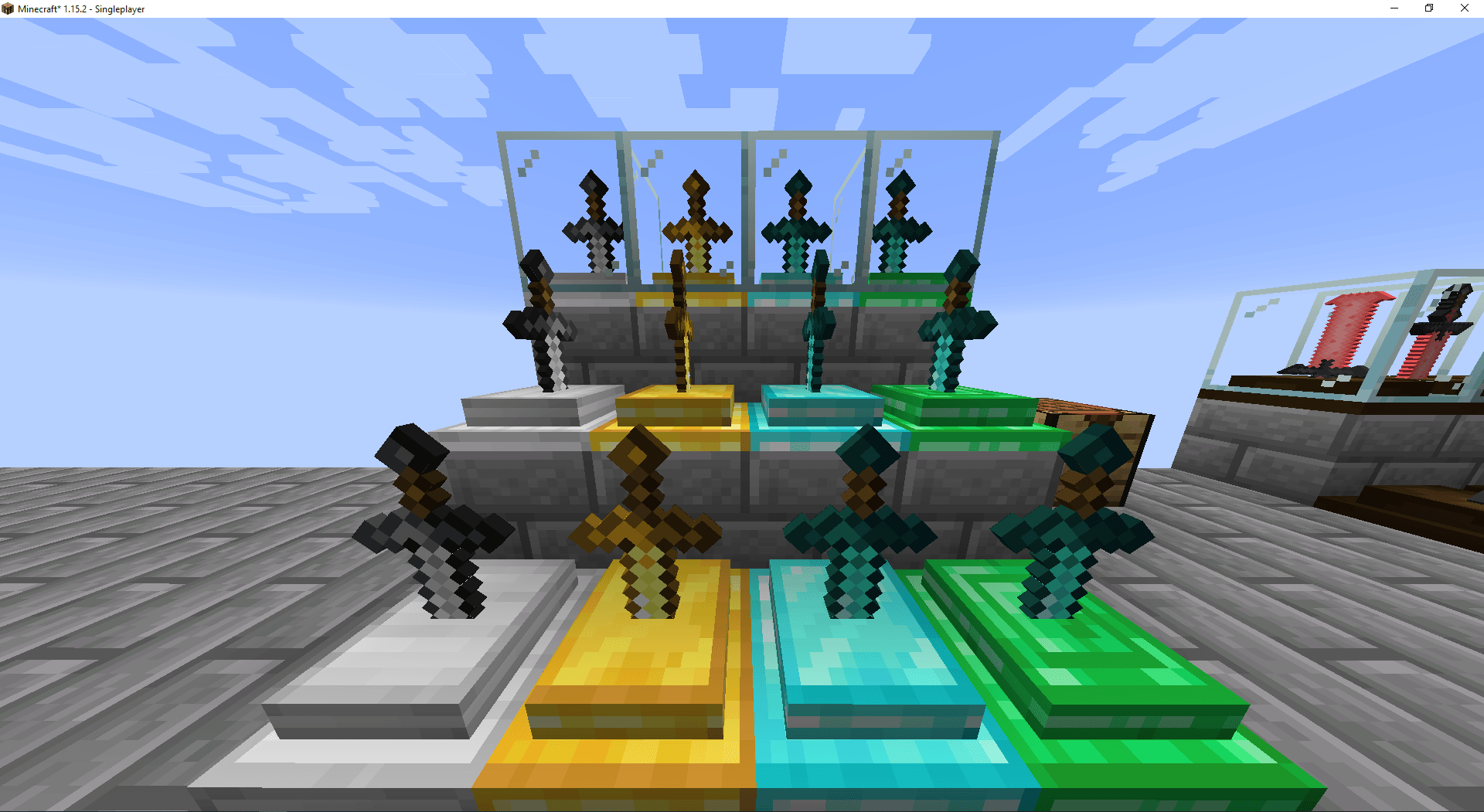
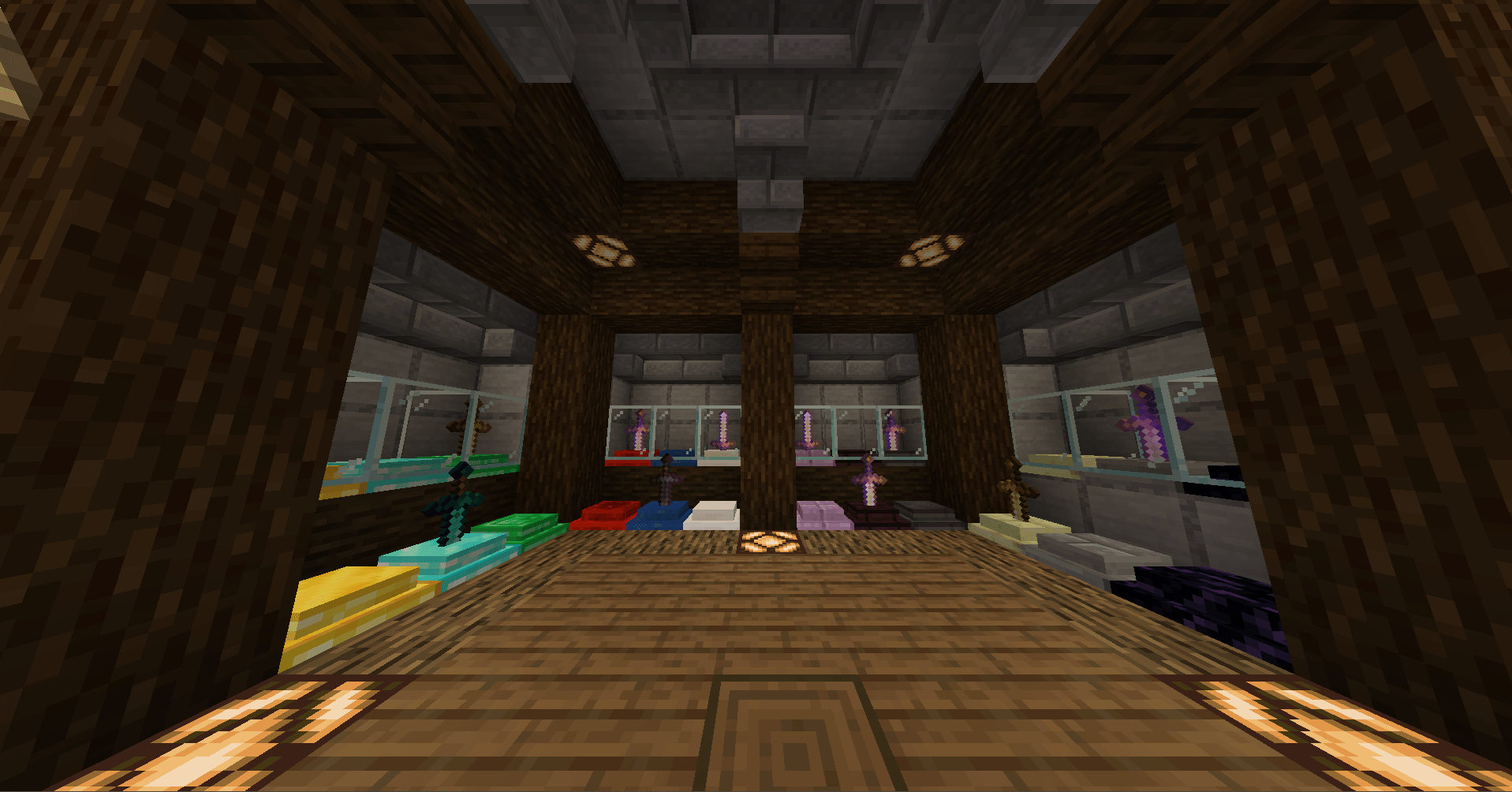
Show off your weapons. Sword Displays adds pedestals, glass cases and wall mounts for your swords, axes and other weapons, in 244 materials: every wood, stone and brick, metals and gems, Nether and End blocks, plus every color of wool, concrete, terracotta and stained glass.
Features
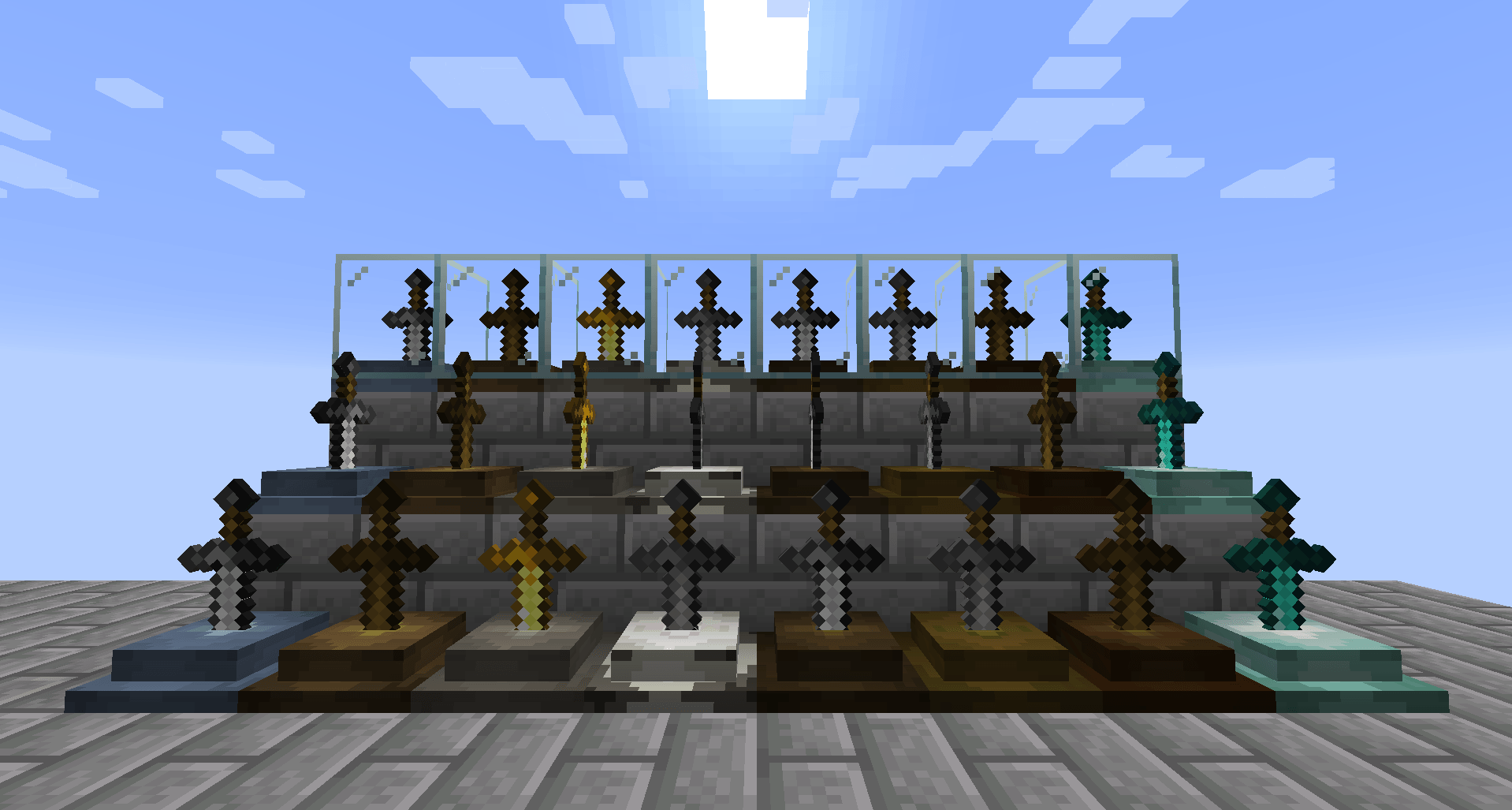
- Three display types: a Sword Display (a pedestal), a Sword Case (the pedestal under glass) and a Wall Display (hangs on a wall).
- Three styles for each type: Original; Plaque, with a decorative plaque behind the weapon; and Rack, which holds three weapons side by side.
- Pose your weapons: tilt and spin each one in 45° steps. On a rack, every slot turns on its own.
- Theft protection: only the player who placed a weapon can take it out or turn it. Other players can’t break a display while it holds a weapon (Creative mode excepted).
- Redstone support: a comparator reads a full signal from an undamaged weapon, and a weaker one as the weapon wears down.
- Works with modded weapons: any item tagged as a sword or an axe, or that accepts weapon enchantments, fits automatically. You can add anything else with a tag (see below).
- Configurable: turn whole groups of displays on or off, such as all racks or all wall plaques.
How to use
| Action | How |
|---|---|
| Place a weapon | Right-click an empty display with the weapon |
| Take it back | Shift + Right-click with an empty hand |
| Tilt it | Right-click with an empty hand |
| Spin it | Ctrl + Right-click with an empty hand |
On a rack, click the left, middle or right part of the block to pick a slot.
Crafting
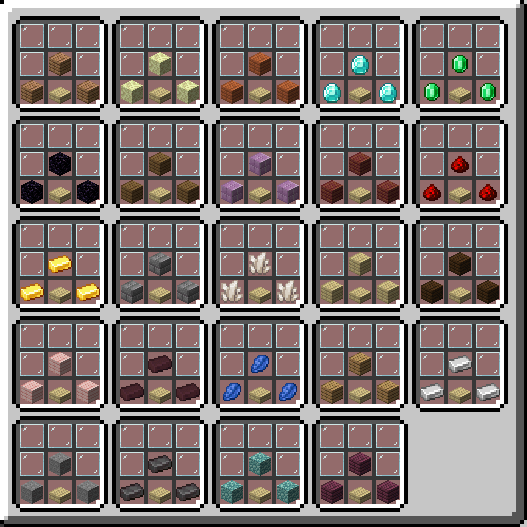
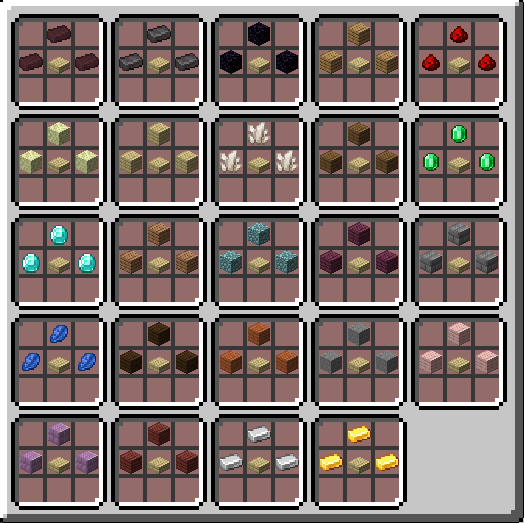
Every display is made from its material (M). Any slab (S) and glass panes (G) complete the recipe:
Sword Display     Sword Case      Wall Display
   . M .           G G G            . G .
   M S M           G M G            G M G
                   M S M            . G .
To get the Plaque style, place a leather above any display. For the Rack style, place a stick above it instead. All recipes show up in the recipe book.
Adding more weapons
Swords, axes and anything that accepts weapon enchantments already work. To allow any other item, add it to the sworddisplay:swords item tag with a datapack:
- Create a datapack (any name) with a
pack.mcmeta. - Inside it, create the file
data/sworddisplay/tags/item/swords.json. Before 1.21, the folder istags/items/instead oftags/item/. - List the items you want, using the tag format:
{
  "replace": false,
  "values": [
    "minecraft:trident",
    { "id": "modid:item", "required": false }
  ]
}
Marking an entry "required": false lets the datapack load even if that mod isn’t installed. Setting "replace": true only clears the mod’s built-in extras (Tinkers’ Construct, Draconic Evolution and ProjectE weapons). Vanilla swords and axes always stay allowed.
Config
Open config/sworddisplay-common.toml to turn each type and style group on or off (for example rack.wall = false). Restart the game after changing it.
常见问题
Sword Displays 支持哪些 Minecraft 版本?
Sword Displays 支持 Minecraft Java 版 1.14.4–26.1.2,共 19 个版本,可用的加载器:Forge / NeoForge。下载时注意选择和你游戏版本一致的文件。
Sword Displays 怎么安装?
先用 PCL2 或 HMCL 启动器安装对应版本的 Forge / NeoForge,再把下载的 .jar 文件放进游戏目录的 mods 文件夹,重新启动游戏即可。开启了版本隔离的,mods 文件夹在 versions/版本名 下面。
sokratis12GR 的其他作品
查看全部 →
ArmorPlus
ArmorPlus 添加了新的盔甲套装、工具、武器、建筑方块和进度内容,丰富你的 Minecraft 冒险体验。

TheDragonLib
sokratis12GR 大多数模组的前置库
Mob Settings
Configure drops, natural spawns, attributes, experience, despawn ranges and spawn light levels for vanilla and modded mobs, with an in-game config editor.

Explorer’s Mystery
Adventure and Explore while beating quests and more.
评论
登录后评论和评分