Swapbar
A mod that lets you swap our your hotbar with the row above it in your inventory. Similar to Stardew Valley.
截图
介绍
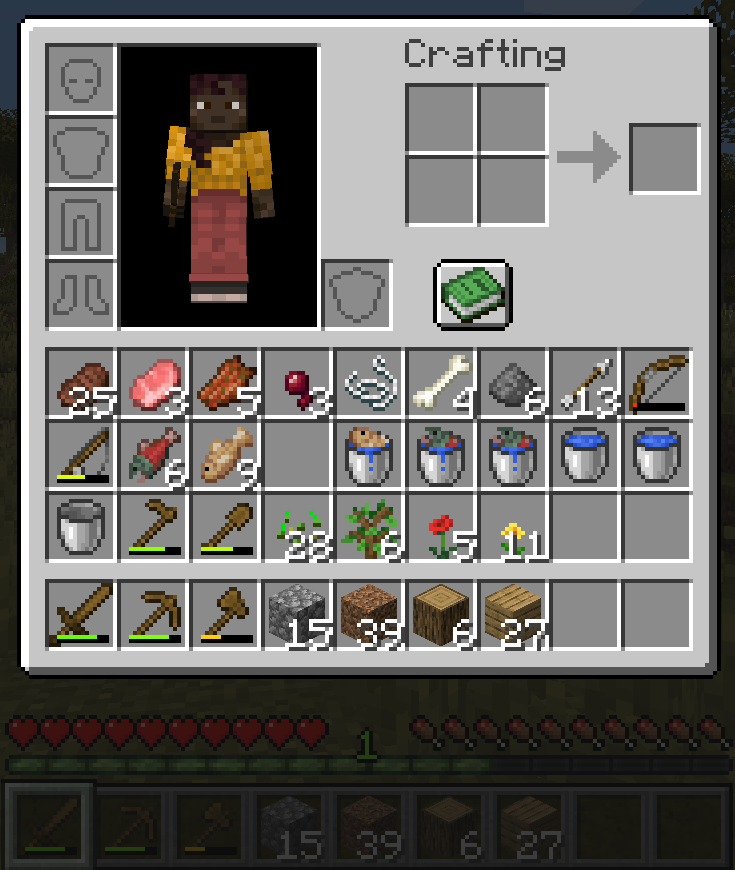
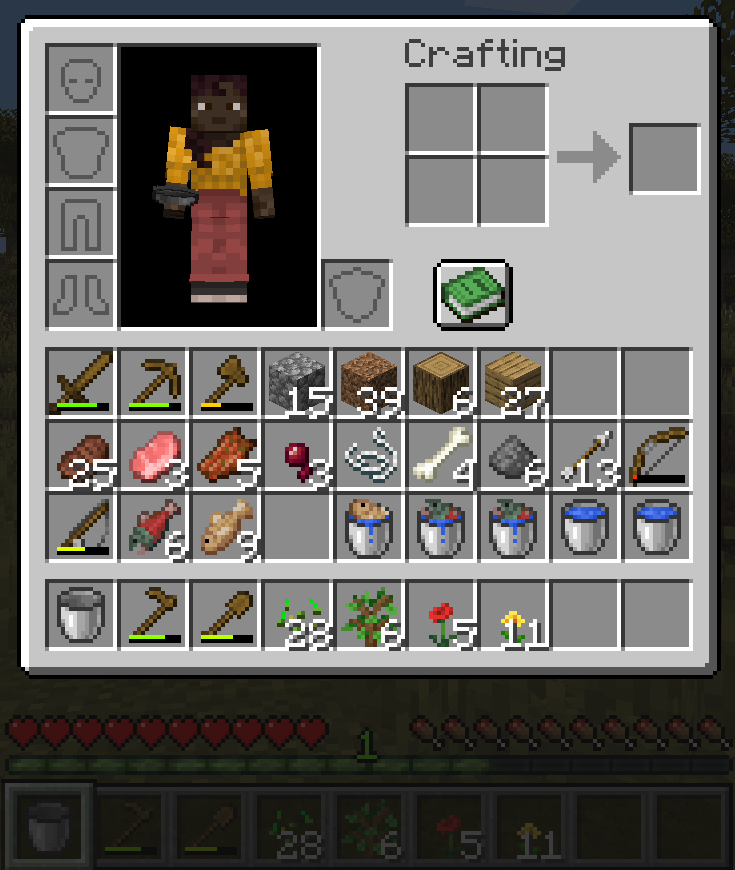
This mod adds a simple keybind that allows you to swap your hotbar for the row in your inventory above it. It specifically cycles each row of your inventory down one, with your hotbar moving to the top. Holding down ‘alt’ will cycle in the opposite way; each row shifting up, and the top row wrapping down to your hotbar.
For example, given this inventory:
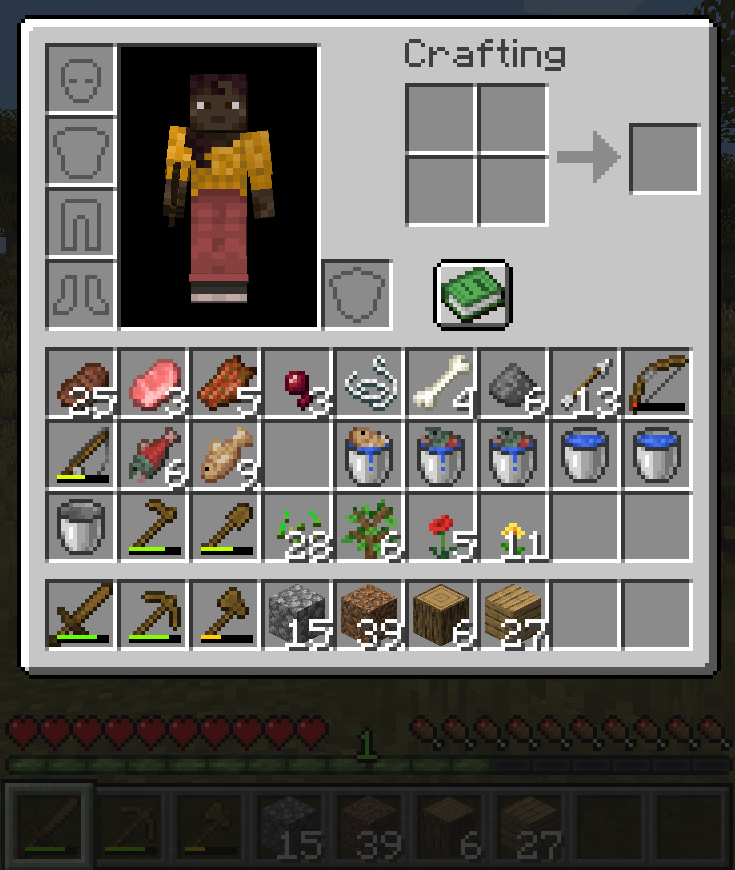
Now hitting the swapbar key, the inventory then holds:
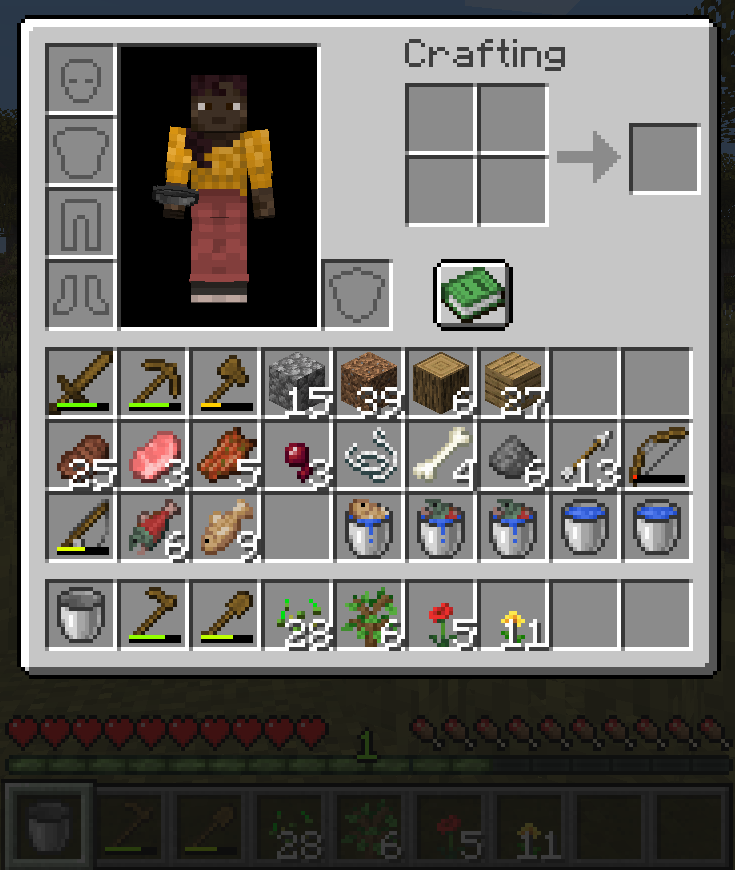
If you then hit the swapbar key while holding down the Alt key, you can see that it swaps in the opposite direction:
常见问题
Swapbar 支持哪些 Minecraft 版本?
Swapbar 支持 Minecraft Java 版 1.20.4–26.1.2,共 5 个版本,可用的加载器:Fabric。下载时注意选择和你游戏版本一致的文件。
Swapbar 怎么安装?
先用 PCL2 或 HMCL 启动器安装对应版本的 Fabric,再把下载的 .jar 文件放进游戏目录的 mods 文件夹,重新启动游戏即可。开启了版本隔离的,mods 文件夹在 versions/版本名 下面。运行环境:仅客户端。
评论
登录后评论和评分