
SupplementalTools
It is a supplementary mod and provides several complementary equipment.
截图


介绍
🛠️ Supplemental Tools
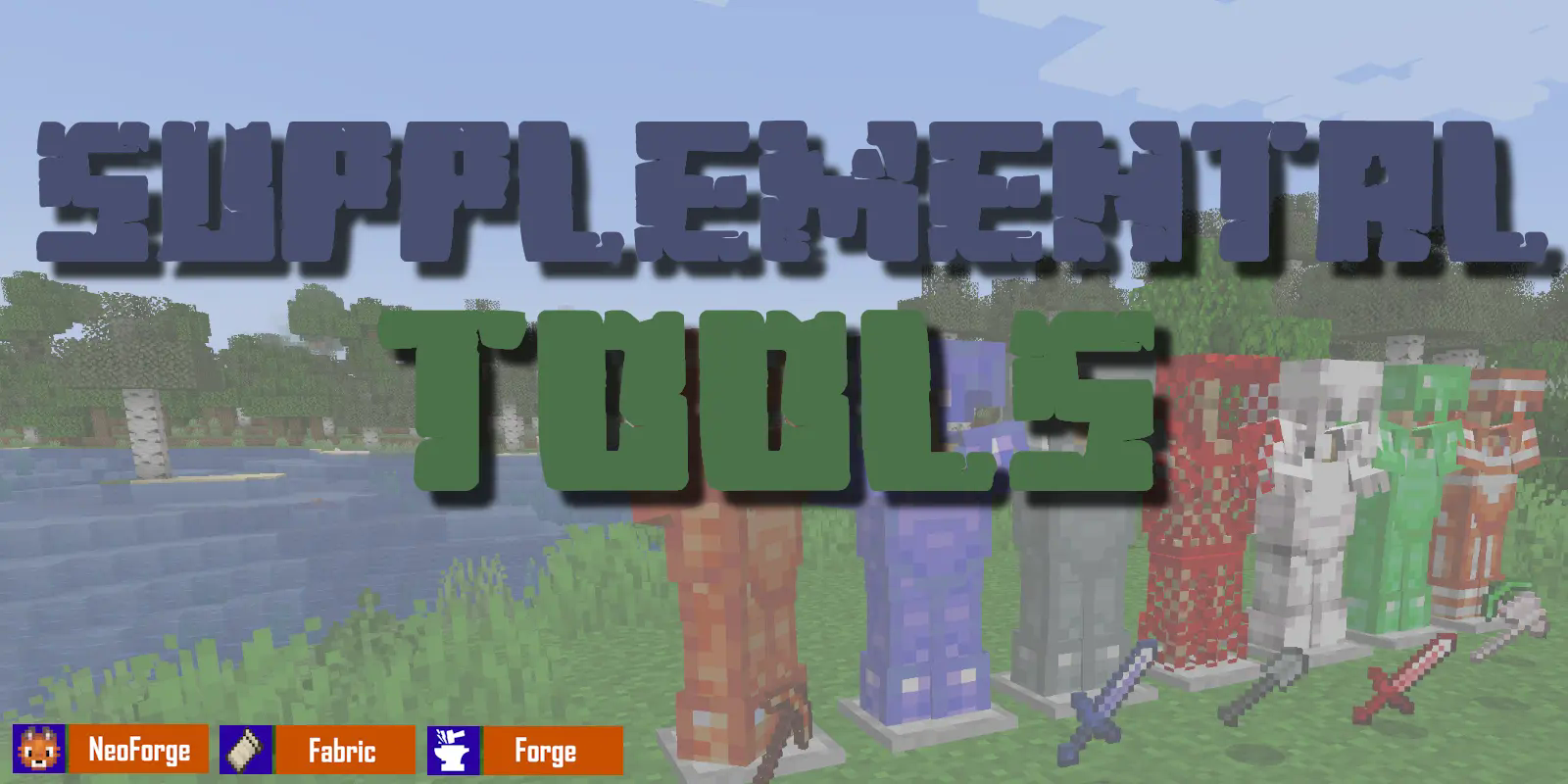
Expand your Minecraft arsenal with elegance and ingenuity.
🌟 Overview
Supplemental Tools introduces a collection of finely-crafted gear made from often-overlooked vanilla materials like Copper, Amethyst, and Emerald. Designed to blend seamlessly into the vanilla experience, these tools and armor sets don’t just look great—they come packed with subtle mechanics that encourage creative gameplay.
🔍 Key Features
- Unique Tool & Armor Sets
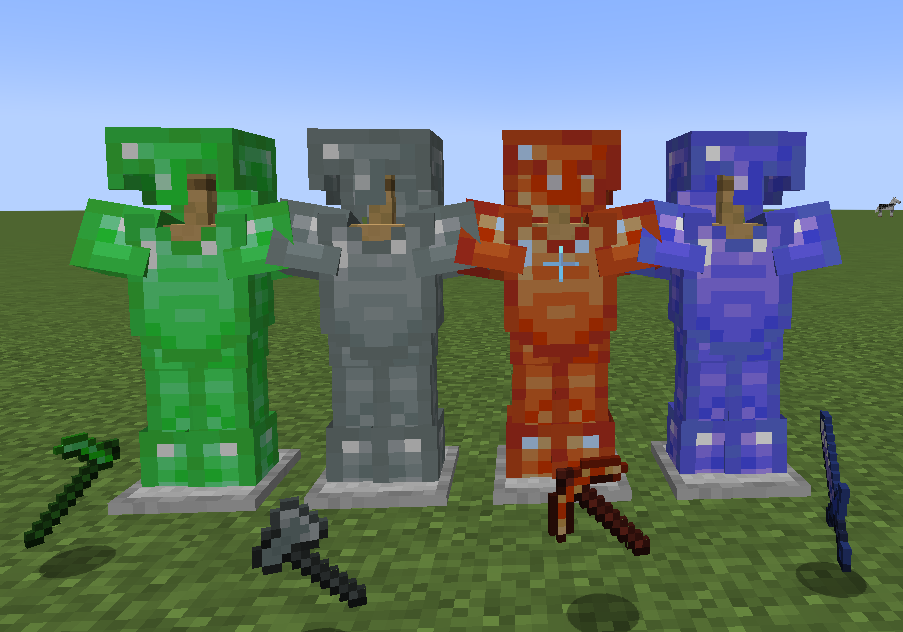
Forge weapons and armor from non-traditional materials like Copper and Amethyst, each bringing its own strengths and style.
- Set Bonuses with a Twist
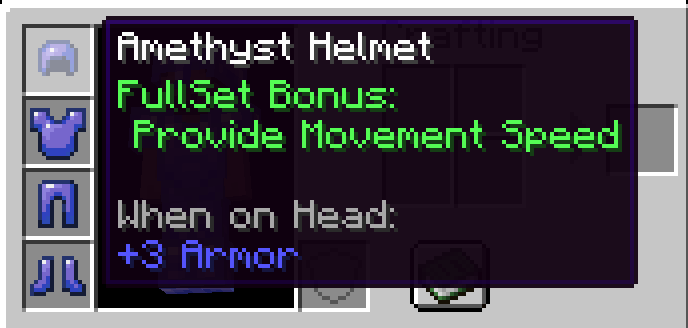
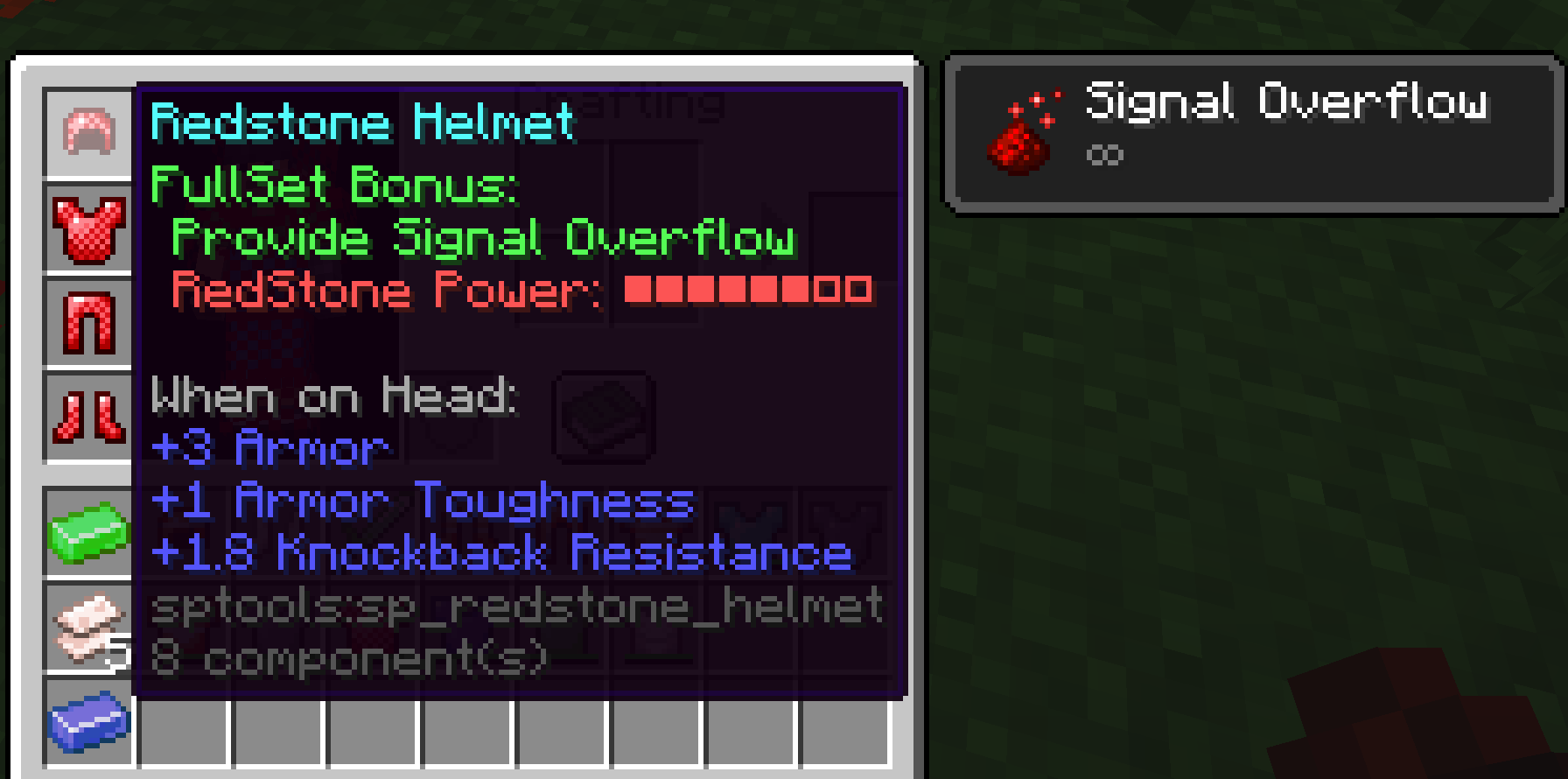
Equip a full set to unlock special abilities—some even react to redstone signals, allowing for dynamic strategies and interactions.
✨ NEW (v2.1.0-)
Vanilla tools you use all the time—now with staying durablity. Who wants to carry stack backups anyway? Not cool.

🎯 Perfect For Players Who:
- Want to make better use of vanilla materials with meaningful upgrades
- Enjoy exploring unique mechanics tied to armor sets
- Are looking for a mod that feels like a natural extension of vanilla gameplay
📢 Please note:
Supplemental Tools v2.0 is not compatible with earlier versions of the mod. This change was necessary due to significant design limitations in supporting Minecraft1.21.5 with the previous architecture.
That said, the overall gameplay experience and item feel remain the same—just with a cleaner, more future-proof foundation.
Upgrade your adventures. Look sharp. Play smart. Supplement your tools.
常见问题
SupplementalTools 支持哪些 Minecraft 版本?
SupplementalTools 支持 Minecraft Java 版 1.20–26.3,共 17 个版本,可用的加载器:Fabric / Forge / NeoForge。下载时注意选择和你游戏版本一致的文件。
SupplementalTools 怎么安装?
先用 PCL2 或 HMCL 启动器安装对应版本的 Fabric / Forge / NeoForge,再把下载的 .jar 文件放进游戏目录的 mods 文件夹,重新启动游戏即可。开启了版本隔离的,mods 文件夹在 versions/版本名 下面。
shiri47s 的其他作品
查看全部 →
Supplemental Tools
It is a supplementary mod and provides several complementary equipment.

DurableTools
Enrich survival by adding durability value to items tools that do not have durability value.

LavaDrive
This is a Mod which allows to play safety in lava.
评论
登录后评论和评分