Subtle Improvements
Enhance the vanilla experience through optional, quality-of-life improvements!
截图
介绍
Overview
Subtle Improvements is a mod for Minecraft that provides a collection of small, carefully designed quality-of-life enhancements, and the sister mod of Not So Subtle Improvements.
The goal is not to change Minecraft, but make it feel like a slightly more polished version of itself. Every improvement should feel like something Mojang could reasonably have added themselves.
The two mods work on their own or together, with one settings screen and separate commands and config files.
Core Philosophy
Every improvement should satisfy these principles.
- Completely Optional
- Every improvement must be individually toggleable.
- Remove Friction
- Reduce tedious, repetitive actions.
- Preserve Vanilla Gameplay
- Improvements should never provide unfair advantages or significantly alter gameplay mechanics.
Improvements
Improvements are grouped into the same categories as the in-game settings screen. Every one is optional and can be toggled and configured in-game. New categories appear here as improvements are added to them.
General
- Fuel Tooltip
- fuel items show how many items they will smelt in their tooltip.
- Food Tooltip
- food items show how much hunger and saturation they restore, and the effects of eating them, in their tooltip.
- Enchantment Descriptions
- enchanted gear and books show what each enchantment does under its name in the tooltip.
- Double Doors
- opening or closing one half of a double door also opens or closes the other half.
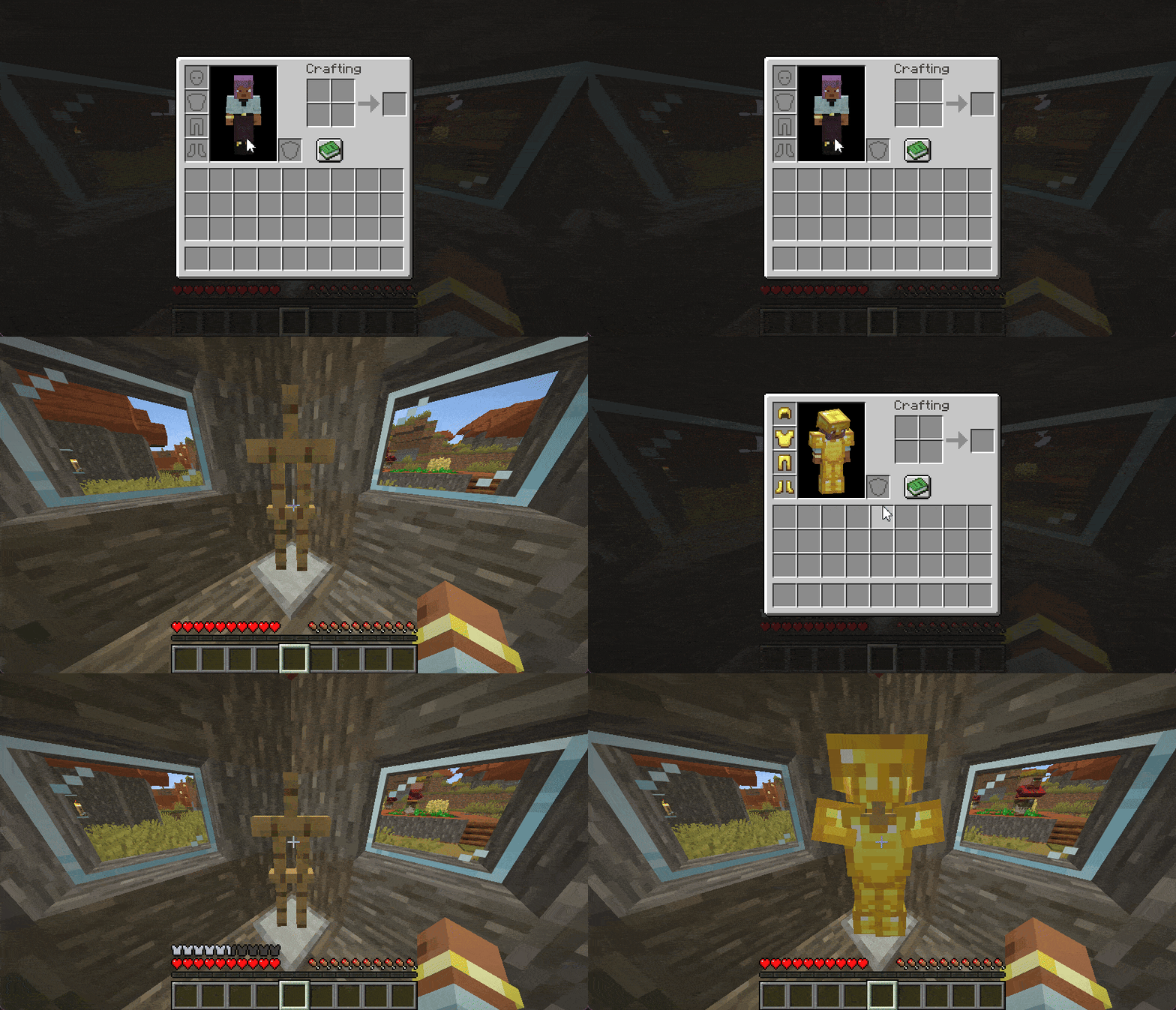
- Armour Stand Swap
- sneak and right-click an armour stand with an empty hand to swap your armour with the stand’s.
Inventory
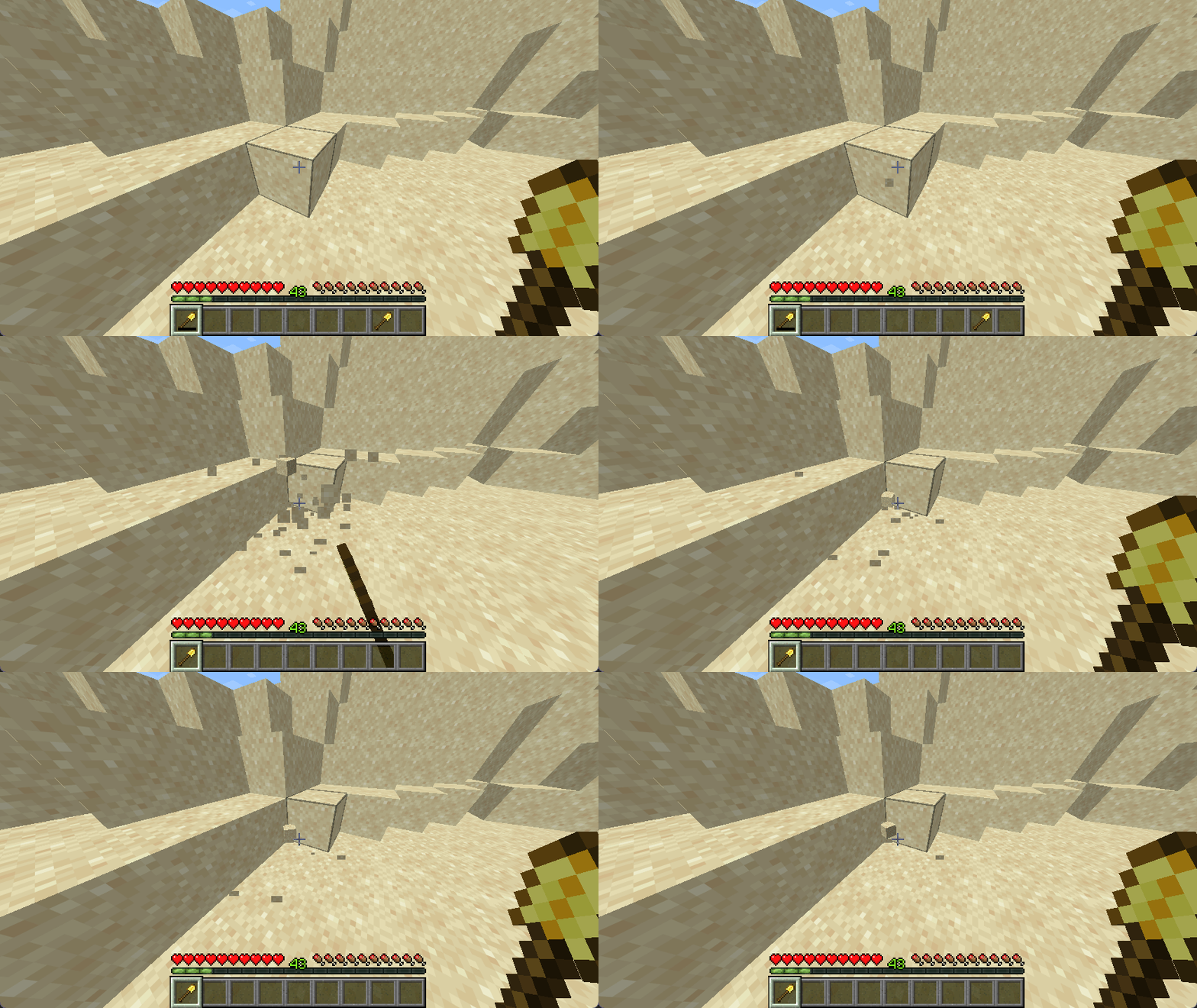
- Auto Replace Tools
- automatically replaces a broken tool with a suitable one from your inventory.
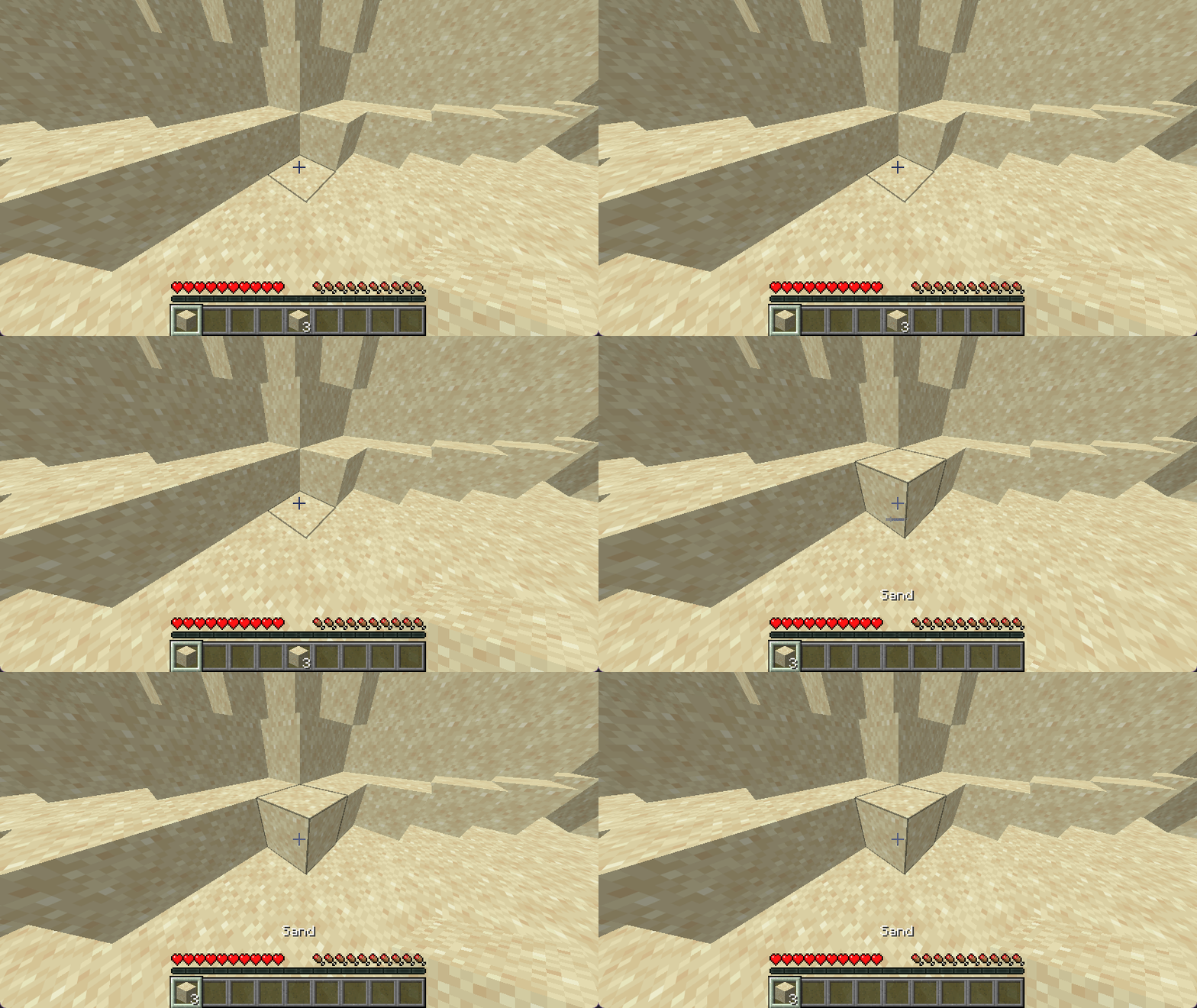
- Auto Refill Blocks
- refills the selected hotbar slot after you place the final block.
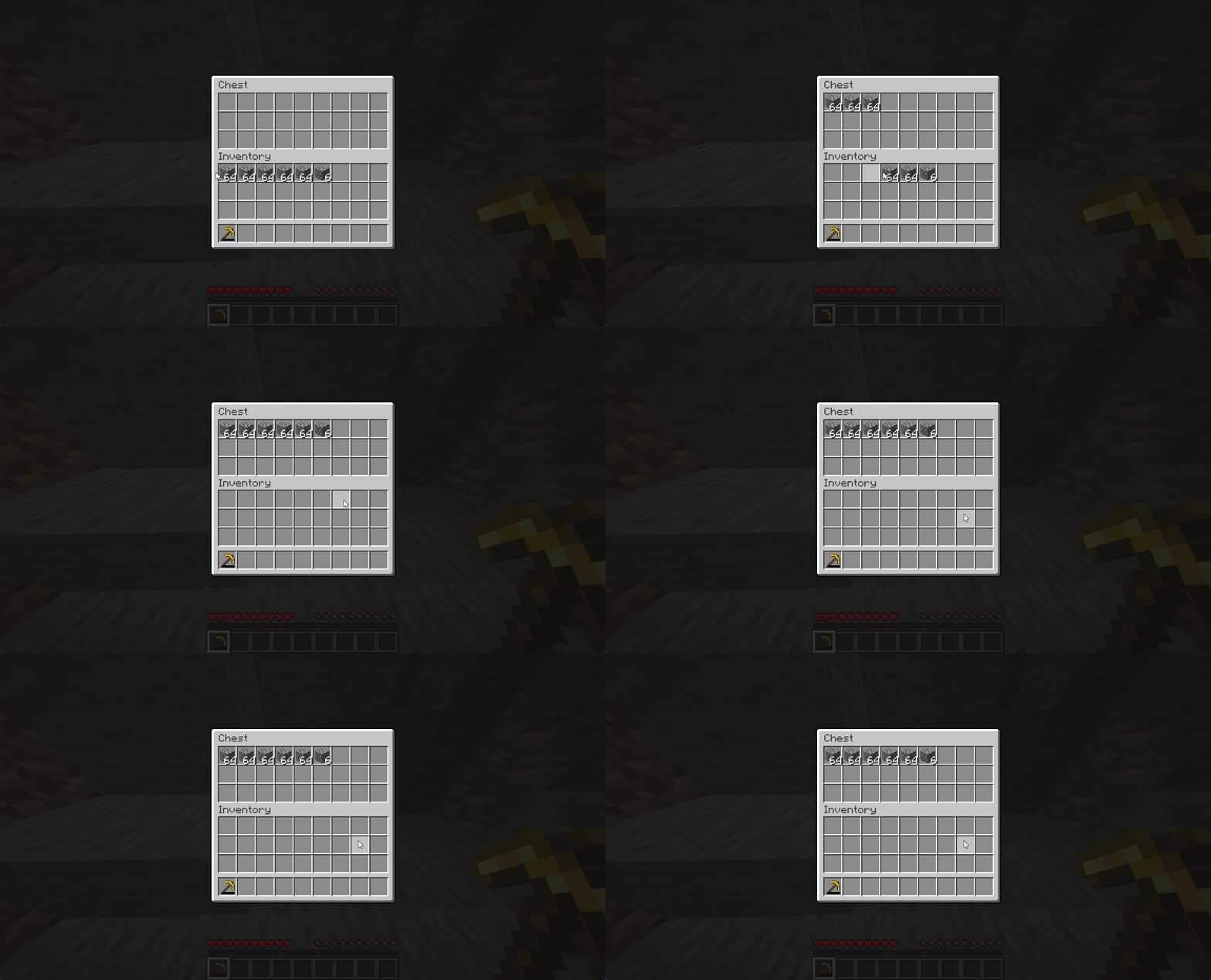
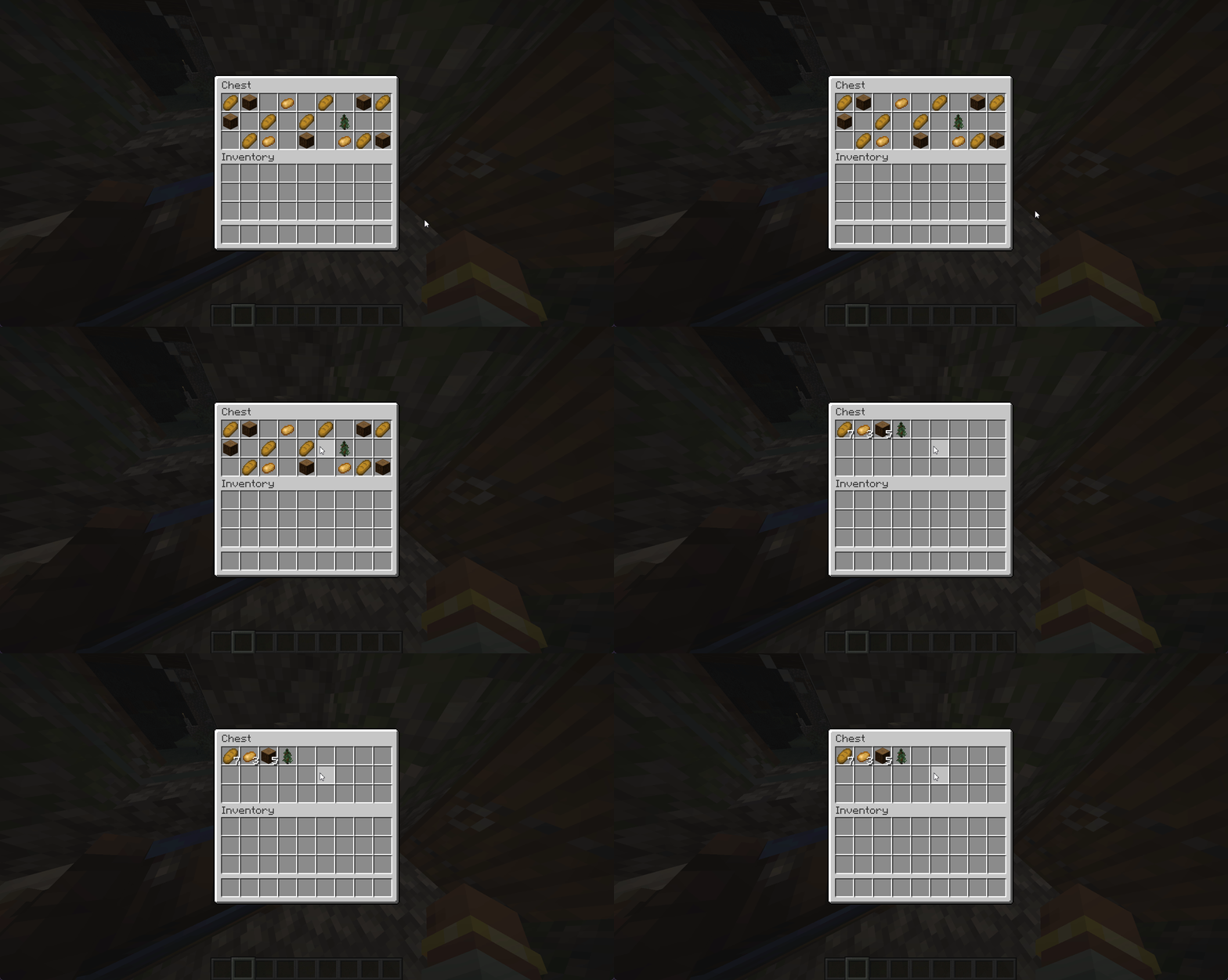
- Auto Sort
- combines partial stacks and sorts the inventory or container section under the cursor with a keybind (middle click by default).
- Quick Move Drag
- hold Shift and drag across slots to quick-move each one.
- Scroll to Move Items
- scroll over an item to move it into or out of the open container; hold Ctrl to move a batch.
- Shulker Box Contents
- hold Shift over a shulker box to list everything inside it, not just the first five items
Interface
- Scrollable Tooltips
- long item tooltips are shown in a box that scrolls with the mouse wheel.
Tools
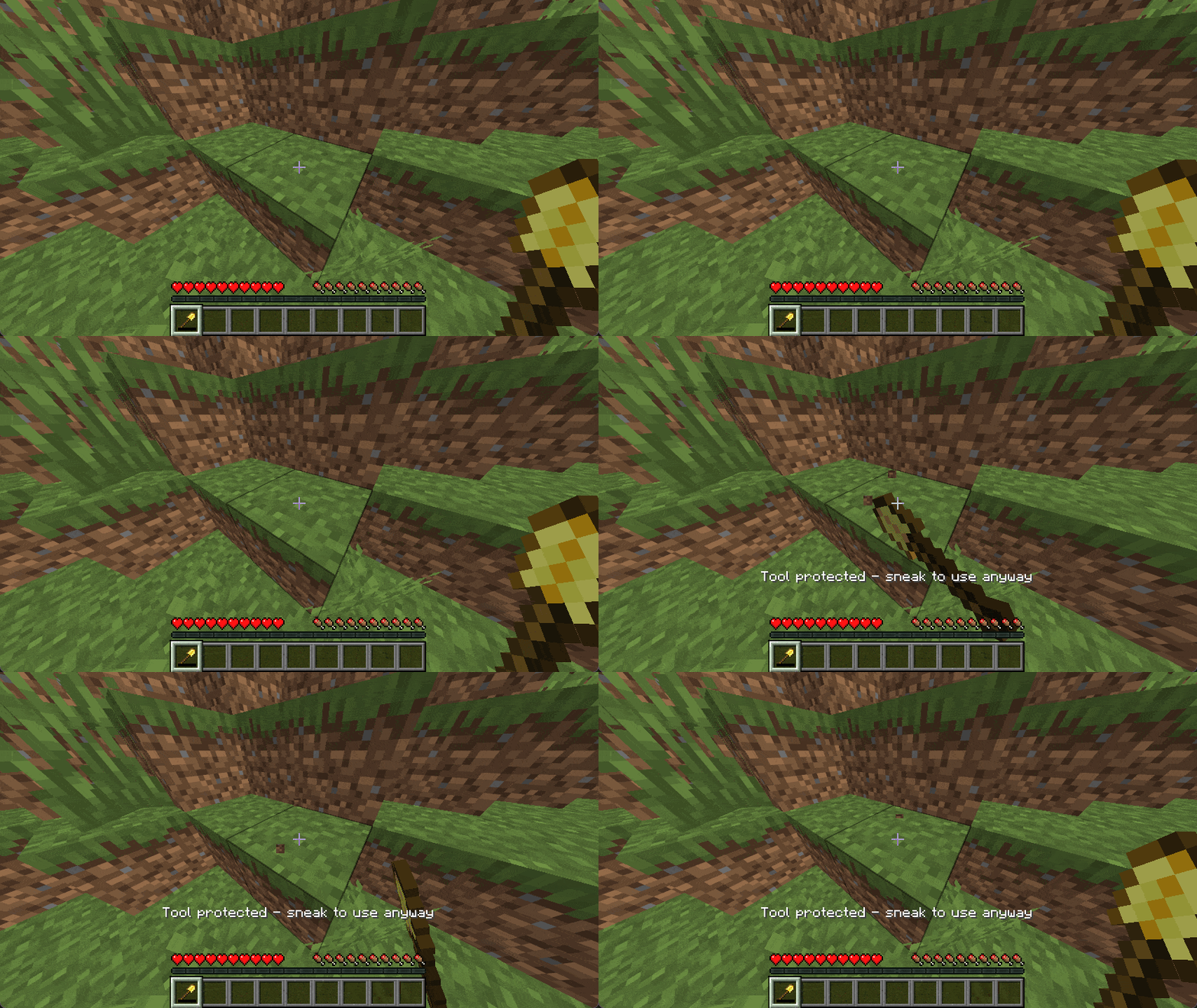
- Tool Protection
- blocks mining and attacking with a tool that is about to break. Sneak to use it anyway.
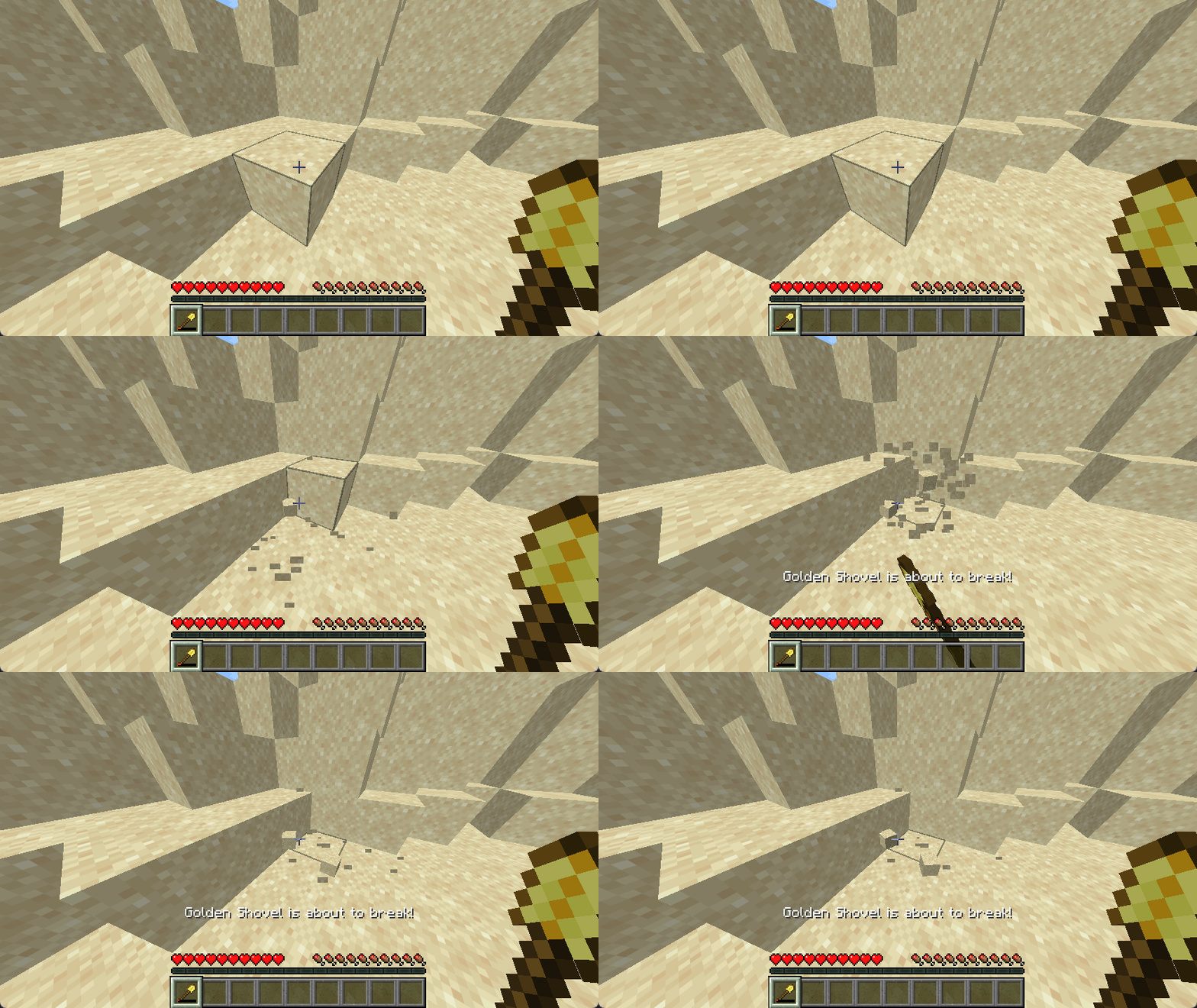
- Durability Warning
- shows a subtle actionbar message once when a tool or armour piece is close to breaking.
Chat
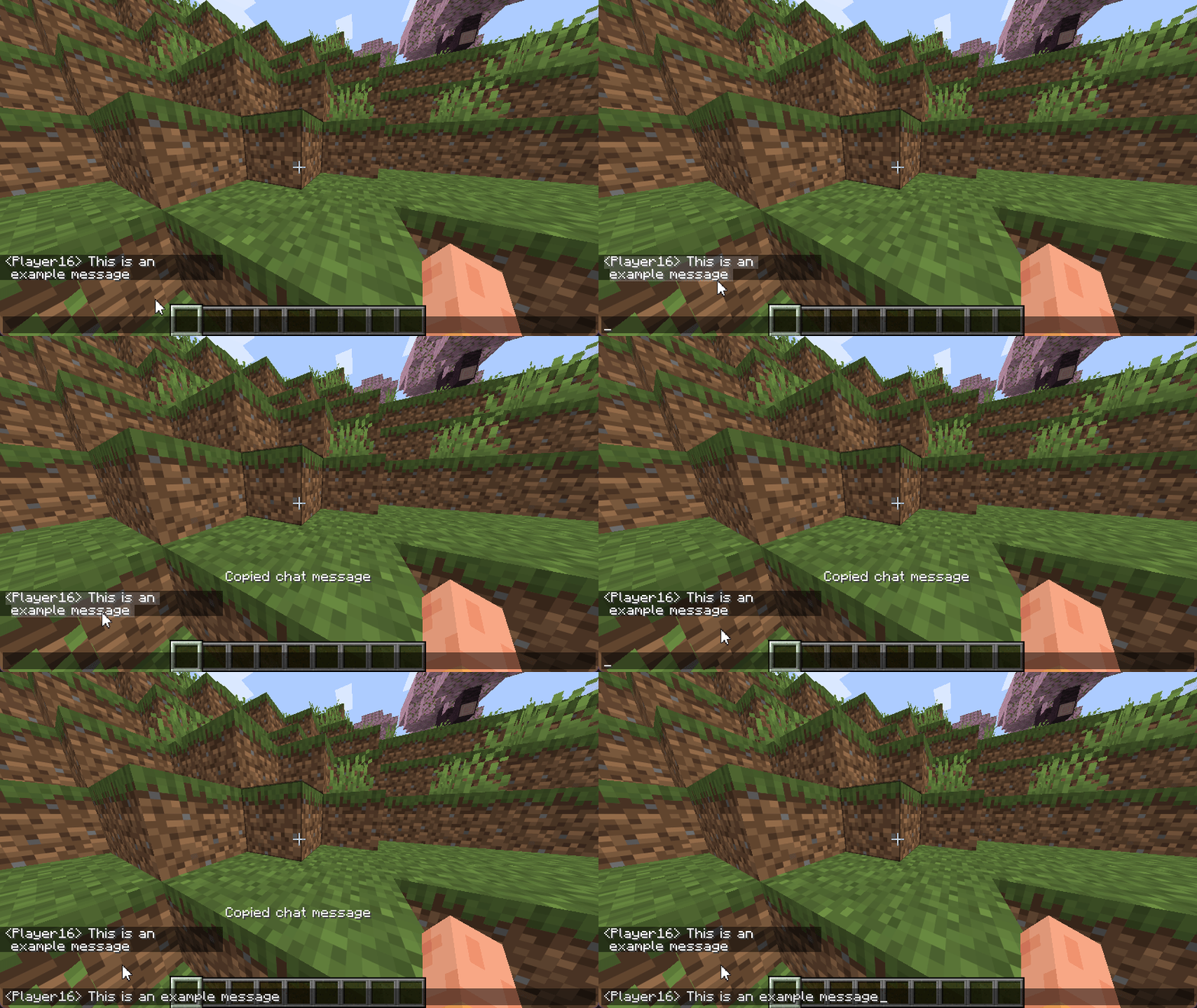
- Click to Copy
- click a chat line to copy it to the clipboard. Links and commands still work.
- Death Location
- when you die, your coordinates and dimension are printed in chat.
Issue Tracker
Report bugs, suggest improvements, give feedback or ask questions here.
常见问题
Subtle Improvements 支持哪些 Minecraft 版本?
Subtle Improvements 支持 Minecraft Java 版 26.2–26.3,共 2 个版本,可用的加载器:Fabric / Forge / NeoForge。下载时注意选择和你游戏版本一致的文件。
Subtle Improvements 怎么安装?
先用 PCL2 或 HMCL 启动器安装对应版本的 Fabric / Forge / NeoForge,再把下载的 .jar 文件放进游戏目录的 mods 文件夹,重新启动游戏即可。开启了版本隔离的,mods 文件夹在 versions/版本名 下面。

评论
登录后评论和评分