
Structure Void Toggle
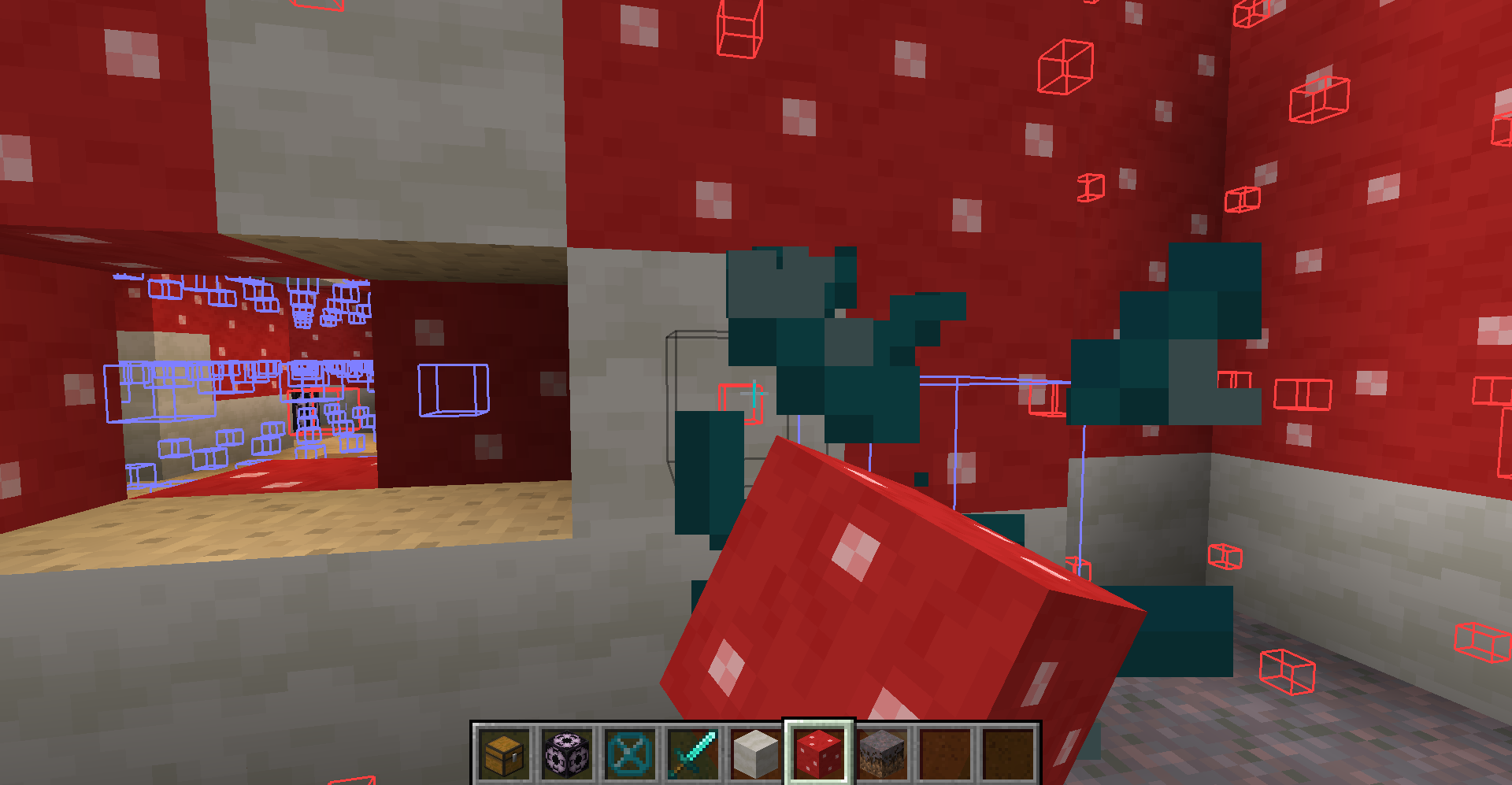
Gets rid of that annoying Structure Void hitbox when building with a toggle!
截图
介绍
Are you annoyed with Structure Void getting in the way of you breaking/placing blocks in your structure? SO WAS I!
SOLUTION: STRUCTURE VOID TOGGLE MOD!
A little backstory, I was making structures and using Structure Blocks to save them with Structure Void for world generation later. However, I got fed up with Structure Void making it difficult to add/remove blocks in my structures. So I decided to make this really simple mod where you can toggle between the size of the hitbox for the block!
AS OF 1.19.2 (Some features are not available in older MC versions):
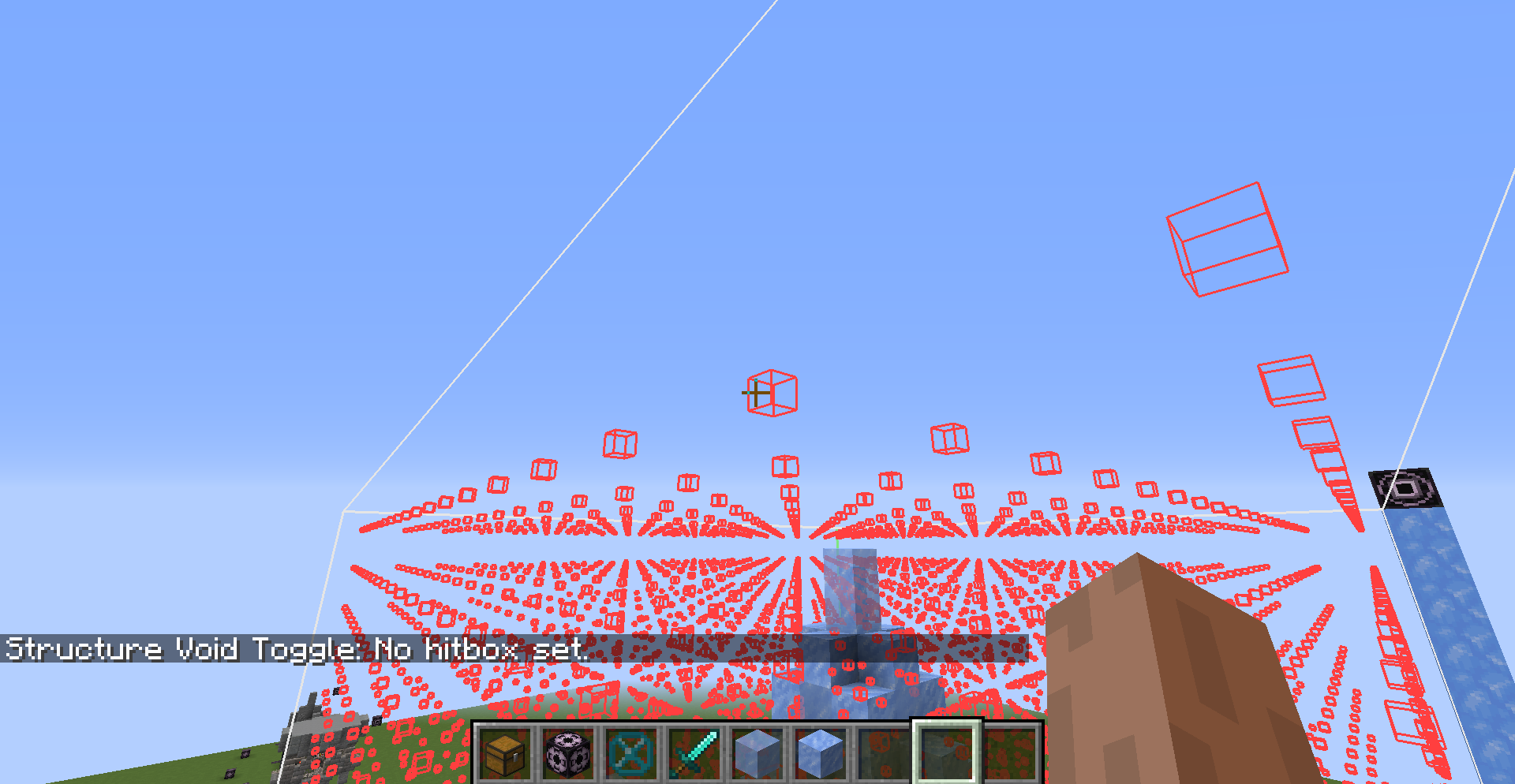
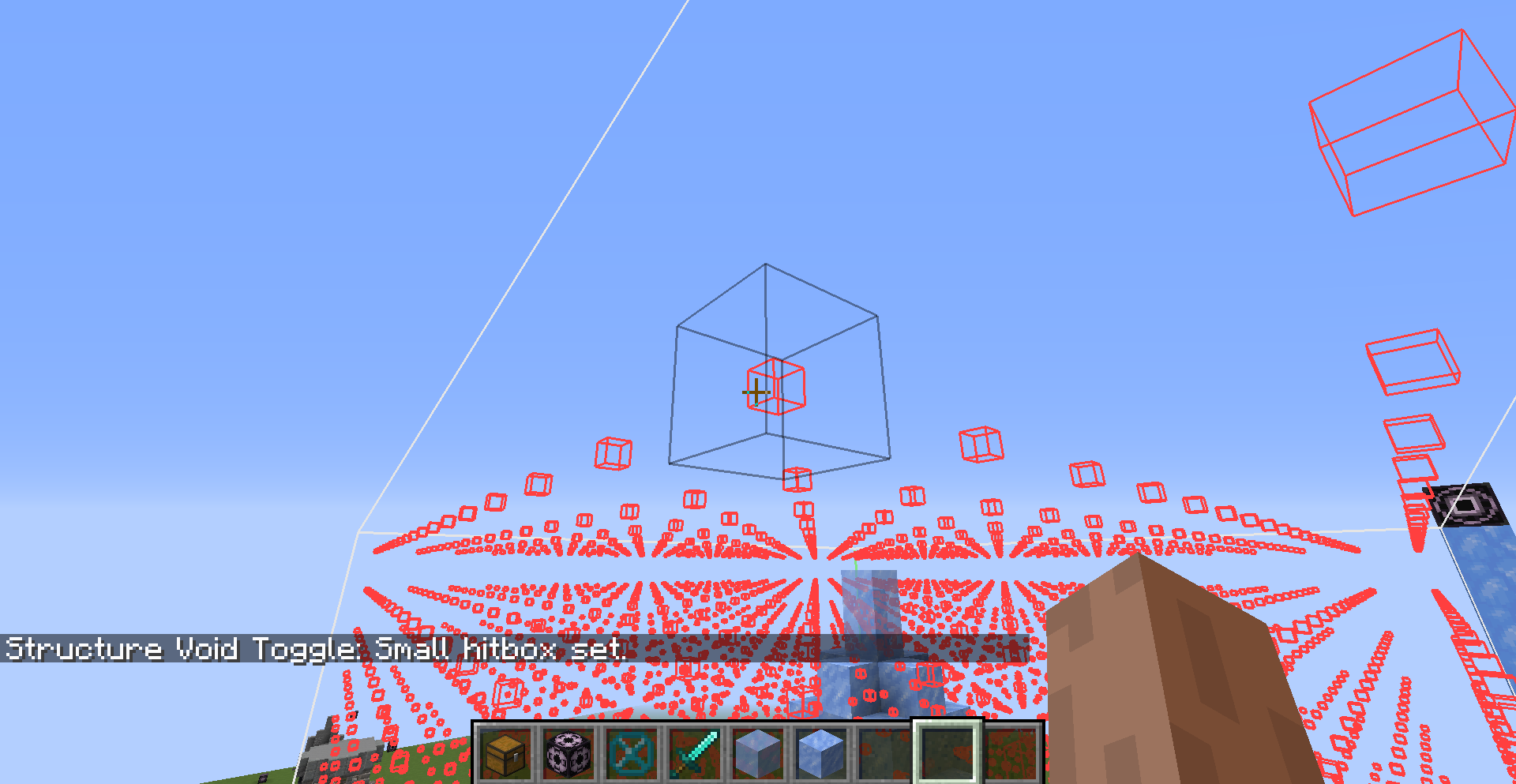
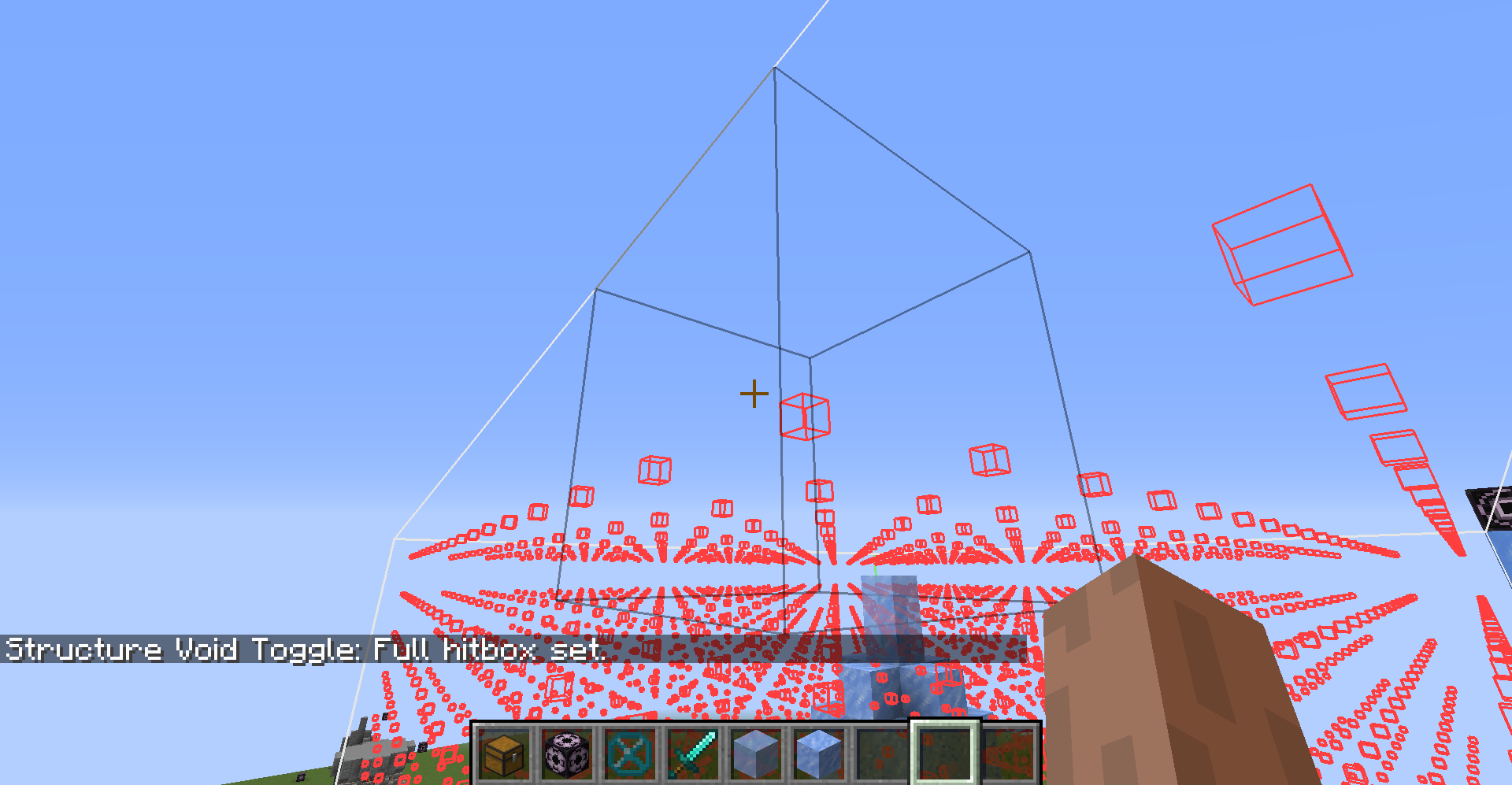
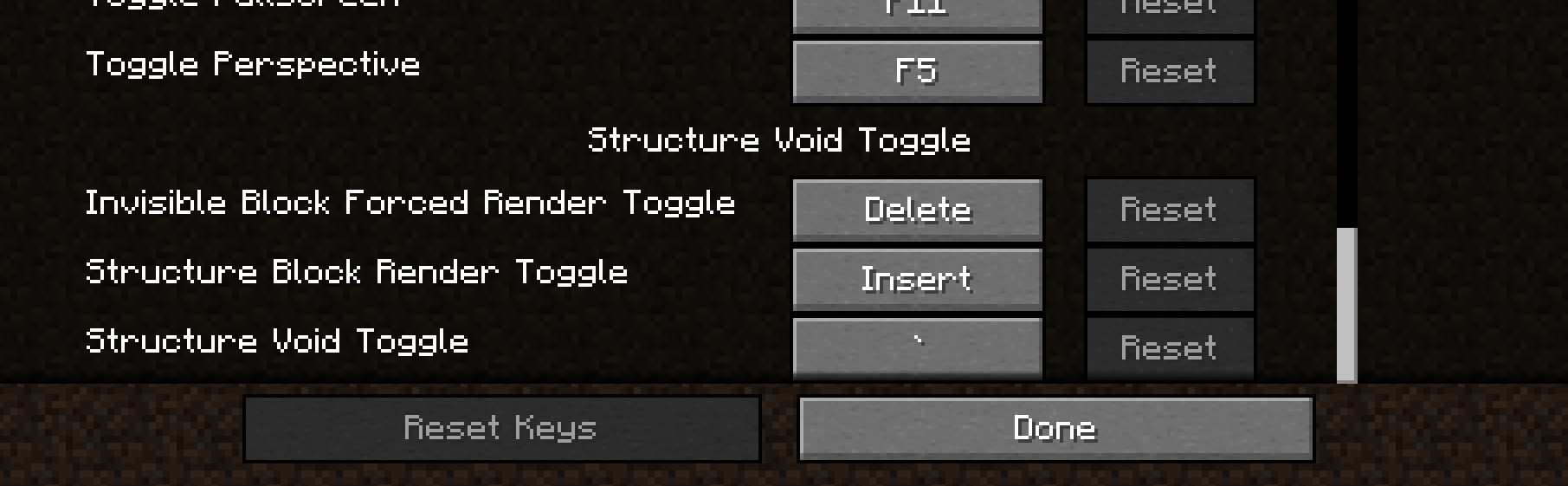
- BACKTICK KEY ` will switch between ‘Default‘, ‘No Hitbox‘, ‘Small Hitbox‘, and ‘Large Hitbox‘. This will apply to Structure Void, Light, and Barrier block. Default goes back to normal shape and behavior for each block. The rest forces the block’s hitbox to be whatever the mode is.
- INSERT KEY will disable any invisible block rendering from Structure Blocks. May be useful as the Structure Block’s rendering is very laggy when showing a ton of invisible blocks.
- DELETE KEY will switch on the ‘Forced Rendering‘ option which will render all Structure Void, Light, and Barrier blocks so that they all are visible when close enough to you even if not in bounds of a Structure Block! If ‘Large Hitbox‘ mode is on alongside ‘Forced Rendering‘, the blocks will get a full-cube solid rendering to make it mush easier to see where all the blocks are and easier to break them.
- PAGE UP KEY will make it so that placing any block on Structure Void or Light will place the blocks on the side instead of replacing the Structure Void or Light block.
- (26.2+) MINUS KEY will reduce the forced render distance. The render distance is not persistent and will be reset on relaunch of Minecraft.
- (26.2+) EQUALS KEY will increase the forced render distance. The render distance is not persistent and will be reset on relaunch of Minecraft.
NOTE: You can change any of the keybinds in the Controls section of settings.
I hope you enjoy this mod to make structure building a little easier and don’t forget to report any bugs or issues you find with this mod in the Issue tab above or in my discord below! Or you can comment on this mod page too
Discord Link to #telepathicgrunt-mods channel for my mods! :
https://discord.gg/K8qRev3yKZ
常见问题
Structure Void Toggle 支持哪些 Minecraft 版本?
Structure Void Toggle 支持 Minecraft Java 版 1.17.1–26.3,共 30 个版本,可用的加载器:Fabric / Forge / NeoForge / Quilt。下载时注意选择和你游戏版本一致的文件。
Structure Void Toggle 怎么安装?
先用 PCL2 或 HMCL 启动器安装对应版本的 Fabric / Forge / NeoForge / Quilt,再把下载的 .jar 文件放进游戏目录的 mods 文件夹,重新启动游戏即可。开启了版本隔离的,mods 文件夹在 versions/版本名 下面。运行环境:仅客户端。
TelepathicGrunt 的其他作品
查看全部 →
Repurposed Structures (Neoforge/Forge)
添加更多原版结构和特性的变种,比如丛林要塞!

Repurposed Structures – Fabric
添加更多原版结构和特性的变体,例如丛林堡垒!

The Bumblezone – NeoForge/Forge
一个充满蜜蜂的不可思议维度,如果你拿走它们的蜂蜜,它们会变得非常愤怒!

Structure Layout Optimizer
尝试优化拼图结构和NBT片段的生成
评论
登录后评论和评分