介绍
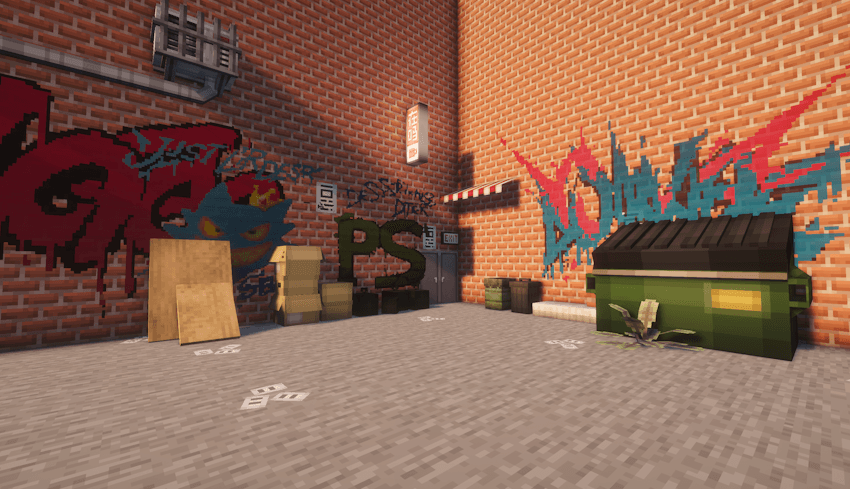
You can paint whatever you want, wherever you want.
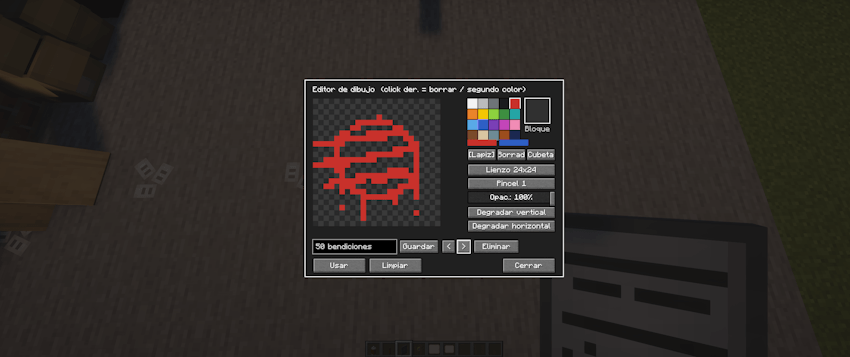
Upload your files or draw by hand, add text, and much more.
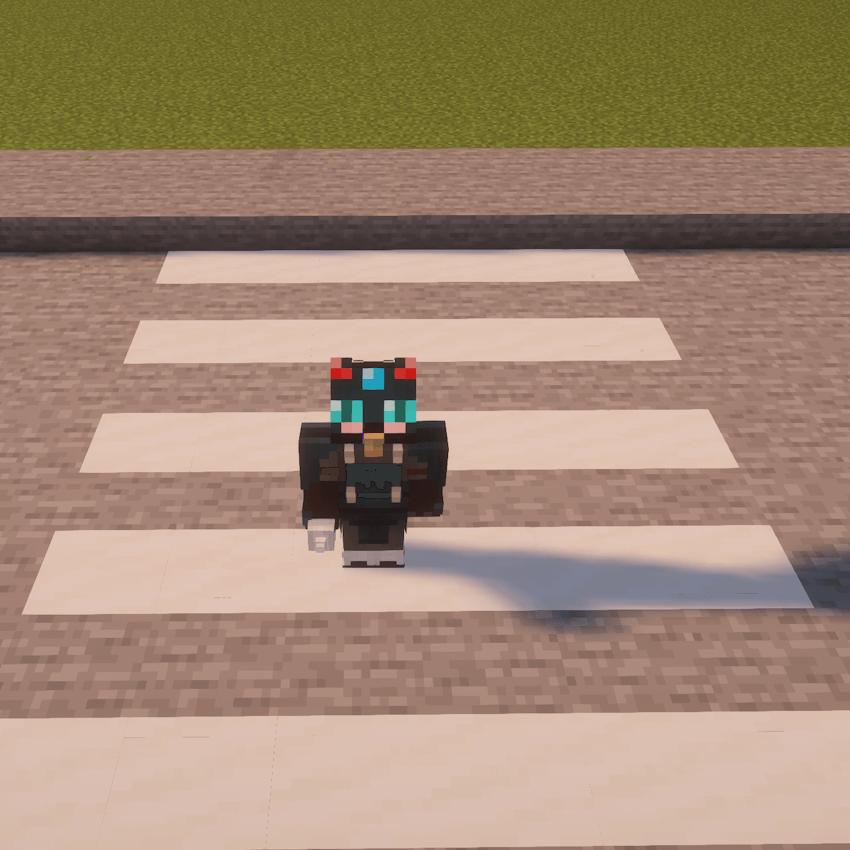
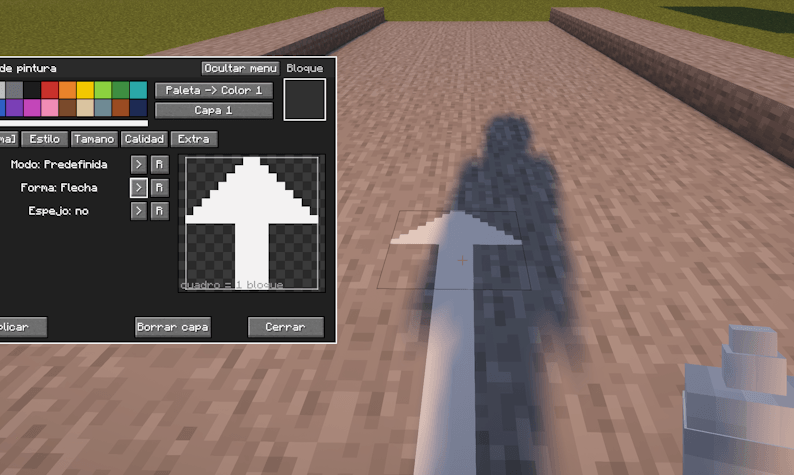
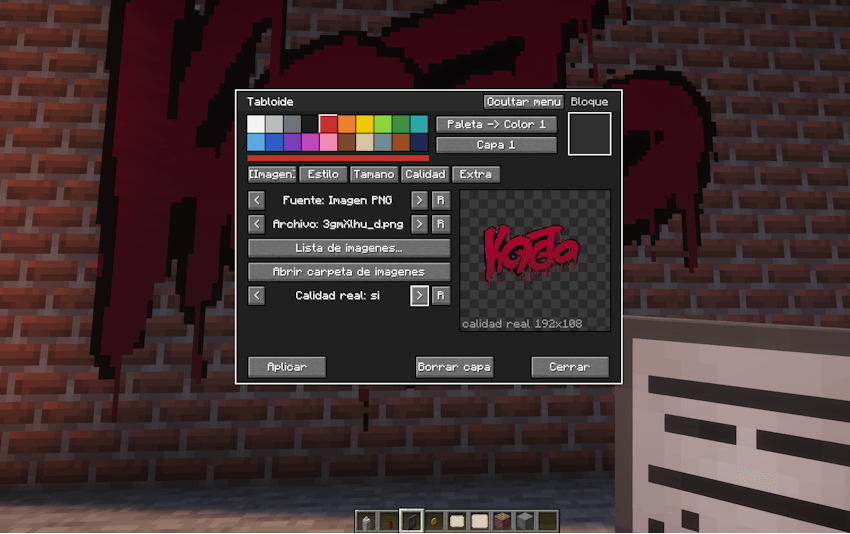
It adds 3 drawing tools:
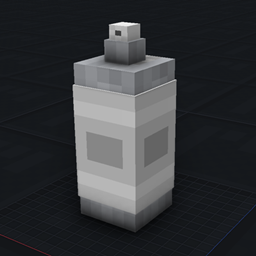
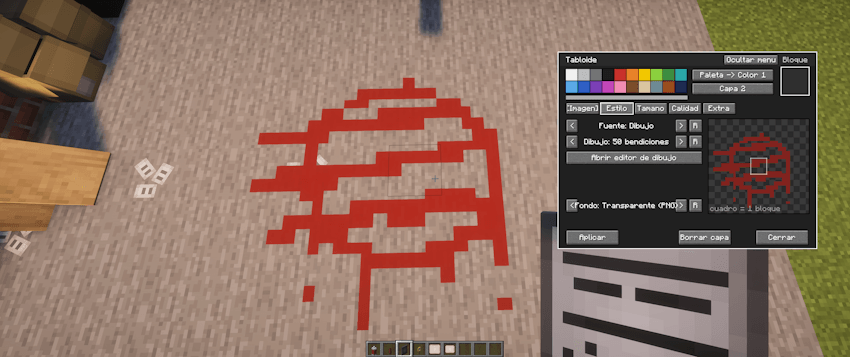
* A spray can, which offers pre-defined patterns or freehand drawing.
* A marker, used for writing.
* A display board (tabloid), which allows you to add your own images (PNG, JPG, etc.) or draw directly onto it, much like with the spray can.
There are various tools available to customize your creations and make them unique.
These items have no hitboxes; they remain attached to the block they are placed on. This means you can build over them without erasing the drawing or being prevented from placing blocks, allowing for the complete customization of a city.
In Survival mode, you can erase drawings using a cloth—a larger version of which is also available in Creative mode, allowing you to clear an entire layer of paint if desired.
You can also use existing in-game blocks to create textures on the ground or anything else you can imagine; it’s very intuitive and easy to use.
常见问题
street paints 支持哪些 Minecraft 版本?
street paints 支持 Minecraft Java 版 1.20.1,可用的加载器:Forge。下载时注意选择和你游戏版本一致的文件。
street paints 怎么安装?
先用 PCL2 或 HMCL 启动器安装对应版本的 Forge,再把下载的 .jar 文件放进游戏目录的 mods 文件夹,重新启动游戏即可。开启了版本隔离的,mods 文件夹在 versions/版本名 下面。
AdamArctic 的其他作品
查看全部 →
Real Bicycles
Finally, Bikes have arrived in Minecraft!
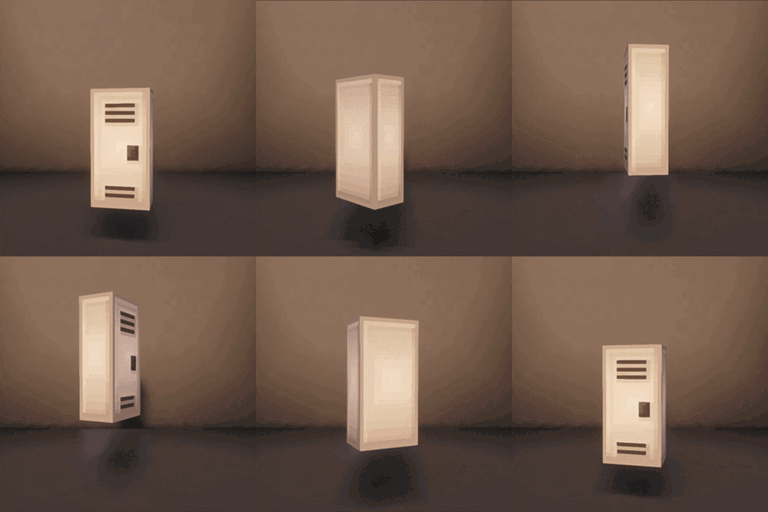
lockers plus
lockers with 18 color options
Free Height
Place any block at any height!
Phanoshot
Create and implement a panoramic photo for your menu in seconds.
评论
登录后评论和评分