
截图

介绍




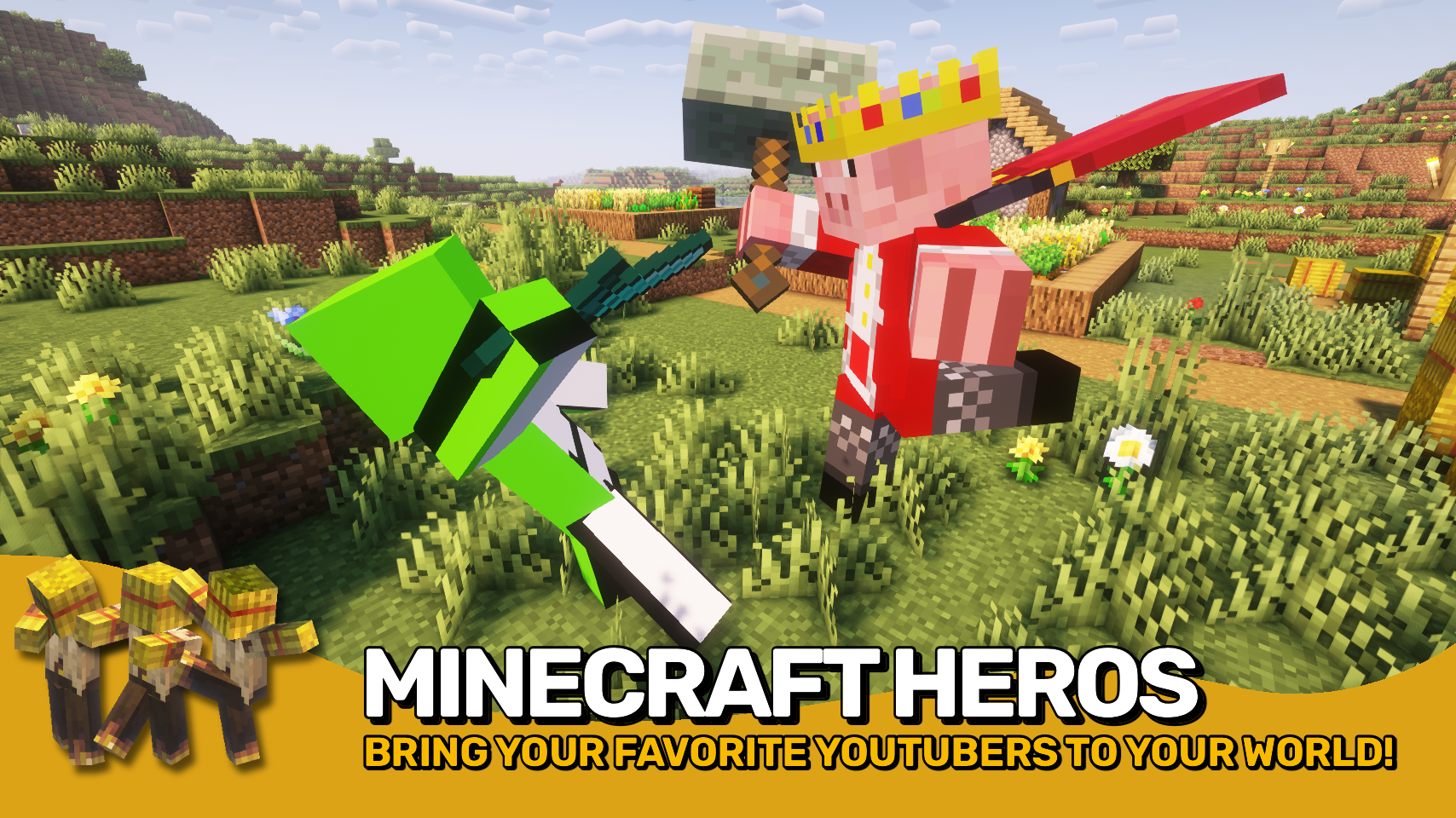
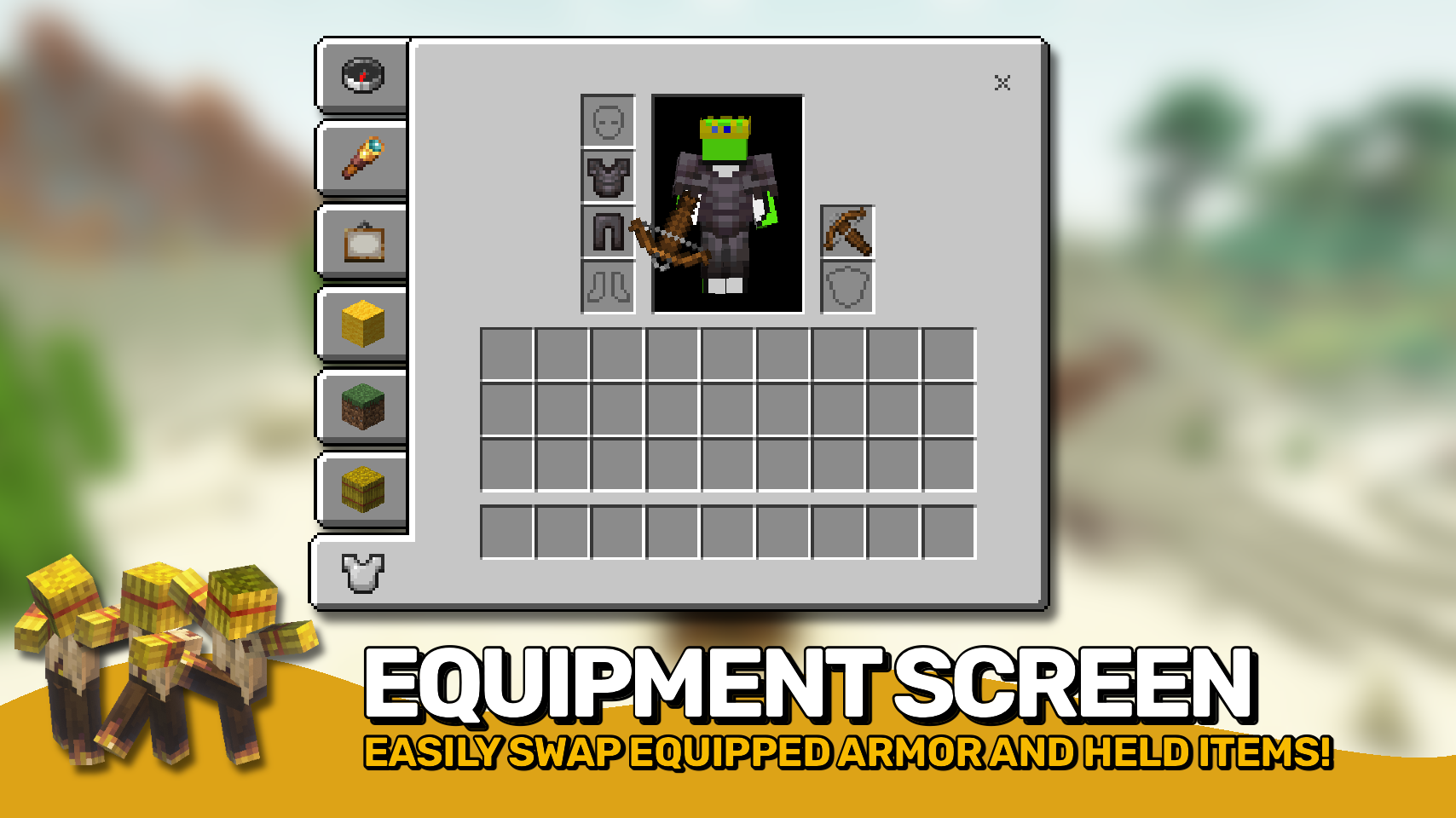
Straw Statues adds one simple item, that when placed in the world looks just like a player model made from straw. And that’s no coincidence! Open the statue configuration screen to choose any skin you like and suddenly the statue looks exactly like a real player. That’s just the start of it: Equip the statue with gear, pose it as you wish, move the statue around with ease, and configure many options. Time to bring some life to your builds!

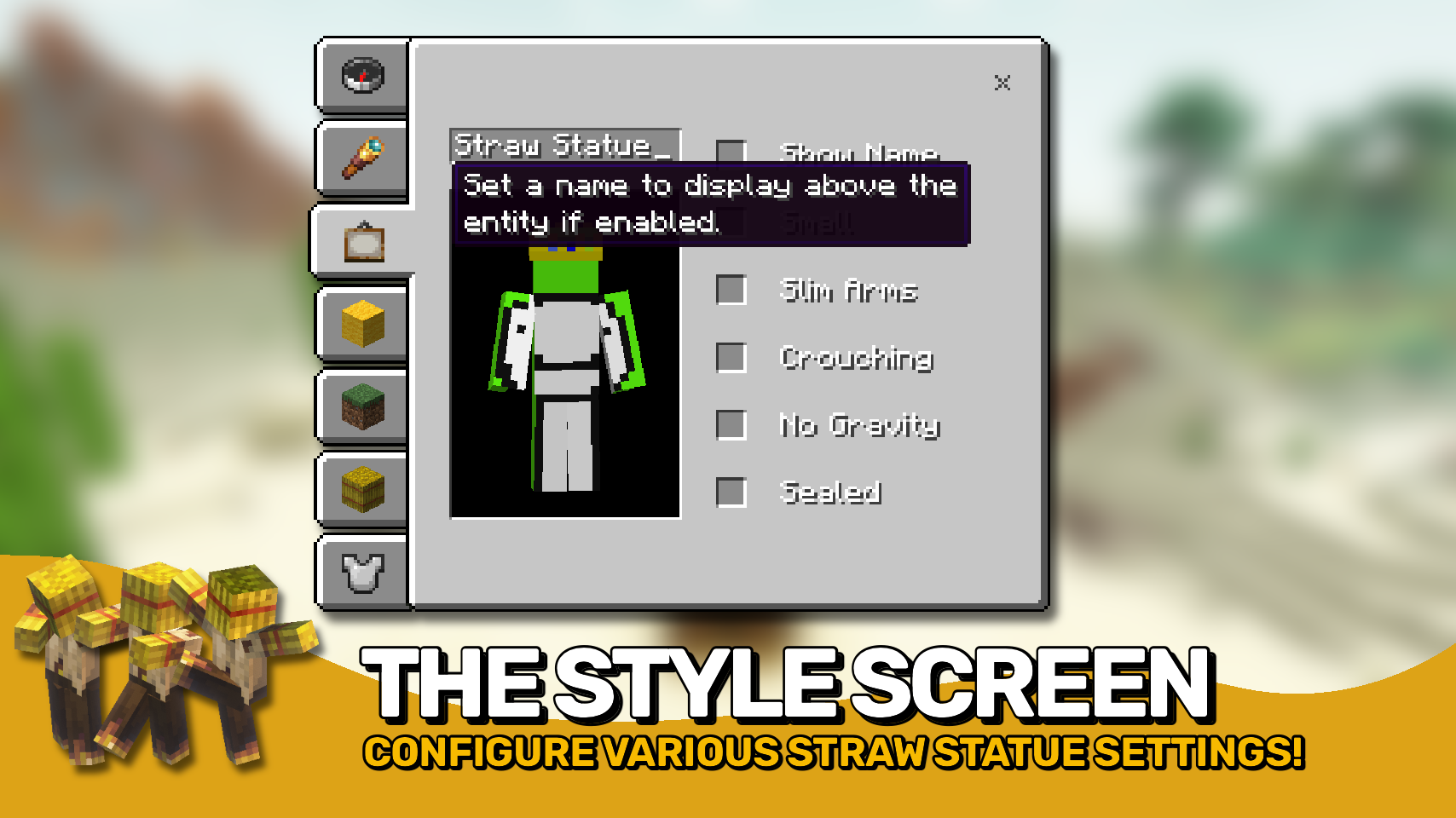
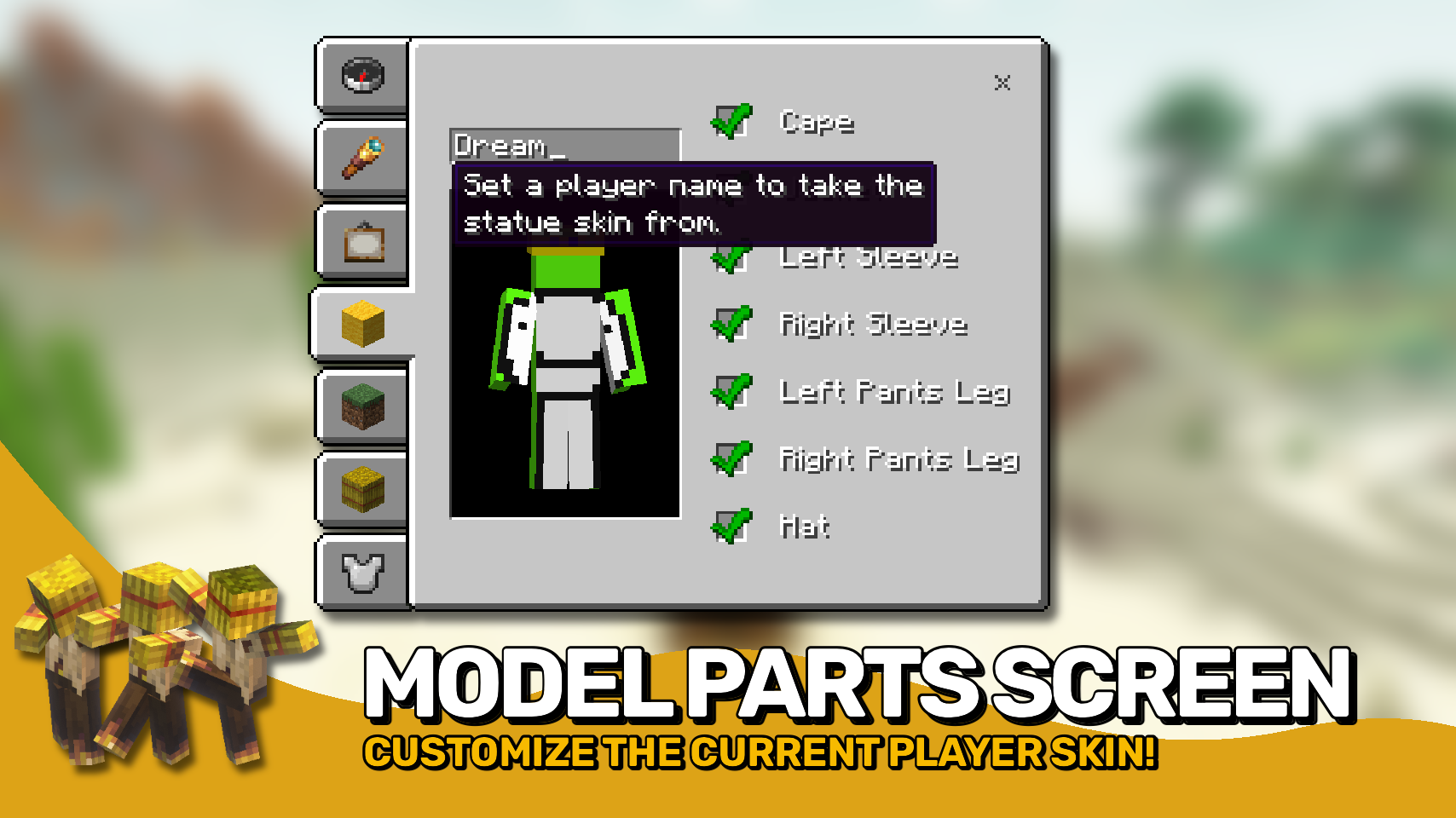
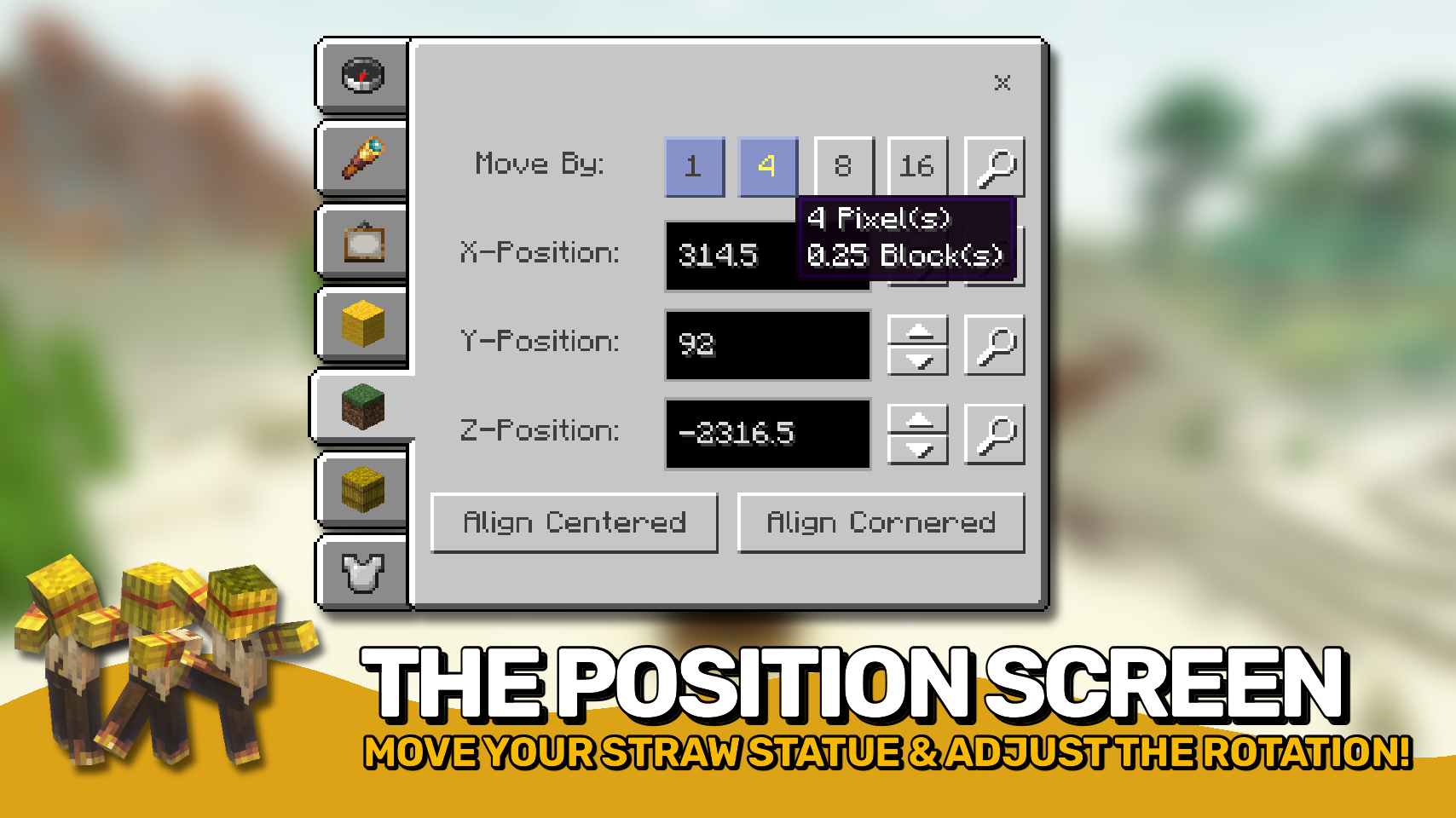
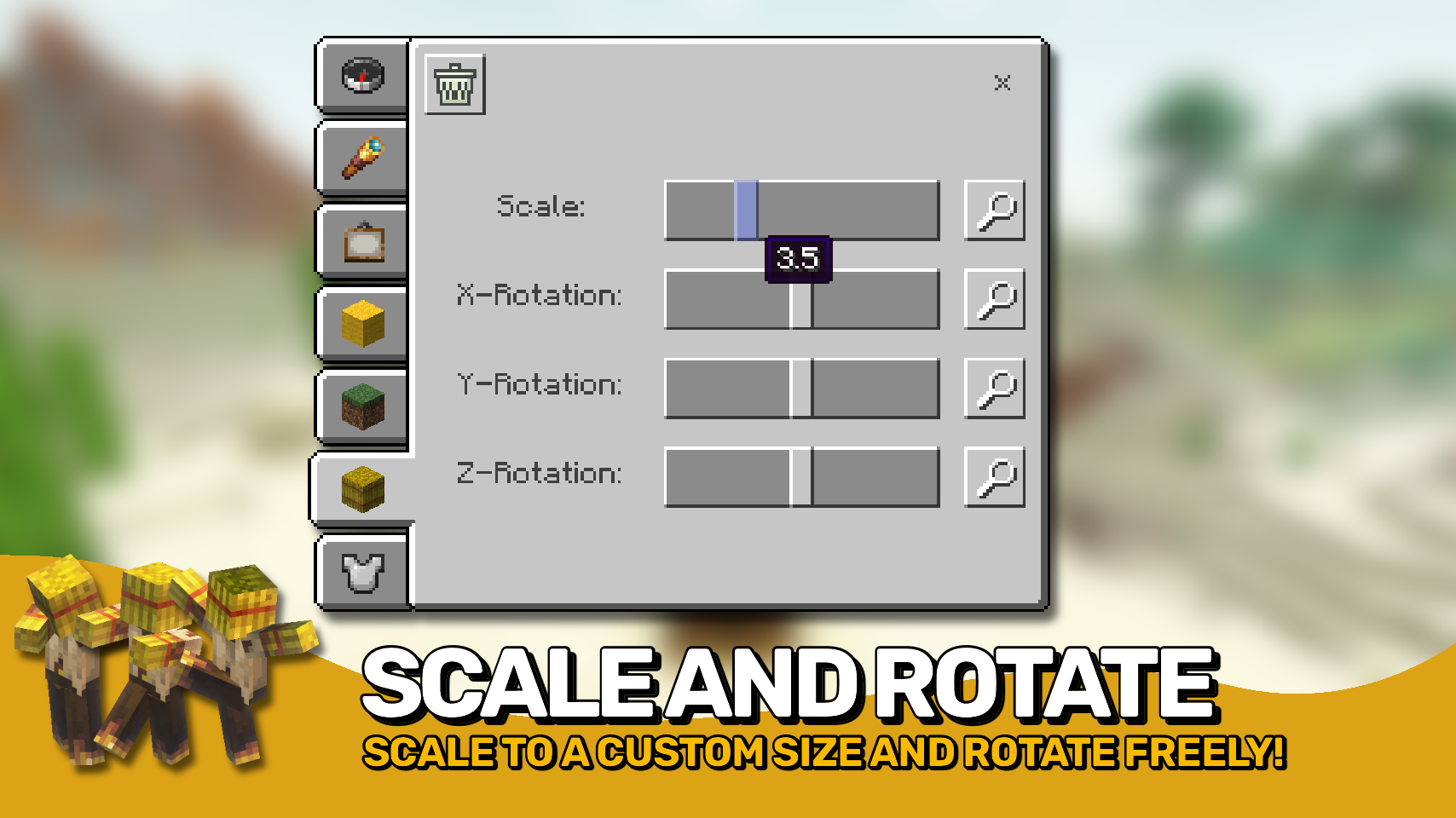

⏩ INSTALLATION REQUIRED ON CLIENT & REQUIRED ON SERVER
⏩ REQUIRES PUZZLES LIB TO BE INSTALLED (FABRIC & NEOFORGE)
⏩ REQUIRES FABRIC API TO BE INSTALLED (FABRIC)
⏩ REQUIRES FORGE CONFIG API PORT TO BE INSTALLED (FABRIC)

If available for a mod, configuration is possible directly from in-game using the mod menu (requires Mod Menu by Prospector to be installed on Fabric).
For manual configuration using an external text editor all files are found at .minecraft/config, named as MOD_ID-client.toml, MOD_ID-common.toml, or MOD_ID-server.toml, depending on the type of config. Not all types might exist for a mod, if any at all.

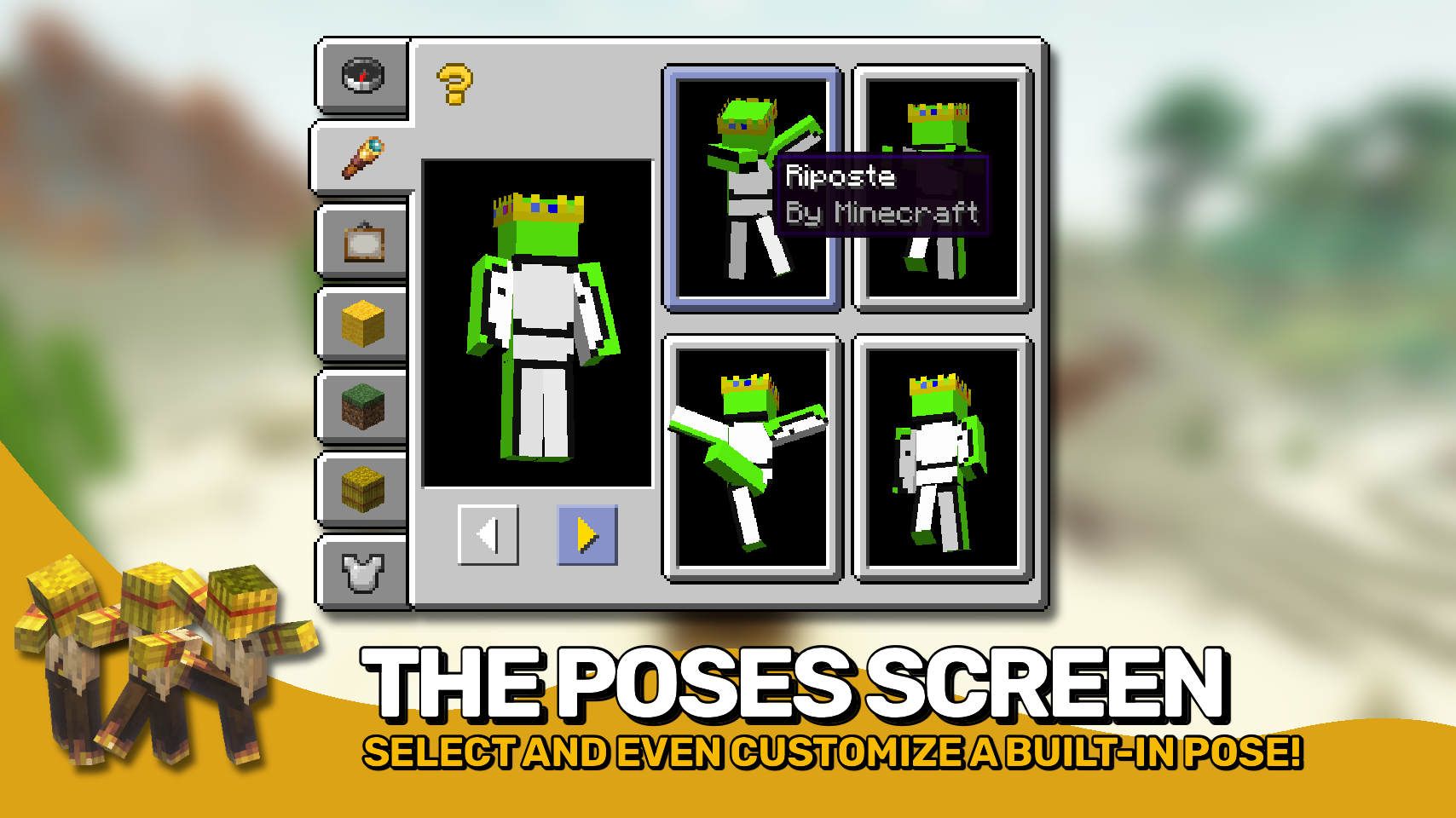
🌟 Huge thanks to the VanillaTweaks Team for their Armor Statues data pack, which heavily inspired this whole mod, and provided some values for certain features such as the alignments screen and a lot of the built-in poses.
🌟 Thanks to Forge_User_41096743 and their Armor Stand Configurator mod for being a big inspiration behind this mod.
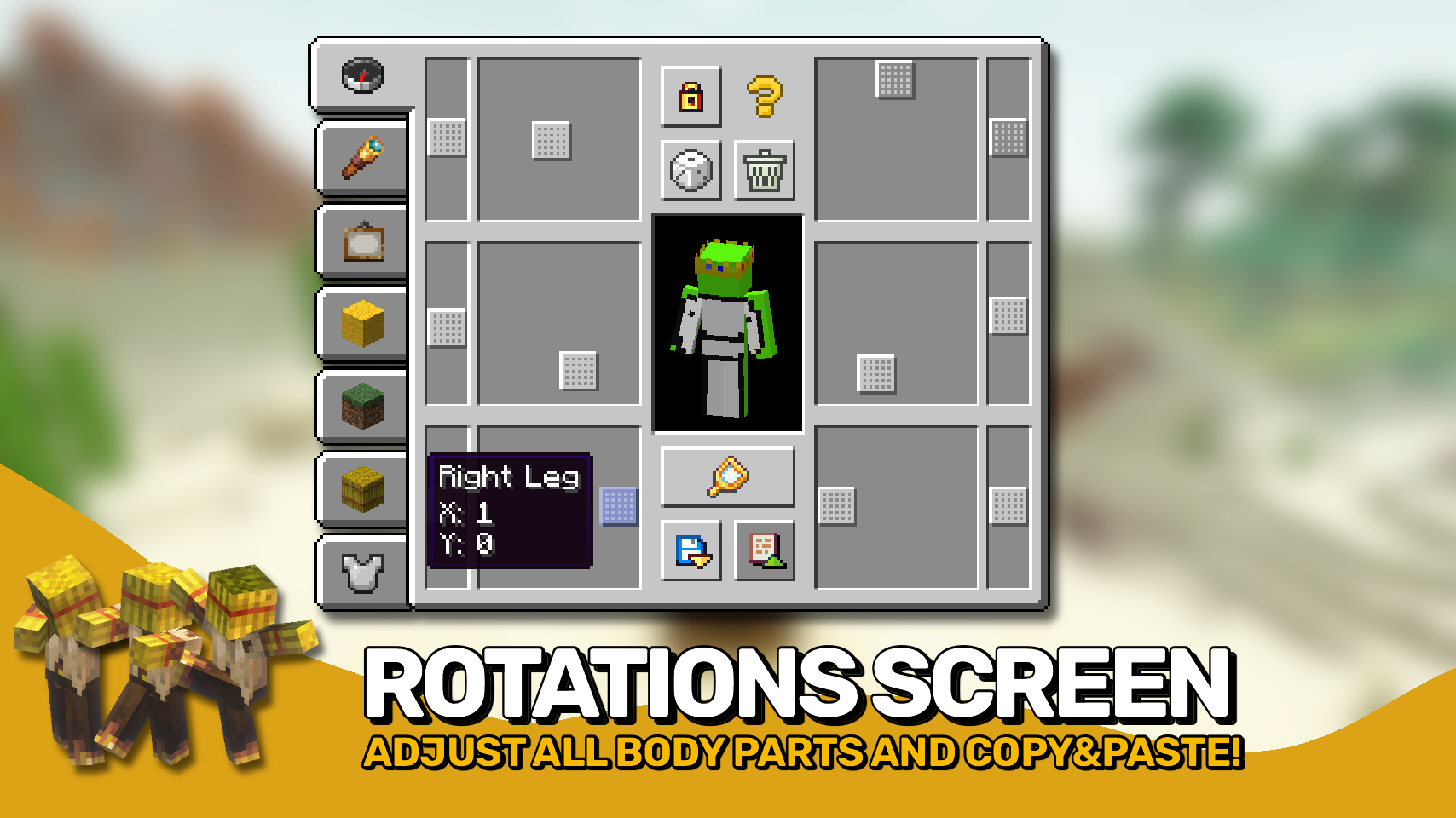
🌟 Thanks to AUTOMATIC_MAIDEN and their Statues mod which the rotations screen is heavily based upon.
🌟 Thanks to Finalbossblues for their amazing icons available over on itch.io.
 |
 |
|
 |
 |
|
 |
 |
|
 |
 |
|
 |
 |

© 2026 @heyitsfuzs. All rights reserved. This page was last edited on 11 September 2026, at 06:44 (UTC).
常见问题
Straw Statues 支持哪些 Minecraft 版本?
Straw Statues 支持 Minecraft Java 版 1.19.2–26.3,共 18 个版本,可用的加载器:Fabric / Forge / NeoForge。下载时注意选择和你游戏版本一致的文件。
Straw Statues 怎么安装?
先用 PCL2 或 HMCL 启动器安装对应版本的 Fabric / Forge / NeoForge,再把下载的 .jar 文件放进游戏目录的 mods 文件夹,重新启动游戏即可。开启了版本隔离的,mods 文件夹在 versions/版本名 下面。运行环境:客户端和服务端都要装。
LunaPixelStudios 的其他作品
查看全部 →
Visual Workbench
物品会留在工作台内,并且会渲染在上方。真的很精致!

Pick Up Notifier
收集到的所有物品都会通知你。
Necronomicon API
我的模组专用工具库。

Easy Magic
附魔台本该如此!关闭后物品仍会保留,还能轻松重新刷新附魔。
评论
登录后评论和评分