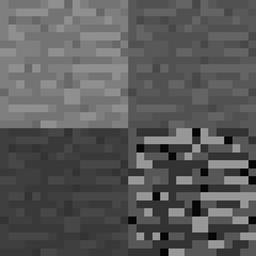
截图
介绍
Credits:
Strata is inspired by the Hardcore Stratification feature in the Minecraft mod Better Than Wolves, created by FlowerChild.
Strata uses code from Dense Ores by RWTema, allowing for dynamically generated textures.
New in update 1.5:
Added support for Underground Biomes Construct.
Information:
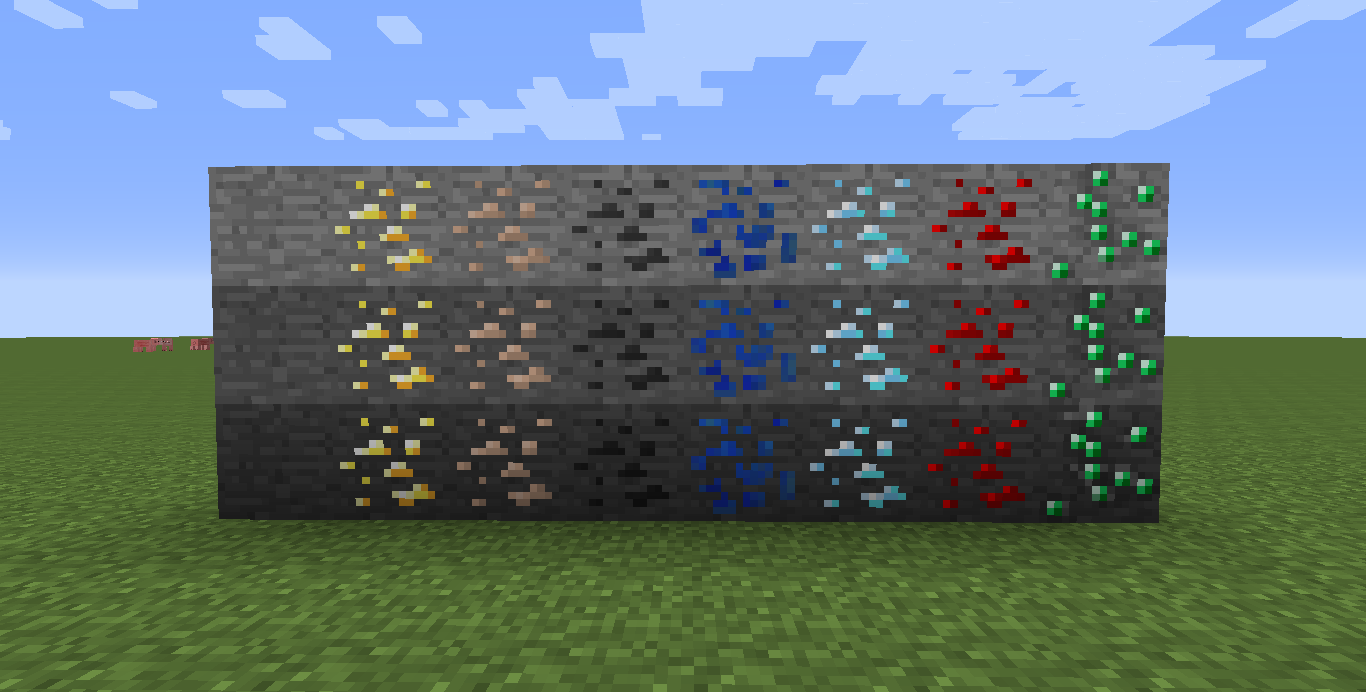
Strata adds two layers of stone, called strata, into the world. Each strata is harder than the last, needing a higher tier pickaxe to mine.
Each layer is 23 blocks deep, with the bottom layer starting from bedrock.
Stone in the first strata is vanilla Minecraft stone, and can be mined as usual.
Stone in the second strata requires at least an Iron Pickaxe to mine.
Stone in the third strata requires at least a Diamond Pickaxe to mine.
Dirt and gravel are also affected by Strata, and require a shovel of the relevant tier to mine.
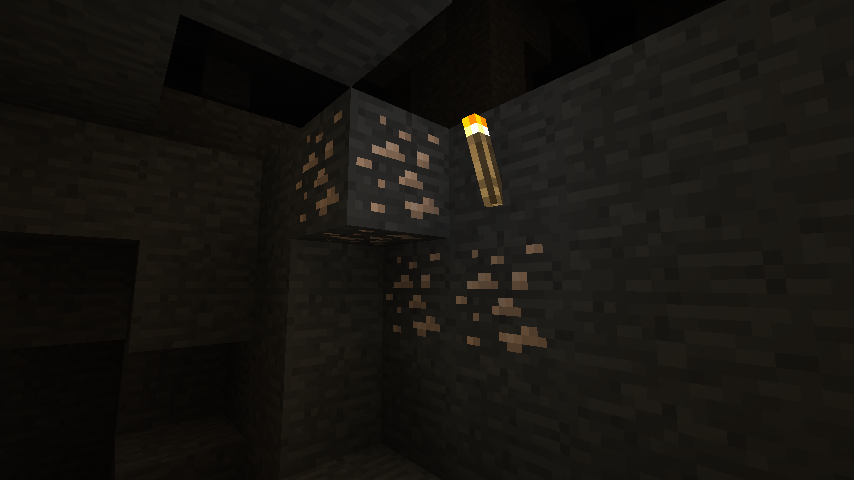
Ore is only affected visually, and can be mined with the same pickaxe as the ore it is based off of.
Strata supports retro-gen, so you do not need to create a new world to use this mod.
Resource Packs:
Stephen_789 has provided textures to create a resource pack for Strata, check it out here.
FAQ:
Q: Is this mod compatible with X?
A: Yes, but any ores and stone added by the mod needs to have their information put into a config file, and added to the “Strata” folder for it to recognize those blocks. I have created config files for some mods here.
Customization:
Ores and stone can be added by writing a config file for the mod in the “Strata” config folder. You can find examples for some mods here.
Uninstall:
If you wish to remove this mod, set “Uninstall” in the config file to “true” and go to all the areas you explored with this mod installed. This will replace all the Strata stone and ore with their defualt blocks, allowing for those worlds to not have their underground voided when Strata is removed.
常见问题
Strata 支持哪些 Minecraft 版本?
Strata 支持 Minecraft Java 版 1.7.10,可用的加载器:Forge。下载时注意选择和你游戏版本一致的文件。
Strata 怎么安装?
先用 PCL2 或 HMCL 启动器安装对应版本的 Forge,再把下载的 .jar 文件放进游戏目录的 mods 文件夹,重新启动游戏即可。开启了版本隔离的,mods 文件夹在 versions/版本名 下面。
评论
登录后评论和评分