Stranger Things – The Upside Down
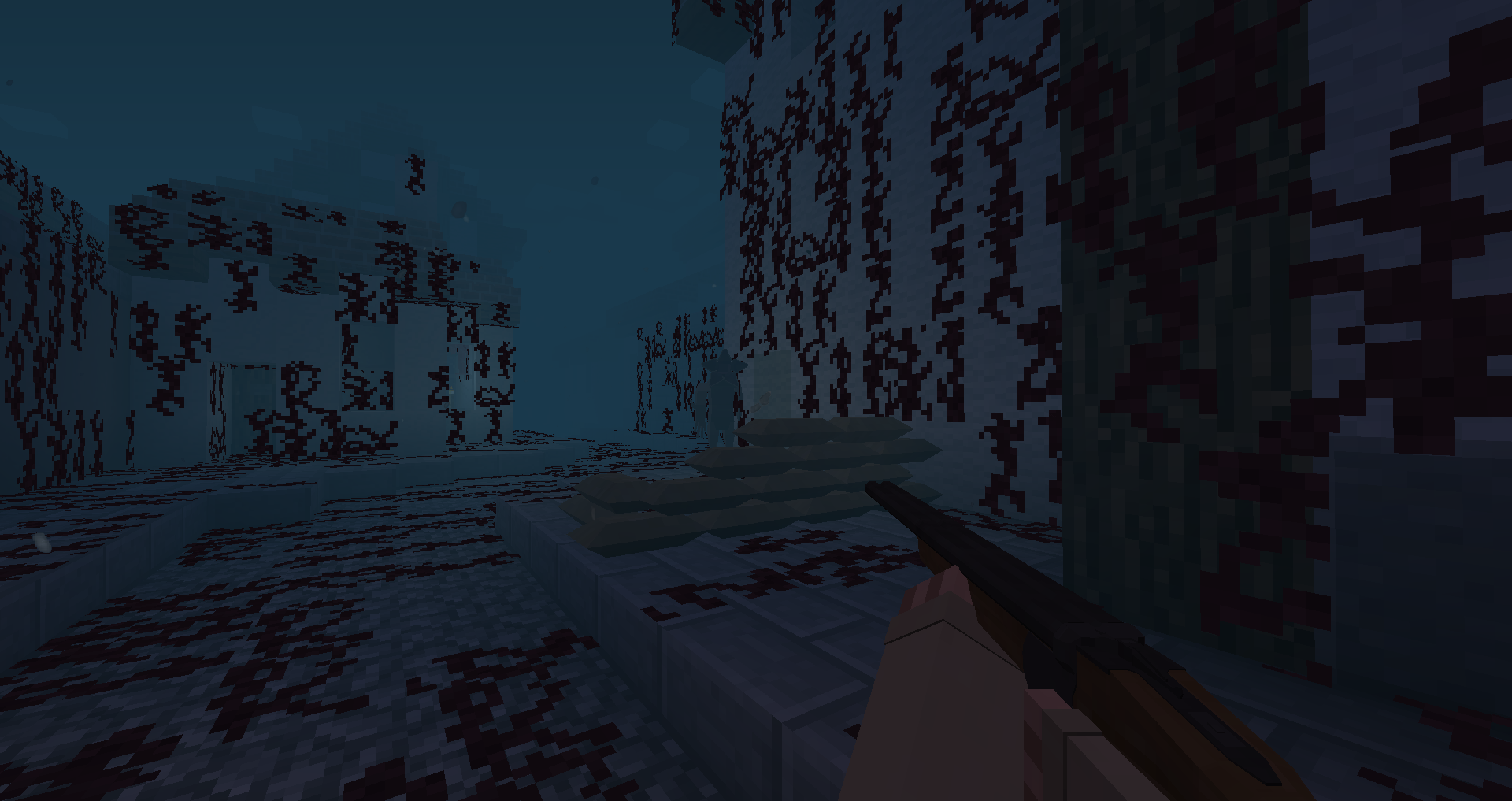
Survive the Demogorgon! This mod creates the parallel Upside Down within your existing world - NOT an alternate dimension. Experience the Vale of Shadows, get captured by the demogorgon and find your way back to the real world through the gate.
截图
介绍
“It’s a plane out of phase, a world of monsters. It is right next to you and you don’t even see it.” -Scott Clarke
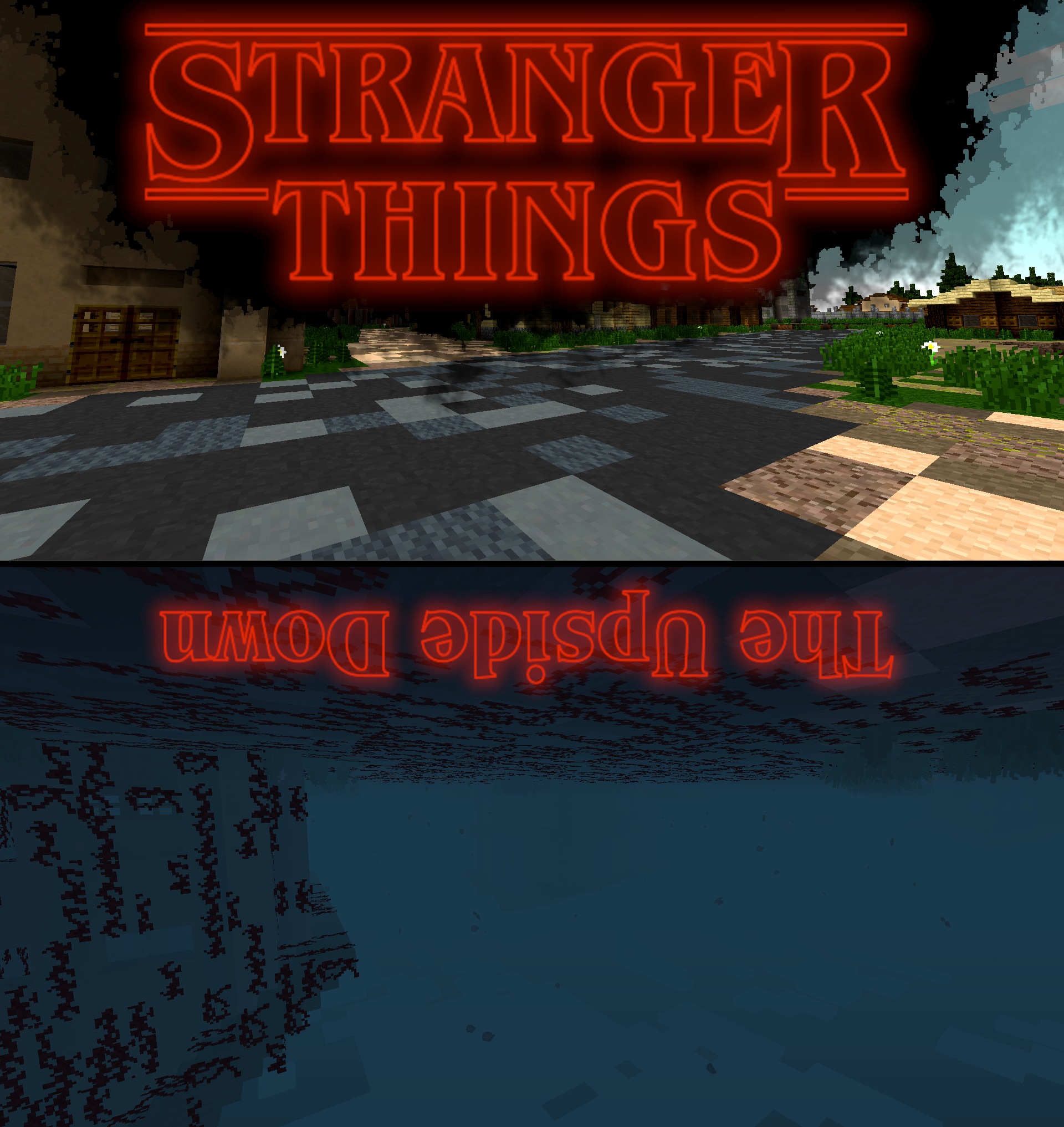
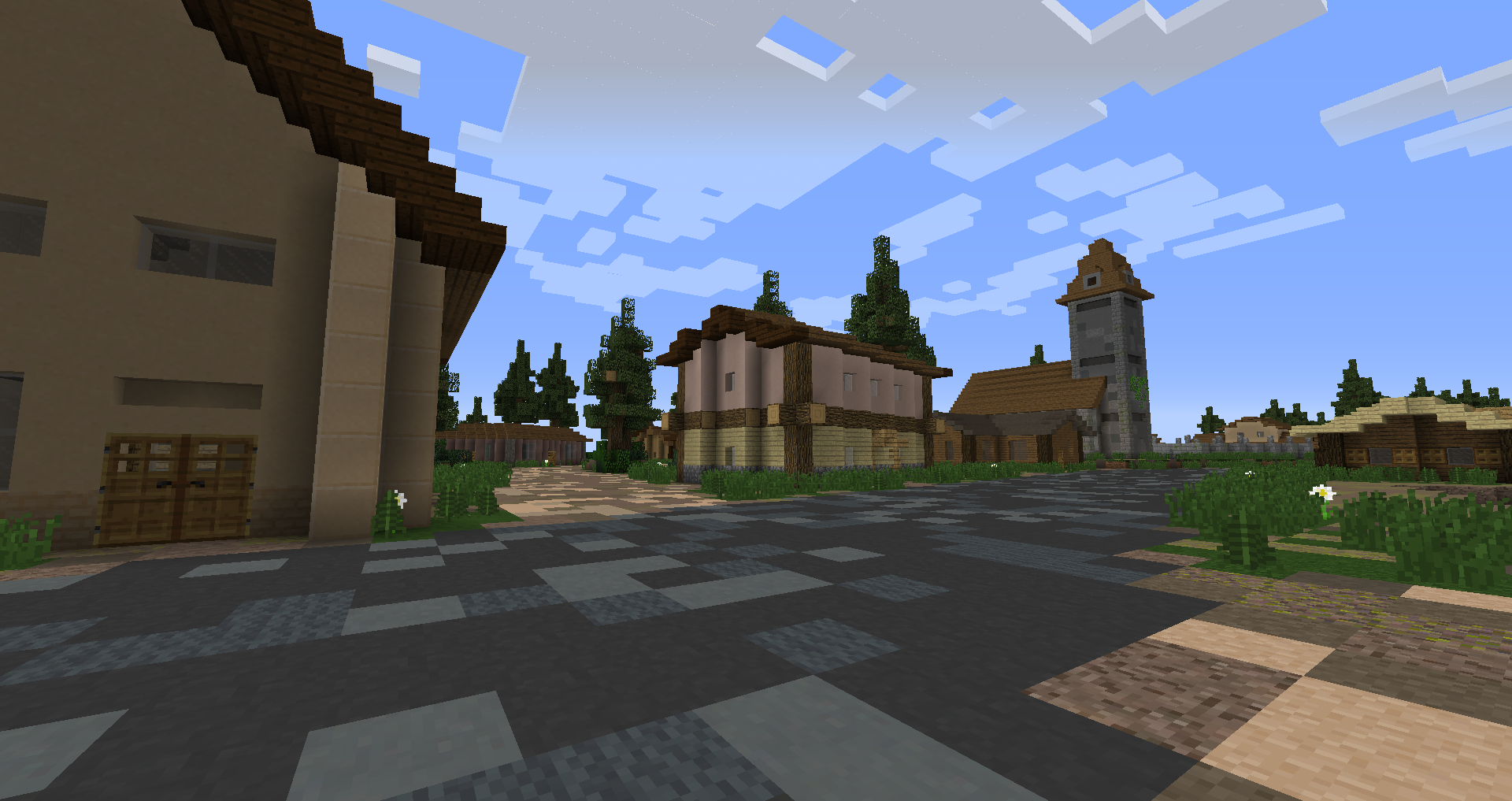
Stranger Things – The Upside Down is NOT a dimension mod that you have to travel to. Just like in the show, it really is right next to you, within your current world.
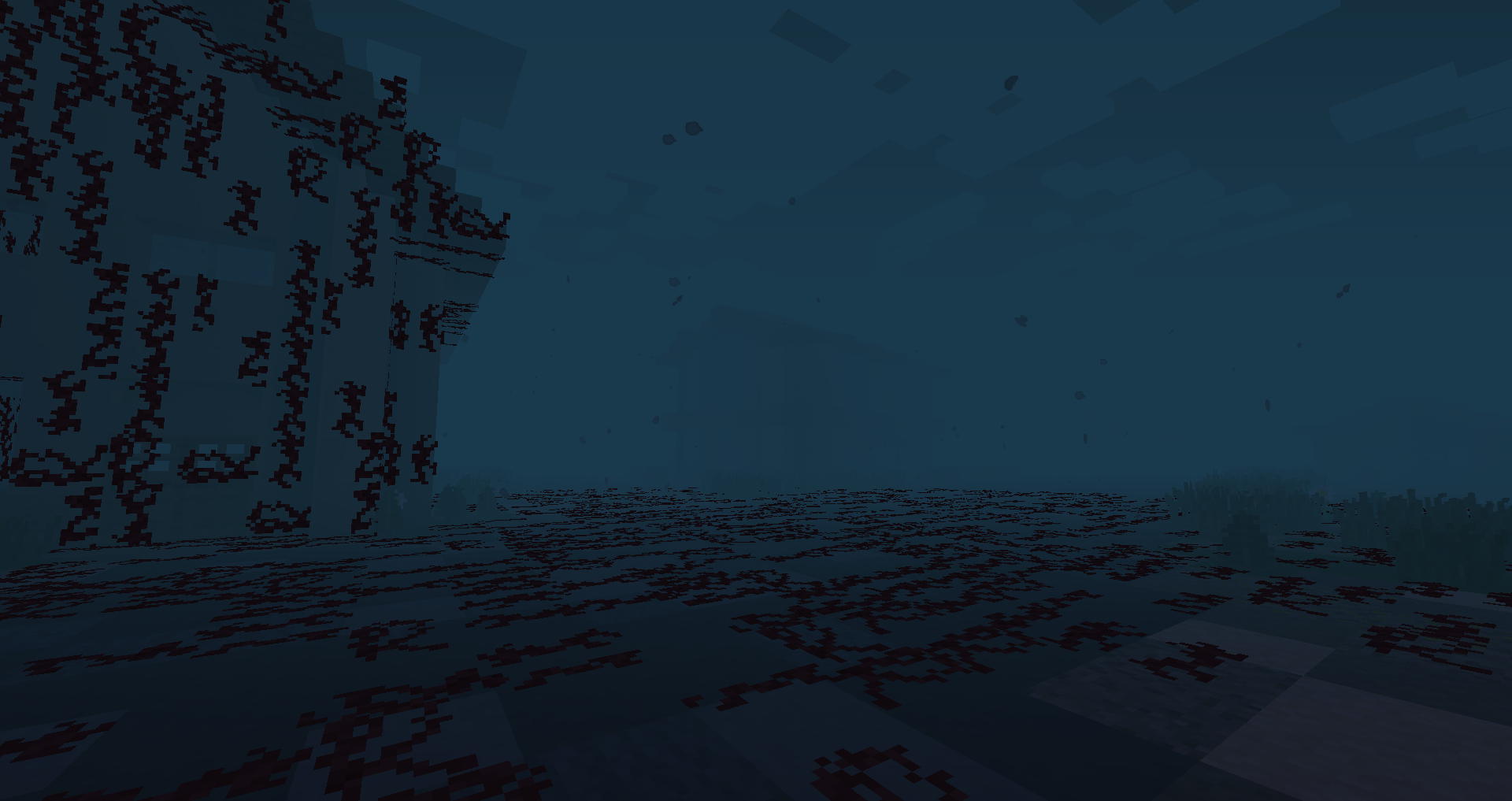
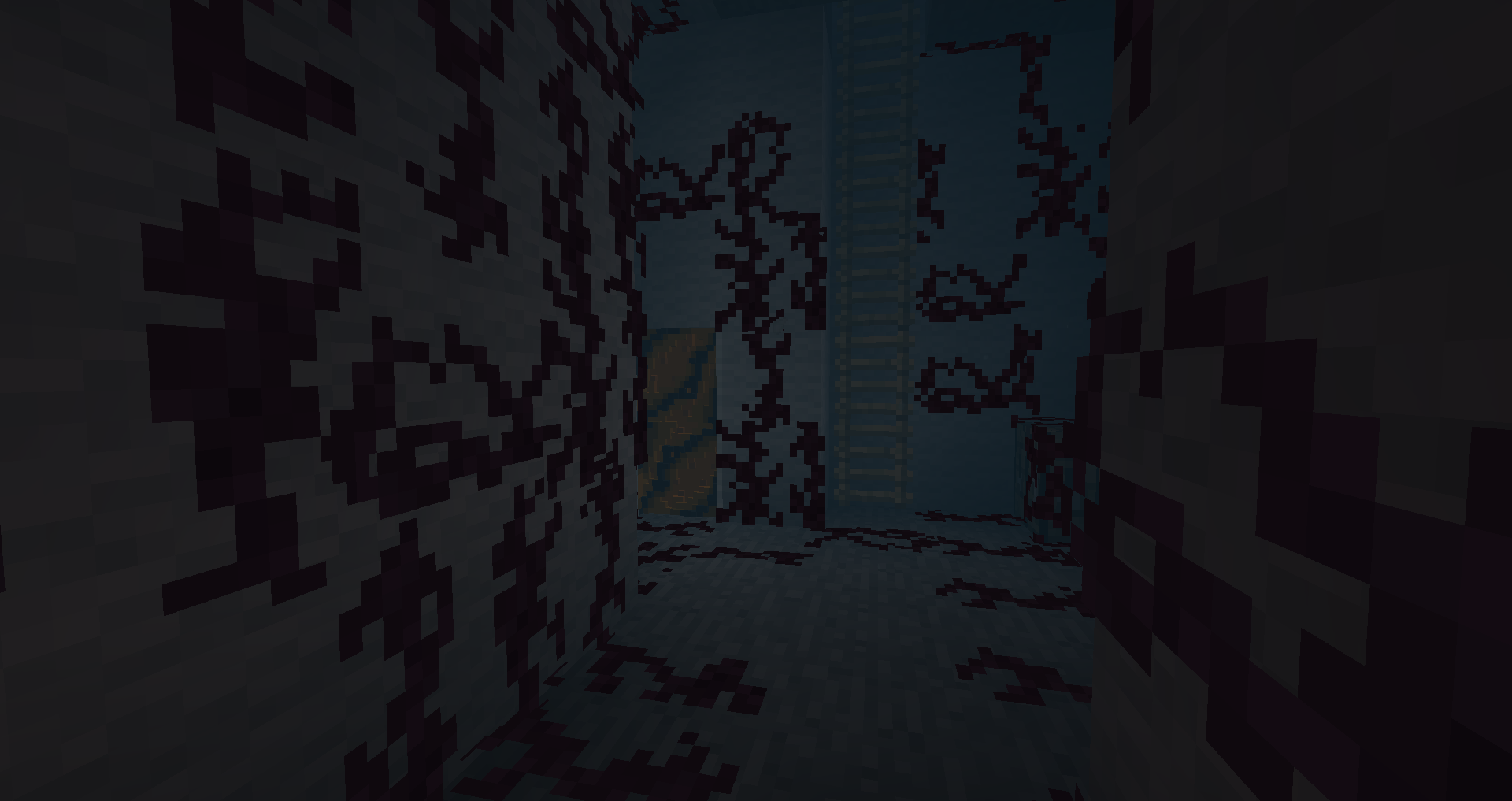
If the Demogorgon drags you into the Upside Down, you will still be in the same world. But everything’s different. A thick gloomy fog surrounds you, creepy vines cover the walls and floors, dead particles float around.
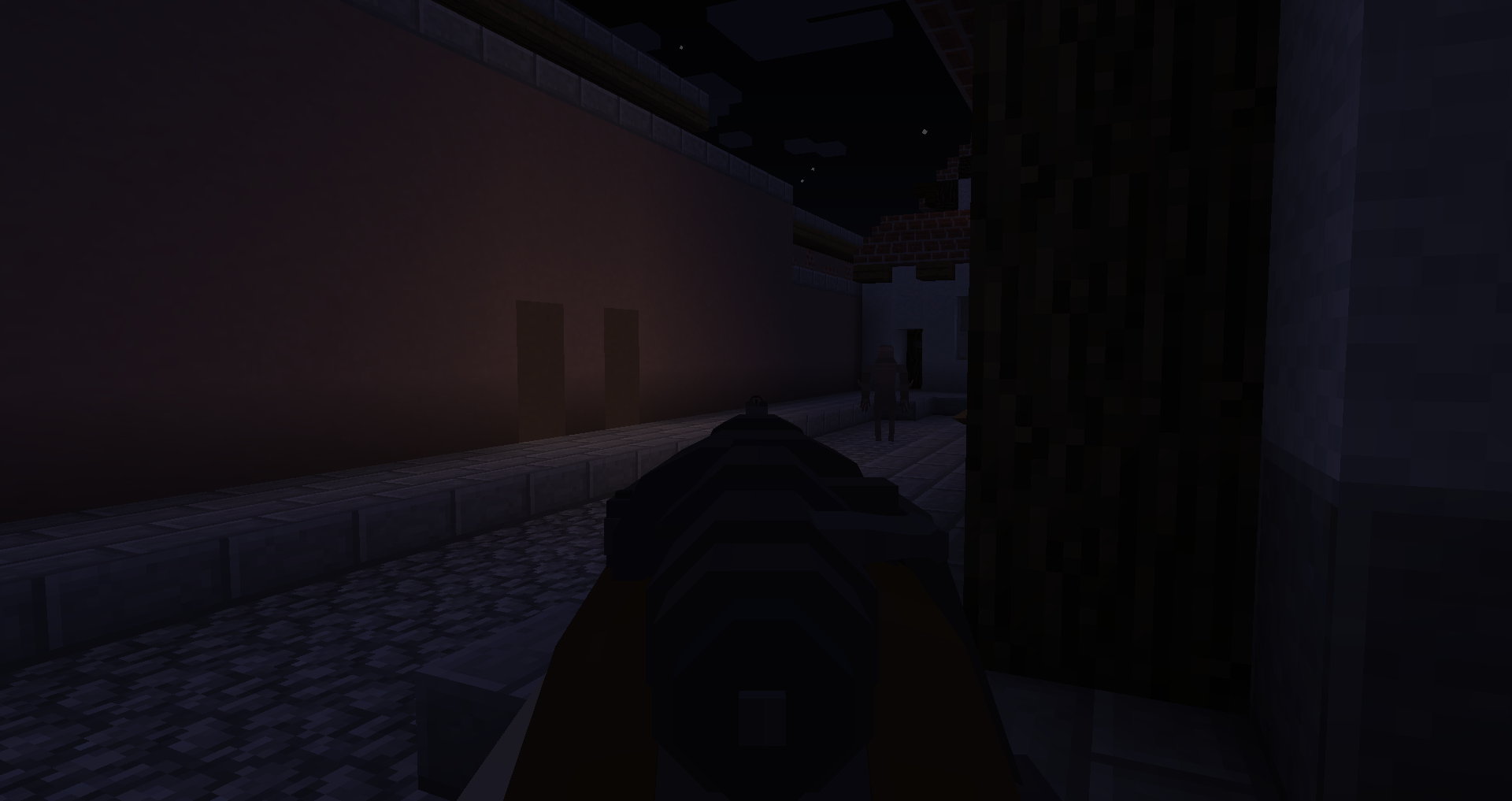
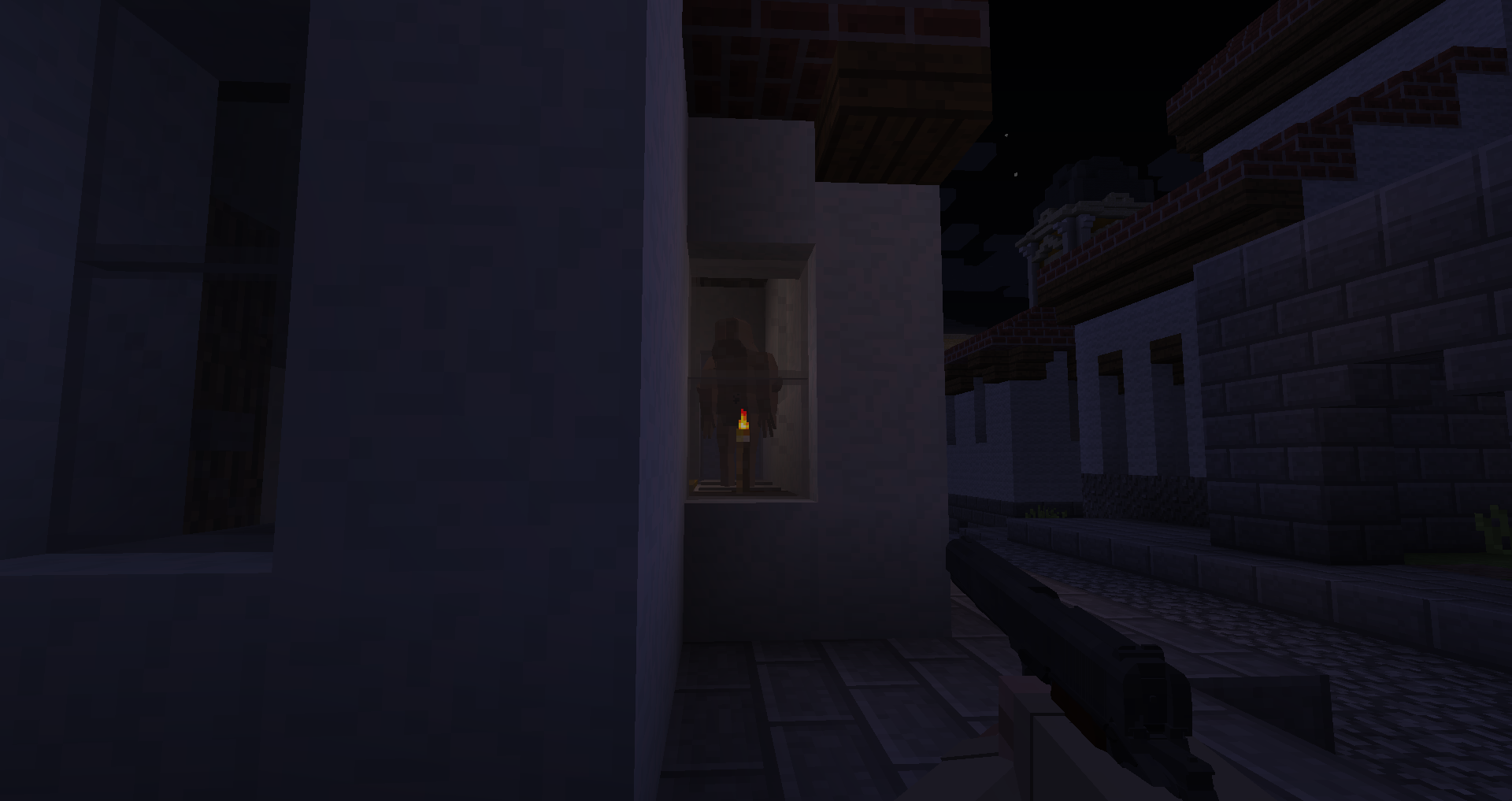
Act quickly, because once you are in the Upside Down, the demogorgon is coming. And if it catches you, there is little chance of escape.
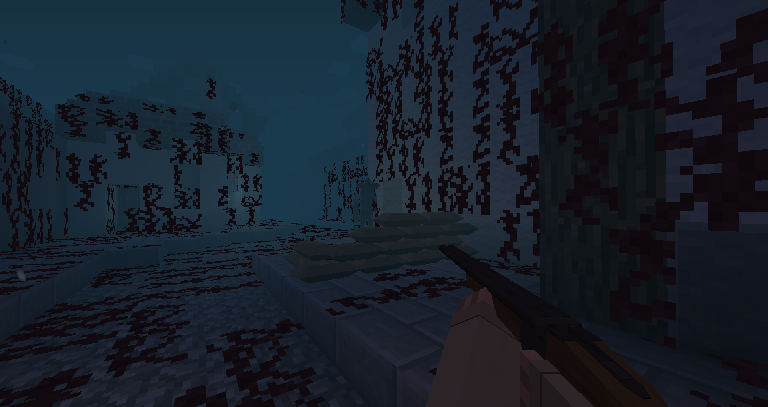
Your only hope is to find the nearby “gate” that the Demogorgon opened to get into your world. If you find it, you can pass through it to escape the Upside Down.
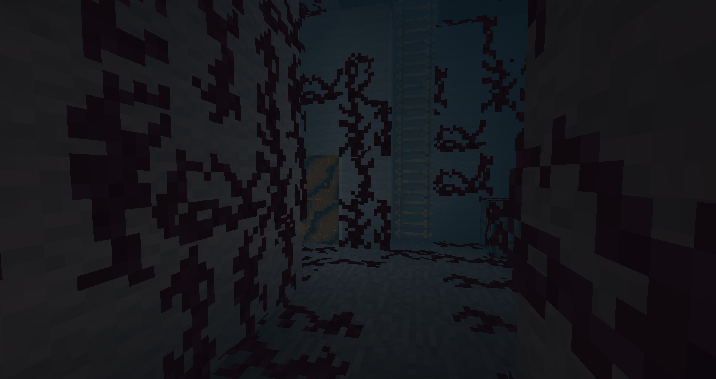
Want cool guns like in the screenshots? For a full “Stranger Things” experience it is highly recommended to play this mod with my gun mod, Call to Battle. Click the link below!
https://modrinth.com/mod/call-to-battle-ww2

Join the Discord:
https://discord.gg/invite/gGn8vMBukq
Youtube:
https://www.youtube.com/channel/UCZy0qJo1n88ezfSoICGO8DA
常见问题
Stranger Things – The Upside Down 支持哪些 Minecraft 版本?
Stranger Things – The Upside Down 支持 Minecraft Java 版 1.7.10–1.12.2,共 2 个版本,可用的加载器:Forge。下载时注意选择和你游戏版本一致的文件。
Stranger Things – The Upside Down 怎么安装?
先用 PCL2 或 HMCL 启动器安装对应版本的 Forge,再把下载的 .jar 文件放进游戏目录的 mods 文件夹,重新启动游戏即可。开启了版本隔离的,mods 文件夹在 versions/版本名 下面。运行环境:客户端和服务端都要装。
Beardielover 的其他作品
查看全部 →
Call to Battle WW2 / WWII – World War II Experience for Minecraft
Call to Battle WW2 is a complete World War Two conversion mod for Minecraft that transforms it into a WWII game. Experience the second world war like never before!
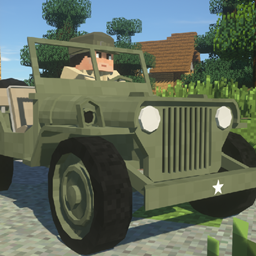
Call to Battle WW2 – Vehicles Addon!
This mod adds vehicles to the World War II Mod: Call to Battle WWII! More vehicles to come soon!
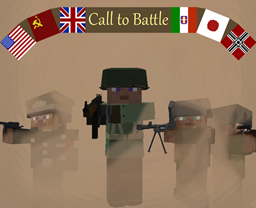
Call to Battle-The WWII Mod
Call to Battle is a WWII Mod that focuses on a realistic and detailed depiction of WWII combat

Call to Battle
Call to Battle WW2 is a complete World War II conversion mod for Minecraft 1.12.2 that transforms it into a WWII game. Over 300 guns, around 100 maps, vehicles, and much more! Experience World War Two!
评论
登录后评论和评分