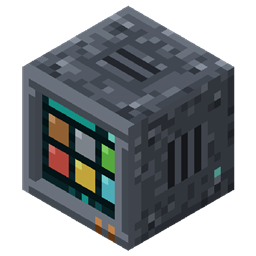
Stowage
Turn the chests you already have into one searchable storage network. Craft straight from it, feed it with hoppers, reach it wirelessly.
截图
介绍
Stowage
Turn the chests you already have into one searchable storage network, and craft straight from it.
What it does
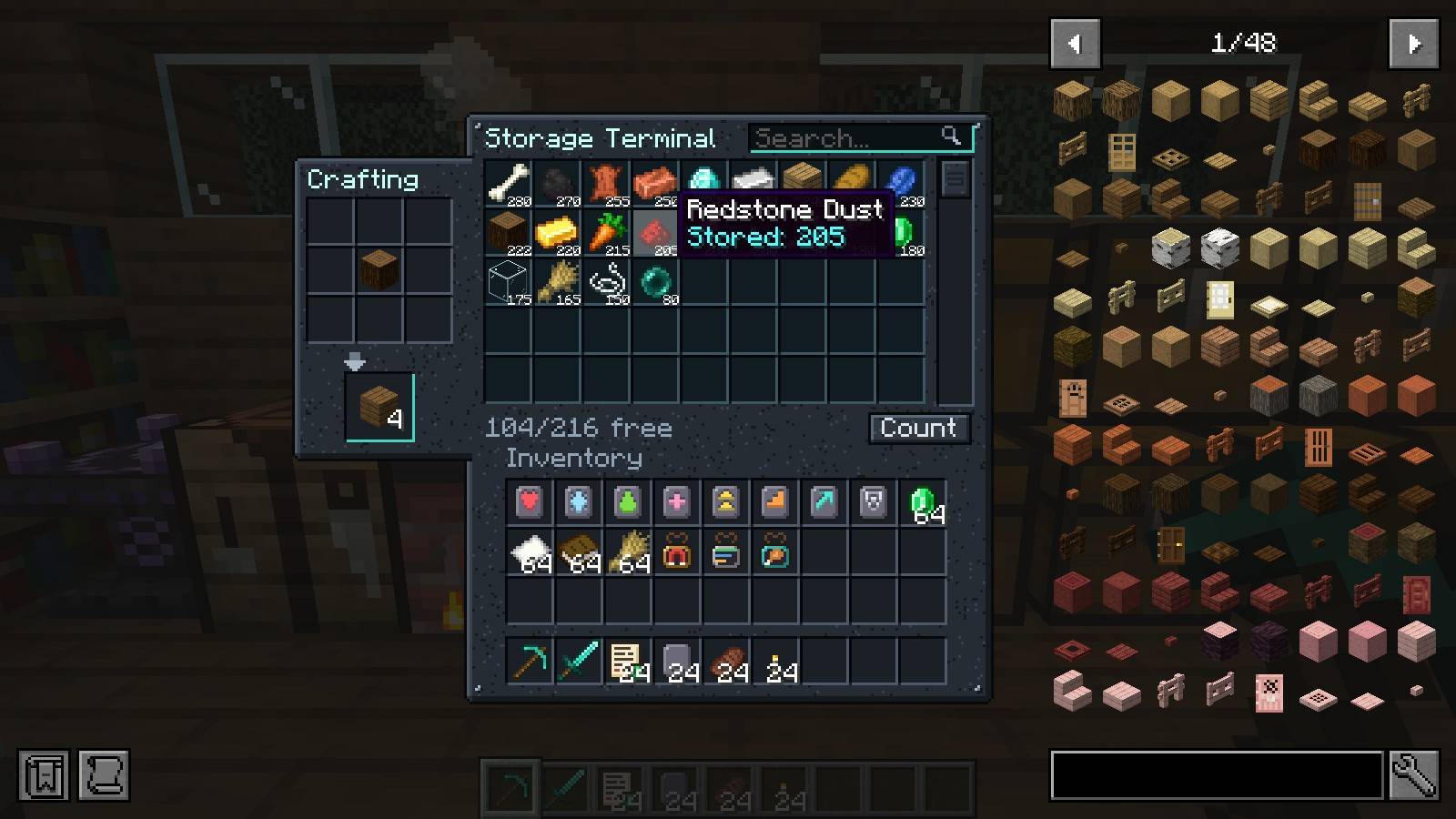
- Put a Storage Terminal against your chests. Every chest, barrel and shulker box touching it, each other, or a Storage Conduit becomes one searchable list.
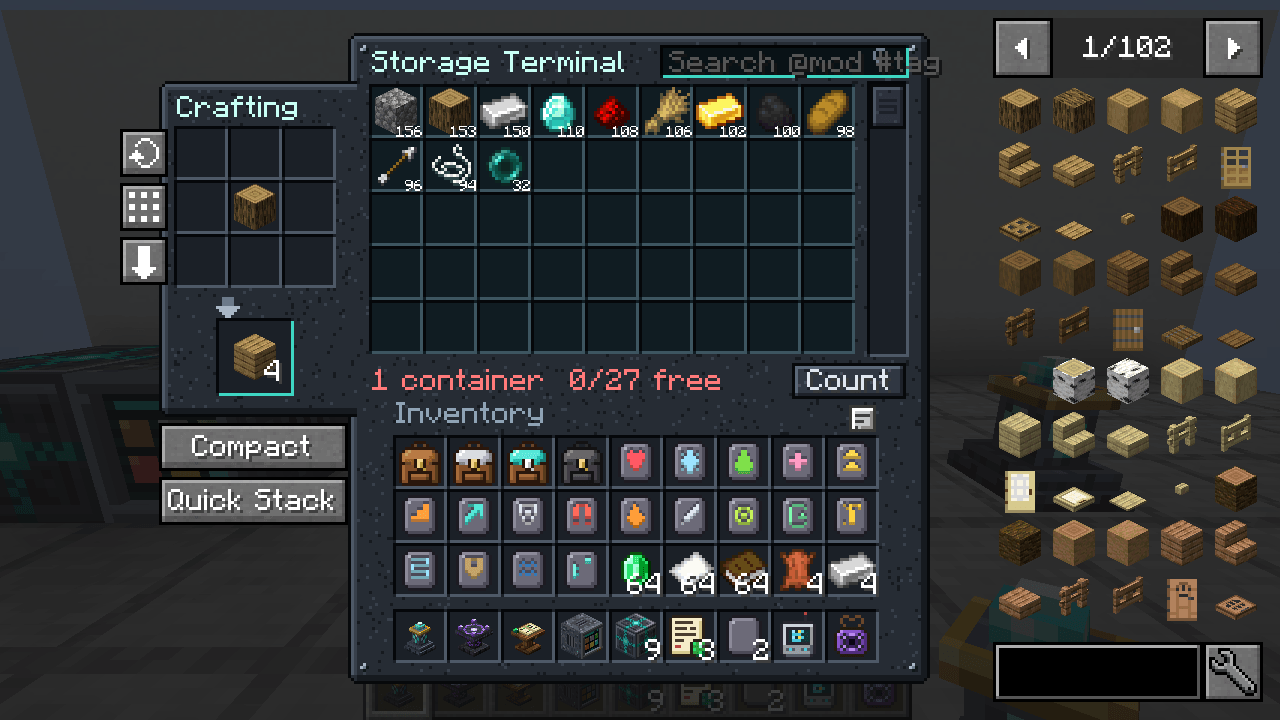
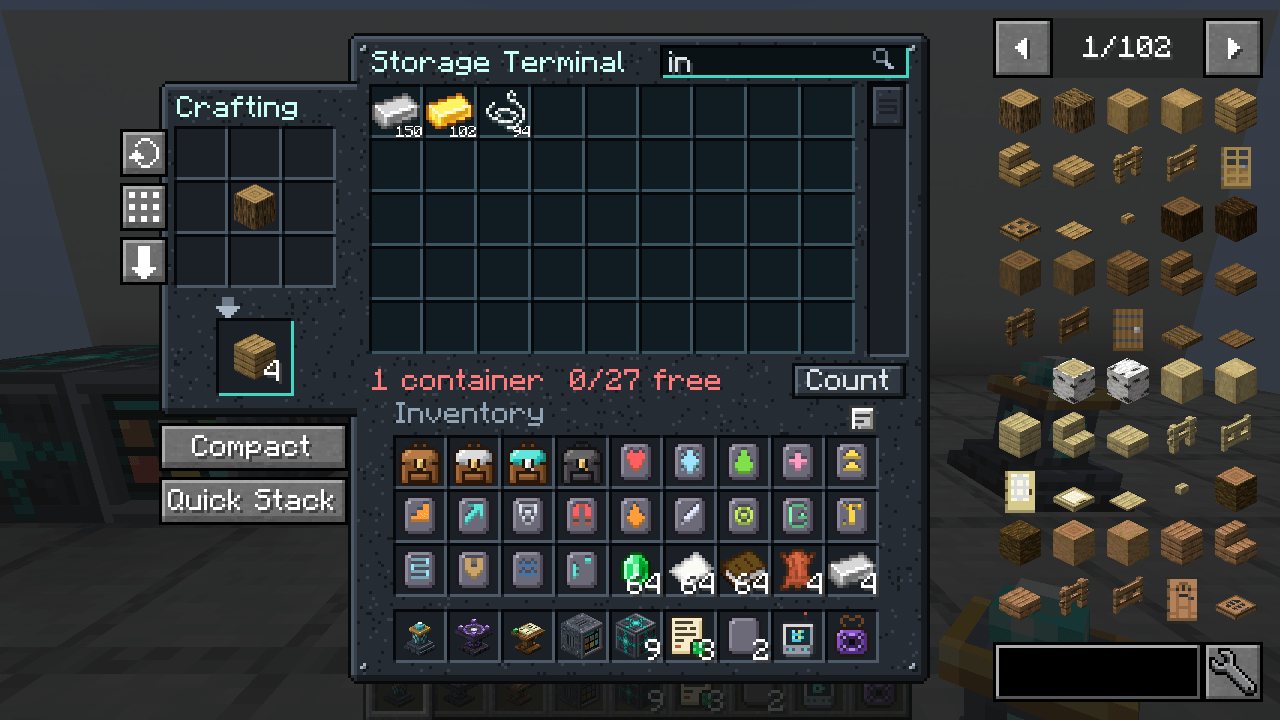
- Search box, sort by amount or name, scroll through everything you own.
- Click to take a stack, right-click for half, shift-click your own items to store them. Items go to the chest that already holds that item.
- Craft straight from the network: the 3×3 grid refills itself from storage, shift-click crafts until you run out.
- Recipe “+” button: with a terminal open, the plus on any crafting recipe in Itemwise (or JEI) lays that recipe out on the grid from storage. Shift-click it for as many as you have items for.
- Recipe keys work on stored items: point at anything in the list and press R for its recipes or U for its uses. The terminal is listed as a place to craft.
- Compact button: packs every nine ingots, gems, nuggets and the like in storage into their block.
- Works with the mods around it: Crafting Tweaks buttons rotate, balance and clear the grid, Farmer’s Delight cabinets and baskets count as storage, and Lootr chests are left alone.
- Hoppers feed it: point a hopper at the terminal and whatever it pushes is sorted into the network. A full network leaves the items in the hopper.
- Nothing is stored in the terminal. Break it and every item is still in its chest.
- Wireless Terminal: use it on a Storage Terminal to link it, then open that network from anywhere in the same dimension.
- Storage Exporter: set it against a furnace, dropper or chest and use an item on it: it keeps sending that item out of storage into the block. Redstone pauses it.
- An Exporter with no item chosen pulls instead: a furnace’s results, a brewing stand’s potions or a dropper’s contents go into storage.
- Search by mod: type
@minecraftor@farmersdelightin the search box to list only what comes from that mod. - Smarter search: #tag finds items by tag (#logs, #ores, #c:ingots), and several words must all match ("@create #plates").
- Exporter stock: use a stack on a Storage Exporter and it keeps that many in the block in front, topping it up as it is used. A single item still means fill it up.
- Comparators read the network: a comparator next to a Storage Terminal shows how full all of storage is.
- Leave things out: a minus in front of a search word turns it around.
#logs -oaklists every log but oak,-@minecrafteverything from other mods. - Search by kind:
~food,~tool,~armor,~block,~enchantedor~damagedin the search box lists just those, and-~foodleaves them out. - Read the network: use a comparator on a terminal and the action bar says how many containers it reaches, how many kinds of item they hold and how full they are. Sneak to place the comparator instead.
- Most plentiful item: the comparator read-out on a terminal names the item the network holds most of.
Needs
- Minecraft 26.3, 1.21.11 or 1.21.1 with Fabric Loader + Fabric API, or with NeoForge. Pick the file for your version and loader on the Files tab.
- Installed on both the client and the server (it adds blocks, items and its own screens)
- Optional: with Itemwise or JEI installed, their item lists move aside for this mod’s side tab
Made for Emberwild Journey
Stowage is one of the original mods written for the Emberwild Journey modpack: waystones, backpacks, runes, networked storage, villager trading, vein mining, sorting and travel, made to fit together. It also works on its own.
MIT licensed. Found a bug? Include logs/latest.log.
Support
These mods are free and always will be. If one saved you time, a coffee keeps updates coming.

Bug or idea? Leave a comment below. We read every one.
More mods by us
All made for Fabric 26.3 and built to work together.
- Lodeways Waystones: craft, name and travel between waystones.
- Haversack: backpacks in four tiers with charms.
- Fodderfold: a feeding trough that breeds your animals for you.
- Hearthfolk Ledger: fair villager prices and every nearby trade in one ledger.
- Sigilry: pick the rune you want, no enchanting lottery.
- Sowback: right-click harvest that replants.
- Emberwild Journey: the modpack all of these were made for.
常见问题
Stowage 支持哪些 Minecraft 版本?
Stowage 支持 Minecraft Java 版 1.20.1–26.3,共 4 个版本,可用的加载器:Fabric / Forge / NeoForge。下载时注意选择和你游戏版本一致的文件。
Stowage 怎么安装?
先用 PCL2 或 HMCL 启动器安装对应版本的 Fabric / Forge / NeoForge,再把下载的 .jar 文件放进游戏目录的 mods 文件夹,重新启动游戏即可。开启了版本隔离的,mods 文件夹在 versions/版本名 下面。
TihomirDobrev 的其他作品
查看全部 →
Lodeways Waystones
Vanilla-style waystones: craft one, name it, click to travel. Pets come along, public stones, search, and a Warp Stone for the road.
Fodderfold
Auto-breeding feeding trough: fill it with food and grown animals walk over, eat and breed on their own. Babies grow faster near it.

Emberwild Journey
Fabric 26.3 adventure pack built around original mods: waystones, backpacks, runes, networked storage, fair villager trading, a quest book. 84 mods, optional shaders.
评论
登录后评论和评分