
截图
介绍
Storage Scanner
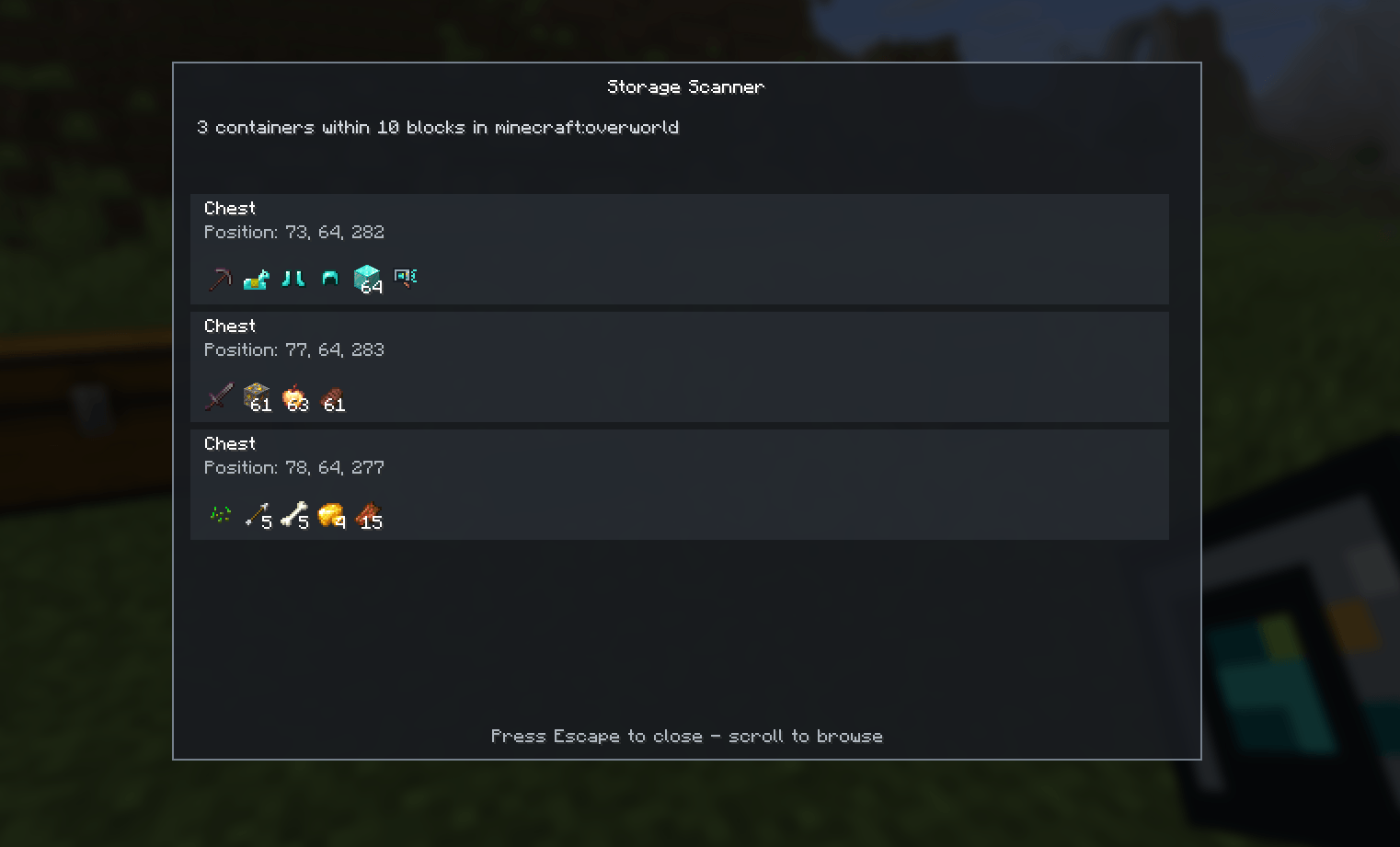
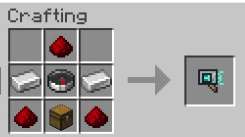
Storage Scanner lets you locate and inspect nearby storage without opening containers one by one. Use the Storage Scanner item to search for chests and barrels in your current dimension and view their locations and contents in a single screen.
WIP: Many features and improvements will be added to this mod soon.
Features
- Searches for chests and barrels within a configurable spherical radius.
- The default radius is 10 blocks and can be configured from 1 to 32.
- Displays each double chest as a single entry.
- Shows each container’s type, coordinates, item icons, and quantities.
- Supports scrolling and displays loading, empty, result-limit, and error states.
- Only checks loaded chunks and containers in the current dimension.
- Limits each scan to 64 containers and applies a short cooldown between uses.
- Includes English and Spanish translations.
Configuration
The server creates config/storagescanner.properties on startup. Edit the file and restart the server to apply changes:
radius=10
containerTypes=chest,barrel
radius accepts values from 1 to 32. containerTypes accepts chest and barrel; leaving the list empty disables scanning.
Limitations
The mod does not integrate with claims, password systems, or third-party protection mods (For the moment).

常见问题
Storage Scanner 支持哪些 Minecraft 版本?
Storage Scanner 支持 Minecraft Java 版 1.21.1–26.3,共 4 个版本,可用的加载器:Fabric / NeoForge。下载时注意选择和你游戏版本一致的文件。
Storage Scanner 怎么安装?
先用 PCL2 或 HMCL 启动器安装对应版本的 Fabric / NeoForge,再把下载的 .jar 文件放进游戏目录的 mods 文件夹,重新启动游戏即可。开启了版本隔离的,mods 文件夹在 versions/版本名 下面。
PedriJoe 的其他作品
查看全部 →
Friendly or not
Friendly or Not changes the way peaceful creatures react when they are attacked.

Ultra Easy Menu
UltraEasyMenu is a Fabric and NeoForge mod for the latest versions of Minecraft focused on simple main menu customization.

DropVersion – Odyssey [FA]
The ultimate RPG and Adventure experience for Minecraft latest versions [FABRIC]

Omenwake
Discover, track, and master encounters that are triggered by your everyday gameplay actions.
评论
登录后评论和评分