
截图
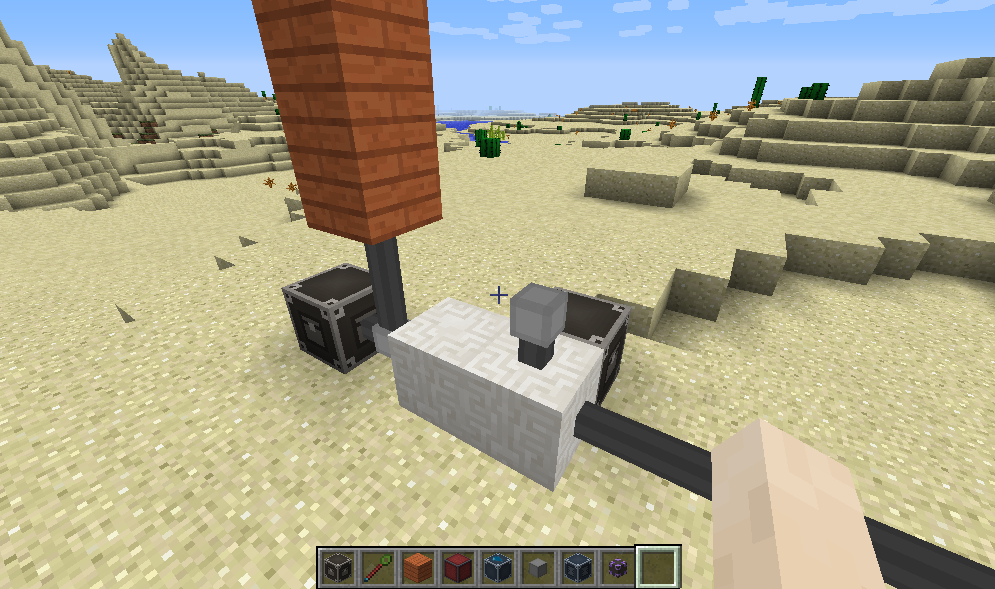
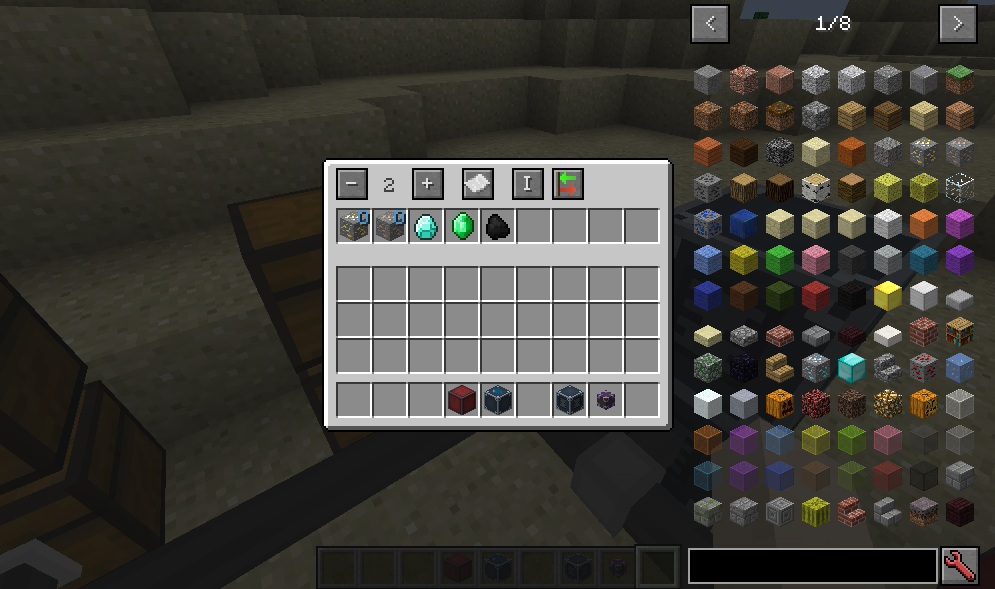
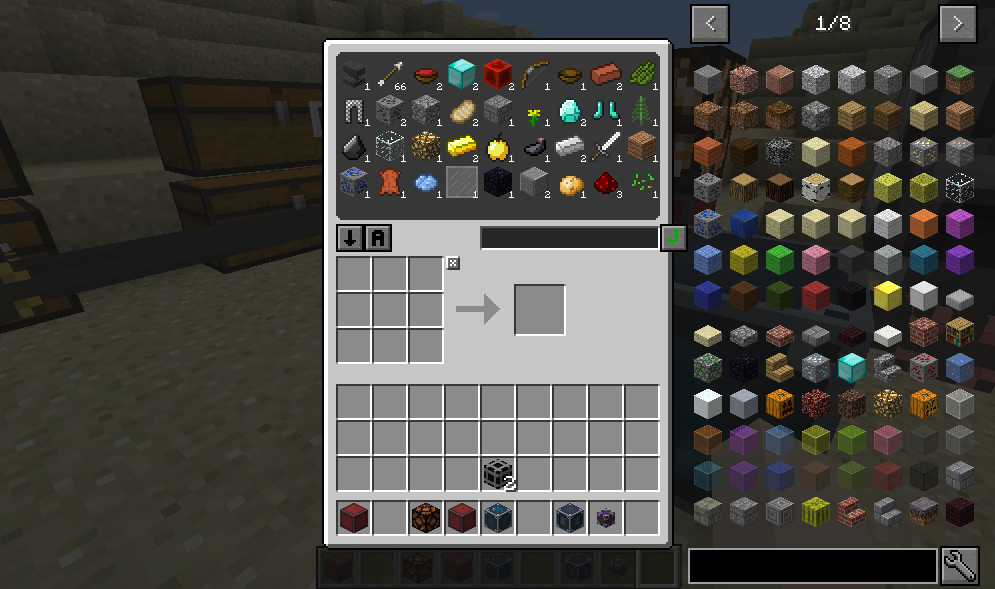
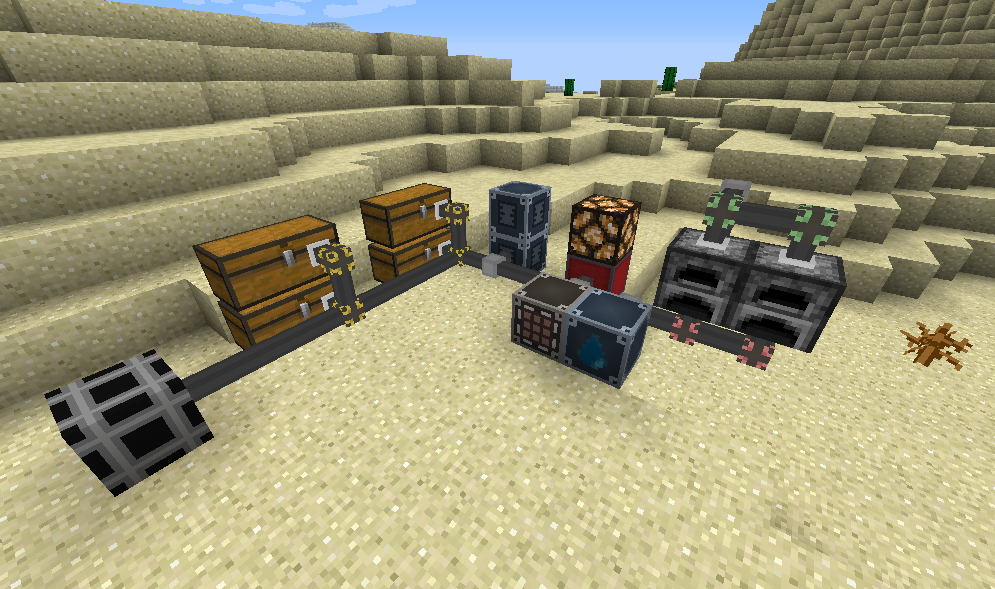
介绍
中文介绍正在准备中,下面暂时显示原文。
This mod adds cables to connect you inventories. (similiar to AE or Logistics pipes).

BLOCKS
- Network Core: You need one (and only one) in your network. It needs to be supplied with energy (if enabled).
- Network Cable: Default cable to connect parts of the network.
- Network Export Device: Exports items from the network into attached inventory.
- Network Import Device: Imports items from attached inventory into the network.
- Network Storage Device: Connects the inventories (chest, furnace) to the network.
- Network Stocking Device: Keeps a specified amount of items in attached inventory.
- Network Toggle Cable: Can disable parts of the network when powered with redstone. Invertible with the wrench.
- Network Energy Interface: Can transfer energy through the network from one interface to another one. The transfer rate is the higher the more energy cells are connected.
- Energy Cell: Can store energy and power machines with energy interfaces.
- Request Table: Used to overview, insert and request items from the network.
- Item Attractor: Inserts dropped items around into the network.
- Item Box: Stores items in the network.
- Item Indicator: Gives a redstone signal if more/less items are in the network.
- Item Mirror: Shows items in the network. Works simliar to storage drawers.
- Network Interface: Works as an inventory that represents the network. You can insert and extract items with hoppers/pipes/etc.
ITEMS
- Network Wrench: With right click you can change the direction of blocks and with right click while sneaking you can disconnect cables.
- Item Filter: Can be inserted into some devices to allow specific items. Right click to open the GUI.
- Speed Upgrade: Increases the speed of exporting/importing.
- Stack Upgrade: Increases the stack size of an import/export task.
- Wireless Accessor: Portable version of the Request Table.
Taking items
- With shift: into your inventory
- Without shift: grab items
- Left mouse button: whole stack
- Right mouse button: half stack
- Mouse button + ctrl: 1 item
Searching items
- without prefix: search for item names
- ‘@’: search for mod names
- ‘#’: search for tooltips
- ‘$’: search for oreDict names
- ‘%’: search for creative tabs
- and you can right click the search bar to clear


THIS MOD REQUIRES LIMELIB.
- Can I use this in my mod pack?
- Yes.
Tell us your feedback in the comments!
常见问题
Storage Network 支持哪些 Minecraft 版本?
Storage Network 支持 Minecraft Java 版 1.8.9–1.10.2,共 3 个版本,可用的加载器:Forge。下载时注意选择和你游戏版本一致的文件。
Storage Network 怎么安装?
先用 PCL2 或 HMCL 启动器安装对应版本的 Forge,再把下载的 .jar 文件放进游戏目录的 mods 文件夹,重新启动游戏即可。开启了版本隔离的,mods 文件夹在 versions/版本名 下面。




评论
登录后评论和评分